How to Use KVM with Virtual Machine Manager

kvm logoVirtualization has many uses. You can use it to test another operating system, run applications that your OS does not support, or even maintain virtual servers within one or more virtual machines.

KVM (kernel-based virtual machine) is a Linux virtualization tool that makes use of hardware-assisted virtualization (also called native virtualization) using processor technology such as Intel VT-x and AMD-V. Red Hat’s Virtual Machine Manager now has support for KVM, making it easy to setup a virtual machine with a free graphical interface. It is also available for Fedora, Gentoo, FreeBSD, Ubuntu, and many other operating systems.
[Read more...]

VMware Fusion: Run Windows Seamlessly On Your Mac

VMWare-Fusion-how-to-icon2Following Apple’s switch from PowerPC to Intel processors as the engines to power their computers, the horizons of Mac users were thus widened to enable booting into a fully native copy of Windows, with all respective drivers and settings taken care of via Boot Camp. All of a sudden the potential market share for Apple’s computers skyrocketed and Macs became much more flexible for gaming and the workplace.

Mac users are not limited to Boot Camp to run Windows on their Macs however, with applications such as VMware Fusion allowing the user to run Windows within OS X; as long as your Mac is powered by an Intel processor and has enough RAM to do so (4GB recommended, though less is possible), you can now seamlessly move between each OS’s flagship programs and enjoy the increase in productivity which this brings.

Read on to see how this process works…
[Read more...]

VirtualBox 4.0 Review: What to Expect From This Major Release

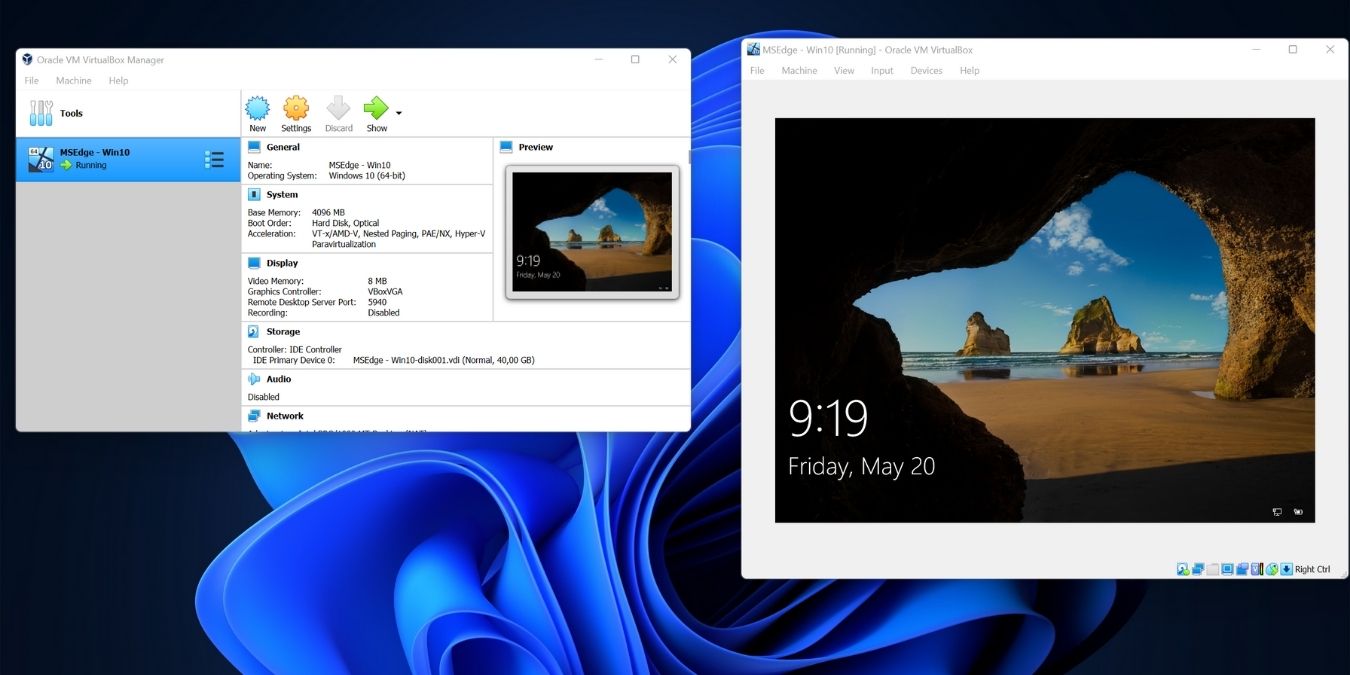
virtualbox-logoOut of the many virtualization software, VirtualBox is my personal favorite. It is lightweight, run fast and support a great deal of OSes (including Mac Snow Leopard). The latest release of VirtualBox 4.0 brings even more changes to the already useful software. This is a major release and it added plenty of new features as well as improvement for existing functions. Let’s take a look at what’s new in this release.
[Read more...]

How to Install Ubuntu Maverick On Your Mac Virtualbox

mac-ubuntu-logoUbuntu is all the rage lately in the tech world. While Linux has been largely an operating system for hobbyists and geeks, its popularity is growing with every new release of Ubuntu. From its simple installation to its touch screen friendliness and built in social networking features, Ubuntu is more viable an option today than ever before. For Mac users, there is no easy way for you to dual boot your Mac and Ubuntu, but that doesn’t mean you can’t get your hands on one. Here, we will show you how you can run Ubuntu in your Mac, via Virtualbox.
[Read more...]

Testdrive Let You Test Ubuntu With A Single Click

testdrive-mainIf you want to test drive a Linux distro, what will you usually do? Download the ISO file, burn it into a CD/USB drive and boot it up in your PC. Alternatively, you can also run the ISO file in virtual machine such as Virtualbox or VMWare. What if you are not a geek and have no ideas how to carry out the above stuff? What if there is a 1-click solution that allows you to test drive a Linux distro without having to go through the above steps?

Test Drive is a package for Ubuntu that allows you to test drive the daily build of Ubuntu with little effort on the user side. With a single click (Well, to be exact, there are several clicks on the first run), you can get the application to download the ISO from the web and run it in your virtual machine. While it is meant for non-technical Ubuntu users to test and provide feedback on the current Ubuntu release under development, it can also be used for any Linux distro as long as you provide it with the ISO URL.
[Read more...]

How To Run Android on Your Home PC with Virtualbox

liveandroid-logoGoogle’s Android OS has been making consistent progress in the smartphone world. If you’re anything like me, you may have been curious about this mobile OS but not willing to spend much on a phone. Fortunately, the LiveAndroid project on Google Code provides a bootable LiveCD image that can be run on your home computer. With the free virtualization program VirtualBox, we can try it out on Windows, Linux or Mac without even burning a CD.
[Read more...]

How To Shrink Your Virtualbox VM And Free Up Space For Your Hard Disk

shrink-virtualboxWhile using Virtualbox, one thing that I have found is that the size of the VM (a file with .VDI extension) expands over time. If you have selected the “Dynamically Expanding Storage” option when first creating the VM, you will find that the file size expands whenever you install new applications in the VM. That is perfectly normal. However, when you uninstall or delete applications in the VM, the file size does not shrink or return to its previous size. That is to say, if you are constantly installing and uninstalling applications in your VM, the VDI file could be taking up more space than it is actually using.

If you have a great deal of hard disk space to spare, you can simply ignore this. However, if you find yourself always running short of hard disk space, you might want to consider shrinking the VM and free up unused disk space.

This tutorial will go through the steps to shrink your Virtualbox VM.

[Read more...]

How to Create a Ubuntu Virtual Machine With QEMU Manager

qemu_logoQEMU is a CPU and process emulator which allows you to create virtual machines that can run on any platform. QEMU manager uses this emulator to virtualize Linux on windows systems. In this post we show you how to create an Ubuntu virtual machine on Windows using QEMU manager.

[Read more...]

How To Share Files In VirtualBox With Vista Guest And Ubuntu Host

microsoft_vista-logoFor some of you who have setup Windows Vista as the guest VM in your Ubuntu Virtualbox, you might have some difficulties in getting the Vista guest to access the shared folder in your Ubuntu host. If you are having this problem, here is the way to mount the shared folder on your Vista guest.

[Read more...]

5 Reasons Why You Should Use VirtualBox Over VMware Server

Ever since I started using Ubuntu two years back, I have been an avid user of VMware server. It fascinated me to a great extent that I could actually run an OS inside an OS. Recently, I tried out VirtualBox, another virtualization software like VMware server, and I was greatly impressed by it. Even though I love VMware server, I can’t deny the fact that VirtualBox actually runs faster and smoother, with less crashes. Here is my top 5 reasons why VirtualBox is better than VMware server.

[Read more...]