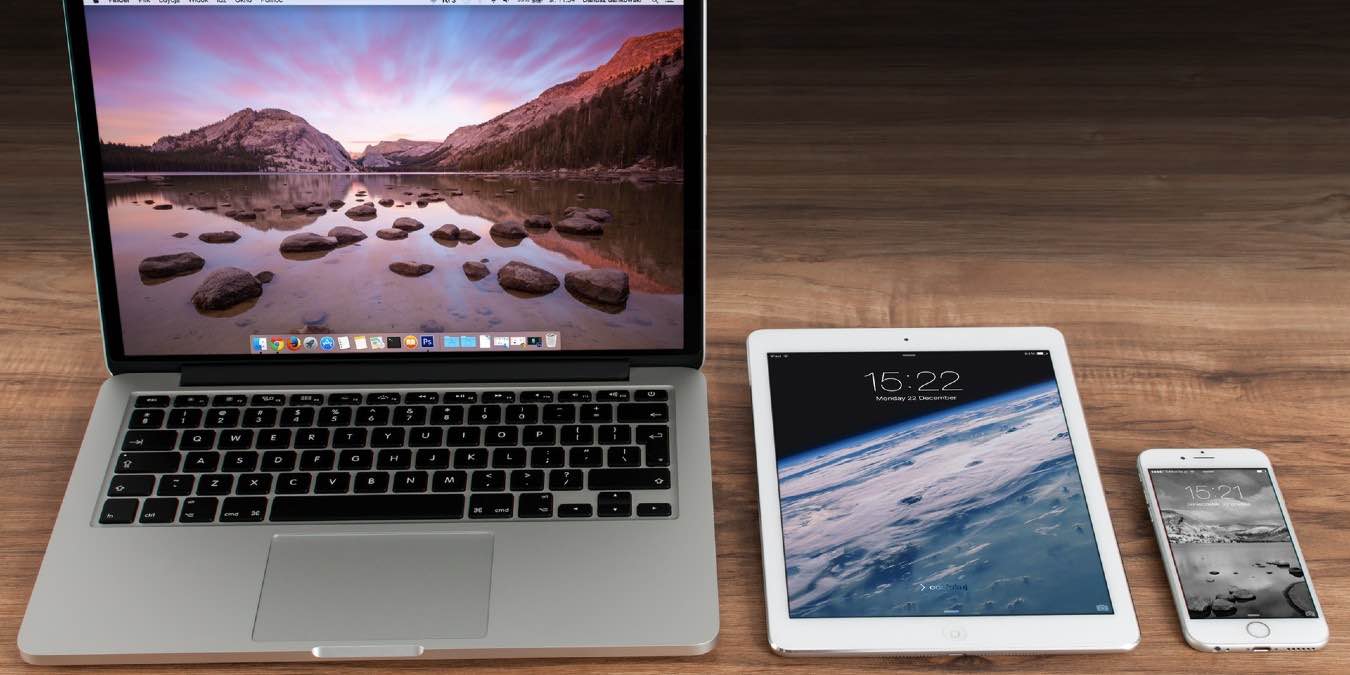
Making sure your Apple devices talk to each other is key for a good experience. This post will discus how to sync iMessages on your iOS and macOS devices!
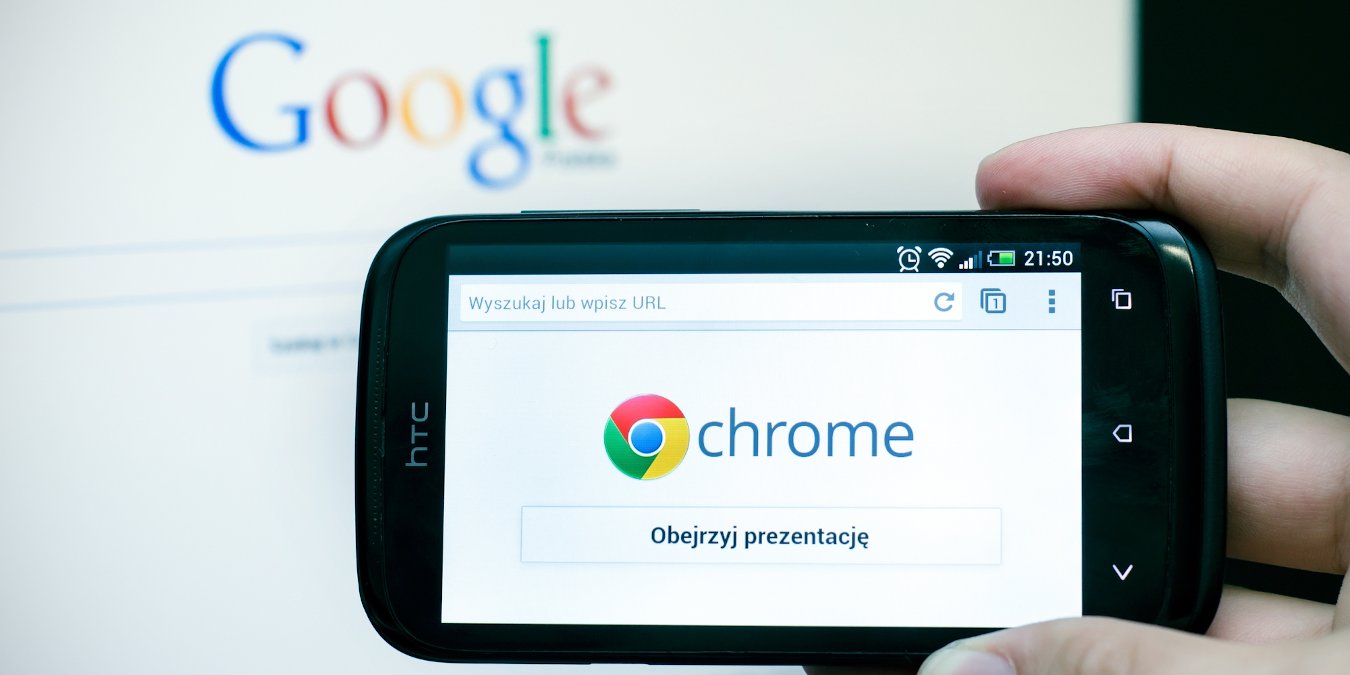
It’s pretty easy these days to sync websites between your phone and your PC. Here’s how to send a website from your PC to your phone with Google Chrome.
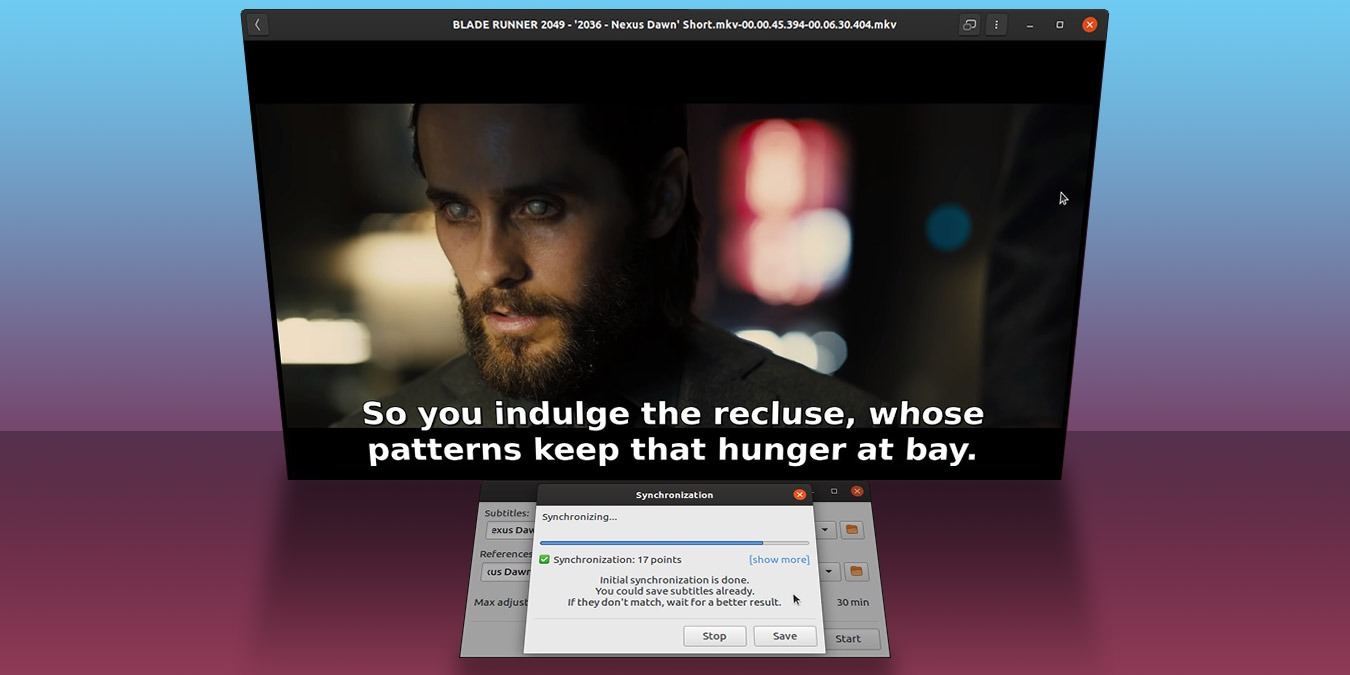
Do you encounter the situation where your subtitles are not synchronizing with the video? You can now make use of SubSync to automatically sync subtitles.
Microsoft Outlook doesn’t play well with Android – until now. This article shows how you can sync Microsoft Outlook to Android, including your calendars and contacts.
Microsoft’s recent mobile apps for Android and iOS allow you to easily sync your work progress between your PC and your phone without losing data or formatting. Here’s how it works.
Windows 10 has a syncing feature that syncs your data between devices. If you are concerned about your privacy, here’s how to control what Windows 10 syncs.
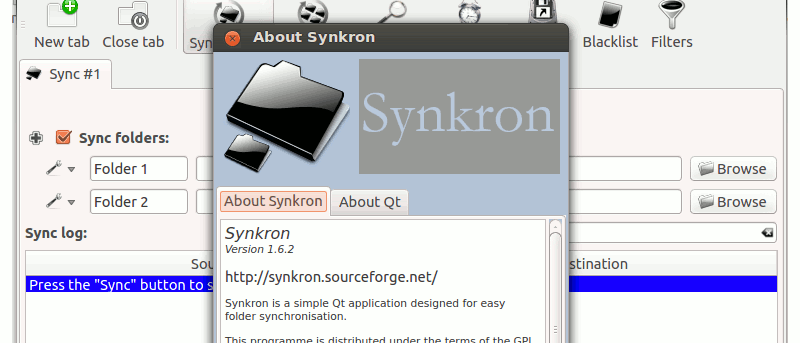
There are times when you need to synchronize several folders in your computer, such as syncing several folders to the Dropbox folder. Synkron is a cross-platform compatible application that allows you to synchronize files and folders in your computer. It works in Windows, Mac and Linux and it can help you keep your files and folders updated.
If you are using a desktop mail client to manage emails for all your email addresses, you will have come across the option to use either POP3 or IMAP. What exactly are they? And how can they affect the whole emailing experience? Read on to find out more.