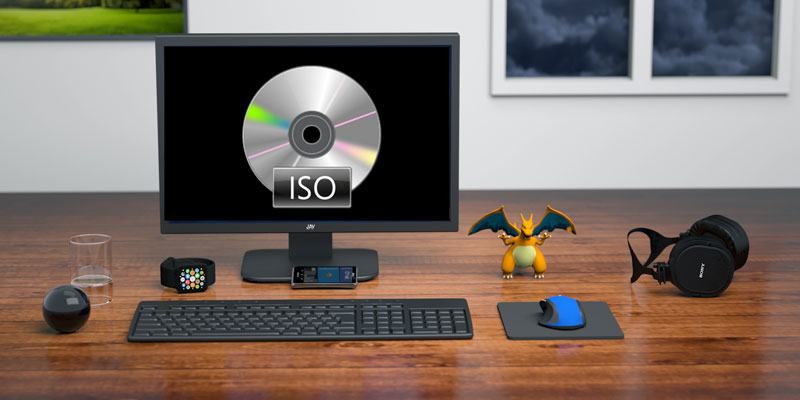
ISO is a popular format for disc image files. These files act like an actual CD/DVD when mounted through a virtual drive program. People new to the ISO format often have trouble working with the files. This is mostly because the programs meant to handle ISO files are too complicated for the average computer user. Here to break this trend is a wonderful application called “ISO Workshop”.
[Read more...]
ISO Workshop: Extract, Backup, Convert, and Burn ISO files
Clean Your Computer With Magic Utilities 2011 + Free Giveaway
Update: This free giveaway has ended.
Keeping a Windows installation clean, trimmed and running efficiently can be difficult. There are multiple tools that we have suggested in the past to help with tasks such as deleting unnecessary files, stopping unnecessary programs from starting at launch, and uninstalling unused programs. However, you have to use multiple programs to achieve all these tasks. Magic Utilities 2011 provides an easy to use interface to do all the tasks mentioned above and much more! The utilities included with the program include an uninstall manager, a start-up organizer, a process killer, a disk cleaner, a file shredder, and a file protector.
Note: There is a free giveaway of this software. Read on for more detail.
[Read more...]
KDE 4.6 Review: It’s Full Of Awesomeness
On January 26th of this year, KDE released version 4.6.0 of its Plasma Workspaces, Applications, and Development Platform. While many major versions of KDE have focused on features, 4.5 was mostly a stabilizing release, fixing thousands of bugs. The 4.6 release is all about polish. It is the icing on the cake for KDE 4, adding speed, visual enhancements, and increased hardware compatibility.
[Read more...]
Nexus Radio: A Desktop Tool For Online Radio Streaming
Be it a good friend’s party or just easing up your everyday work stress, music is a great way to set the mood right and be more productive at work.
I am always plugged into new songs on my portable iPod or desktop computer, regardless of whatever I am doing. However, I also enjoy finding new songs that are still missing from my iPod playlists. In such situations, Internet Radio saves the day.
Radio channels streamed from the internet is a great way to listen to latest tunes as well as old classics. Things are pretty random with radio streaming, so if you are looking for a tool that will let you enjoy online radio stations from all over the world, try Nexus radio.
With a collection of over 15 million tracks and 11000+ radio stations listed, you will never get bored with music streamed with this free application.
[Read more...]
5 Best Linux Software Packages for Kids
Even when computers were first being introduced, engineers realized how useful they could be to teach children. There have been multiple games and even entire programming languages developed specifically for kids. Linux’s developer-friendly tendencies have made it an obvious choice as a platform to create software for children, and its security and stability leave little chance for them to break anything while learning. Today we’ve gathered together some of the best Linux software applications for kids, from simple games for toddlers to programming puzzles for the older kids.
[Read more...]
PrivacyDefender: Easy Way to Control your Facebook Privacy Settings
My last article detailed Facebook’s new privacy settings. While these settings have simplified much of the privacy options available, there are still a number of settings that are so deeply buried that it is often difficult to find and change. Hence, I outlined four tools that assisted in unscrambling your privacy settings to ensure your information on Facebook was well protected. Not to be outdone, the popular online reputation manager “ReputationDefender”, is offering another third-party tool called PrivacyDefender to “easily” control your Facebook privacy settings. ReputationDefender is a paid application that provides numerous methods of protecting your online presence. PrivacyDefender is a Facebook-only offshoot.
[Read more...]
Genie Timeline: Time Machine-like Windows Backup Software
Backup is easily the most important step in computer maintenance. No matter how secure you believe your computer to be, having a complete copy of all your data is essential to ensure that your most important memories are safeguarded.
My backup solution has evolved from the perennial “copy and paste” method to incremental backups using command line tools such as rsync and more recently into the cloud with Dropbox. Since switching to Windows 7, I have started using the free version of Genie Timeline 2.0.
When looking for a backup application, I required something that backed up securely, quickly, with minimal interference and which kept older versions of a file so I could revert to the older version whenever I wanted. The type of backup program that attracted me was Apple’s Time Machine. However, having a Windows PC, Time Machine was not an option and so I came across the very similar application Genie Timeline.
[Read more...]
Free Giveaway Software Download: Data Recovery Wizard Free Edition
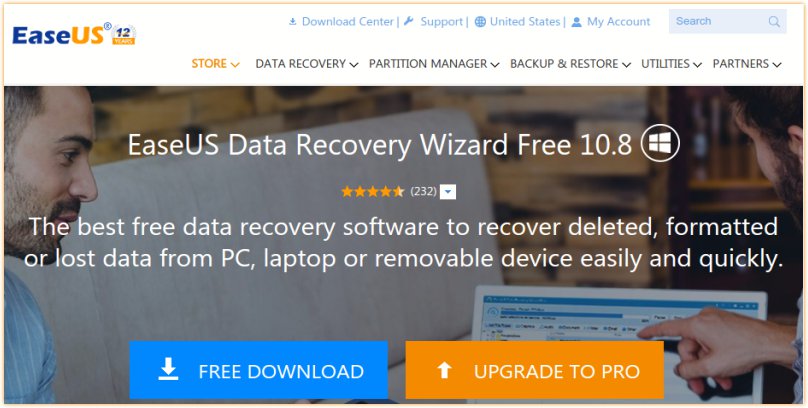
We just received a tip off from Easeus that they are offering their latest release of Data Recovery Wizard for FREE.
Data Recovery Wizard Free Edition is a powerful data recovery software that allows you to recover 1 GB data free of charge. It solves all data loss problems – recover files emptied from Recycle Bin, or lost due to software crash, formatted or damaged hard drive, virus attack, lost partition and other unknown reasons under Windows 2000 / XP / 2003 / Vista / 2008 / 7. It recovers data from formatted partitions with original file names and storage paths. Moreover, the free data recovery software works well with dynamic disk, RAID and EXT2/EXT3 file system.
We have previously covered in detail about this data recovery software. I have only good words for it since it literally saved my life (it recovers my important files from a dead EXT3 hard disk).
Grab the software now while it is available.
Update: Received another email from the Easeus team that this is not a free giveaway, but the release of the Data Recovery Wizard Free Edition. This Free edition only allows you to recover 1 GB of file.
How to Install Multiple Windows Applications In Only 6 Clicks
Have you ever been surfing the web or reading an article and came across a application or site that solves a very simple problem? A problem that, up until that point, you just dealt with because that’s how things are? When you read a little about this amazing problem solver you say “DAMN! I wish I had thought of that. It’s so simple.” Ninite is one of those sites.
In a nutshell Ninite is an app downloader and installer. However, it offers more than just a directory of apps to download. What makes Ninite special, is they take all the crap that most people done want — toolbars — and saves you from having to click next 50 times. Kinda makes you wish you got off your lazy butt and did created something like this doesn’t it?
[Read more...]
What to Install After Installing Ubuntu Lucid?
As Ubuntu Lucid is preparing for its grand launch on 29th April 2010, I am sure you should have already known what to expect in this release. The next usual question is: “what should I install after installing Lucid?”
We have done plenty of “what to install after installing Ubuntu” articles previously, but this time round, I am going to save you all the trouble and introduce you to a script that can automate plenty of stuffs for you.
Ubuntu Start is a bash script written by Alin Andrei that aims to help you to overcome the “what to install” block. It performs a series of tweaks and allows you to choose extra applications to install. Truthfully speaking, it is not a polished script. The only great thing about it is that it WORKS!. It doesn’t cover every single thing you need/want, but it covers the necessary tweaks and installation for your Ubuntu machine, especially Ubuntu Lucid.
[Read more...]