


If your job involves a computer (and it probably does), you spend a lot of time typing. And if your job involves programming or medical charting, forget it. You can probably hear the clacking of keys in your sleep.
Phone numbers, canned responses, witty ripostes – a lot of the stuff you typed today is probably the same as the stuff you typed yesterday. If you get a text expansion application set up on your machine, you can assign all that repetition to short, unique key combinations that “expand” into the full text.
Like a lot of productivity enhancements, text expansion is all about shaving off a few seconds here and there and letting them add up. More significantly, you’re decreasing your cognitive load. The less time you can spend on menial tasks, the more brainpower you’ll have available for higher-level pursuits. Plus, this is the future, so why are we still typing our names?
You’ll discover the real power of text expansion when you use it to replace more complicated things. If you send the same emails over and over, you can save hours every week by replacing those emails with text expansion. Since it’s inline, you don’t need to switch apps to copy and paste some template.
Getting Started with TextExpander
To get started, we need a text expansion application. TextExpander is reliable, similar to other text expansion apps, and cross-platform, so it’s a good place to start. It packs some serious power and gives you a wide range of flexible tools to use as you wish.
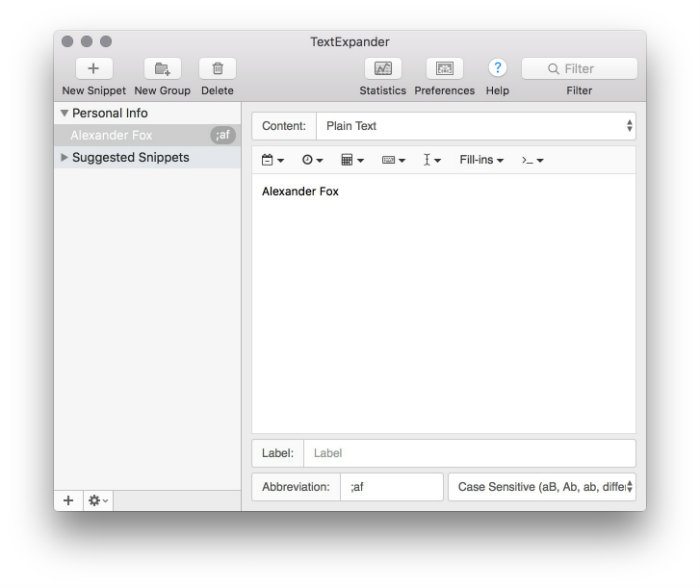
I type my name constantly, and I bet you do too. So, I set up a simple rule to replace a unique set of characters with the longer string. In this case I’ve used ;af as the abbreviation, which expands to Alexander Fox. Note that I’ve prefixed the abbreviation with a semicolon. It’s important to pick character strings that you would not normally type, or you’ll be triggering the rule when you don’t mean to. I start all my abbreviations with semicolons, but that’s a personal choice.
Advanced Usage
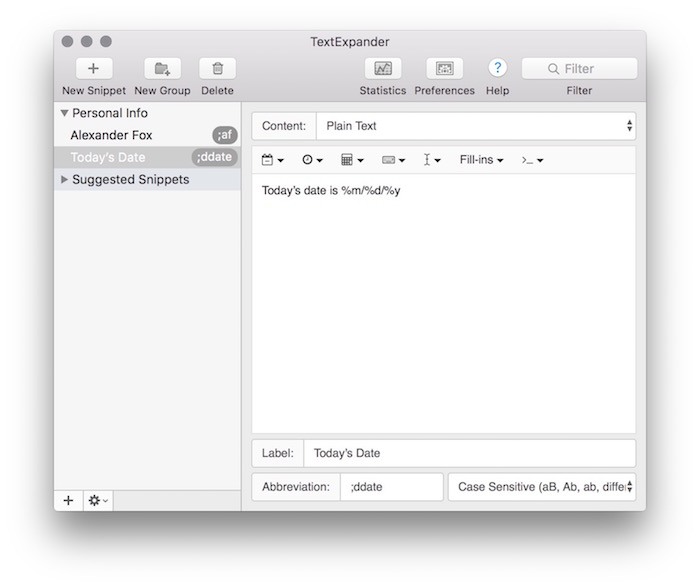
That’s pretty obvious, but there are other little optimizations you can make. You can use ;ddate to fill in today’s date, or type ;tmrw to get the date for tomorrow. Simplify file-naming conventions or create a variety of image-based email signatures to match your branding. Streamline your power-Googling and expand ;pdf to type:pdf but only when you’re in your browser.
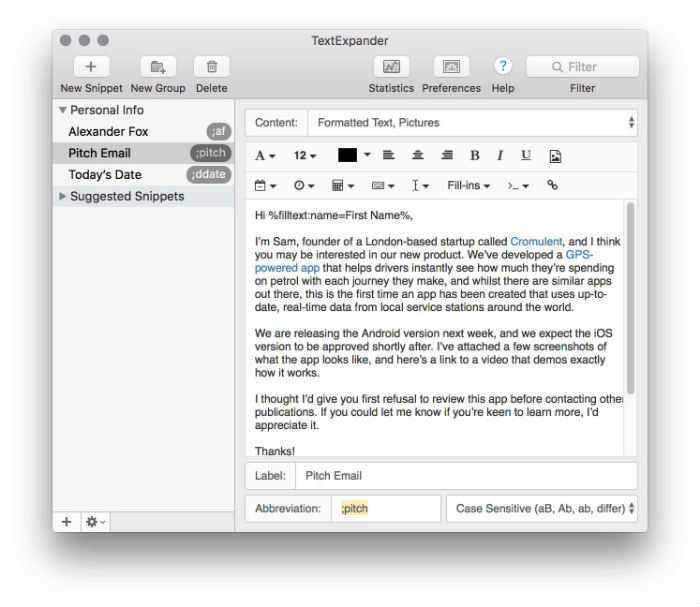
My favorite technique is turning boilerplate emails into forms. Set up an abbreviation like ;pitch and have it automatically expand to several paragraphs of text. Once you get the hang of it, you can create fields that allow you to fill in information like names, which vary from email to email. And if you understand AppleScript, you can use text expansion to trigger them.
TextExpander isn’t limited by much, except your own creativity. The online tutorials are satisfyingly thorough, and that’s a great place to start getting your feet wet. You will need to create an account when you download the application, and subscription pricing starts at around $4/month.
Initially available for MacOS only, the developers have recently released a beta version for Windows. Given the developer’s reputation for reliability, you should see a full Windows version soon.
PhraseExpander
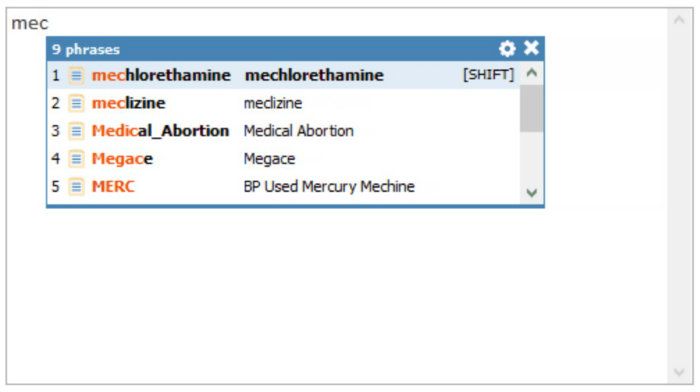
PhraseExpander is a little different from TextExpander. It’s a more advanced program, and it’s much more like scripting software than a dedicated text expander. There are a lot of features beyond text expansion to make your life easier, including creating templates based on common variables or producing full-fledged macros to automate complicated tasks.
Phrase Expander is currently only available for Windows for a one-time purchase of $59.
AutoKey
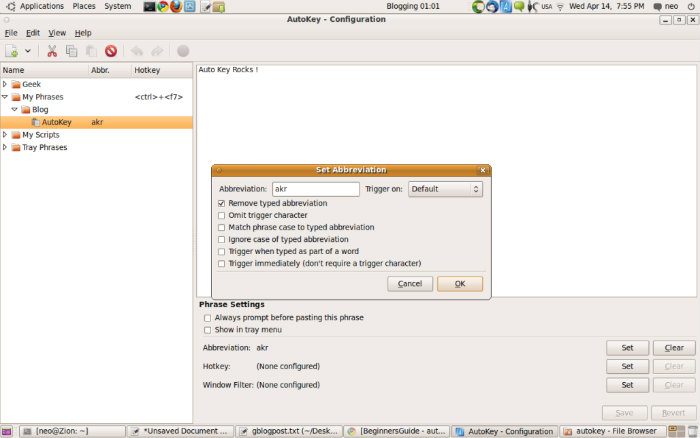
For Linux, the old trusted AutoKey provides a lot of the same functionality as TextExpander, and it’s totally free.
Conclusion
If you spend as much time at your keyboard as the average cubicle jockey, text expansion will not only save you keystrokes, but time. It does take some practice to get into the habit, though. After you’ve set up your snippets, you’ll need to remember that you’ve set them up, and then remember to use them. It is worth the upfront investment, and once you get the whole thing working smoothly, you’ll appreciate never having to type “Let me know what you think!” again.