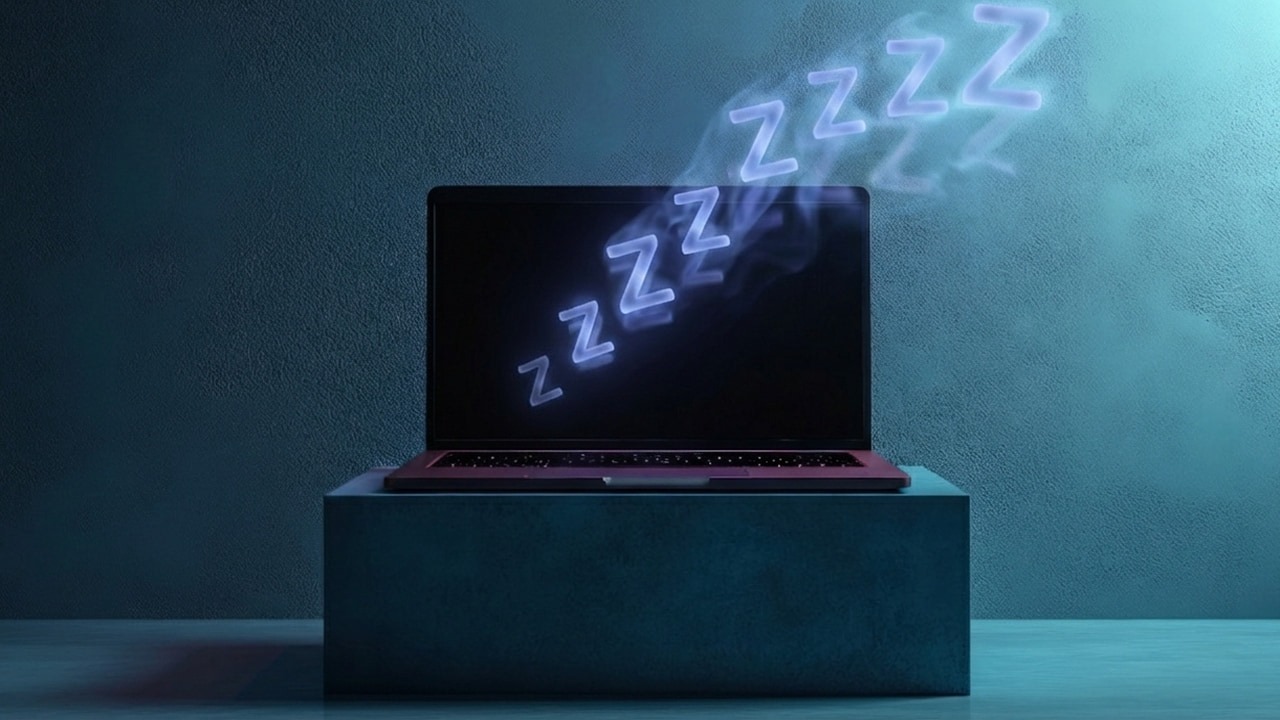
Does Your Windows Keep Going to Sleep? Here Are the Fixes Learn how to prevent your computer from sleeping at random times. By Karrar Haider – Jan 31, 2026
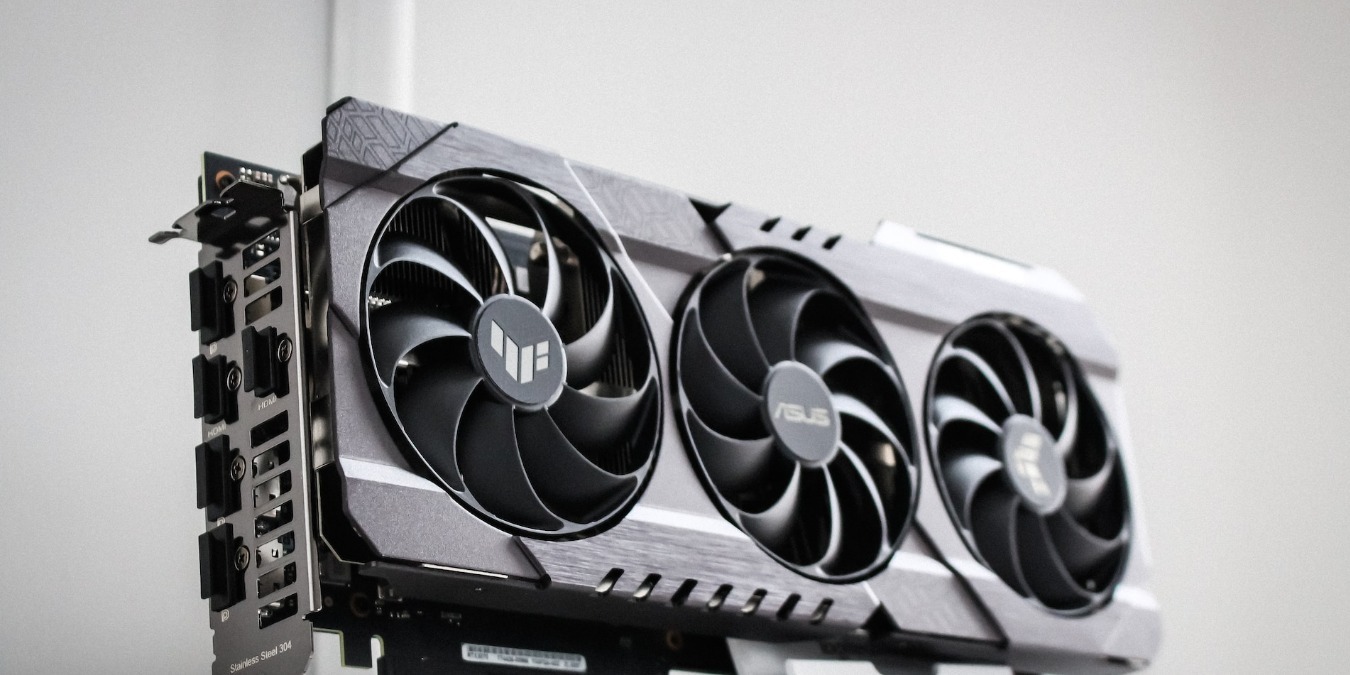
How to Undervolt Your GPU to Save Power GPU undervolting brings lower temps and a longer lifespan for your graphics card. Learn how to undervolt your GPU with no performance drop. By Tanveer Singh – Dec 5, 2023
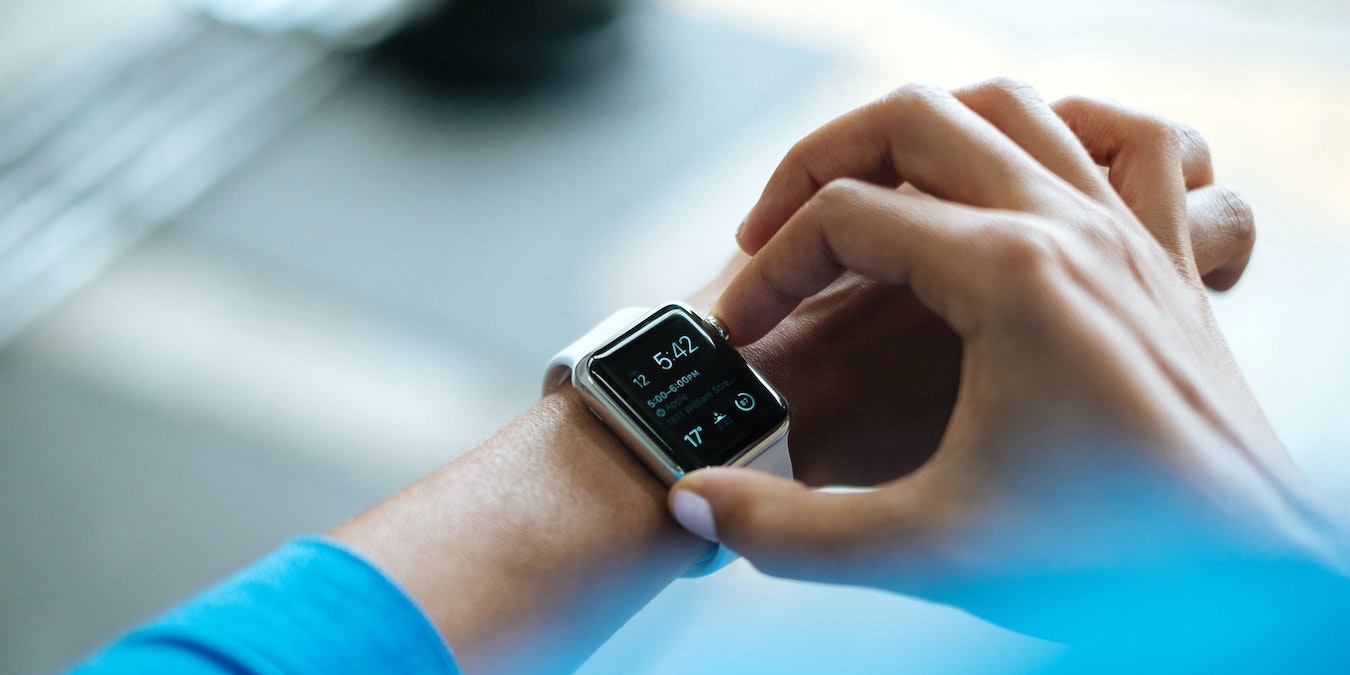
How to Use Low Power Mode on Apple Watch Is your Apple Watch running low on battery? By Brahm Shank – Sep 19, 2022
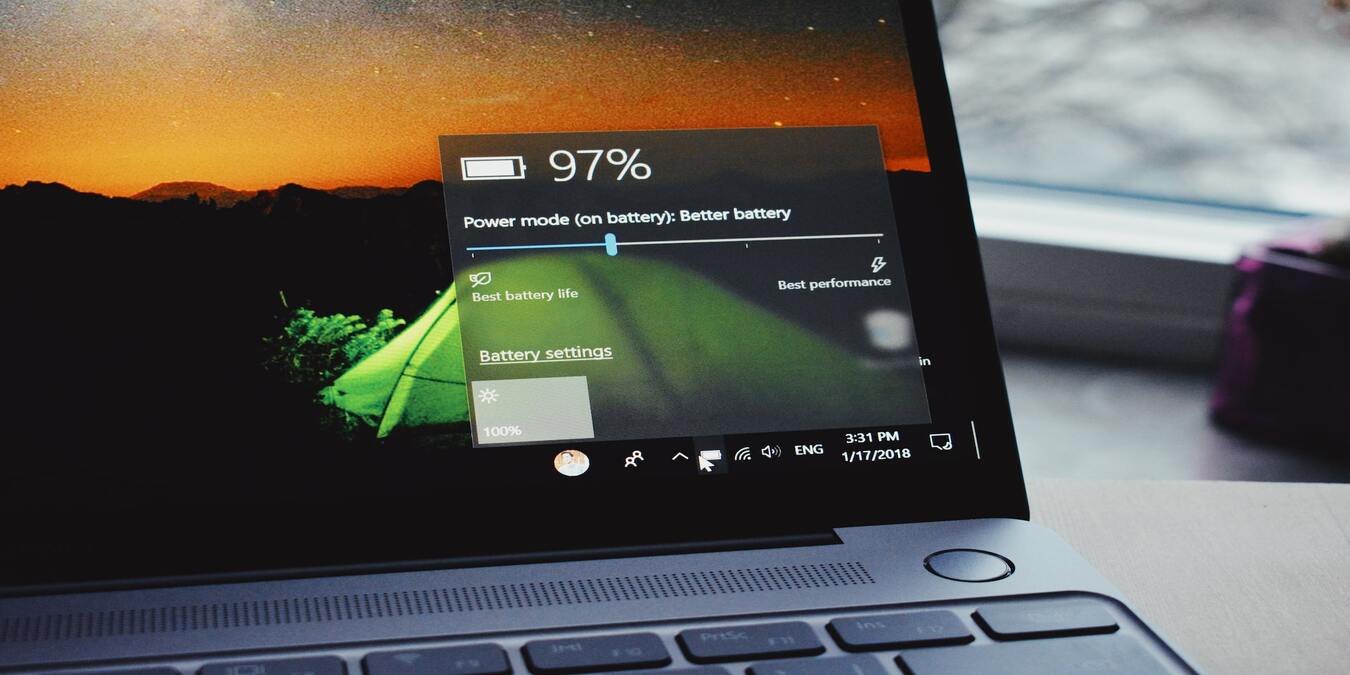
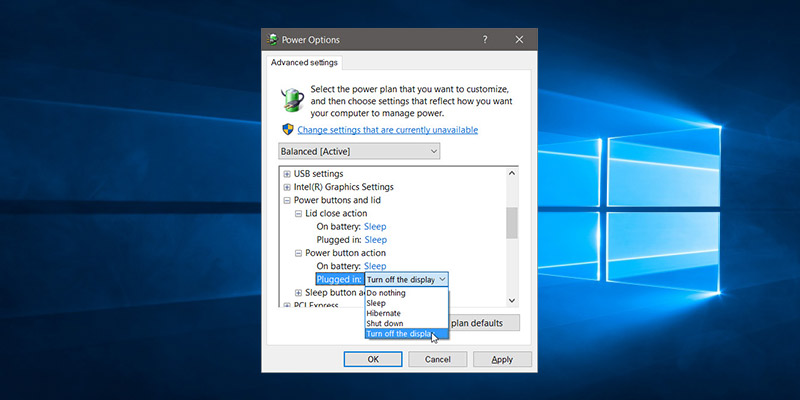
How to Set Your Power Button to Turn Off the Display in Windows 10 One of the settings buried deep down in Windows’ Control Panel is the ability to change the Power button to turn off the display rather than sleep. This setting can be easily configured in the Power Plan options for your laptop. By Abhishek Macwan – Apr 29, 2017
ARPANET sent its first message on 29 October 1969 from a lab at UCLA to a machine at Stanford, and the message was supposed to read ‘LOGIN’ — but the system crashed after the L and the O, meaning the first word ever transmitted over the network that became the internet was, by accident, ‘LO’. Jun 9, 2026
In 1995, Microsoft shipped a cartoon-house interface called Bob, led by Melinda French, who married Bill Gates while it was in development — it demanded twice the memory of a typical home PC, sold roughly 30,000 copies, and was dead within a year, leaving behind the font Comic Sans and the animated assistant that became Clippy. Jun 9, 2026
The Greenland shark grows about one centimetre a year, does not reach sexual maturity until around age 150, and a specimen carbon-dated by Danish researchers in 2016 was estimated to be at least 272 years old, meaning it was already swimming the North Atlantic when Mozart was composing symphonies. Jun 9, 2026
French scientist Michel Siffre spent two months alone in a cave with no clock, no calendar, and no sunlight — and when his team finally told him the experiment was over, he thought he still had nearly a month left underground Jun 9, 2026
When Apple shipped iOS 12 in June 2018, a small feature called Screen Time slipped onto every iPhone with a counter nobody had quite prepared for — a tally of pickups — and within a day Tim Cook was telling CNN the number of times he picked up his own phone was simply too many Jun 9, 2026
When NASA lost contact with the IMAGE satellite in 2005, an amateur radio operator in Canada named Scott Tilley picked up its signal in January 2018 while hunting for a classified spy satellite, and the spacecraft turned out to be still spinning, still powered, and still trying to phone home after 13 years of silence. Jun 9, 2026