
Learn how and why I turned my Raspberry Pi into my child’s first computer. Follow along to see whether you want to do the same.
By David Morelo – Oct 19, 2024
Do you have a Raspberry Pi collecting dust at home? Find out how we make good use of the Raspberry Pi to improve our productivity.
By David Morelo – Oct 10, 2024

This beginner-friendly guide walks you through setting up your Raspberry Pi to play all your favorite retro games.
By David Morelo – May 15, 2024
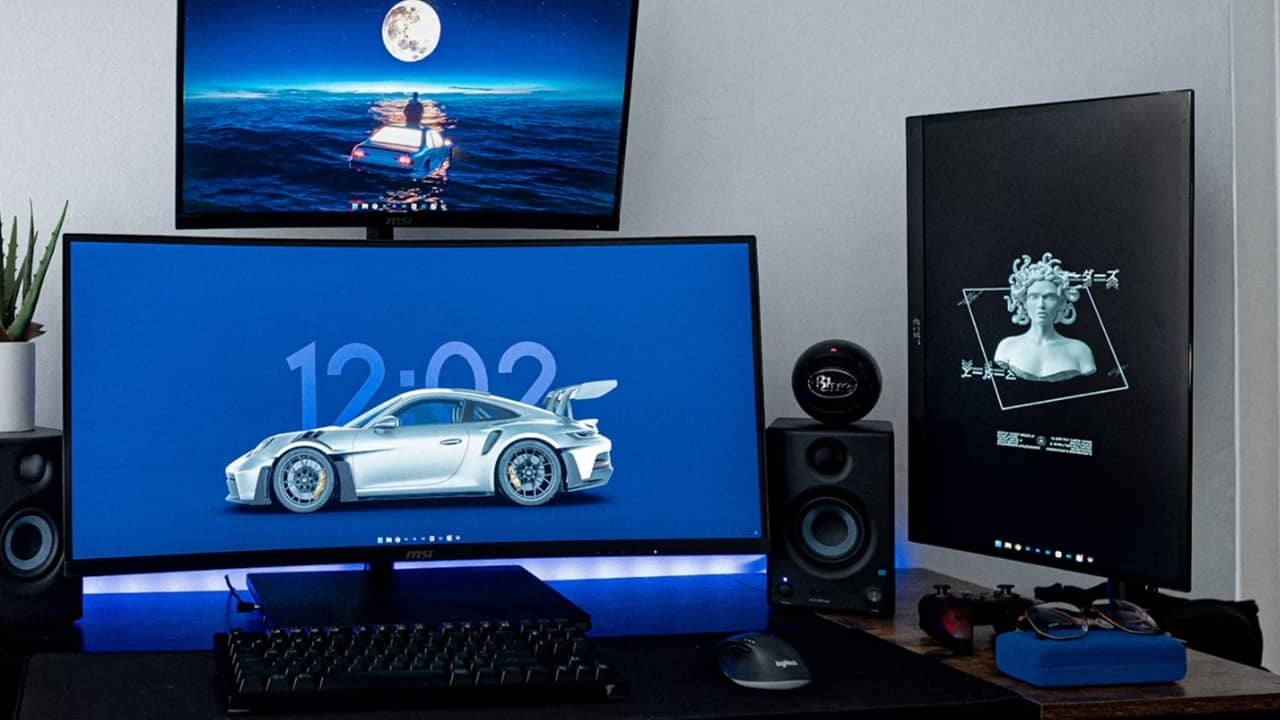
Want to try a multi-monitor setup, but aren’t sure where to start? Try these optimization tweaks to get the perfect setup for you.
By Crystal Crowder – Feb 21, 2024
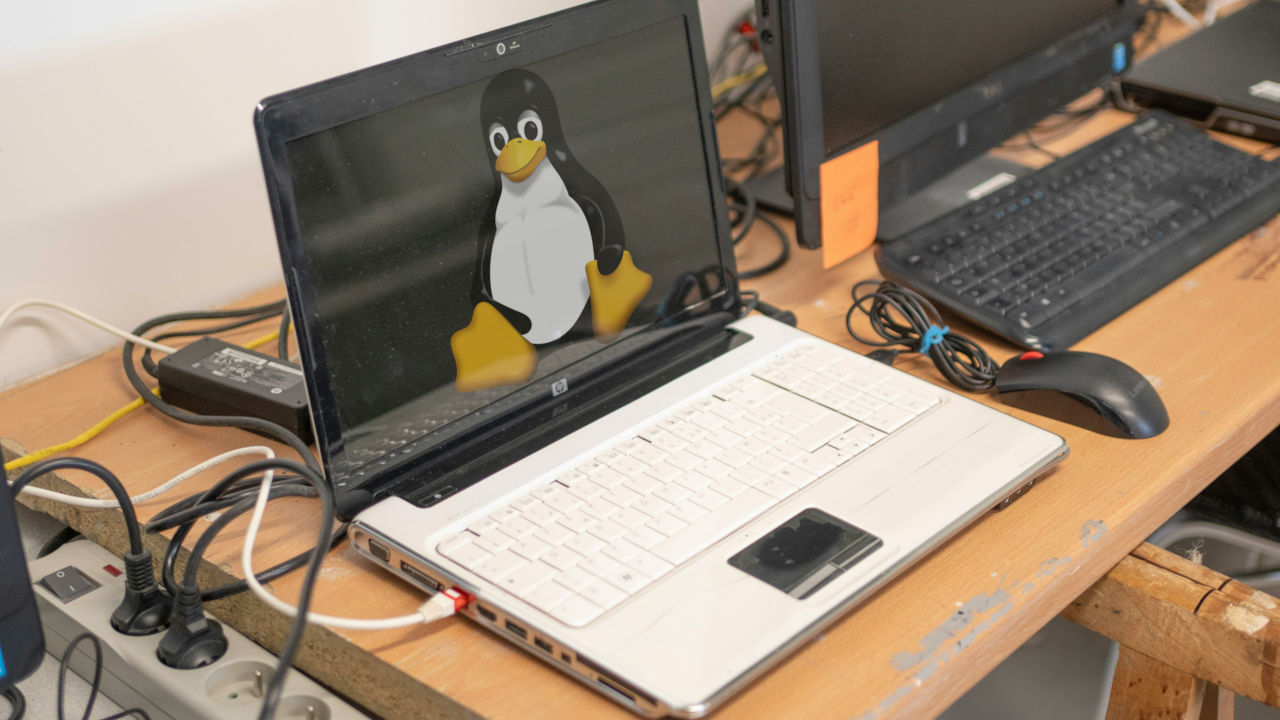
While your old PC won’t run a new OS, it doesn’t mean you can’t use it. Learn how lightweight Linux distros can make your old machine sing.
By Ramces Red – Feb 4, 2024
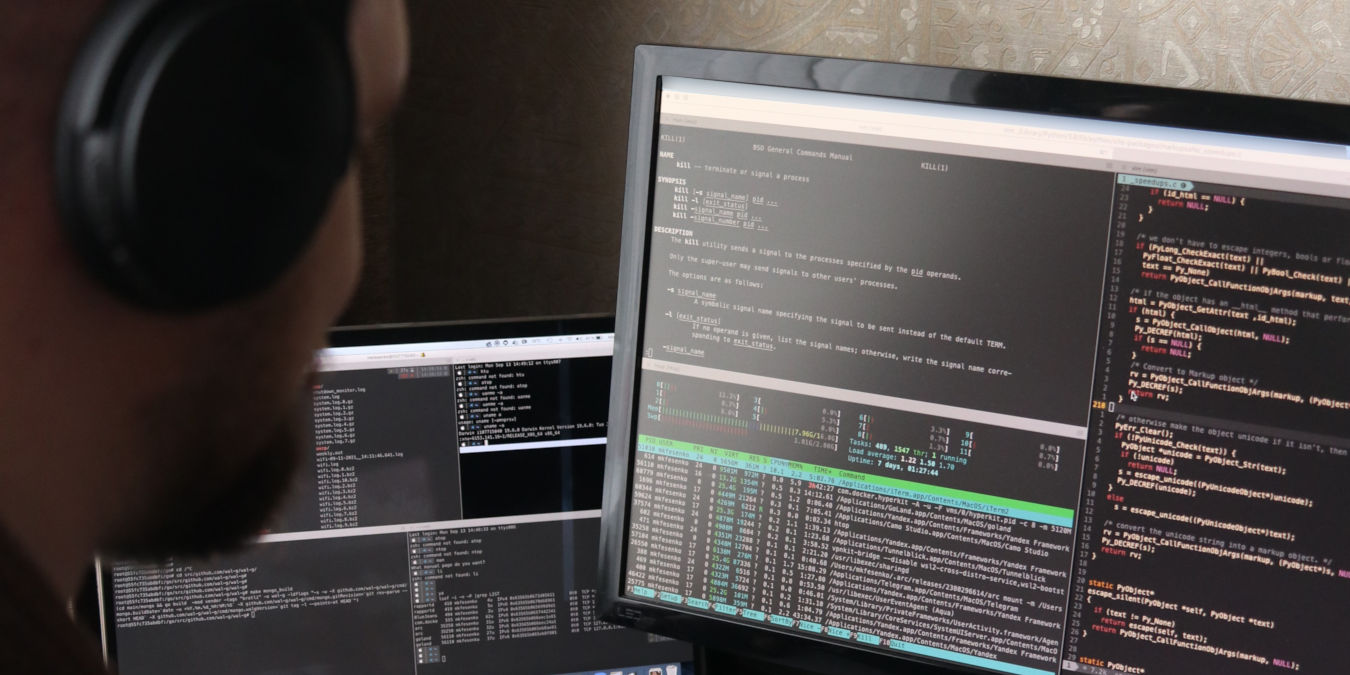
UNIX pipes are an easy way of moving data between apps in a machine. Learn how to extend this to your network by using an SSH pipe in Linux.
By Ramces Red – Jan 18, 2024

Have a device that doesn’t have Wi-Fi access? Learn how to turn your Raspberry Pi into a Wi-Fi bridge to share the Internet with your device.
By David Morelo – Nov 26, 2023
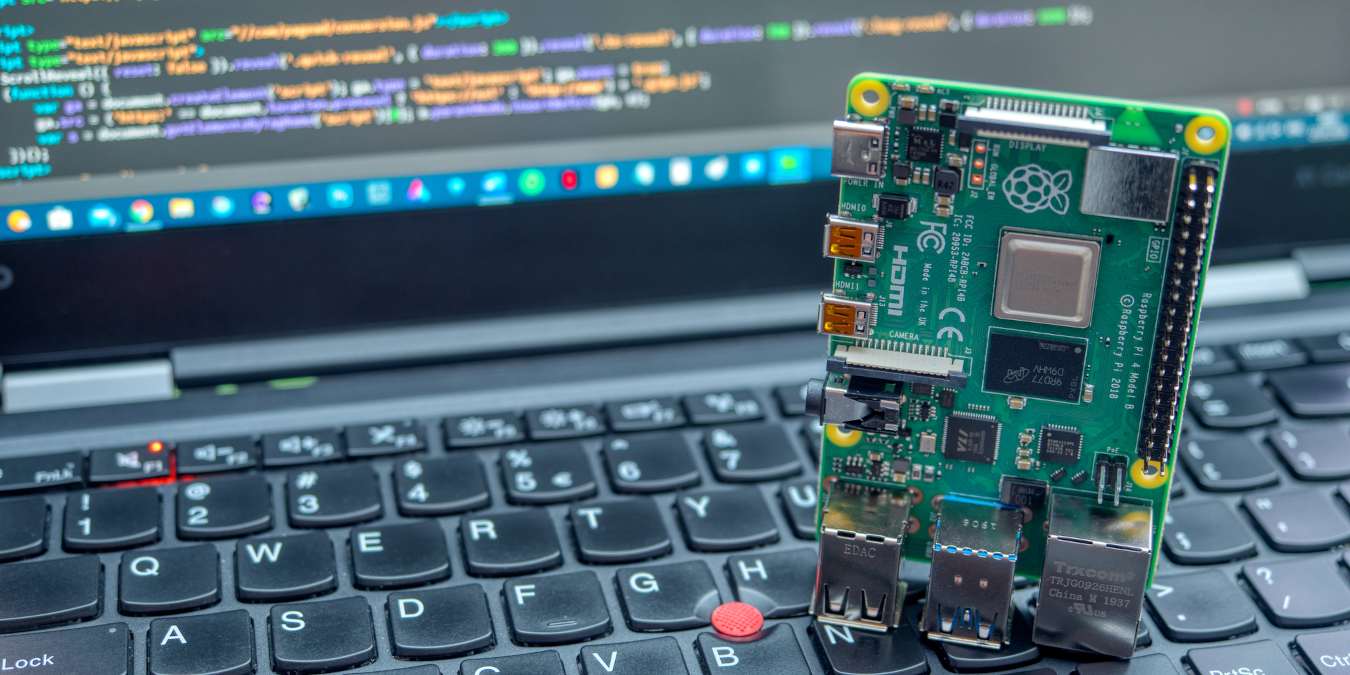
If you want to check your Raspberry Pi version and need to know other CPU, GPU, and RAM details, these simple commands will be super useful.
By Tanveer Singh – Nov 24, 2023

The timedatectl command in Linux is extremely useful for configuring date, time, time zones, and more on your Linux PC.
By Tanveer Singh – Nov 22, 2023
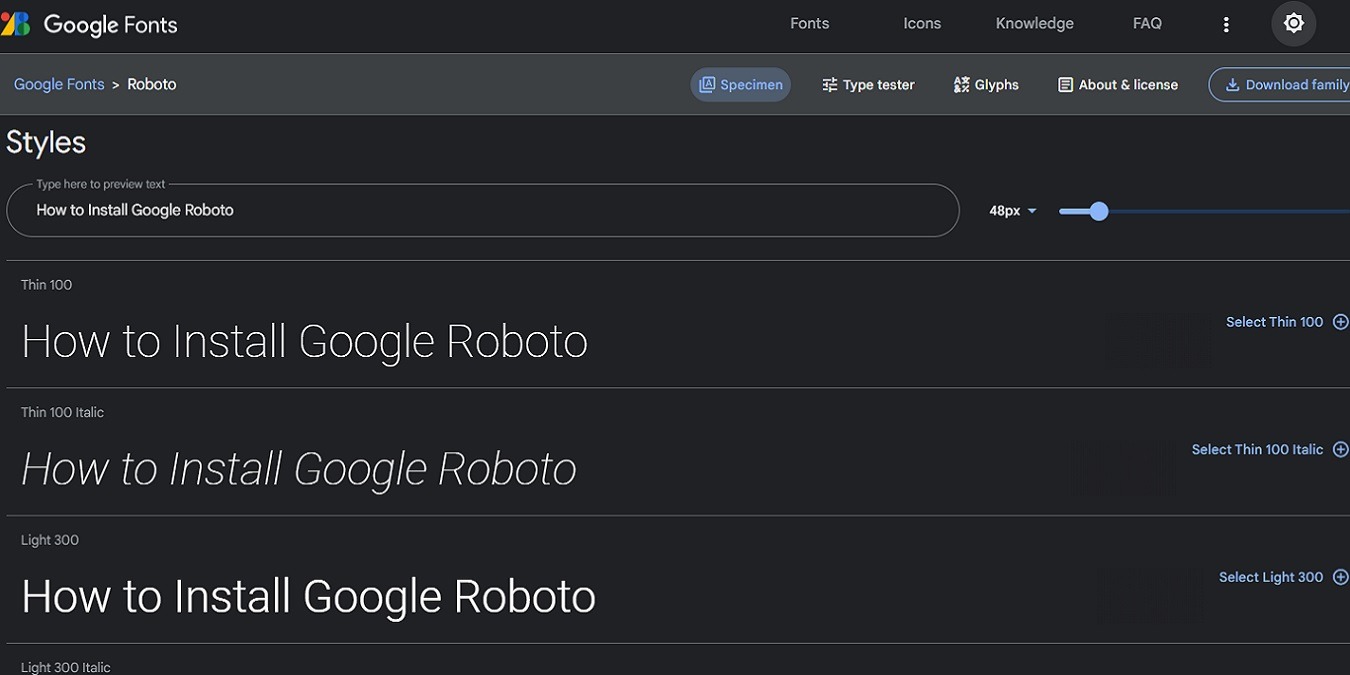
Want a more geometric font with beautiful open curves? Learn how to install Google Roboto font on Windows, Mac, and Linux for free.
By Crystal Crowder – Aug 10, 2023

If you have an old 32-bit Mac, don’t throw it away yet. We show you how to install Linux on your Mac and put it to good use.
By Miguel Leiva-Gomez – Jul 17, 2023

Ready to unleash the power and versatility of Linux on your Mac? In this guide, we explore several ways that you can run Linux on a Mac.
By David Morelo – Jun 29, 2023

Want to play your favorite Android games on your desktop or test out an app you’re working on? Try these Android emulators.
By Farhad Pashaei – Jun 9, 2023
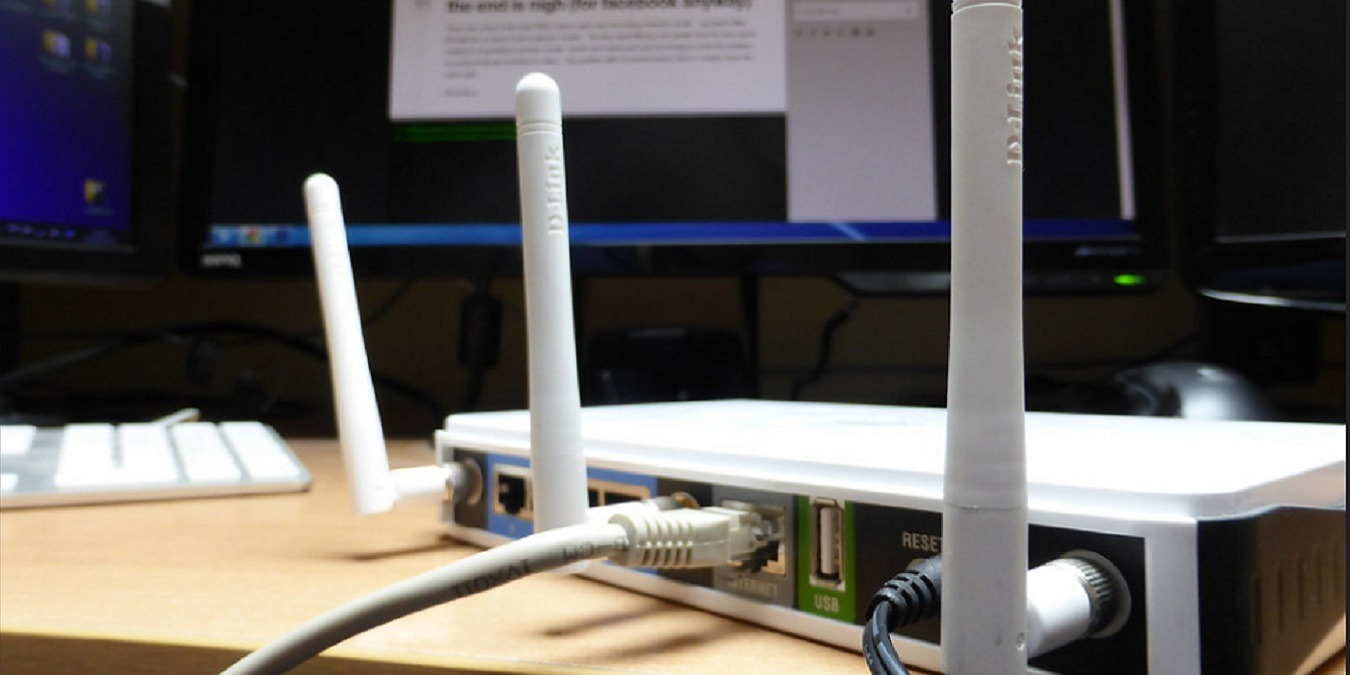
Need to log in to your router but don’t know the IP? Learn how to find your router’s IP address on multiple operating systems.
By Crystal Crowder – Apr 4, 2023
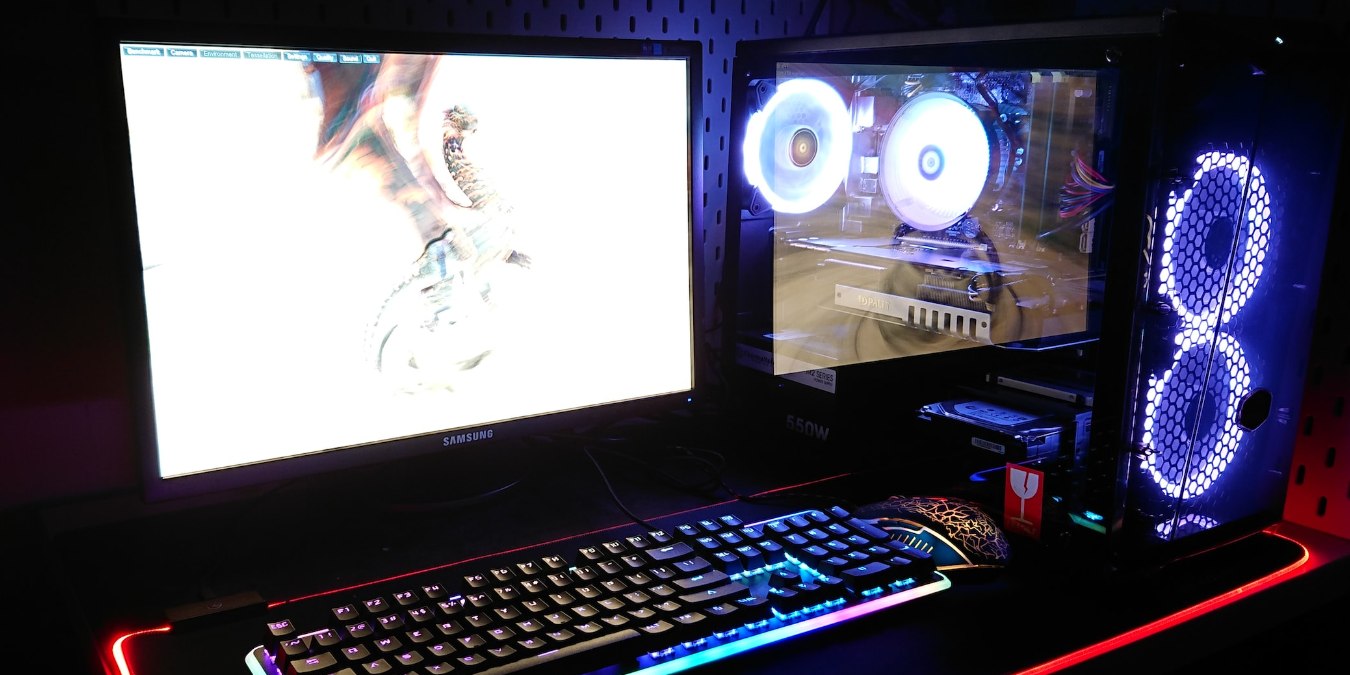
Syncing all the RGB on your PC can give a massive boost to your system’s personality. Let’s look at the top five RGB sync software available.
By Tanveer Singh – Nov 28, 2022

Enjoy local content on any of your devices!
By Tanveer Singh – Nov 4, 2022

Test and host web pages easily from your own local server.
By Crystal Crowder – Oct 15, 2022

Ready to play your favorite retro games on your PC?
By Ryan Lynch – Aug 30, 2022

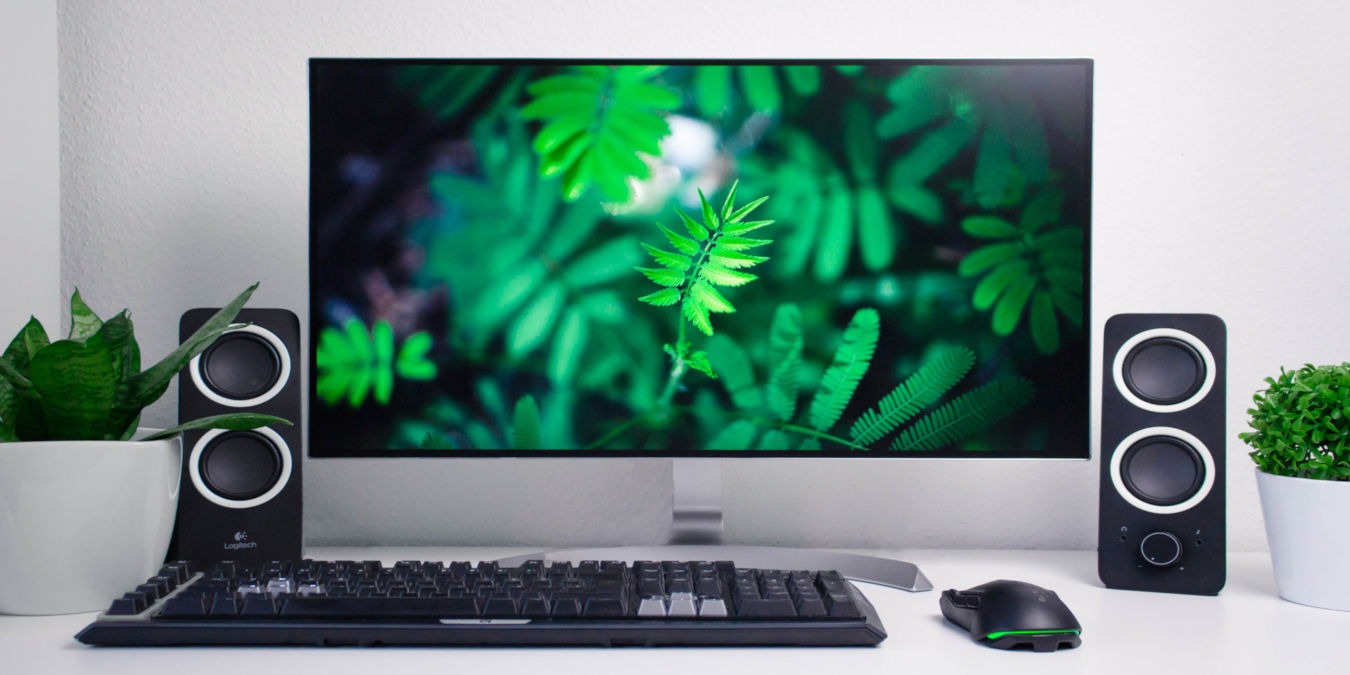
Linux works well on a new PC build, though there are some parts that you should take note of.
By Ramces Red – Apr 12, 2022
Affiliate Disclosure: Make Tech Easier may earn commission on products purchased through our links, which supports the work we do for our readers.