
Apple Pencil works out of the box most of the time, but keep these fixes in hand for the time it doesn’t work as expected.
By Megan Glosson – Dec 2, 2023

Struggling with iCloud photos not syncing? Discover easy fixes that you can implement on your iPhone, iPad or Mac.
By David Morelo – Nov 14, 2023

If you don’t want to constantly be watched by Google, you should sign out of Google on both desktop and Android and not use its services.
By Alexandra Arici – May 1, 2023
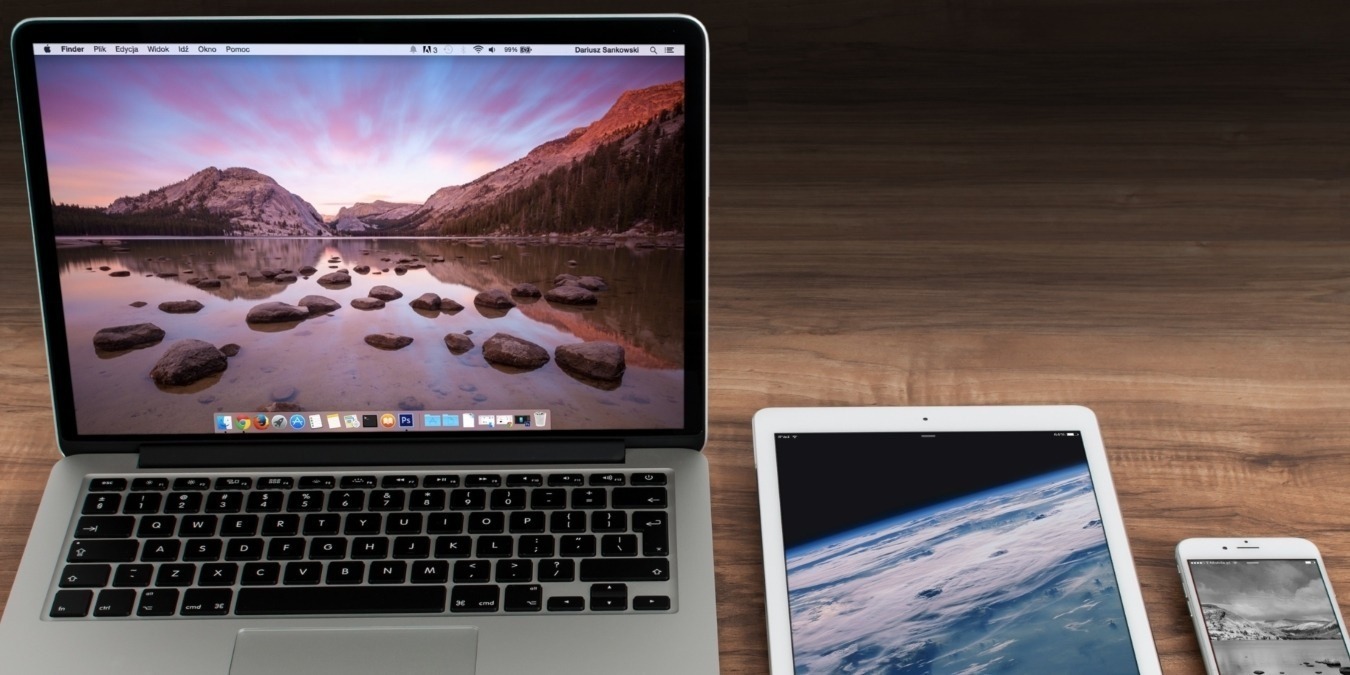
Itching for more screen space? Sidecar allows you to use your iPad as a secondary display for your Mac. This guide shows how it works!
By Tristyn Pawson – Apr 14, 2023

Need to increase the size of the keyboard on your iPhone or iPad? Discover how to enlarge your keyboard using a number of easy methods!
By Mehvish Mushtaq – Apr 10, 2023
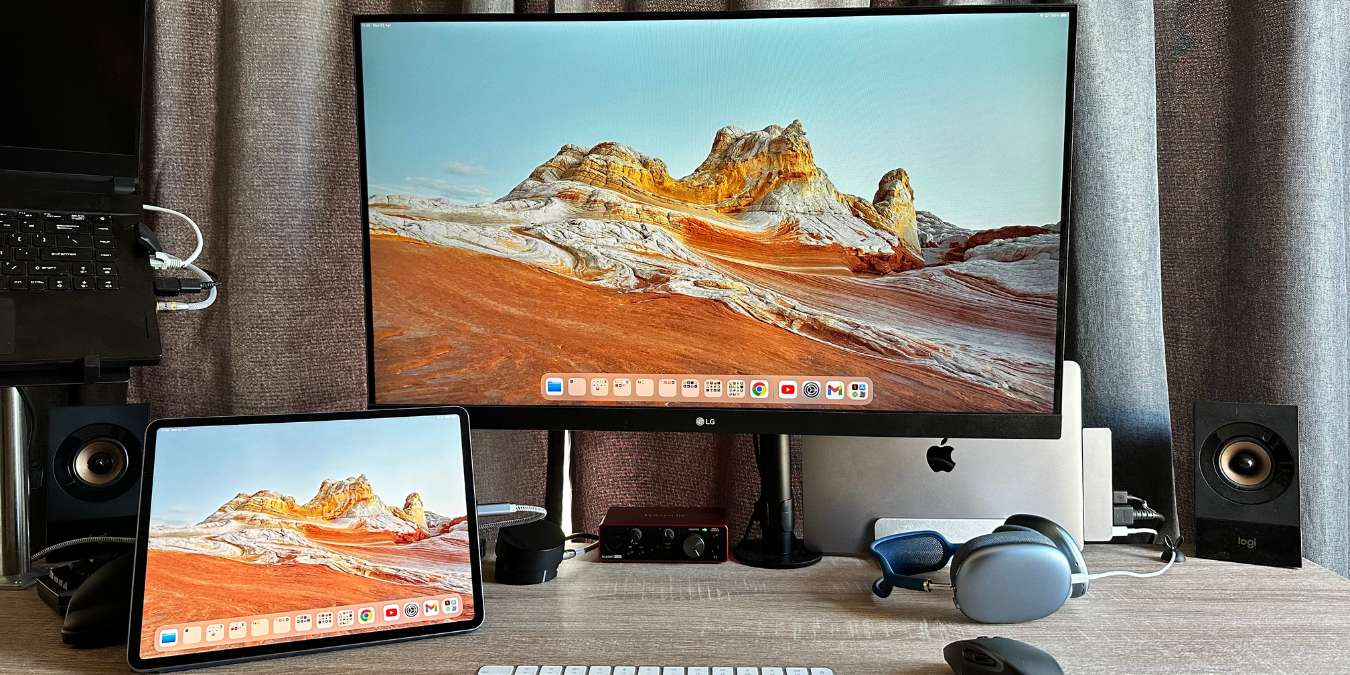
This guide shows how to boost your productivity with an extended display on an iPad using an external display and Stage Manager.
By Sydney Butler – Apr 9, 2023
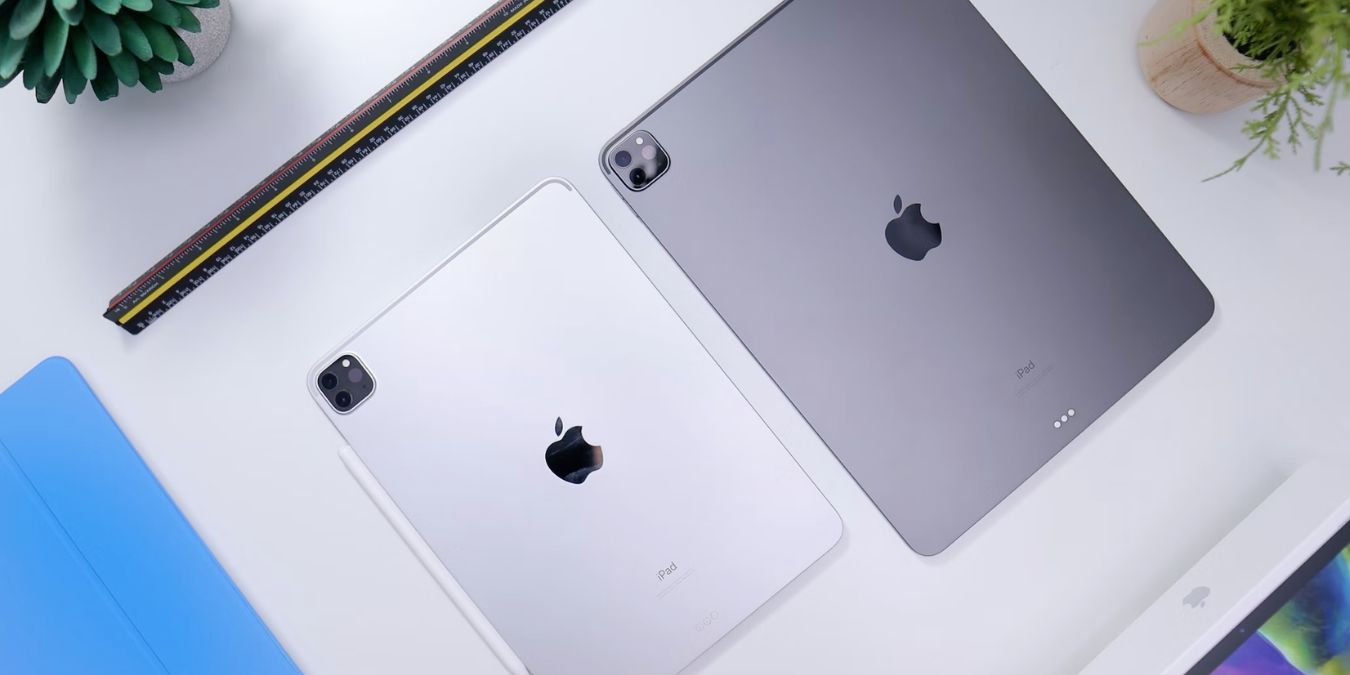
Having trouble choosing between a cellular and Wi-Fi-only iPad? There are more than a few things that make this a difficult choice.
By Sydney Butler – Mar 15, 2023

You don’t need a special app or utility to work on a file with others. You can collaborate in the Messages app on iPhone, iPad, and Mac.
By Sandy Writtenhouse – Mar 1, 2023

The next time you accidentally delete an photo, remember this guide that shows how to recover deleted photos on your iPhone.
By Brahm Shank – Feb 20, 2023

Looking for the files you downloaded? Learn how to find downloaded files like PDFs, images, videos, etc. on iPhone and iPad.
By Mehvish Mushtaq – Feb 17, 2023

Interact with the text on any image and gather information using Apple’s Live Text feature on iPhone, iPad, and Mac.
By Sandy Writtenhouse – Feb 3, 2023

Apple Universal Control is a handy feature for those who own an iPad and a Mac, We show you how to utilize it to use both devices together.
By Sydney Butler – Jan 31, 2023

Apple is replacing passwords with passkeys. This guide covers what Apple passkeys are and how you can use them on a Mac, iPhone, and iPad.
By Hashir Ibrahim – Jan 27, 2023

The next time you need to sign and/or fill out a PDF on your Mac, use the built-in Preview app. This tutorial shows you how.
By Brahm Shank – Dec 12, 2022
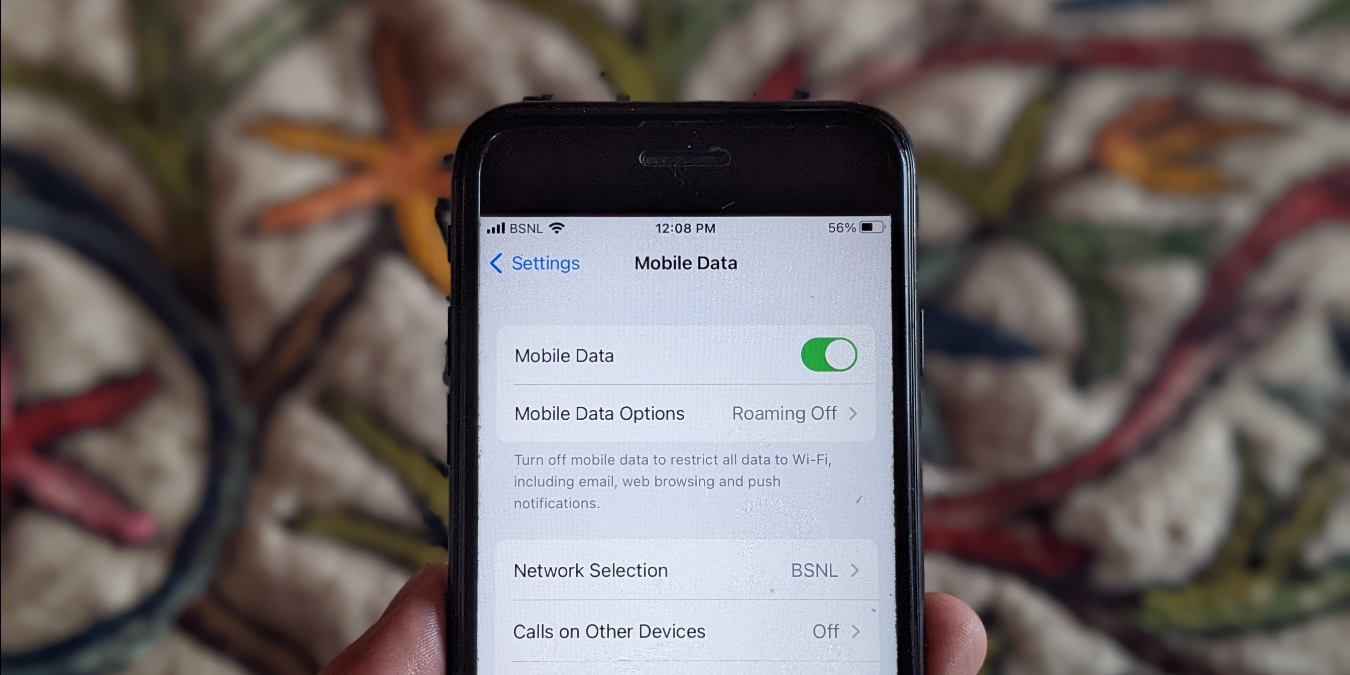
There are a few general steps you can take to fix “cellular data not working” bugs on your iPhone.
By Mehvish Mushtaq – Dec 10, 2022

You need to do a hard reset on your iPhone or iPad if you can’t restart it the usual way. Here’s how to hard reset your iPhone and iPad.
By Mehvish Mushtaq – Oct 15, 2022

Get your AirPods up to date with the latest software.
By Brahm Shank – Oct 1, 2022
Switch to a different file type easily!
By Ojash Yadav – Sep 8, 2022
Keep your iOS data stored on your Windows PC just in case.
By Tayo Sogbesan – Sep 2, 2022

Fully customize the lockscreen to your liking!
By Brahm Shank – Jul 13, 2022
Affiliate Disclosure: Make Tech Easier may earn commission on products purchased through our links, which supports the work we do for our readers.