Ever since Ubuntu upgrades its bootloader to use Grub 2, there have been no easy way to customize the Grub screen. While you can still play around with the code and make changes to its appearance, it is no easy task for the beginner. If you are looking to beautify your boot screen, you will be interested in BURG and BURG-Manager.
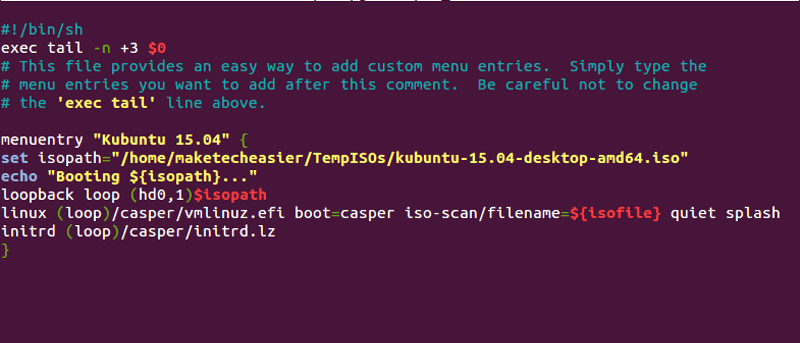
BURG stands for Brand-new Universal bootloadeR from Grub. As its name implies, it is a bootloader based on Grub and it supports themes and various OSes (Linux, Windows, Mac OS X). BURG-Manager, on the other hand, is a simplified GUI to help you install and manage the BURG bootloader. It allows you to change theme, configure BURG and also boot from ISO.
[Read more...]
It doesn’t matter if you are using Windows, Linux or Mac, as long as you don’t maintain it, it will grow out of hand and become very messy. Previously, we have discussed
For those who are having a dual (triple or quad) boot system in your computer, chances are, your bootloader might break when you update one OS to a newer version. If you are using Ubuntu (with the new Grub 2 bootloader) and you installed Windows. The Windows bootloader will erase your Grub 2 and you won’t be able to boot in your Ubuntu. As such, you will need to restore your bootloader to Grub 2.
If you’re running Linux, there’s a good chance your distro of choice uses Grub as the default bootloader. Grub has served well for many years, but it’s beginning to show its age. As with all software, it doesn’t take long before the latest-and-greatest becomes old-and-haggard. Features have been piling up in Grub without much thought going into revamping the core program. Eventually, this lead to a messy patchwork that no one really wanted to maintain. At this point,