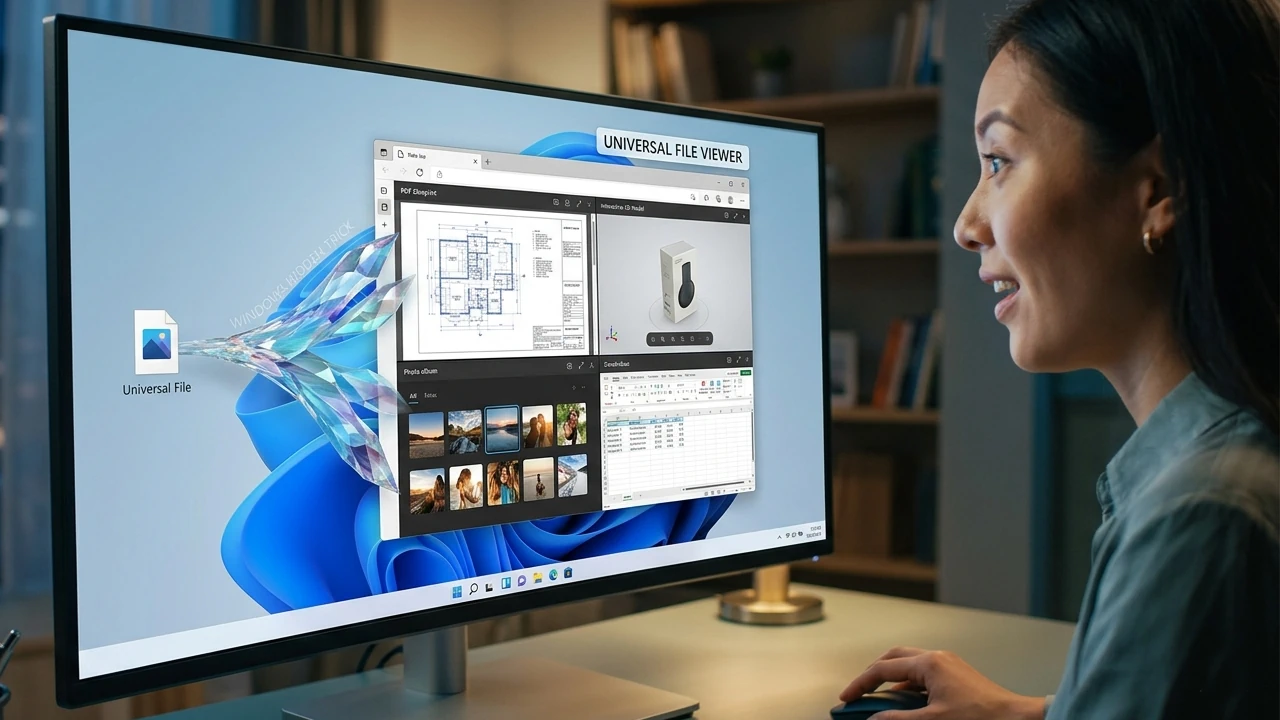
Learn the quick way to open local files, PDFs, and media directly in Chrome, Firefox, or Brave for a faster, more unified Windows experience.
By Crystal Crowder – Mar 14, 2026
With a few small tweaks, you can easily cast YouYube videos from a phone to a PC.
By Crystal Crowder – Jan 26, 2026
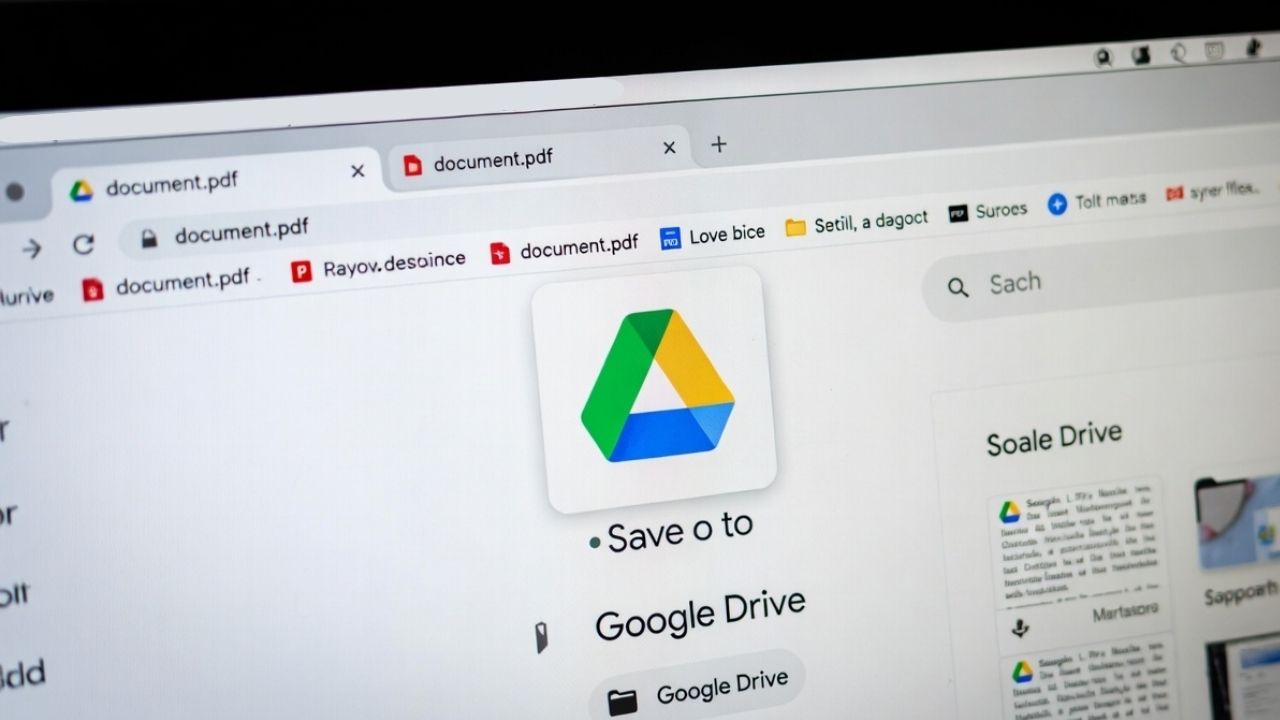
If you are using Chrome, you can now save PDF to Google Drive instantly using the new built-in button.
By Henderson Jayden Harper – Nov 19, 2025
Google Chrome on Android features the latest Material 3 Expressive Design. Discover the many practical uses of its visually striking elements.
By Sayak Boral – Nov 2, 2025
Discover the best Chrome extensions to download images from any web page with ease. Save time and streamline your workflow.
By Alexandra Arici – Oct 21, 2025
If you are a Chrome user, it’s now easier than ever to access and even create new tunes right from your browser.
By Alexandra Arici – Oct 6, 2025
Google is giving Chrome for Android a fresh upgrade with an AI Podcasts twist, making browsing feel a lot more engaging when on the move.
By Karrar Haider – Sep 26, 2025
Many users are facing a gray screen in Chrome after the latest version 139 update due to a rendering bug. Thankfully, you can fix the issue with a little workaround.
By Karrar Haider – Aug 11, 2025
If you’d rather keep Chrome away from your system’s deeper specifications, you can block these checks.
By Karrar Haider – Jul 9, 2025
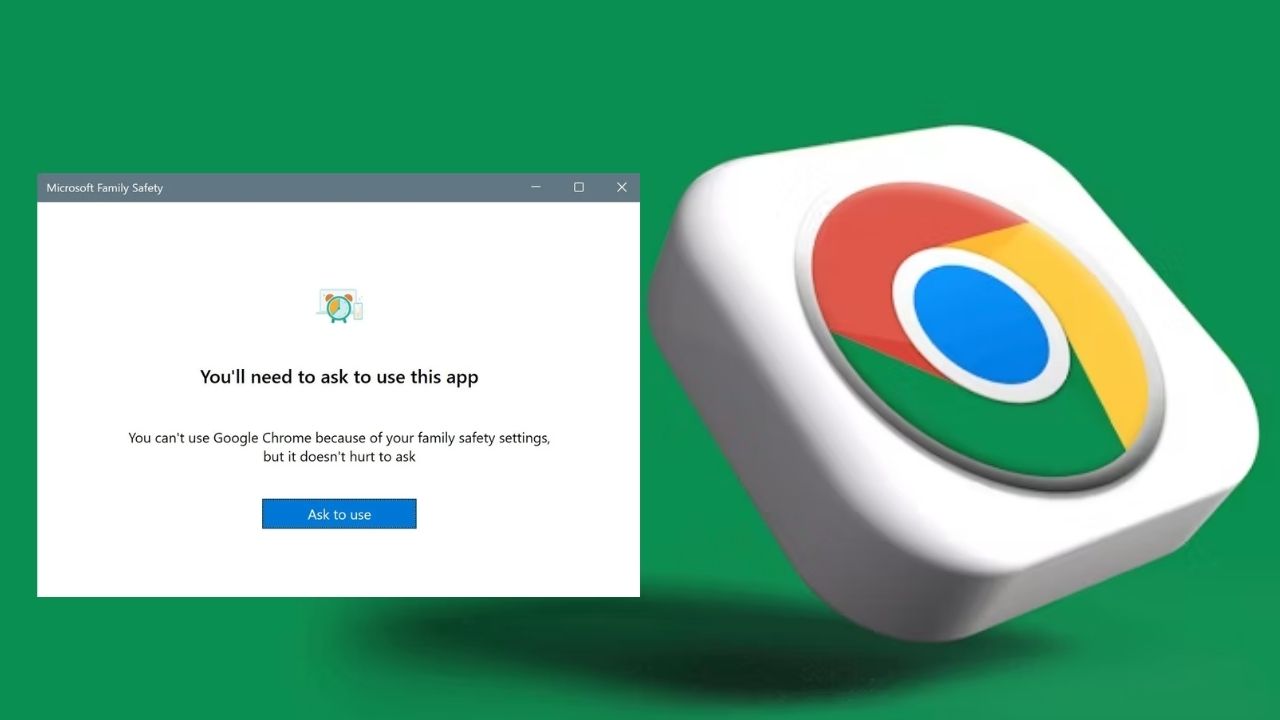
If your Chrome suddenly stops opening or crashes, the Microsoft Family Safety app is likely to be the culprit.
By Henderson Jayden Harper – Jun 24, 2025
Google has crippled the ad-blocker extensions in Chrome. Here’s how you can still block ads in your browser.
By Karrar Haider – Jun 23, 2025
Google Chrome Translate can stop working due to outdated settings, cache issues, or extension conflicts.
By Anees Asghar – May 29, 2025
If you’re constantly asking ChatGPT questions, why not make it your default search engine?
By Alexandra Arici – May 3, 2025
Chrome’s update fixes a 20-year Chrome visited links privacy flaw, stopping sites from tracking clicks.
By Henderson Jayden Harper – Apr 17, 2025
The CVE-2025-2783 malware breaks through Chrome’s sandbox security on Windows devices. Update your Chrome browser now!
By Sayak Boral – Apr 4, 2025
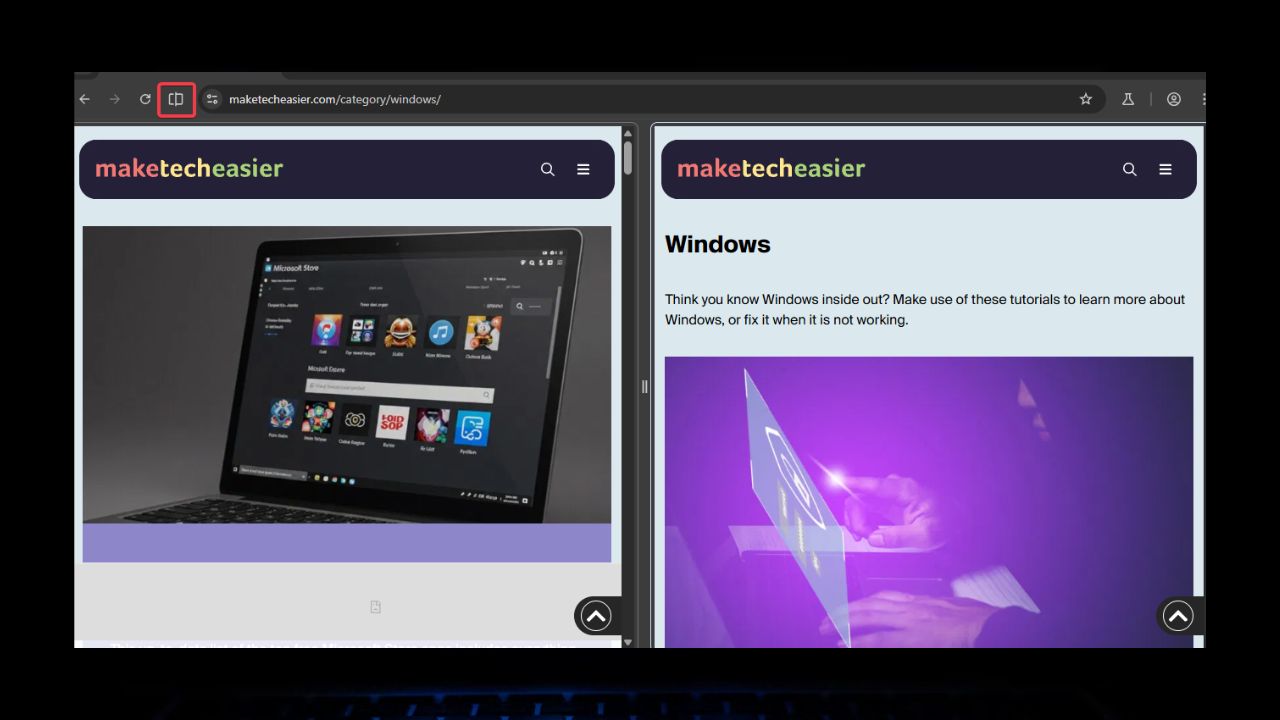
The Split Tabs feature is only in Chrome Canary for now, and it is not even on par with Edge’s Split Screen feature
By Henderson Jayden Harper – Apr 3, 2025
Harness the power of Chrome remote desktop extensions! Learn how to establish a remote connection from your browser.
By Alexandra Arici – Mar 19, 2025
Want to quickly switch a tab or content to a new Incognito window in Google Chrome? Try the easy solutions listed here.
By Alexandra Arici – Feb 10, 2025
With a possible Chrome and Google split on the horizon, Google announces the Supporters of Chromium-Based Browsers project.
By Crystal Crowder – Jan 10, 2025
Next >
Affiliate Disclosure: Make Tech Easier may earn commission on products purchased through our links, which supports the work we do for our readers.