How to Easily Write and Publish eBooks With Sigil

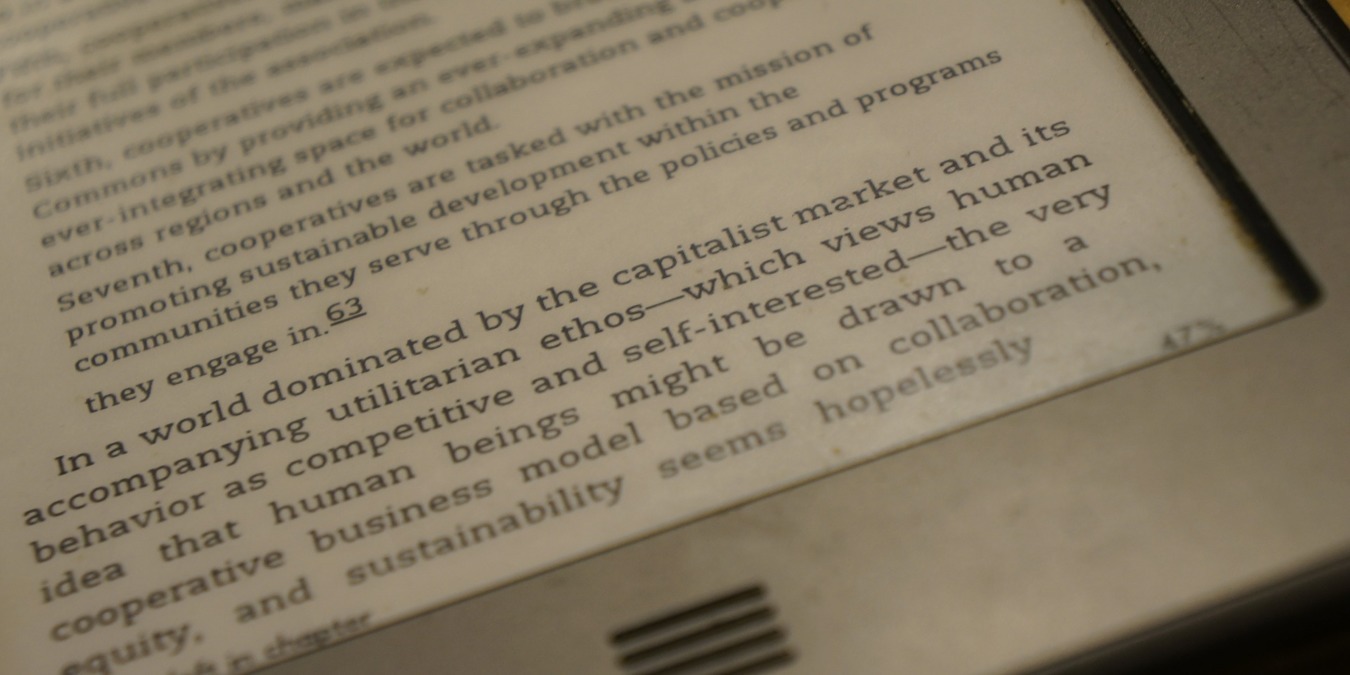
ebook reader With the growing popularity of ebook readers like the Kindle and iPad, more and more people are reading on a screen rather than from printed books. And more and more authors are getting into the act. Why not you?

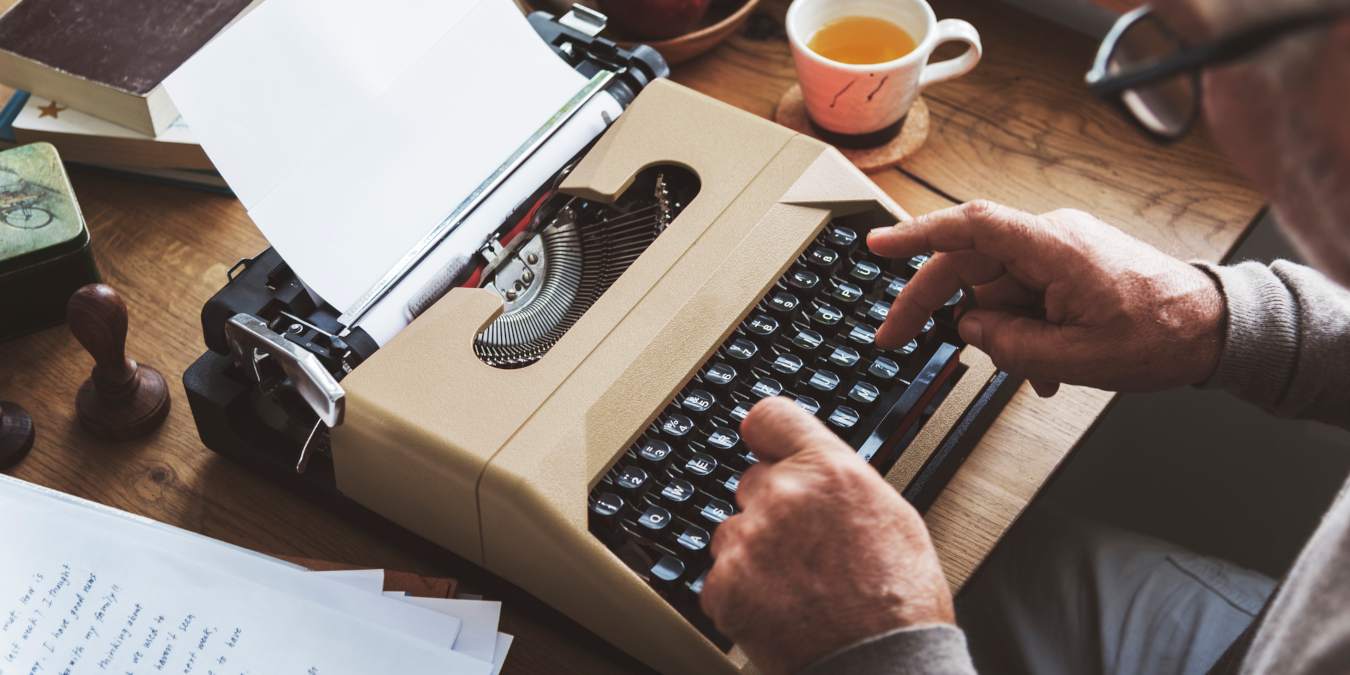
Maybe you’re a budding author who wants to self publish. Or maybe you’re a software developer who wants to distribute documentation in a slightly different way. You could be a blogger who wants to collect a bunch of their best posts into an ebook.

There are several ways to do that. You could fire up your favorite word processor, start typing, and then create a PDF file. Or you could go straight to a format that just about every electronic device can handle. The easiest way to do that is to write an publish using Sigil
[Read more...]

How to Format Your Book for the Kindle

Amazon Kindle 3Some time ago, MakeTechEasier gave you an extensive 3-part guide to formatting a book using OpenOffice.org. That guide was specifically oriented toward print publications, and while it may be sufficient for PDF ebooks, formatting a book for Amazon’s Kindle e-reader takes a little more attention and care.

Generally speaking, a Kindle book is just HTML and CSS. The part that can be difficult is figuring out which tags the Kindle actually supports. There are also a couple of unique tags that are not standard HTML but that you can use to add formatting to your Kindle book.
[Read more...]

Read eBooks On Android Using Aldiko Book Reader

aldiko-main2I generally do all my reading on my Kindle. However, sometimes I am averse to carrying something that does not fit into my pocket. So, I often end up reading a lot of eBooks on my Android device. While it is relatively easy to read text files and PDFs on most Android device, other formats (specifically eBook formats such as ePub, lit, mobi, etc.) require third-party software. Aldiko Book Reader is one such software.
[Read more...]

Okular: Universal Document Viewer For KDE 4

Okular iconOne of the new applications introduced with KDE 4 was Okular. KDE 3 had a PDF viewer named KPDF, but Okular aims to be a complete document viewing solution, supporting many different file types. Okular is fast-loading and works in any operating system and desktop environment that can run KDE applications.
[Read more...]

5 Free Ebook Readers For Your Mobile Devices

Free eBook Reader - Reading BookThere’s an old saying that goes: “Books are the windows to the world.“ Even though that in this digital age the leading role is taken by the internet, books still play their part as openings to the vast knowledge out there.

But modern technology also brings changes to the book world. Aside from the words printed on dead tree, now we also have digital version of books or better known as ebooks which can (and supposed to) be read on any digital devices with ebook reader applications installed.

If you are constantly on the move, love reading and want to bring a “library” inside your pocket, here are several free ebook readers that you can install in your mobile devices.
[Read more...]

How to Find Free Linux Ebooks and Courseware

tuxandshelfLike it or not, with Linux comes advocacy. There are a lot of people out there who like to spread the love in whatever ways they can. One nice side effect of this is the abundance of free Linux related information available to anyone. That’s good for us, as we’ll be covering just how to find all this great material.

Certainly not all Linux books are free (just ask Tim O’Reilly) but the nature of Linux means that the “spirit of freeness” tends to surround more than just the operating system. Some of the websites listed below offer full length dead-tree versions of the same books, the purchasing of which could be a great way to support these organizations. Without further delay, here are a few of the sites I’d recommend for anyone wanting to hone their Lin-jitsu.
[Read more...]

How to Layout a Book with OpenOffice.org: Part 1

ooo_writerIt is all in your head: the plot, the characters, the locations, and even the scenes, but for some reason, staring at the blank page and blinking cursor makes you freeze. You like the idea of writing a book but cannot imagine actually completing it. If that feeling sounds familiar, then this might be the right article for you.  Even if you have written a book and have it all ready to go, you may intend to self-publish it, start your own publishing company, send it to an editor, or just layout your book so you can see how it looks.

There is a long list of reasons why you might need to prepare an OpenOffice.org document in book form, and once you have learned how to do it, you will have a useful skill that you or people you know may need in the future. You can use this method for both print publications and e-books.
[Read more...]

Manage Your Ebook Library with Calibre

Calibre LogoHow many times have you stared at the vast collection of ebooks that you have and wondered if there was a better way to keep track of them?  I certainly have. Time and time again I sift through my ebooks as I attempt to locate one that I knew I had somewhere. I knew that there must be a better way and finally I found it!

Calibre is a “one stop solution to all your ebook needs”. The site wasn’t lying. This handy application is a free, open-source, cross-platform (Windows, Linux, OS X) ebook library that offers incredible value and useful features.

In this walkthrough, we’ll look at installing Calibre in Windows and check out some of the basic features.

[Read more...]