

Many people still believe that their Google Account is only for accessing Gmail. While that is true, your Google account also gives you access to tons of Google services for free. If you have a Google Account, here are some of the not so common services/apps that you can use. Check them out, and you might find a good service that you are missing out on.
Google Fit
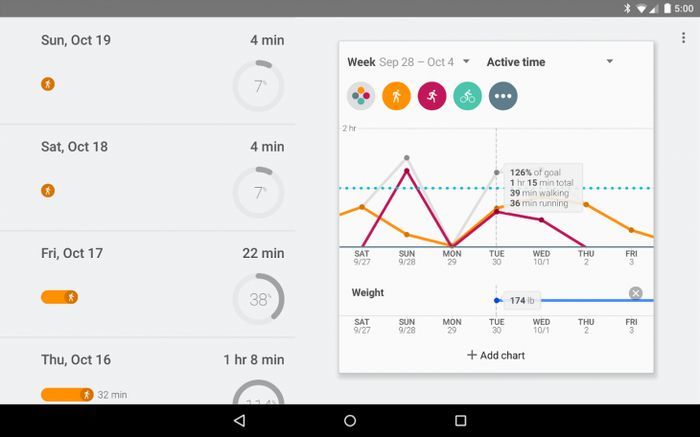
Google Fit is a free fitness app by Google that you can use on your Android device including Android wear. It will track your activities like walking, running or biking using your Android device’s built-in sensors. You can set fitness goals and track them and also see how many calories you have burned. It can also be personalized to get a more accurate illustration of your activity.
Google Web & App History
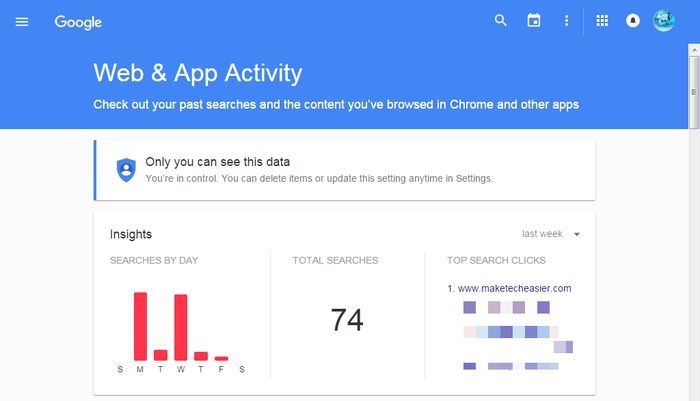
Google keeps track of all the searches you have made in its search engine which can be accessed from Google Web & App History. It has many uses: you can check which websites you visit the most, see an internet activity graph and check search history. It is also separated from your browser history, so anything deleted from your browser history can be accessed from here.
Google also tracks these searches to provide custom search results and relevant ads, making it a good way to find what Google actually knows about you.
Google Photos
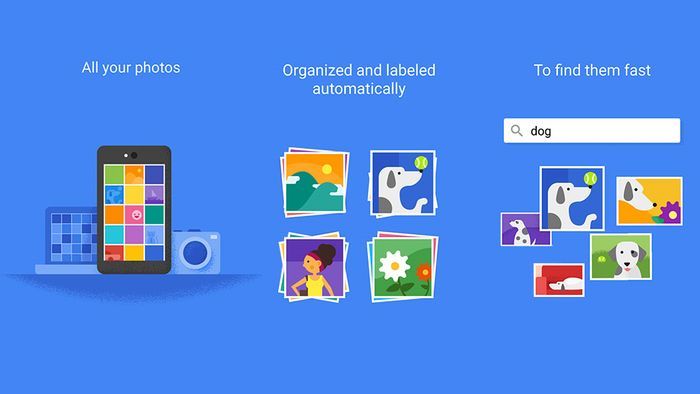
Google Photos can be your one-stop place for syncing and managing all your photos. It will let you upload all your photos to Google servers, which can be accessed from any device including Android, iOS and PC. It sorts your photos according to time, faces (face detection), and place, and even creates collages for you, all automatically. It offers unlimited storage for photos below 16 megapixels, and photos higher than that are saved in your Google Drive account.
Google Keep
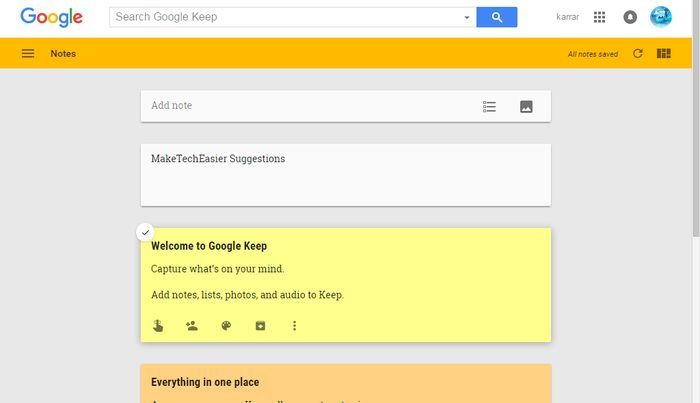
Google Keep is a note-taking app by Google that will surely please many people who just want a quick note taking app with reliable features. It works well on Web, Android and iOS devices, and you can save notes to Google Drive to be easily accessed from your PC and phone. You can take written notes, photo notes, voice notes (that will be transcribed), location-based notes and checklists. The notes are colour-coded for easy categorization, and its search option is very reliable with universal search.
Other Services
Below are some other common services/apps that you might like to try out if you are not already using them.
Blogger: To easily create blogs about your favorite topic
Google Calendar: Manage your life’s events
Google Contacts: Manage your contacts from all Google services. If you have an Android device, all your contacts will be synced to Google Contacts.
Google Drive: Google’s Cloud Storage service
Google Play Books: Access thousands of free and paid Books
Hangouts: Google’s Instant Messenger and video-calling service
Google Maps: A feature-rich Maps Application
YouTube: View, favorite, subscribe and upload videos
Bonus
Google DashBoard
Google DashBoard isn’t actually a service; instead it is a one-stop place for you to manage all your Google services. It will show all the Google services you are using and also manage them, including deleting and editing data (if possible).
Conclusion
Your Google Account has much more to offer than you think. Above was a roundup of some useful services that many people might not know about. There are also hundreds of third-party services that you can access with your Google Account; try exploring a bit and maybe you will find a service you always needed.
Are you using any cool apps/services with your Google Account that are worth mentioning? Feel free to let us know in the comments.