Make your Slack account look more fun and communicate effectively with your coworkers and peers by changing your Slack status. Here are my top eight recommendations based on personal experience (plus instructions on implementing them).
How to Change Your Status in Slack
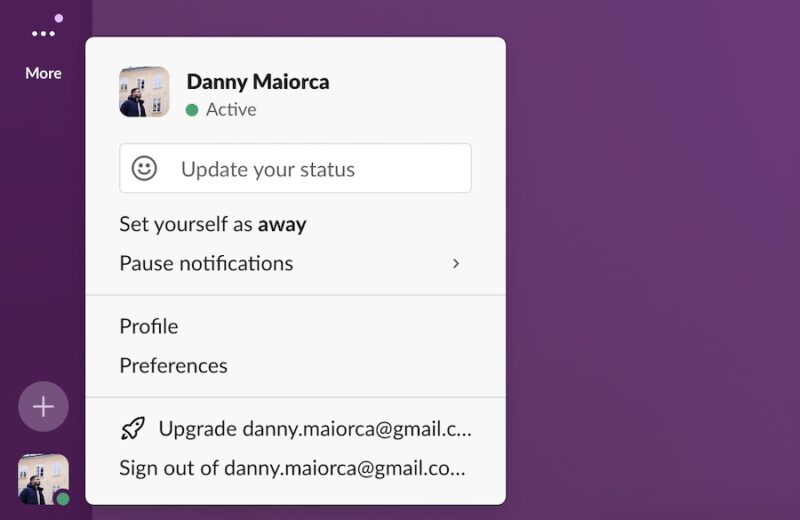
Changing your Slack status is very straightforward. First, click on your profile picture at the bottom of the left-hand toolbar.

Select Update your status.
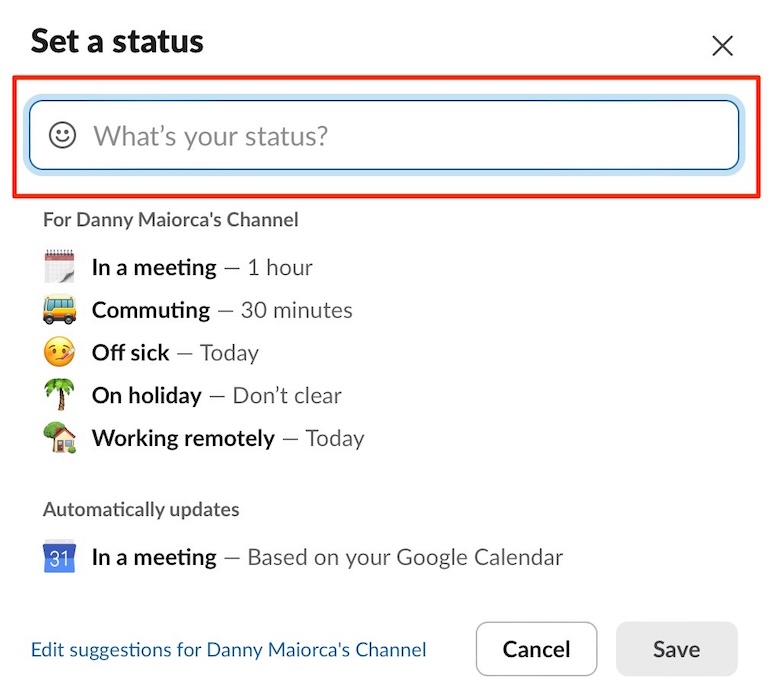
Update your status via the pre-added options. Alternatively, tap the emoji icon and fill the text box with your custom status. When searching for emojis, you can use the search bar or divide by category.
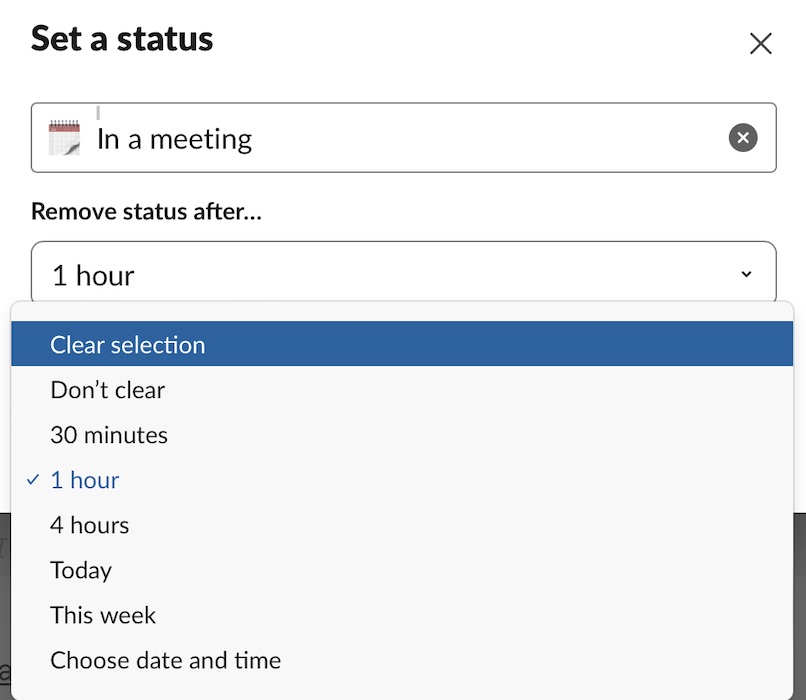
Once you’ve chosen or customized your Slack status, choose when you want it to clear by expanding the Remove status after… dropdown menu.
Tap Save once you’re happy with your changes.
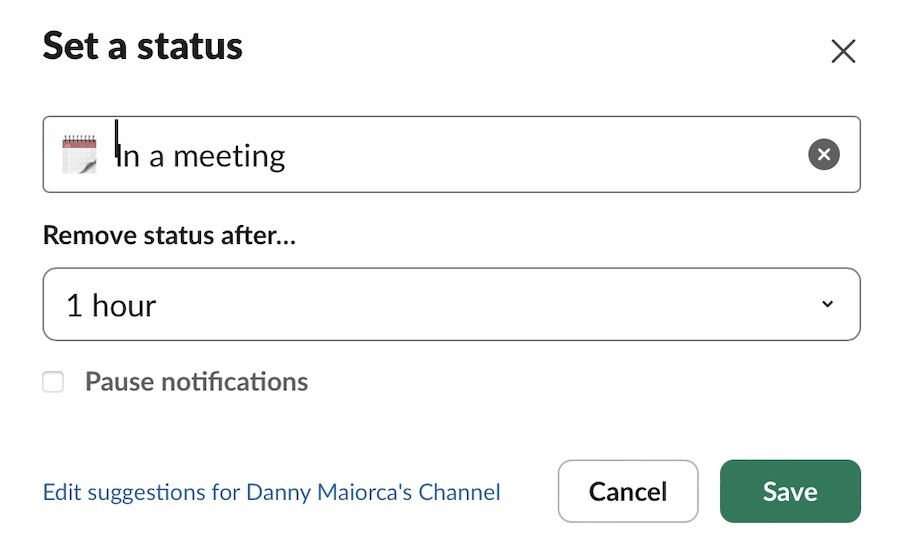
It’s also possible to open the status change window by pressing Command + Shift + Y (Mac) or Control + Shift + Y (Windows). This is one of many useful Slack commands.
My Recommendations For Updating Your Slack Status
1. On Vacation
While you can use the default vacation Slack status, I prefer to have fun here. For example, I’ll sometimes use the flag of the destination I’m visiting.
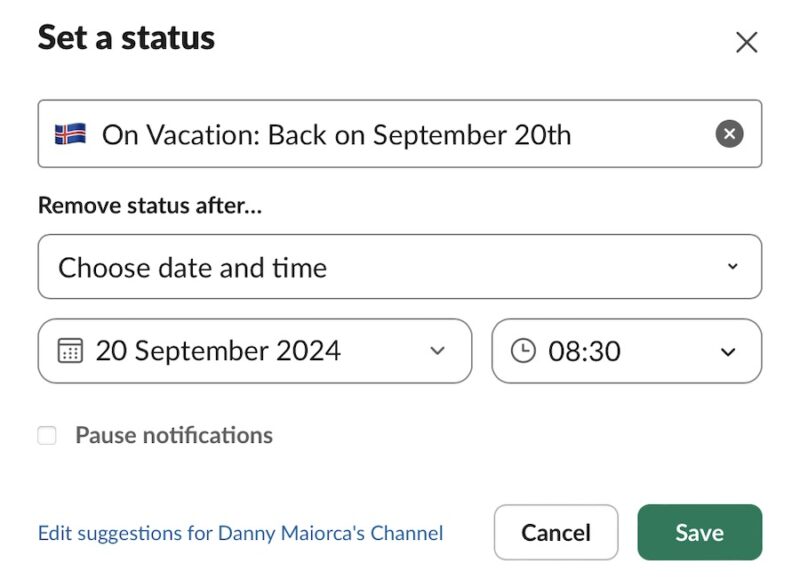
You can also change your status icon based on your chosen vacation activity. For example, if you’re going hiking, you can use the hiking boot emoji.
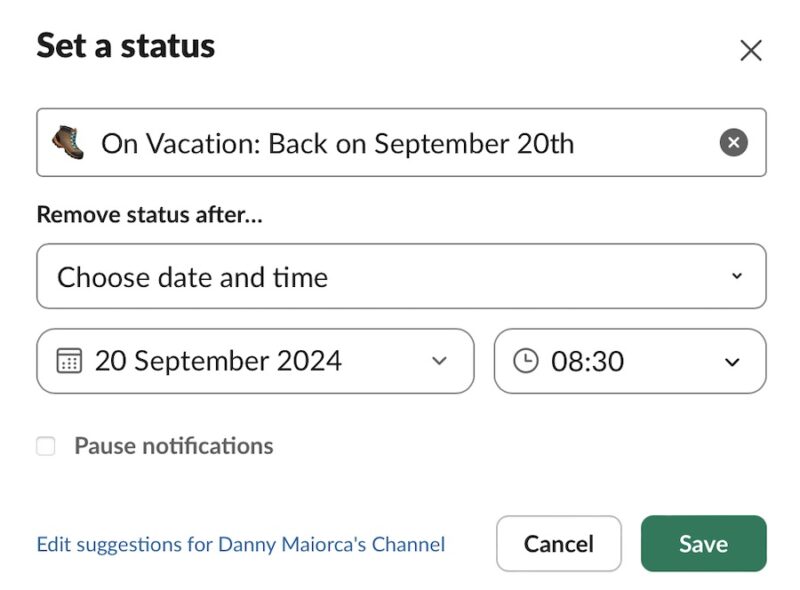
You can also customize the text if you want to add further context, but I don’t think that this is necessary.
2. Writing
I suggest using various Slack productivity integrations, such as Asana, to manage your workflow and projects. But in my opinion, keeping Slack open while you write can lead to distractions that lower the quality of your work.
To keep your contacts in the loop, I recommend setting a status to tell them you’re writing. Personally, I quite like using the pen-in-hand emoji for this.
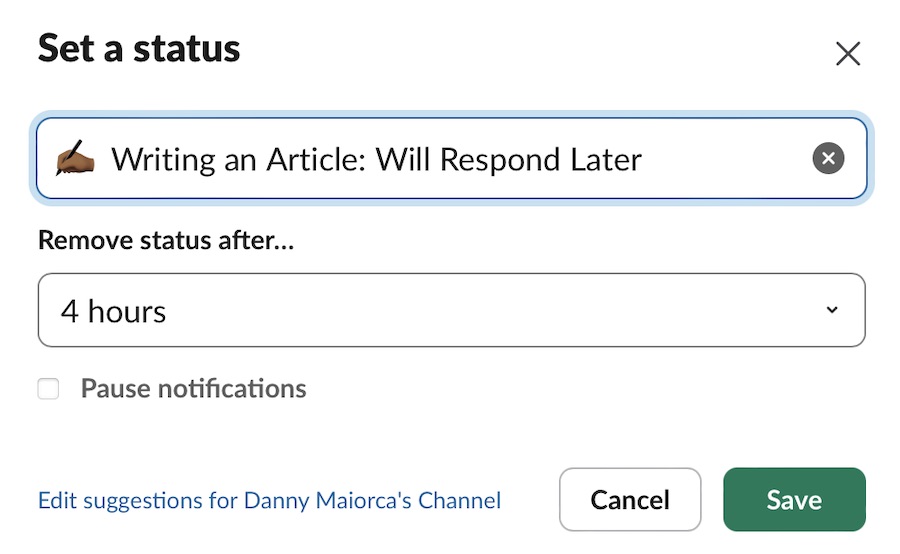
You can customize how long you want this status to appear based on what you’re writing. For example, if you’ve set aside two hours to work on a more comprehensive project, you can just add this. However, if you’re writing an article in one go, you may need to customize it based on how many words you’re writing.
Using other emojis here, such as books, the technologist emoji, and a pen and paper is also possible.
3. Away for a Special Occasion
Since I work remotely, the public holidays where I live don’t always synchronize with other team members. To ensure that projects keep running smoothly, telling people why you’re taking time off is a good idea.
We have a lot of public holidays in the spring where I live, for example, some of which happen on random days in the middle of the week. Unlike many parts of the world, we also take Thursday off for Easter.
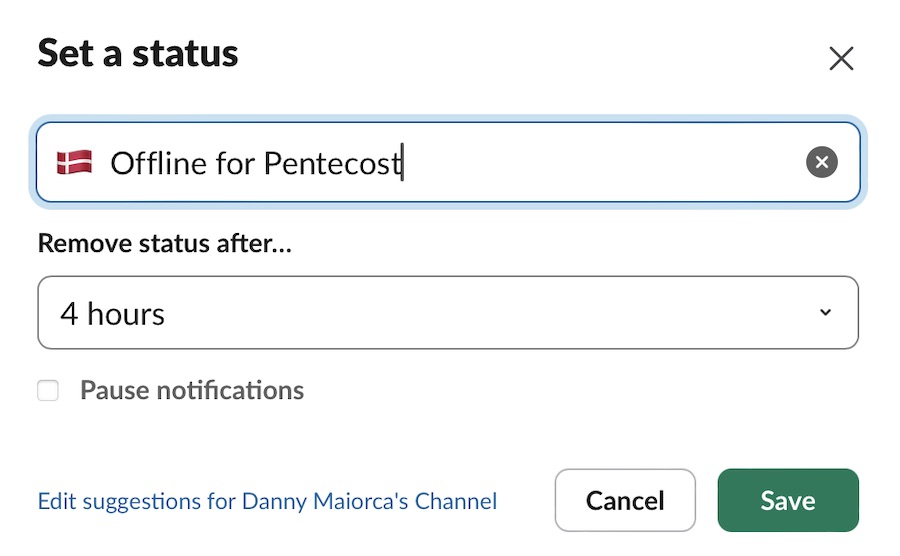
You can choose an emoji related to the event, such as Santa Claus for Christmas. However, it’s also possible just to put your country’s flag with an explanation of why you’re offline.
4. Running Some Errands
Life sometimes gets in the way, and staying online for the entire working day might not be possible. For example, I took most of the day off when moving into my new house in early 2024.
Regardless of why you’re taking time off, it might be a good idea to update your status on Slack. Of course, you don’t need to get too personal if you don’t want to. Nonetheless, it’s something worth considering if you’re happy to share.
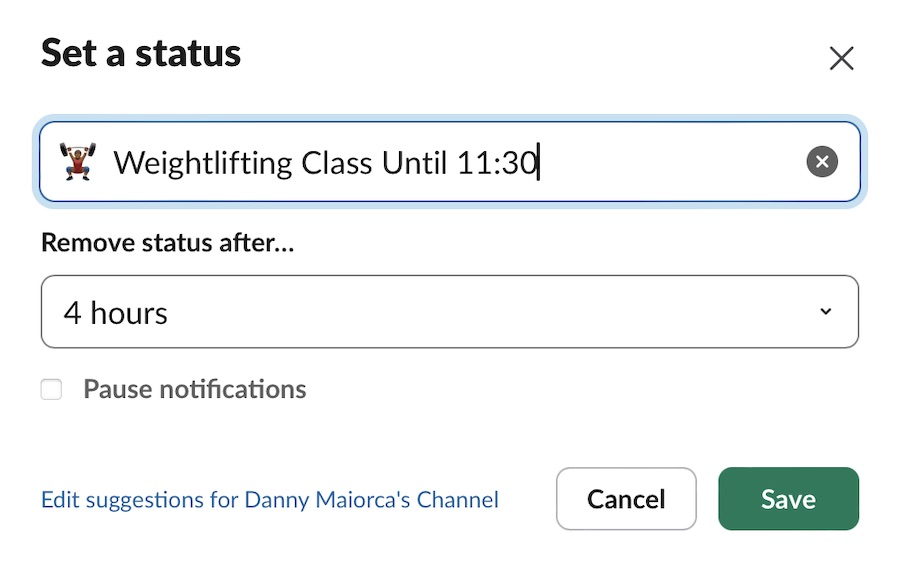
Besides moving house, you might want to change your status when you’re buying your groceries, getting a haircut, at the gym, or something similar. I used to go to the gym at lunchtime at one of my old jobs, for example, and I would have updated my status if we had used Slack.
5. Finished for the Day
I’ve been freelancing since 2019, and in the beginning, I was terrible at setting boundaries. But now, I set clear boundaries between my work and personal life. This involves turning off all of my work-related apps at 6 pm latest, plus other things.
Since I work with clients globally, it can sometimes be useful to let them know when I’ve logged out. That way, they’ll also understand when they can expect a reply and won’t think their Slack notifications aren’t working.
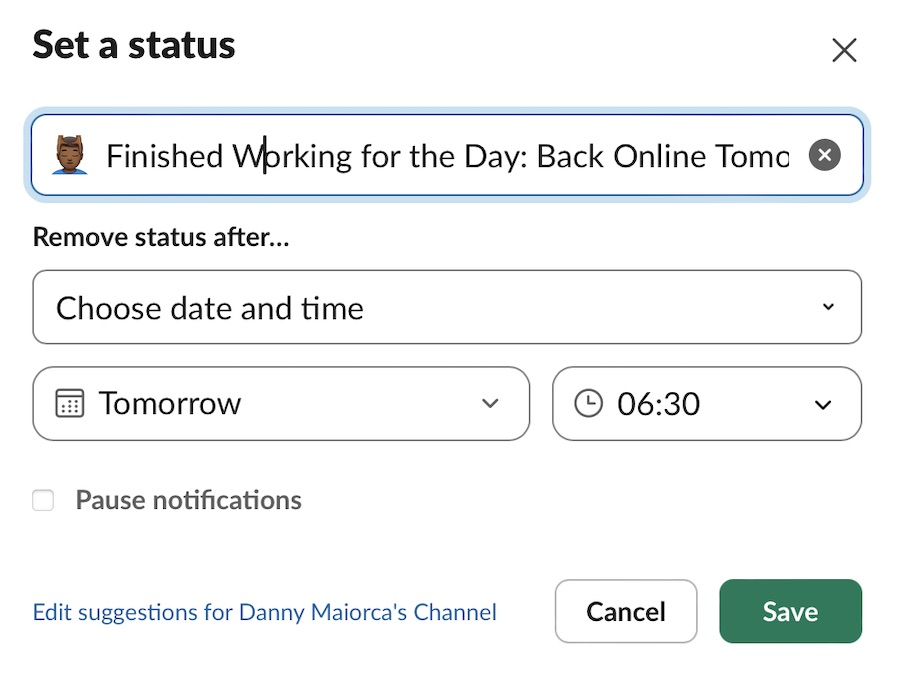
I like to be creative here and use icons related to rest, such as the massage emoji. You can also use things related to sleep and leisure, or just the green checkmark emoji.
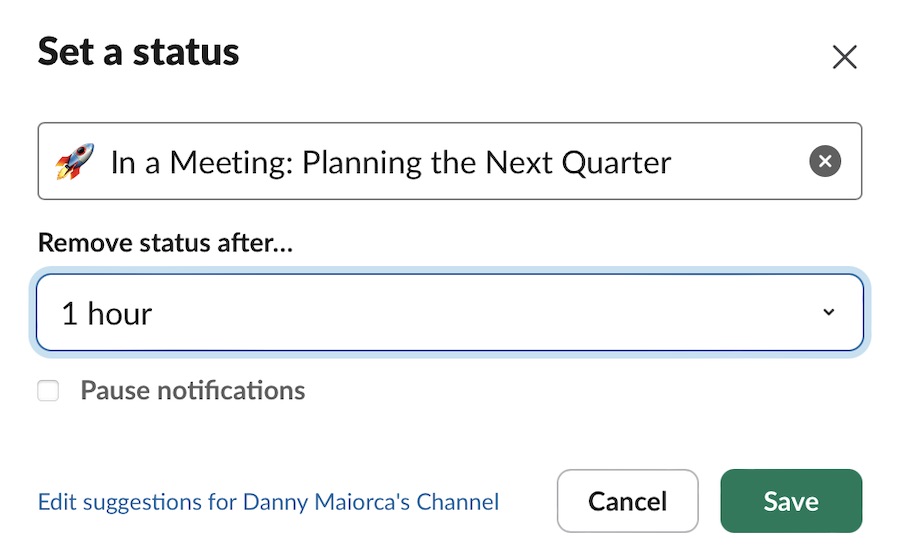
6. In a Meeting or on a Call
Since I work remotely, I almost exclusively do calls or virtual meetings. But even if you do physical meetings instead, you can use this status to tell others that you’re not currently available.
If you’ve integrated Google Calendar or an alternative, Slack can automatically set your status based on what’s in your schedule. I recommend doing this if you don’t want to spend too much time customizing each time; you’ll see an option in the Set a status window.
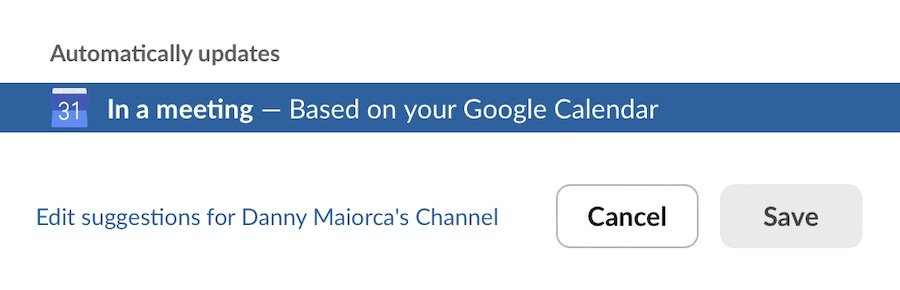
You can alternatively use the pre-designed Slack “In a meeting” status. Otherwise, it’s possible to pick one of the other calendar emojis if you’d rather customize. Icons related to meetings, such as rockets, suits, and suitcases, will also work.
7. Eating Lunch
Even if you’re online throughout the day, you’ll naturally need to eat at some point. So, if you’re out eating lunch, it’s a good idea to set your status (especially if your role typically requires faster responses).
You can have some fun by sharing what you’re eating for lunch if there’s a dedicated emoji. You can easily couple this with “Eating Lunch” if you’re just having an ordinary lunch. A generic emoji with a plate of food will work in these instances, too.
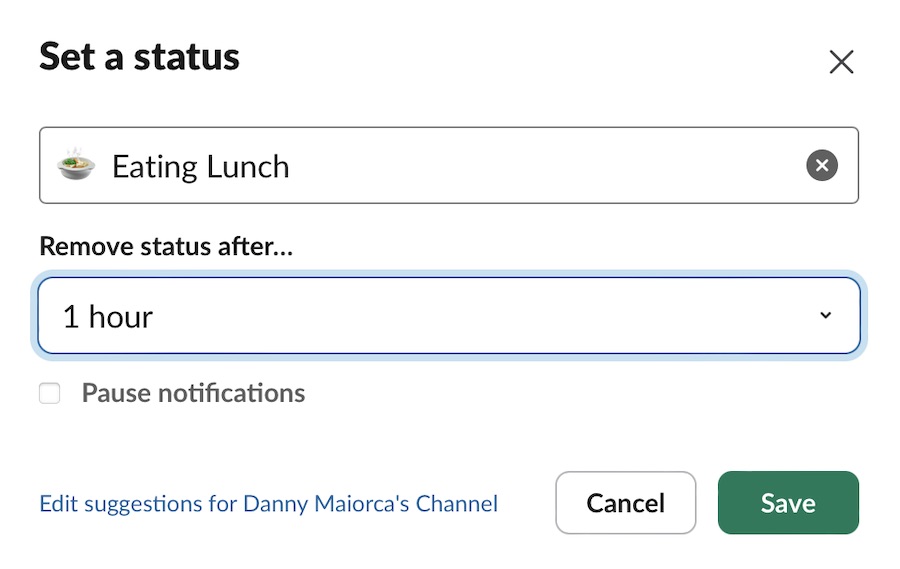
If you’re going out for lunch with coworkers or clients, you can mention that you’ll be on an extended lunch. It’s also a good idea to change how long you’ll be away from Slack for.
8. Taking a Break
Besides eating lunch, I also take frequent breaks throughout the day. I’ll typically take 5-10 minutes off between each article I write, and my brain does better when I have a 15-20-minute break in the afternoon.
You have plenty of options for customizing your status on Slack when taking a break. For example, you might want to post something like “Out for a walk” or simply “Taking a break” with a related emoji.
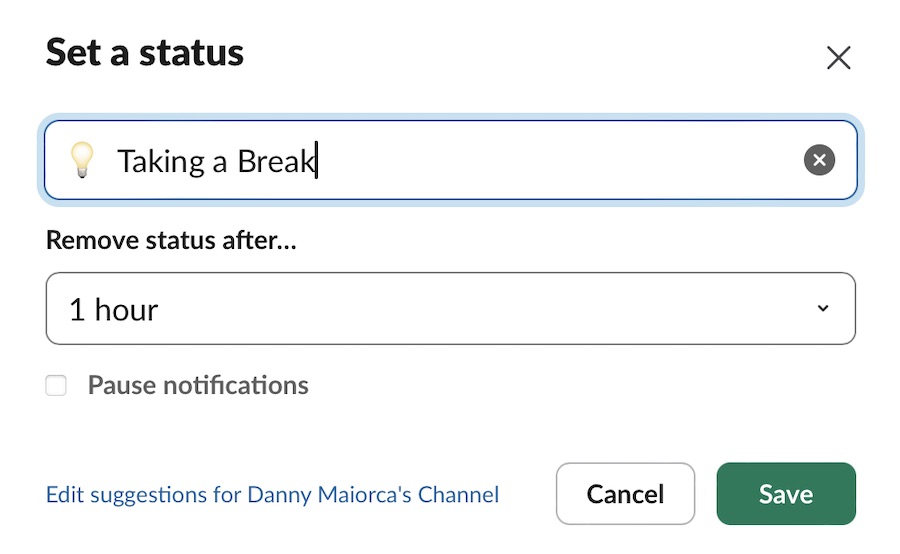
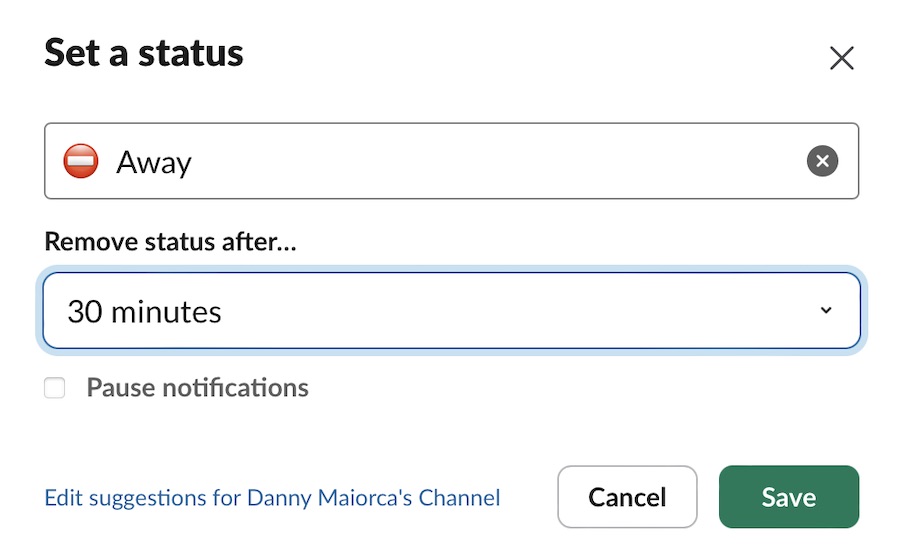
You can also just put something like “Away” with one of the emojis symbolizing “stop” or similar.
Changing your Status is one of many handy Slack tips and tricks, and I suggest doing so in multiple scenarios. It’s a simple and effective way to let your contacts know what you’re doing and when they can expect a response. You can also automate your status based on the schedule in your calendar app integration.
Image credit: Unsplash. All screenshots by Danny Maiorca.