Windows 11 enables automatic BitLocker encryption by default in 24H2 update, and a lot of users are having BitLocker lockouts and blue screen of death.
By Sayak Boral – May 13, 2025
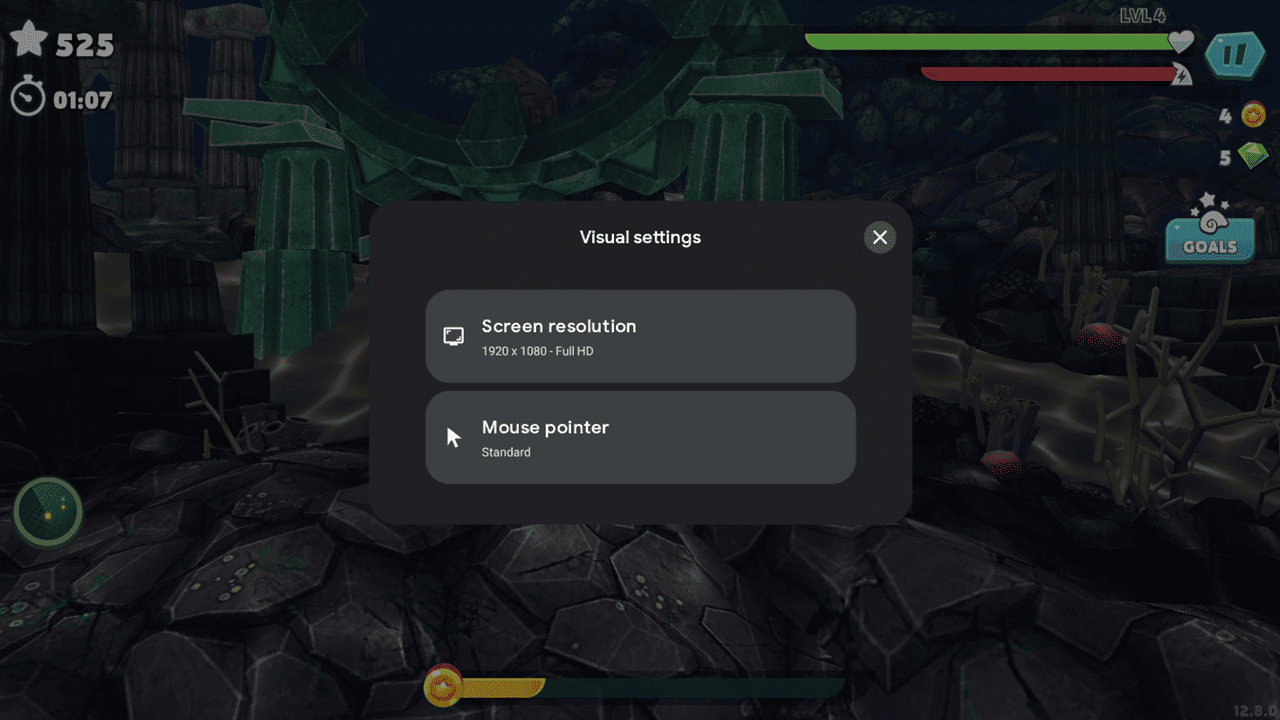
You now have a native way to use Android games on your desktop PC.
By Alexandra Arici – Apr 16, 2025
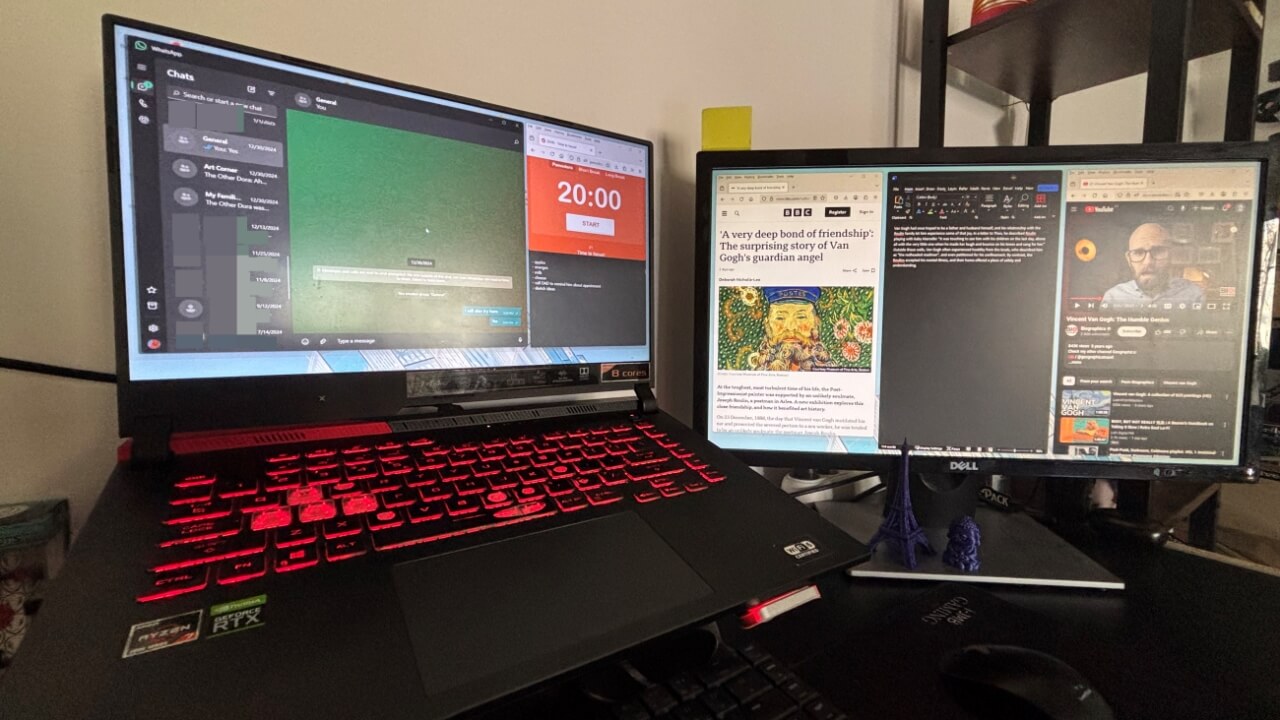
Improve your window management on dual monitors with FancyZones. This PowerToys utility can help you create the best dual monitor layouts.
By Alexandra Arici – Mar 24, 2025
Discover the pros and cons of fast user switching on your computer and when you should use it to shift between different accounts.
By Danny Maiorca – Mar 17, 2025
Switching to Linux doesn’t mean losing your favorite apps; many have Linux versions, alternatives, or can run via Wine or a virtual machine.
By Haroon Javed – Feb 28, 2025
Having a bootable Windows USB disk is the best offline way to install Windows. Learn to create your very own Windows boot disk on a USB drive.
By Sayak Boral – Feb 19, 2025
The taskbar is one of the most useful features in Windows. Try these basic tips to customize your taskbar in Windows.
By Sayak Boral – Jan 31, 2025
Let’s explore why Linux Mint is more flexible, lightweight, and customizable compared to Windows, offering a smooth experience.
By Haroon Javed – Jan 21, 2025
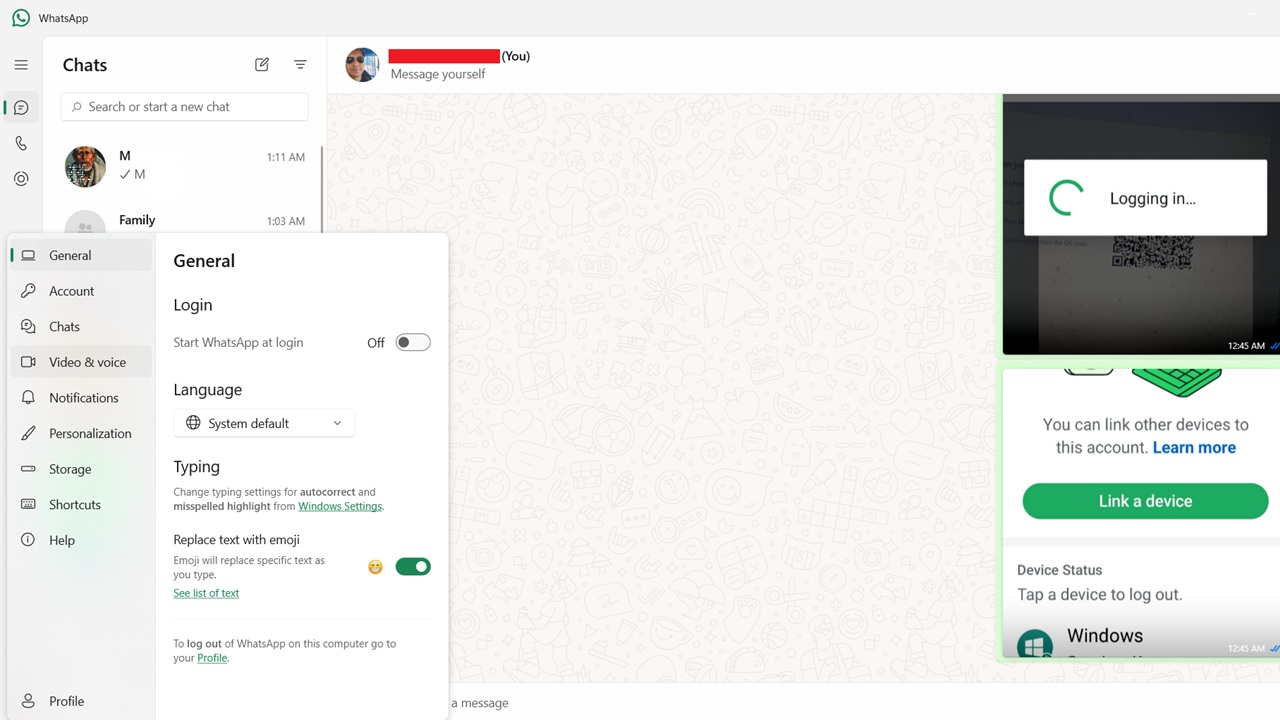
WhatsApp is commonly used on Android and iOS devices, and you can now install WhatsApp on Windows devices and get the same latest features.
By Sayak Boral – Dec 16, 2024
Looking to switch from Windows? Here are a number of reasons why you should consider Linux as your next operating system
By Haroon Javed – Nov 20, 2024
Want to create your own AI images with no limitations? Here are three methods to build your own AI image generator with Stable Diffusion.
By Samarveer Singh – Nov 7, 2024
Wondering how you can use your iPhone as a webcam or Facecam on your Mac or PC? Here, we show you how to do exactly that with your iPhone.
By Samarveer Singh – Nov 5, 2024
You can use this full screen keyboard shortcut to improve your focus and get tasks completed faster. Find out how to use it in this guide.
By Danny Maiorca – Oct 23, 2024
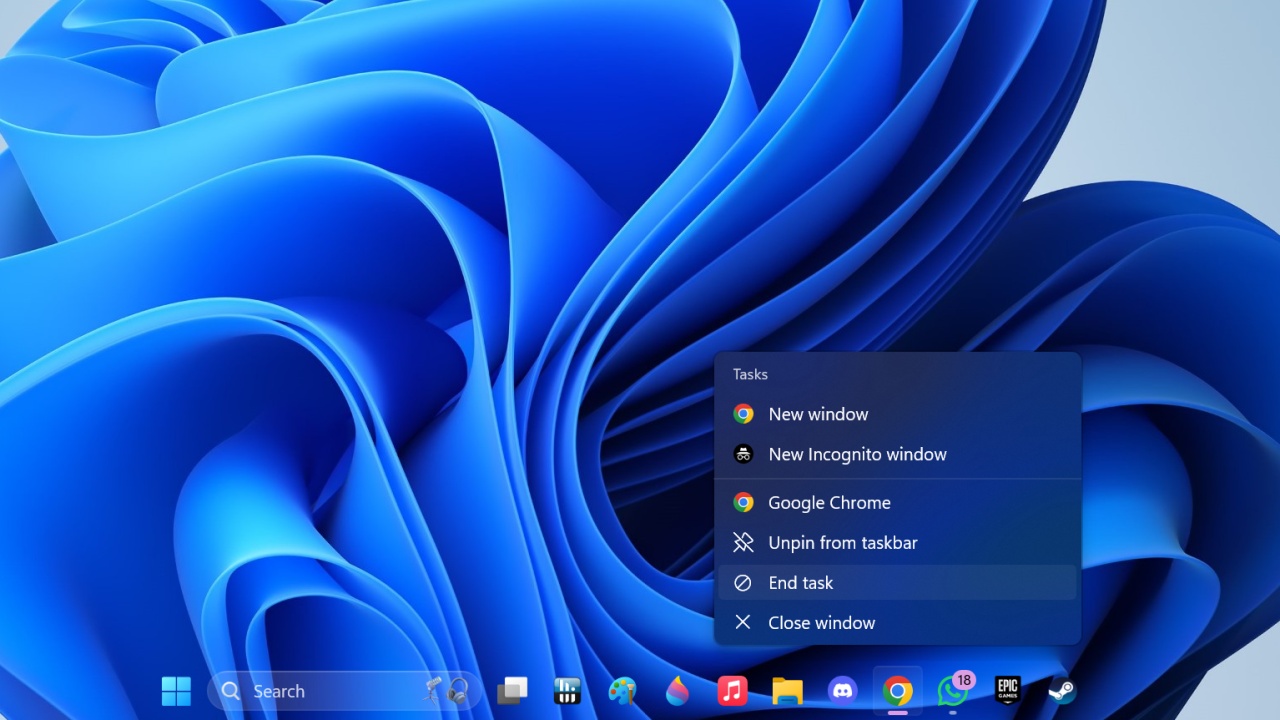
Windows 11’s hidden feature allows users to hit End Task on running apps through the taskbar itself. Here’s how you can enable it.
By Samarveer Singh – Oct 7, 2024
Don’t let dual GPUs on your laptop lead to inefficiency. Learn how I configure my dual GPUs laptop to get the best performance.
By Karrar Haider – Oct 2, 2024
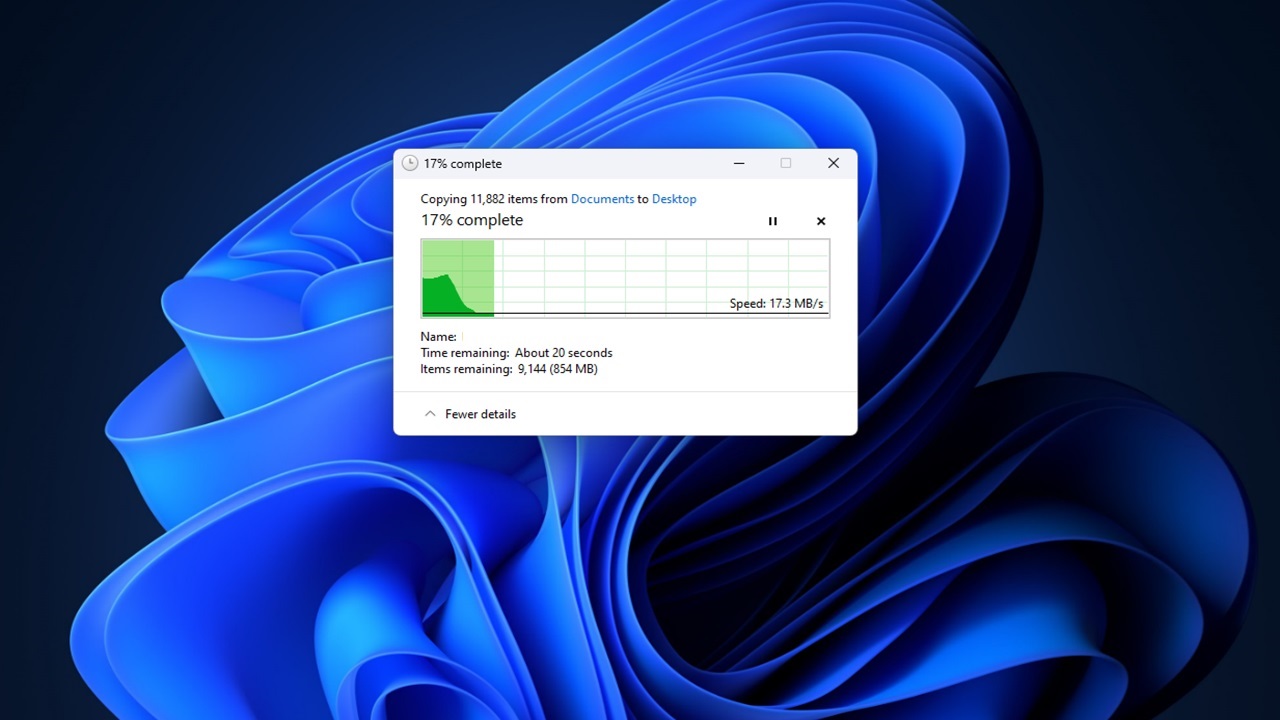
Tired of Windows taking forever to copy files? Try these methods to copy files quickly in Windows, including third-party tools.
By Crystal Crowder – Oct 1, 2024
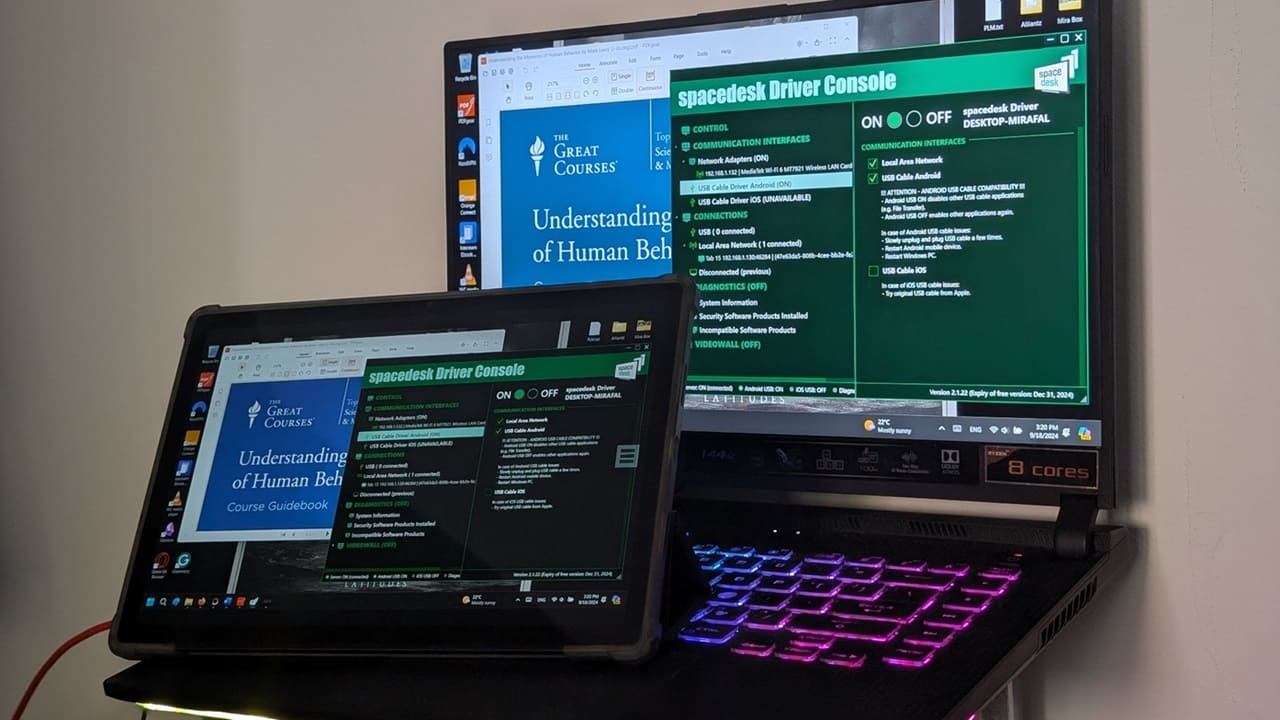
Learn how to use your Android tablet as a second monitor for Windows PC or Mac. Boost productivity with this simple setup guide.
By Alexandra Arici – Sep 24, 2024
What is the blue screen of death on your PC telling you? Is it time to replace your computer’s hard drive or RAM?
By Crystal Crowder – Sep 8, 2024
As the new Snapdragon Elite X processors take Windows on Arm to a new heights, your next computer might not have an AMD or Intel CPU at all.
By Tanveer Singh – Jun 28, 2024
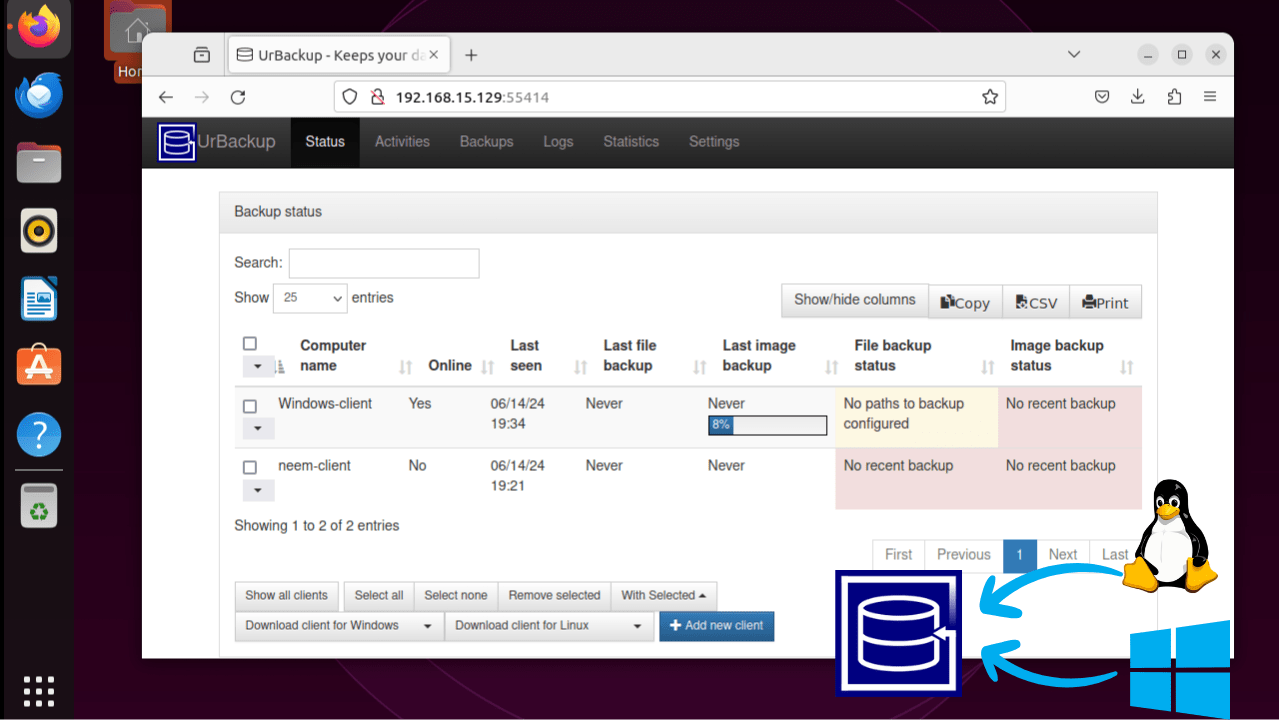
UrBackup is a backup application for a system admin to back up a device to a remote server. Learn how to install UrBackup on Ubuntu and use it on Windows and Linux.
By Nimrah Chaudhry – Jun 27, 2024
Pagination
Affiliate Disclosure: Make Tech Easier may earn commission on products purchased through our links, which supports the work we do for our readers.