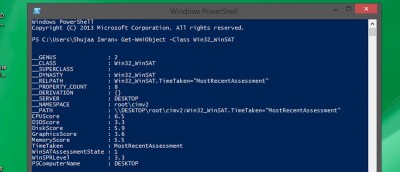
The graphical interface of Windows Experience Index is no longer available in Windows 8.1, but you can still get the detail from Windows Powershell. Here’s how.
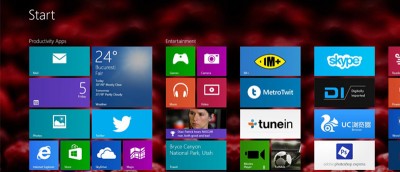
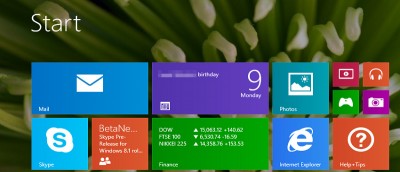
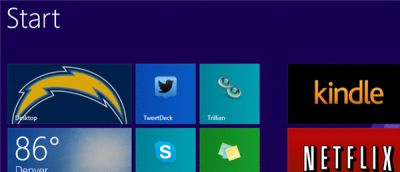
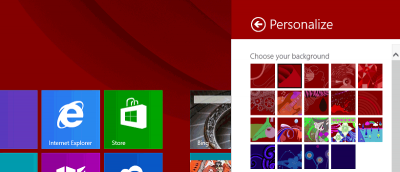
Microsoft included plenty of Start screen customization options in Windows 8/8.1. Here are our five best Start screen customization tips. Check them out.
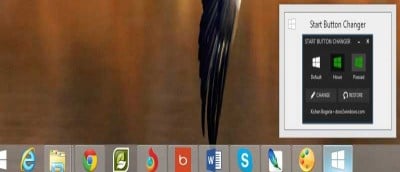
Microsoft restored the Start button in Windows 8.1, albeit with lesser functionality. Here is how you can hide the Windows 8.1 Start button, if you disliked it.
if you’ve upgraded to Windows 8.1, you may find that the system image tool is no longer where it used to be. Here’s where to find the System Image Tool in Windows 8.1.
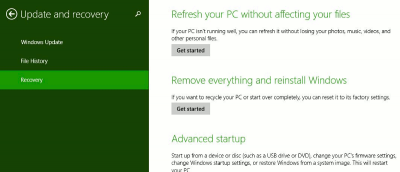
A system image allows you to easily restore your computer to an earlier state and without any file loss. Here’s how to create a system image in Windows 8/8.1
Microsoft offers a variety of ways for you to shut down Windows 8.1. In fact, we have come across 6 of them: some of them is obvious, while other is hidden. Let check them out.
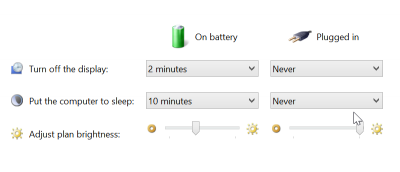
When you are using Windows 8.1 on a laptop, you may well encounter different lighting conditions that make it difficult to see what is happening on screen. If you are experiencing problems with the way screen brightness levels are being changed for you, you can disable it so your screen or monitor remains at the same, constant brightness level.
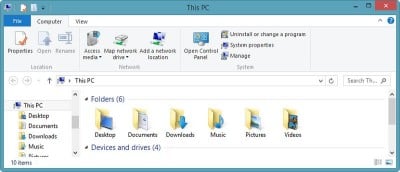
Windows 8.1 introduced a variety of folders to This PC, and some of them aren’t really necessary. Check out how you can remove folders from This PC in Windows 8.1.
There are many new features in Windows 8.1, but Microsoft has also removed some features for good. Here are 4 things Windows 8.1 has done away with for good.
Microsoft debuted the first public beta of Windows 8.1. You don’t have to install it to find out what’s new. Read on for what you are really getting for Windows 8.1.
There’s been a lot of talk about what the changes in Windows 8.1 have done right for Windows 8. Very few users have talked about why Windows 8.1 actually failed them. We were not impressed with Windows 8.1 and here are some of the reasons why there are still tons of improvement need to be made in Windows 8.1.
Microsoft’s release of Windows 8.1 Preview addresses a number of issues that have bugged users of Windows 8 since it was made available, but many people have run into problems when attempting to install the preview software. If you have not been able to get the Windows 8.1 update installed, here’s what you need to do.
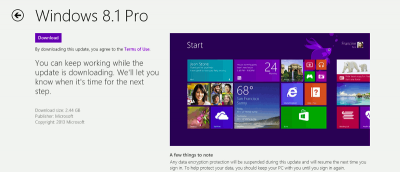
Microsoft has released the Windows 8.1 Pro Preview. It’s available as an upgrade to all Windows 8 users. In the meantime, users can make the choice if they want to take advantage of Microsoft’s beta test of the first Service Pack for Windows 8.