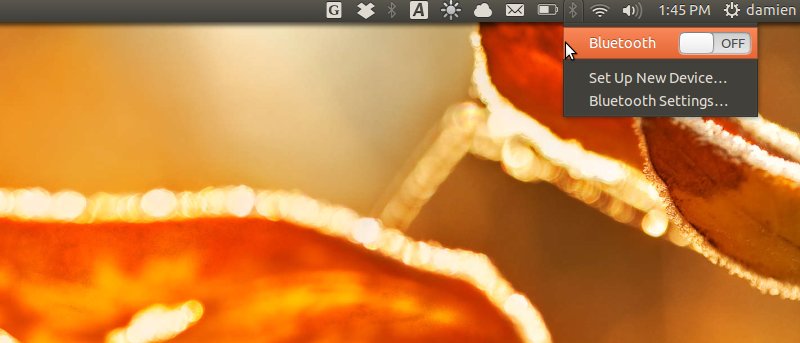
When you boot up your Ubuntu laptop, the bluetooth adaptor is always enabled by default. This is show you can disable the bluetooth module during boot up.
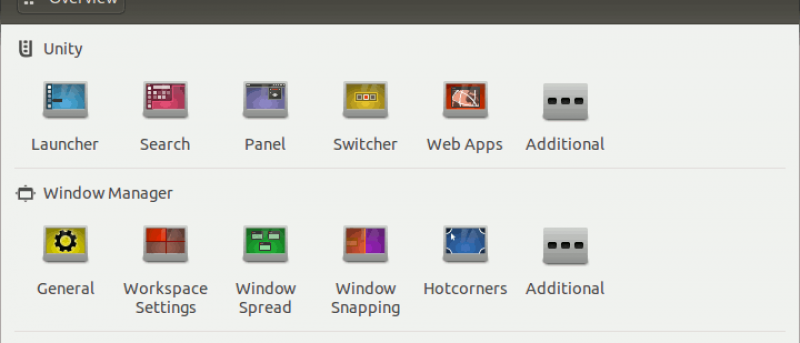
Unity Tweak Tool is a configuration tool for the Ubuntu Unity Desktop. It brings all the settings together in a single place so you can access them easily.
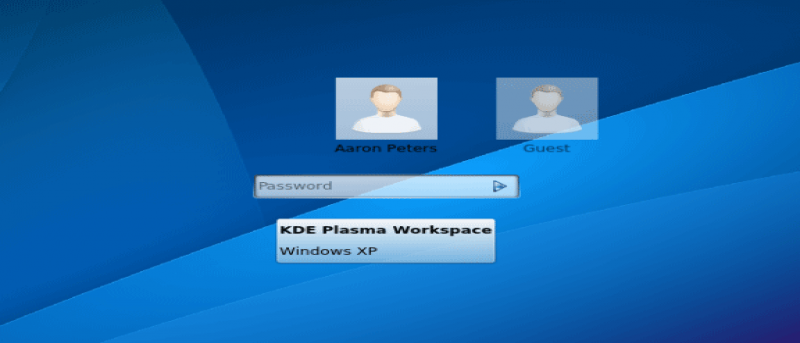
Virtualbox is a useful application that allows you to run another operating system in your Ubuntu. Here, we will show you how you can setup your Ubuntu so you can log directly into the Virtual Machine from the login screen.
Most guru will disapprove the using of GUI desktop on a server, but there are situations where a GUI desktop is desired. When such situations arise, you can make use of the instruction here to install a GUI desktop on your Ubuntu server that will only start on demand.
The “sources.list” in Ubuntu is an important file that contains all your software repository information. What if, on a fresh install of Ubuntu, you discover that your “sources.list” is empty? Or you need to change the whole repository to one that is specific to your country? Here is how you can generate a new sources list file easily without being a Ubuntu expert.
There are many ways to set up a reminder. If you are using Ubuntu, you can make use of indicator-remindor to easily add and receive reminders on your desktop.
WINE is a great tool for you to run Windows apps in Linux. qt4wine made the installation process easier. Check out how qt4wine can help you easily install Windows apps in Linux.
Adjusting the screen brightness in Ubuntu is easy, but to fully customize is not. Let’s see how you can easily configure the screen brightness in Ubuntu.
“Hybrid Suspend” in Ubuntu allows you to first suspend your computer and if it is not restored after a while, will go into hibernation by itself. This is an effective way to save battery power and electricity bills. Here is how you can enable Hybrid suspend in Ubuntu
Package management in Debian and Ubuntu-based distro is easy. But if you are looking to create your own deb packages, there aren’t many useful tools around. Learn how you can build your own deb packages here.
The Amazon file transfer software for Kindle Fire works well in Mac and Windows, but not in Linux. In Ubuntu, here’s how you can manage files on your Kindle Fire.
Sometimes, when you install a new Linux distro in your PC and you didn’t set the boot flag correctly, you will often end up with a unbootable machine with a “File not found: Grub Rescue” boot error message. This happened to me while I were installing the Ubuntu 12.10. Here’s how you can fix it.
We have previously discussed how you can use AndroMouse to turn your Android phone into a wireless mouse for your computer. In this tutorial, we will show you how to set it up in Ubuntu.
Google is a favorite among free software lovers because of their tendency to “don’t be evil.” This guide will show you how to hook up the programs on your Ubuntu desktop to the variety of Google web apps, for the nice, Linux-y experience we’re all looking for.
If you happened to be an Atari brat while you were growing up, you can now relieve your 8-bit glory days on your Linux machine. Stella is an Atari 2600 emulator that works on Linux, Mac OS X, Windows and even more obscure systems like IRIX. It provides a very accurate emulation of the classic gaming system, and plays nearly every game ever released for it.
While there are many wallpaper changing app for Linux, most of them are similar, do their job (changing the wallpaper) well and don’t seem interesting enough to warrant a review here. Slidewall is yet another wallpaper changer that comes with support for live wallpaper. It is pretty cool, I must say. Check it out.
Linux doesn’t provide native support for the exFAT file system. If you want to mount your exFAT external hard drive, here is how you can do so in Ubuntu.