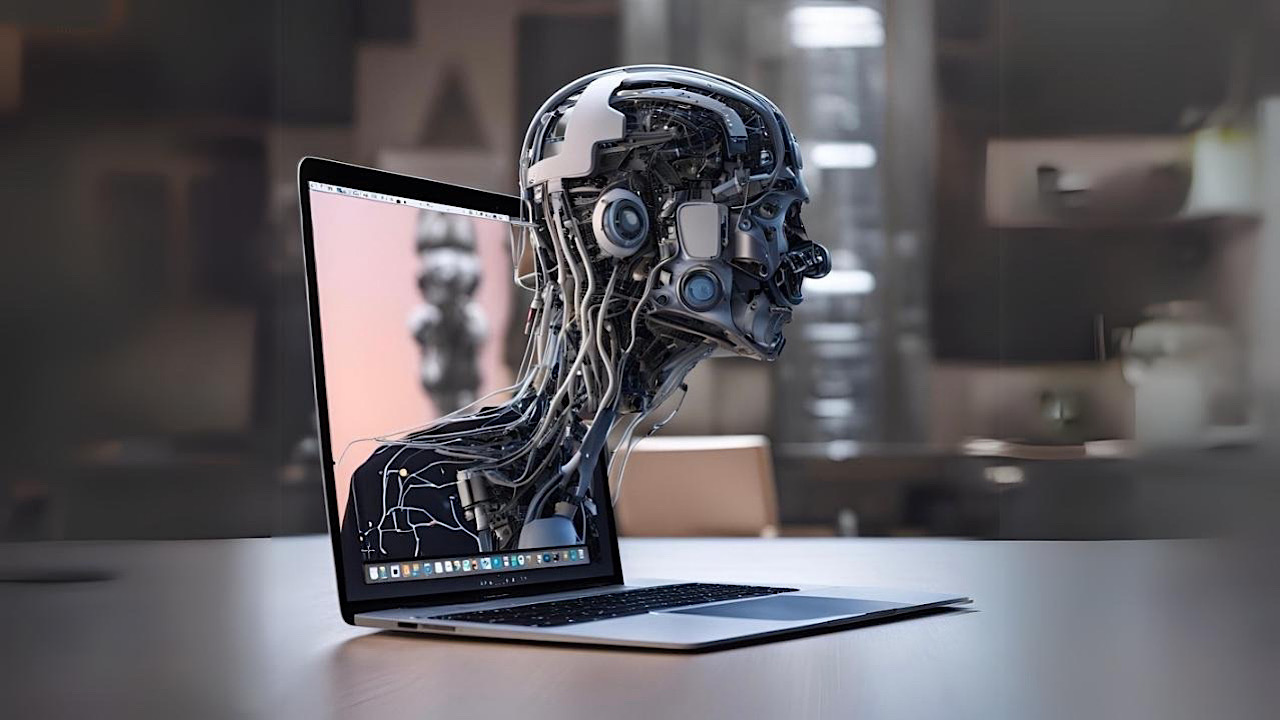
Apple products are usually security fortresses, but a new macOS security flaw could leave you exposed to hackers.
By Crystal Crowder – Jan 9, 2026
Here are the fastest ways to check your storage usage.
By Alexandra Arici – Jan 6, 2026
Apple finally lets you check your clipboard history on Mac. Here’s how to access and make use of the feature.
By Alexandra Arici – Dec 31, 2025
Text Replacement is a nifty tool in iOS that lets you type faster by using abbreviations for your most-used words and phrases
By Alexandra Arici – Jul 10, 2025
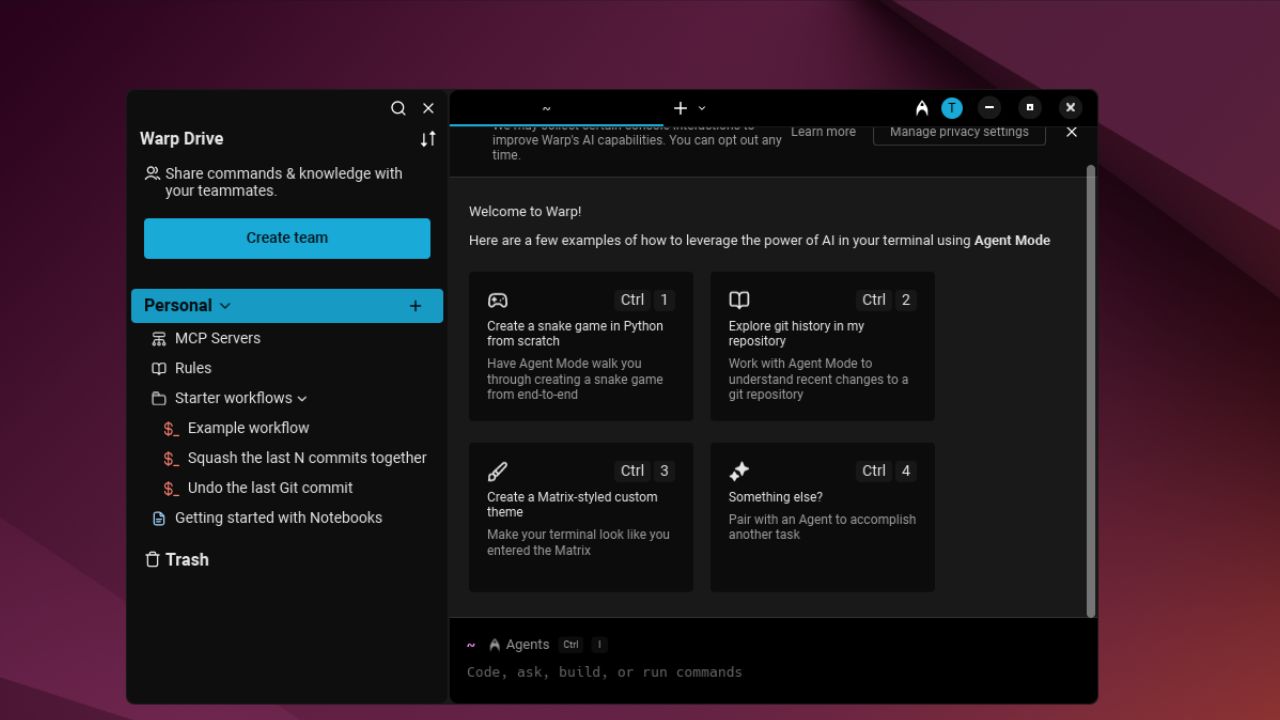
A terminal with a sleek interface, block-based history, and built-in AI intelligence – how can you not love it?
By Haroon Javed – Jun 18, 2025
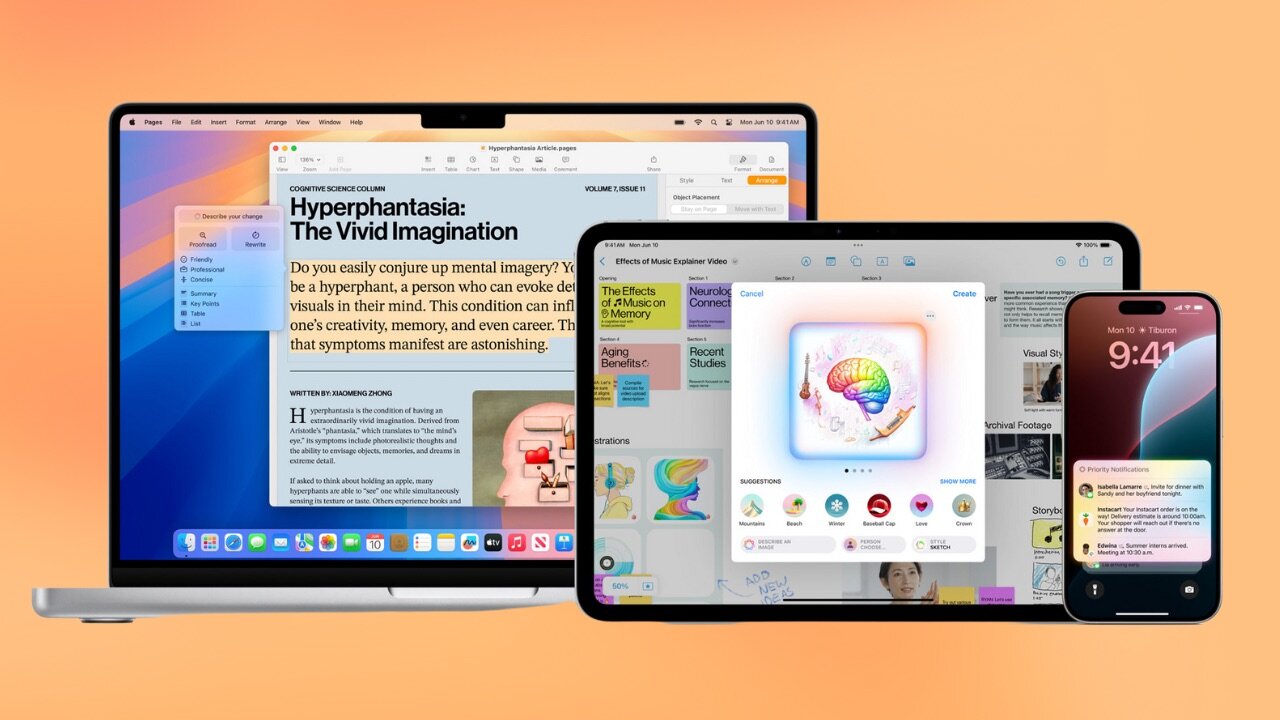
It was announced at WWDC 2024 that macOS Sequoia, iOS 18, and iPadOS 18 will bring Apple Intelligence to the newest, most powerful devices.
By Laura Tucker – Jun 10, 2024
Level up your Mac experience with these macOS Sonoma hidden features. With Game Mode and dynamic aerial screen savers, discover what Sonoma has to offer.
By Anya Zhukova – Jun 1, 2024
The stories and rumors about AI in upcoming iPadOS, macOS, and more are inundating the news. Find out more about how Apple will be using AI.
By Laura Tucker – May 13, 2024
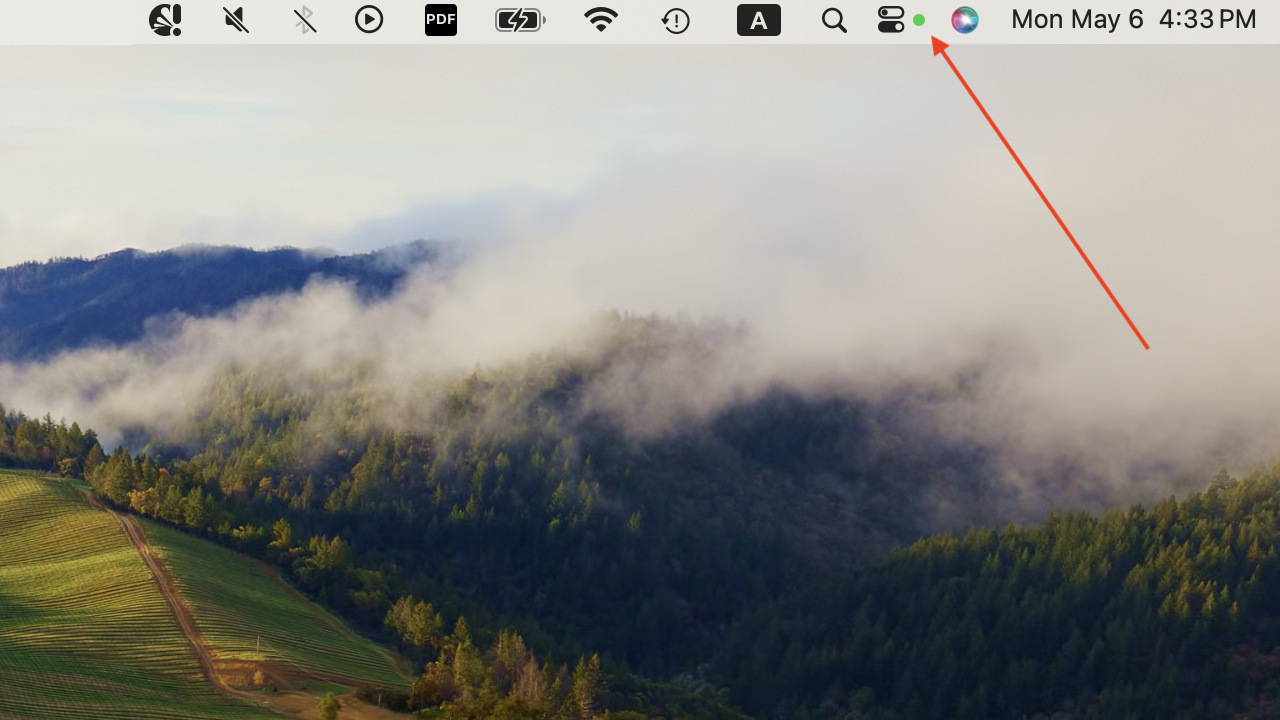
Tired of the green dot on your macOS Sonoma menu bar? This guide shows how to remove it and reclaim your privacy on your Mac.
By Anya Zhukova – May 10, 2024
If you want to make your videos pop and dazzle, knowing how to reverse a video on iPhone or Mac could do the trick.
By Mark O’Neill – Mar 30, 2024
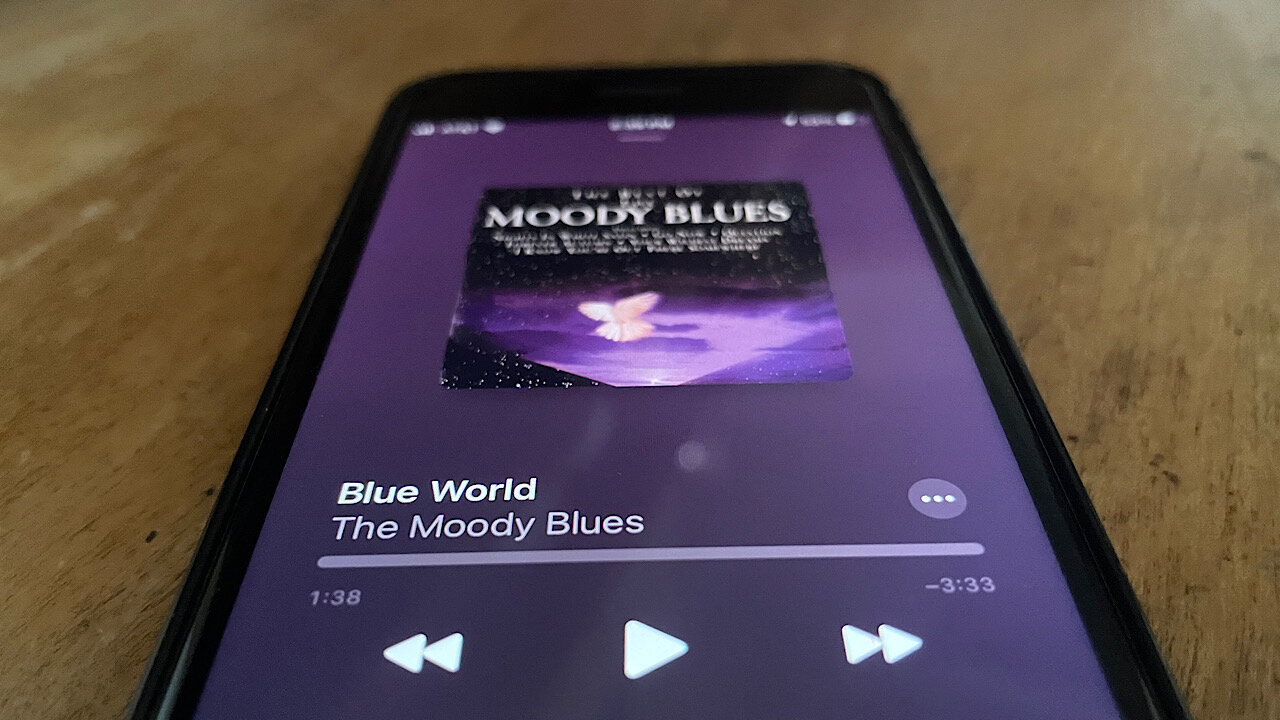
Read our guide to learn how to share your Apple Music subscription with friends and family using Family Sharing.
By David Morelo – Mar 17, 2024
Easily restore your Mac to its default settings.
By Mark O’Neill – Feb 22, 2024
Want to try a multi-monitor setup, but aren’t sure where to start? Try these optimization tweaks to get the perfect setup for you.
By Crystal Crowder – Feb 21, 2024
This list presents the best Apple Arcade games that also work on macOS, to put that graphics processing power to good use.
By David Morelo – Feb 3, 2024
Learn how to clear all disk not ejected properly notifications on macOS in one go and prevent them from appearing in the future in this tutorial.
By David Morelo – Jan 19, 2024
Struggling with a “Read Only” external hard drive on your Mac? Our step-by-step article shows how to fix this problem.
By David Morelo – Dec 30, 2023
Learn how to stop your Mac wallpaper from changing after a restart with our comprehensive yet east-to-follow guide.
By David Morelo – Dec 6, 2023
The changes in macOS Monterey are more than skin deep, with plenty of new customization options. Learn how to make it your own.
By Megan Glosson – Nov 30, 2023
In this guide, learn how to update macOS to the latest version, macOS Sonoma, so that you can enjoy the latest features.
By David Morelo – Nov 20, 2023
Encounter the “macOS cannot verify that this app is free from malware” error? Learn the steps to safely handle this message.
By David Morelo – Nov 19, 2023
Next >
Affiliate Disclosure: Make Tech Easier may earn commission on products purchased through our links, which supports the work we do for our readers.