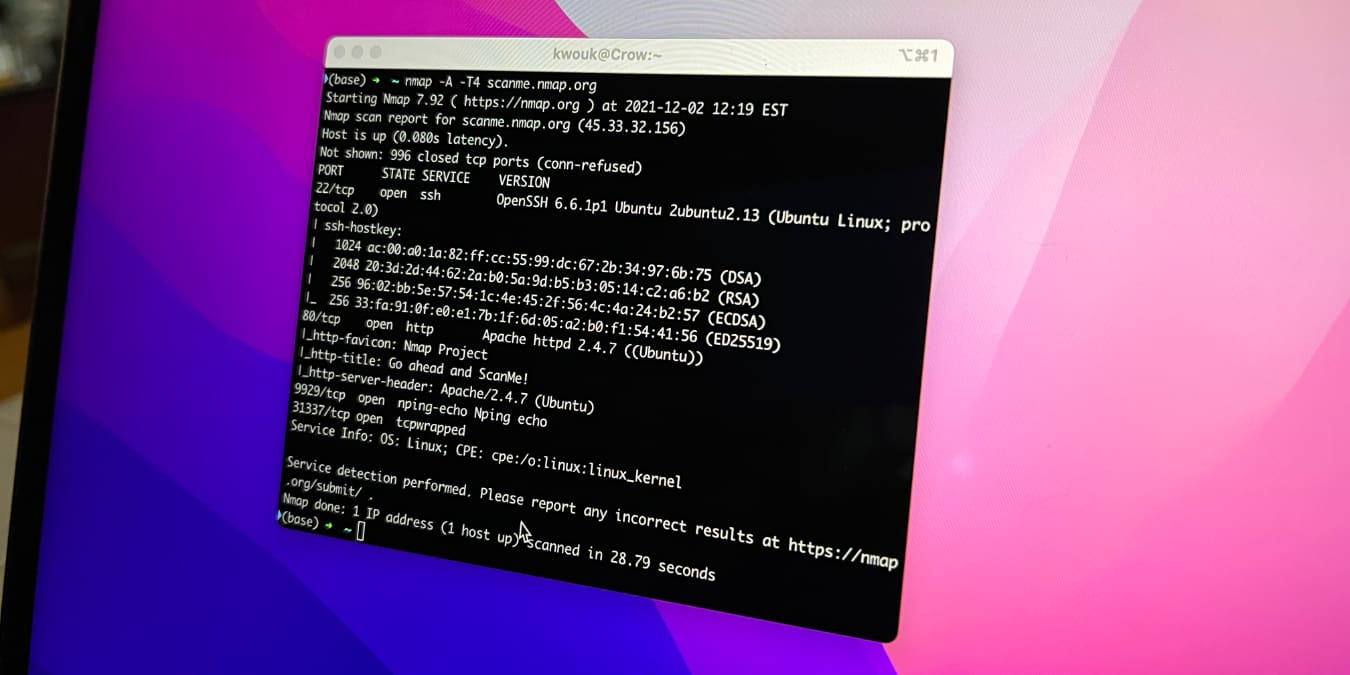
There are a few useful graphical utilities for managing your network on macOS, but for real power, you’ll need to use the Terminal. While this may sound daunting if you’re not familiar with it, you don’t need to be a technical wizard to find out more about your network with the Terminal. Under the hood, macOS runs a variant of Unix, which means you have a vast array of networking tools available. One of the most powerful of these is nmap, which can tell you a lot about your network in combination with a few other commands.
Also read: How to Use the macOS Terminal: A Beginners’ Guide