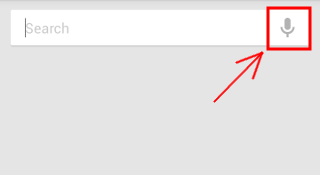
Open the Google Search app in Android and tap the “Mic” icon.
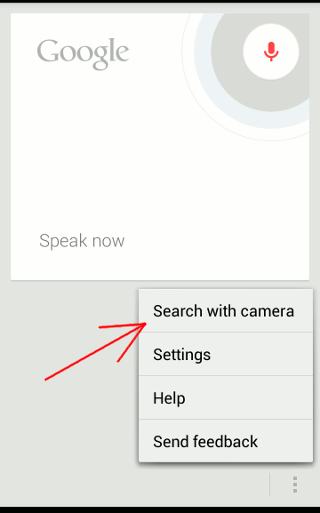
Next, tap the Menu button and select “Search with camera”.
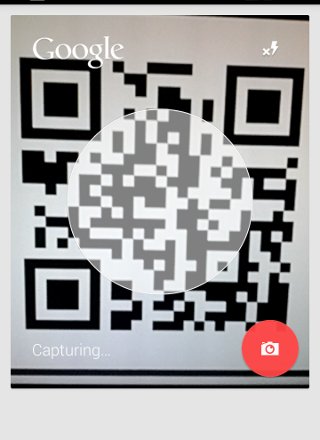
Take an image of the barcode/qr code and it will take you to the URL embedded in the barcode/qr code.
Open the Google Search app in Android and tap the “Mic” icon.
Next, tap the Menu button and select “Search with camera”.
Take an image of the barcode/qr code and it will take you to the URL embedded in the barcode/qr code.
Our latest tutorials delivered straight to your inbox