When Apple added RCS messaging in iOS 18, many users hoped it would finally fix the awkward iPhone-to-Android texting gap. After testing it out with Android contacts, here’s a straightforward guide to enable RCS messaging on iPhone, its upsides, its flaws, and what it really means for everyday texting.
What RCS Messaging Actually Brings to iPhone
Rich Communication Services, or RCS, feels like a long-overdue upgrade for iPhone messaging. It upgrades the old SMS and MMS system.
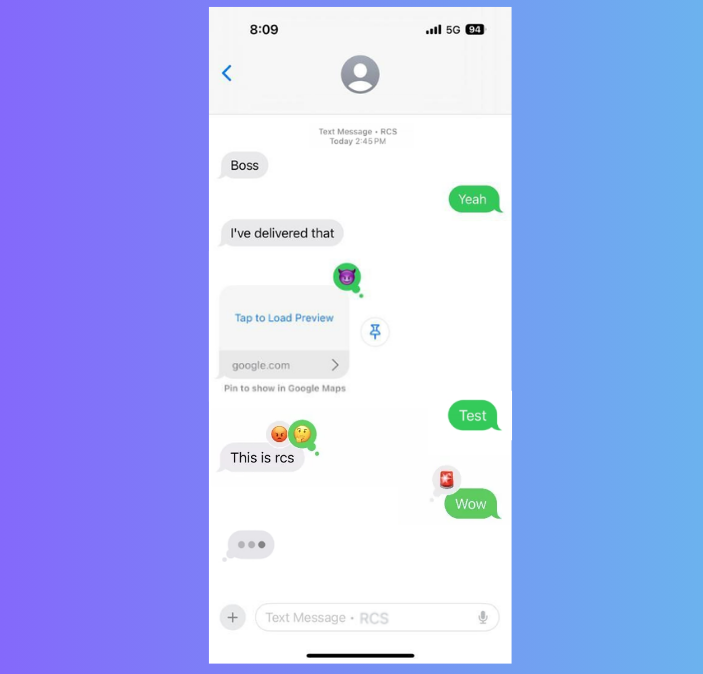
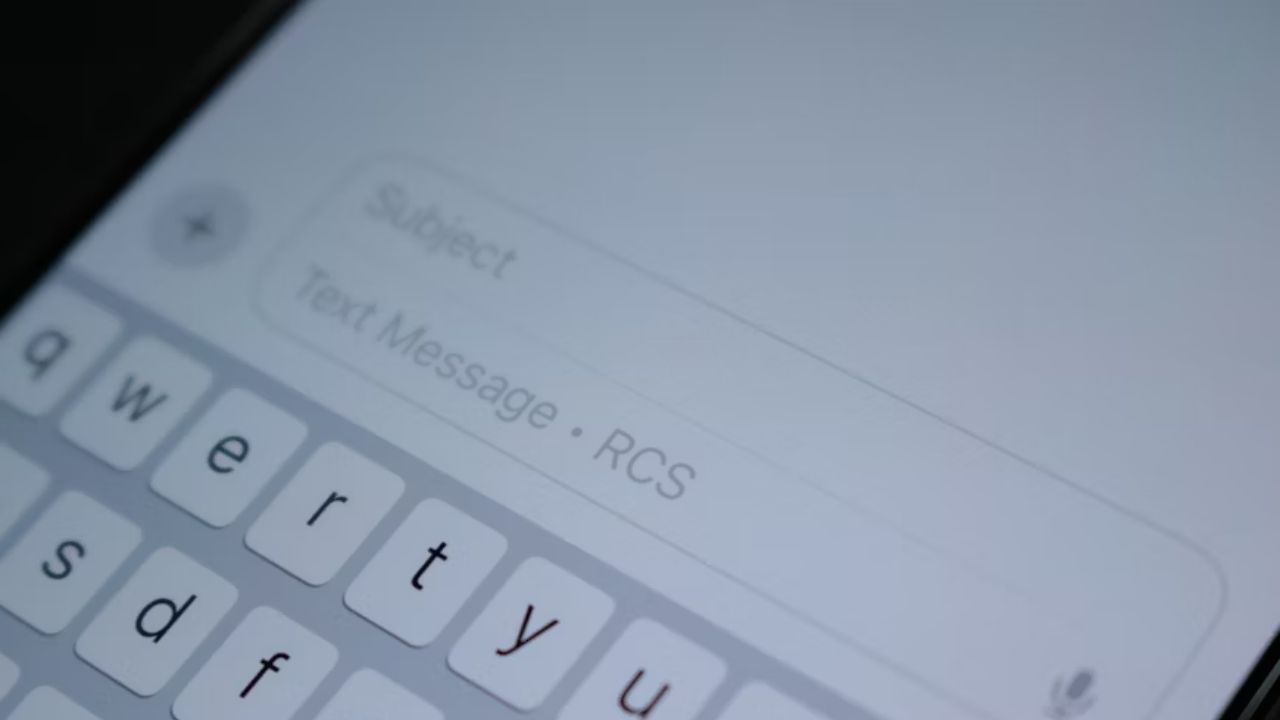
On iPhone, it brings sharper photos, typing indicators, delivery receipts, and group chats that actually function when messaging Android devices.
Also, no more grainy videos or missed messages, and sharing large files no longer feels like a gamble. The typing bubbles reduce the endless wait to see if someone is replying, thereby removing the continuous follow-ups.
For everyday texting, the difference is noticeable immediately. You can explore how RCS messaging works on Android to compare all the differences on the other side.
Why RCS Feels Like a Big Deal But Isn’t Perfect
On paper, RCS is the fix everyone wanted. It transforms iPhone-Android texting with richer features. It’s a relief for anyone tired of SMS headaches.
In reality, it improves cross-platform chats without delivering full parity. There’s no guaranteed end-to-end encryption between iPhone and Android, leaving chats less secure than iMessage or Signal.
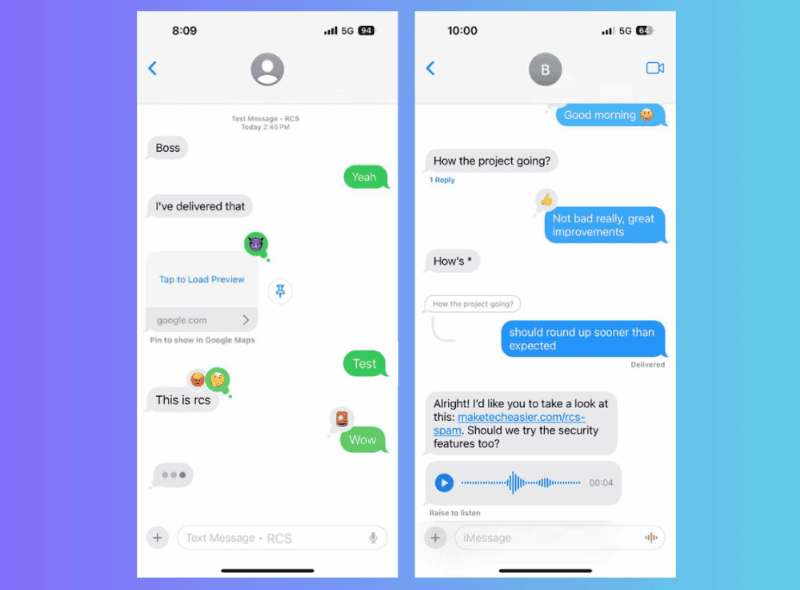
Business messages through RCS are convenient for receipts and confirmations, but also open the door to spam. For protection, learn how to guard against RCS spam. This privacy gap feels like a step back, especially for sensitive conversations.
Reactions are another letdown. A simple thumbs-up on a photo often shows up as clunky text saying someone “liked” it. Group chat may still fail to display who has read what.
All these details make texting feel less polished when compared to the premium experience on iMessage.
How to Turn On RCS on iPhone
To enable RCS messaging on iPhone, update to iOS 18 or upward. Then go to Settings -> Apps -> Messages and switch on RCS Messaging.
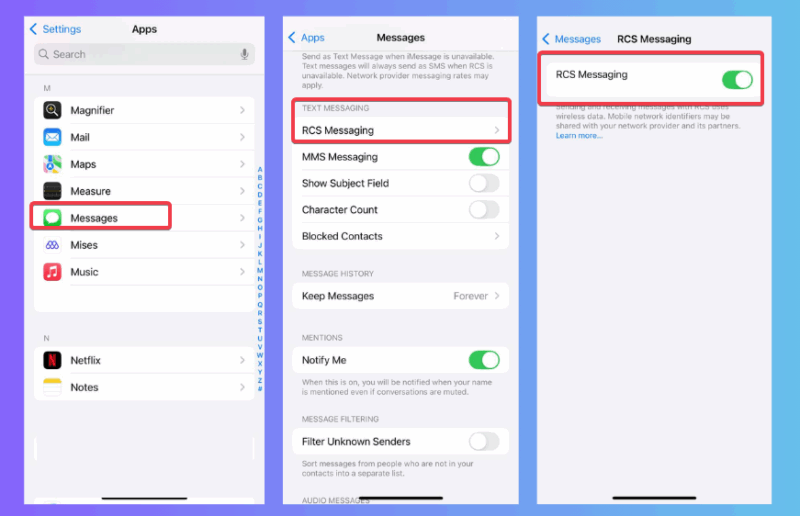
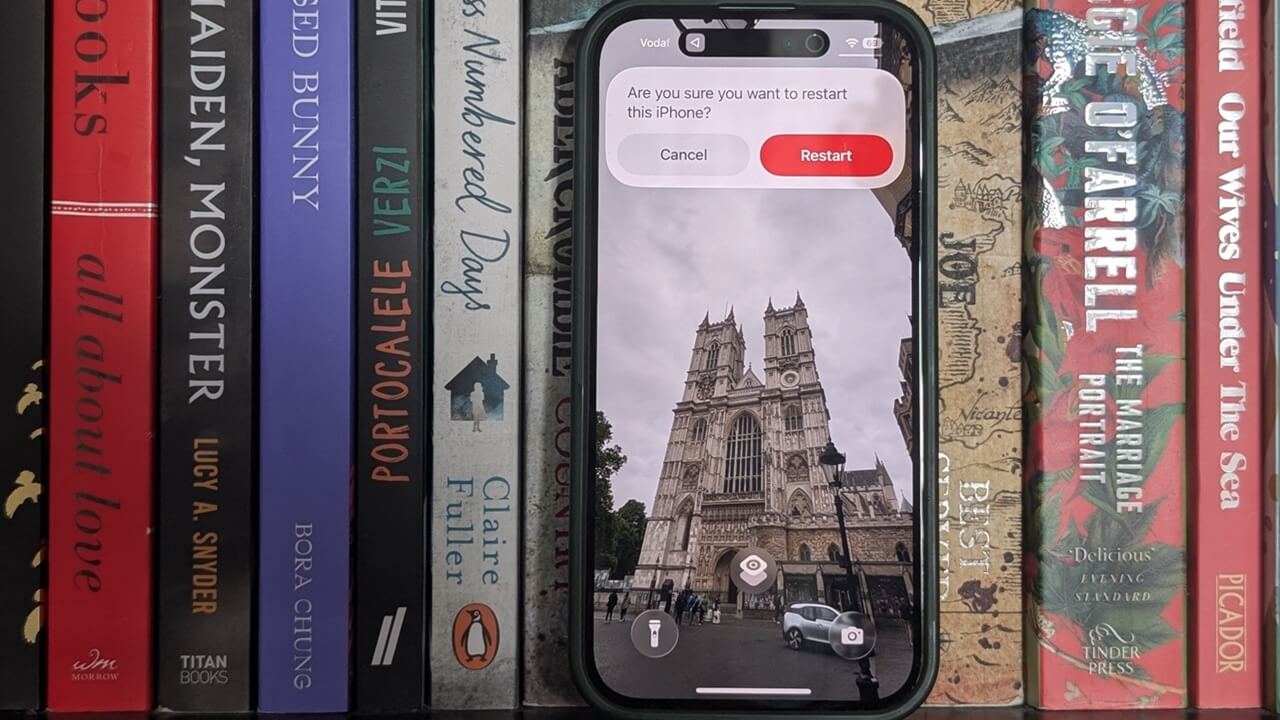
If the toggles aren’t visible, restart the device or check carrier updates, as support depends heavily on your provider.
To turn it off, just return to the same toggle and disable it. Disabling RCS Business Messaging is also a smart move, if it’s an available option, to avoid promotional texts.
Travelers may also benefit from Wi-Fi texting through RCS, much like setting up free text messaging abroad.
Carrier Support Is the Real Catch
This is where expectations meet reality. RCS only works if your carrier supports it. Enabling it doesn’t guarantee every conversation upgrades.
Check if your carrier supports by going to Settings -> General -> About -> Carrier and looking for Voice, SMS & RCS under IMS Status.
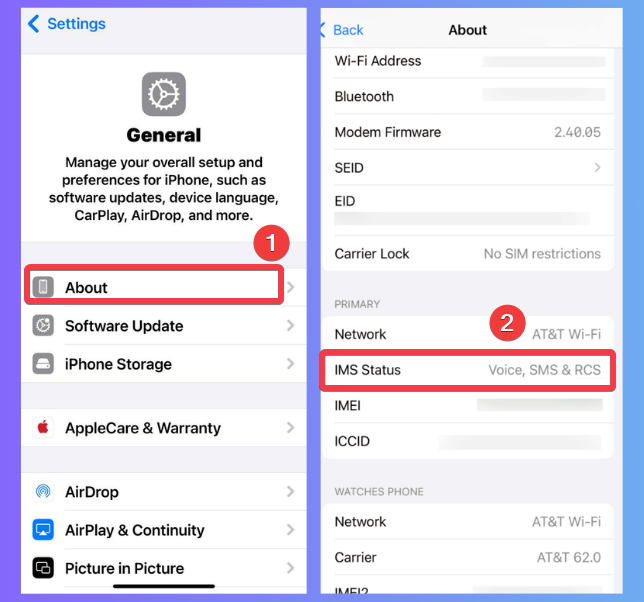
Big carriers like Verizon, AT&T, and T-Mobile are on board, but smaller or international carriers might not be, leaving you stuck with SMS.
Note: Carrier involvement is huge as they manage RCS traffic, see metadata, and control how quickly new features arrive. So, if you can, choose from the bigger options.
The Good, the Bad, and the Still Missing
When enabled, RCS messaging on iPhone delivers real improvements such as better media, smoother group chats, and a more improved texting experience across devices. It’s a game-changer for mixed-device friend groups.
However, the lack of encryption is a glaring issue. Recent telecom hacks targeting carriers like AT&T make this feel risky for private chats. Spam is also more likely as businesses adopt RCS.
Apple’s approach to RCS messaging on iPhone gives just enough improvements without breaking the iMessage lock-in. For more context, read about Google and Apple’s ongoing RCS fight.
Until encryption is standard, RCS should not be treated as fully private. Probably with iOS 26, these RCS issues will be sorted. But for now, check out other messenger apps like WhatsApp for cross-device texting.
Enabling RCS messaging on iPhone makes everyday texting with Android users smoother, clearer, and less frustrating. But the carrier support issue and lack of encryption hold it back from being a true iMessage rival. It’s worth trying out for casual chats, but don’t ditch secure apps yet.