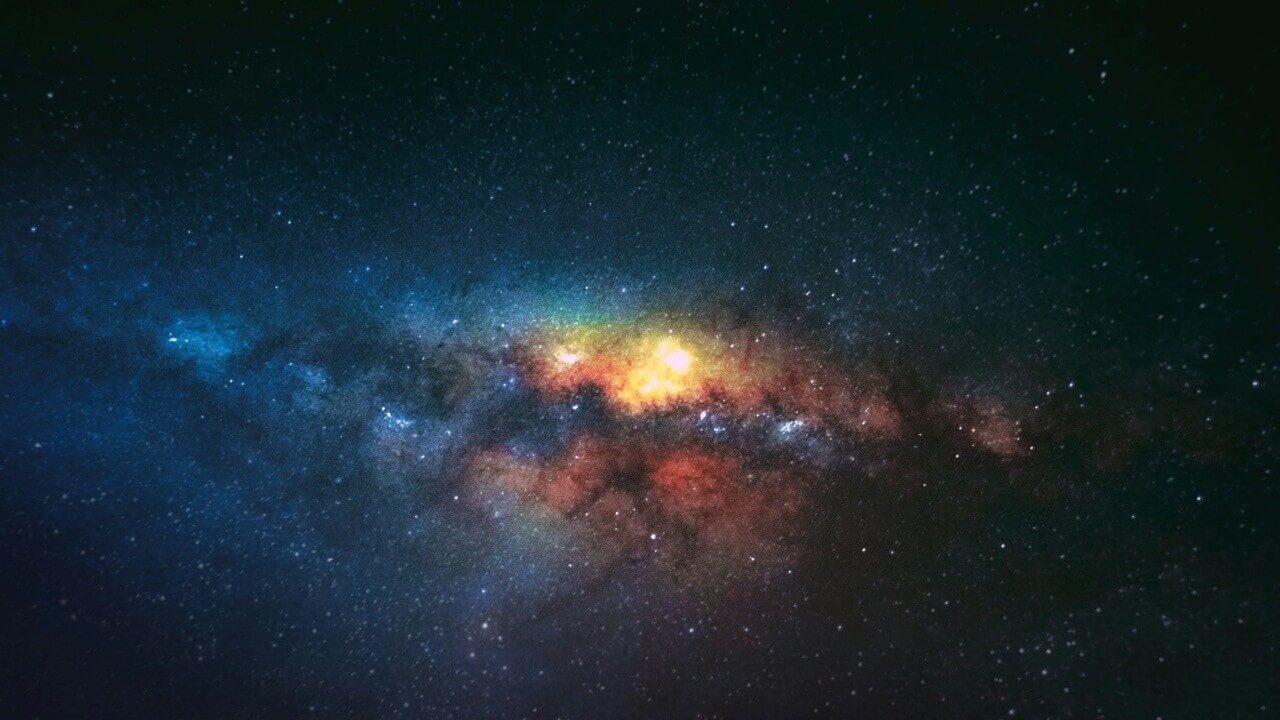
Instagram started as a social connection platform for photographers looking to showcase their work before evolving into the casual photo/video sharing app it is today. If you miss the good old days, Picastro aims to recapture that essence, offering an Instagram-like experience, but with a distinctive emphasis on astrophotography. Here’s why it’s worth exploring.
Good to know: discover more Instagram alternatives for every taste by checking our list.
Why Picastro Delivers a Refreshing Shift in Social Media
Many users, myself among them, feel that Instagram has grown progressively worse over the years. Between constant ads (you can try to minimize ads on Instagram with this trick) and an algorithm that oscillates between serving up repetitive content and complete misses, the experience has become less enjoyable. Picastro offers a different approach by focusing on one specific passion point: astrophotography.
If you love capturing the stars or simply enjoy looking at beautiful shots of the cosmos, while, at the same time, want a break from the noise of mainstream social media, Picastro might be exactly what you need. It’s designed to be as simple as possible, yet still includes plenty of features.
Similar to Instagram, the app offers access to short-form videos, on top of photography. The only difference being that they’re all devoted to the same topic: astronomical objects.
While putting photography front and center, the app also has a social side, but it’s a much diluted one when compared to Instagram. Nonetheless, you can interact with people who share the same passion, but also learn some of the tricks of the trade and enhance your astronomical knowledge.
What’s more, unlike most social media apps that are diving headfirst into AI, Picastro does not showcase AI-generated images.
Tip: want to take better nighttime photos? If you have an Android phone, try these tips!
Easily Find Beautiful Celestial Shots
If you’re coming from Instagram, Picastro will feel right at home. You start by setting up a profile, which I found, follows a general outline reminiscent of Instagram.
You can add a profile photo, which is displayed in the top left, and below you can see the number of posts you’ve uploaded, alongside your follower/following counts on this page. Of course, you can view all your submissions in the profile grid.
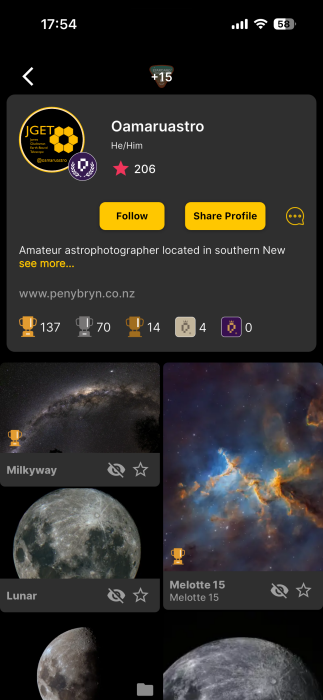
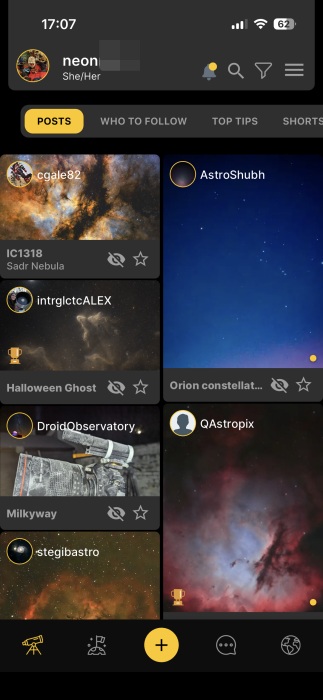
Since I’m basically a noob when it comes to capturing images of the sky, I first wanted to browse the app to see what other people are posting. Like on Instagram, you can tap a post to view it in full.
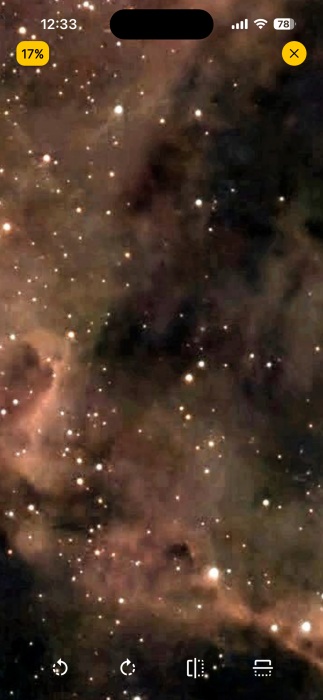
You can leave comments or send direct messages as you’d expect from a social media app, but what I like the most is that when you tap the image again, it reveals itself in all its glory. You can zoom in/out too and rotate the photo, so you can get a better view.
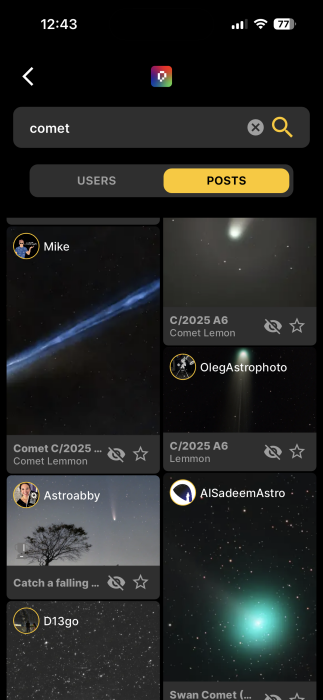
I have a soft spot for comets, so it was a pleasant surprise to discover that Picastro offers a keyword search to let you quickly find related posts.
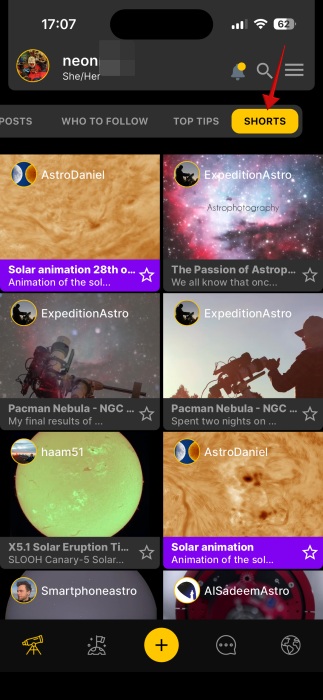
You can switch to Shorts from the main feed to view the short clip collection, but I didn’t find this section as entertaining as the photography one.
FYI: here’s how to give your Google Photos an Ultra HDR makeover in a few easy steps.
Adding and Sharing Technical Information
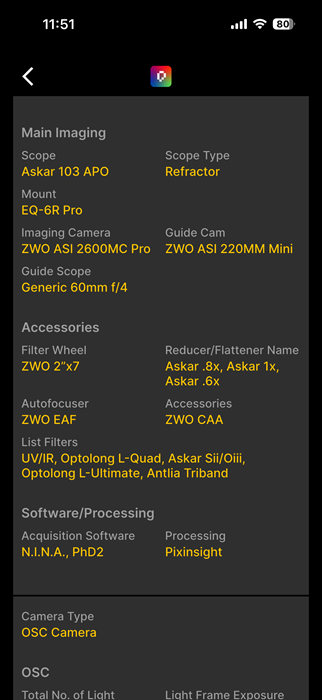
Picastro lets you upload JPEG, PNG, HEIC or WEBP files up to 120MB in size (depending on your plan, more on that below), but what actually showcases Picastro’s appeal for astrophotographers is the StarCard feature. This lets you attach technical data to every photo, including camera model, exposure duration, ISO settings, and more, so others can learn from you. In addition, you can include data about the celestial body you’ve captured. It’s not mandatory to share this information, but it can help inspire others on the app.
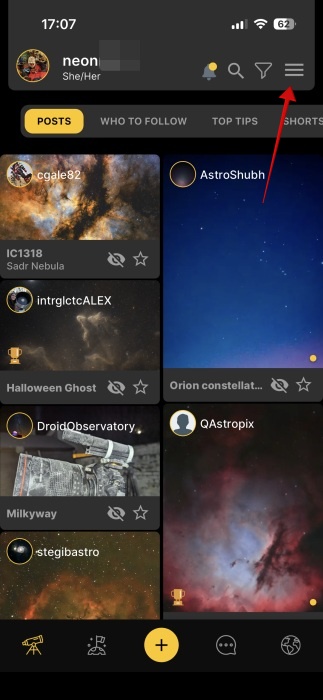
The process of adding a StarCard to your posts is a bit convoluted. You’ll first need to create a Setup by first tapping on the hamburger menu in the main feed.
Select Setups.
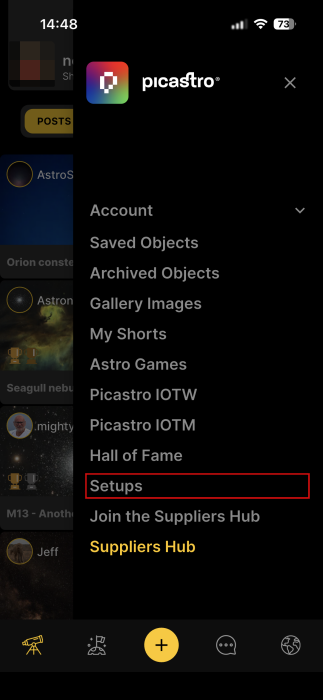
Picastro allows you to set up different profiles for Lunar, Solar, SDO and planetary shooting and switch between them without having to input ALL the data every time.
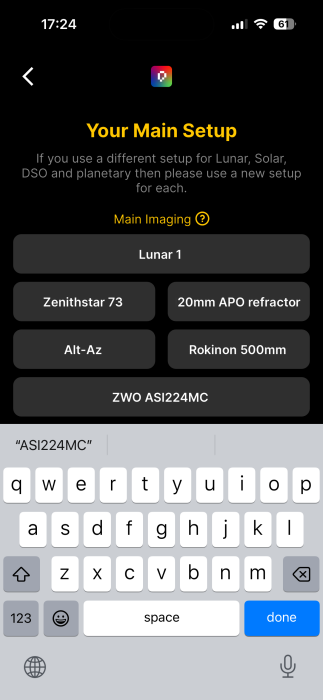
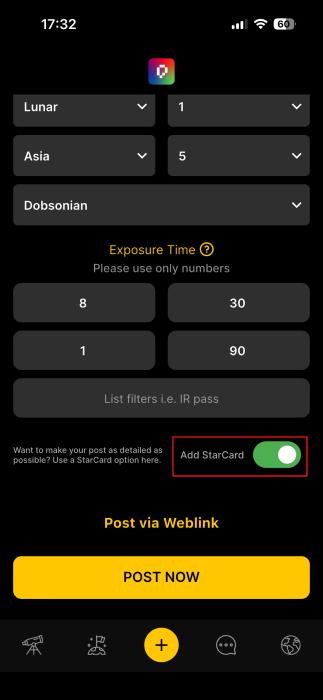
Now, when creating a new post, you can select the specific setup, then add additional info according to the camera used, as well as the celestial body information. Before posting, makes sure you enable the Add StarCard toggle.
Here’s how a StarCard looks on a post:
Diving in the Community
While Instagram lets you create basic group chats in DMs, Picastro encourages deeper community ties through groups (called StarCamps) centered on shared interests. This can be anything from preferred equipment brand to favorite celestial bodies or experience levels. It’s a way to support growth in your hobby, while also encouraging bonding between members.
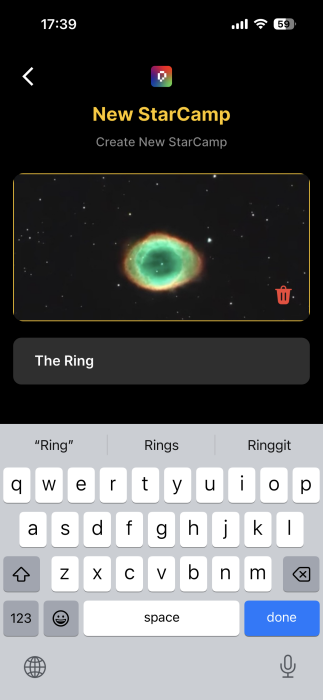
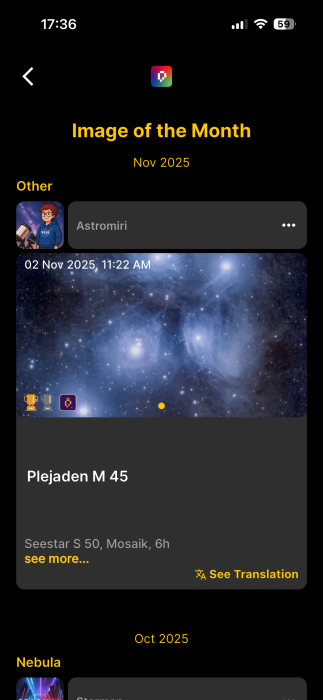
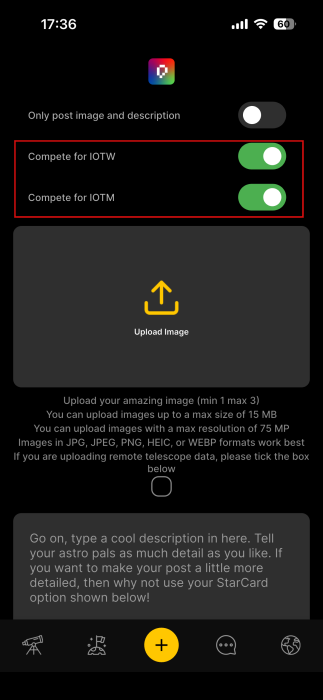
To help more users discover your work, consider entering the images you post in the Image of the Week/Month contests.
You can do so by checking the respective toggles when you post a new image.
If your image receives the highest number of votes, it’s rewarded with a gold, silver, or bronze trophy, which is showcased on both the post and your profile. So far, Picastro doesn’t appear to offer any way to boost your posts, so the prizes should reflect genuine community appreciation.
Taking a Little Gaming Break with an Astro Twist
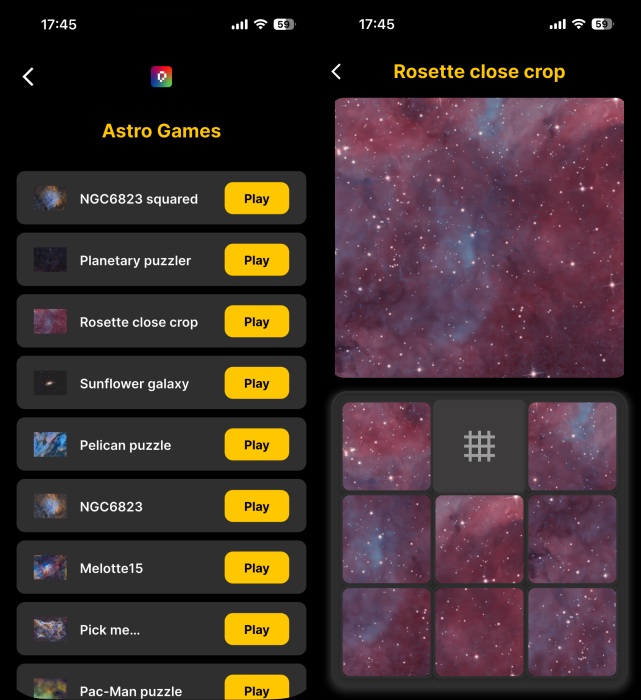
Social media apps like TikTok let you play games with friends, and Picastro offers something similar. It’s not multi-player games, but cosmic-themed mini puzzle games instead.
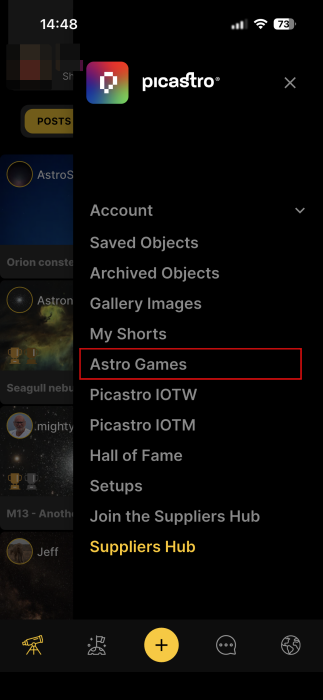
To access the game library, press on the hamburger menu in the upper right corner and select Astro Games.
Browse the available options and press Play to begin reassembling your puzzle.
If astrophotography fascinates you, Picastro is the go-to place to discover beautiful images of the cosmos and connect with fellow enthusiasts. If you’re active in the hobby, the experience takes on an added dimension.
Just note that to experience everything Picastro offers, you’ll need to sign up for a subscription. Paid tiers can unlock unlimited high-resolution uploads and advanced tools like plate solving. But, if you’re simply browsing, just beginning your astrophotography journey or unsure, the Curiosity free tier should be more than enough.
If Picastro has you intrigued and you want to give it a go, maybe it’s time to step away from all the buzz and deactivate (or delete) your Instagram account. Check our guide to see how to take the plunge.








