I have a toxic love-hate relationship with Linux, routinely jumping ship from Windows whenever Microsoft’s overwhelming AI telemetry becomes unbearable. Over the weekend, the unbloated Linux speed feels like absolute freedom, but Monday’s professional workflow always hits me like a brick wall. Every failed migration leaves me with the exact same realization — to use Linux as my daily driver, I’d happily pay for a distro if it actually ran the proprietary software I need to do my job.
What I Love About Linux
I get the appeal. I really do. When you wipe a bogged-down OS and install a clean Linux environment, the lightweight and snappy experience gives you an unexplainable serotonin surge.
My daily setup is a Dell Latitude 5520 powered by a Core i7 processor, which I’ve pushed to its absolute limits with a 64 GB RAM upgrade and a dual SSD setup. However, when I boot into a fresh Windows install, the system immediately starts chewing through memory (~6.5 GB to 8.2 GB of RAM at idle). It pulls resources for background telemetry, widget updates, and whatever new AI tracking feature the corporate marketing department quietly enabled via an overnight patch.
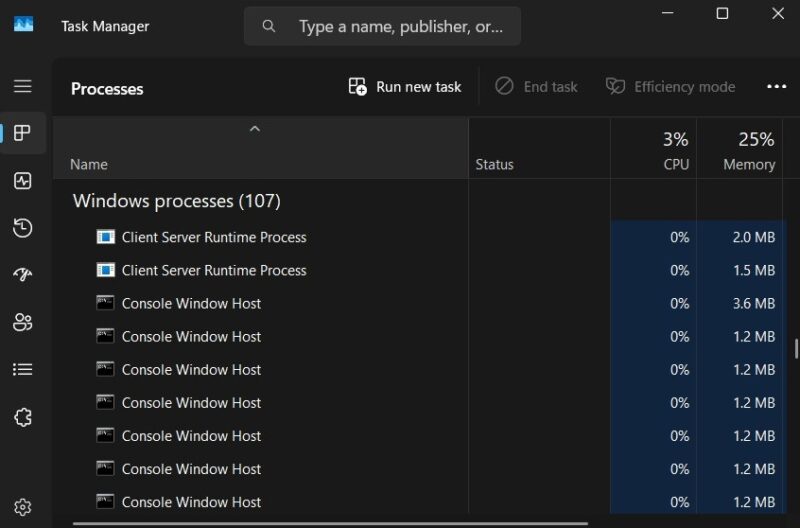
In contrast, when I fire up one of my favorite Linux distros, like Zorin OS or elementary OS, the machine idles peacefully (~1.4 GB to 1.8 GB of RAM at idle). It feels like taking off a heavy backpack after a grueling hike. The OS gets out of my way, leaving all that raw processing power dedicated entirely to my actual work.
Also, unlike common perception, Linux has come a long way in terms of hardware support and user-friendliness. If you’re not comfortable with terminal commands, you can still totally enjoy Linux without ever touching the command line. However, there’s one front where Linux falls short big time…
Why I Can’t Use It as My Daily Driver
Here’s the cold, hard reality — I simply can’t use a Linux daily driver for serious, bill-paying professional work. The vocal Linux community aggressively insists their free, open-source tools are flawless, one-for-one replacements for the polished, proprietary software suites that are the industry standard. Well, I hate to break it to you — they aren’t. In fact, in many cases, they’re not even close.
The myth of the 1:1 replacement
Let’s look at the classic open-source argument: “Just use GIMP instead of Adobe Photoshop.” For a hobbyist editing vacation photos, sure, it works fine. But if you’re a photo editor dealing with strict CMYK color profiles and tight client deadlines, GIMP is a frustrating, workflow-killing bottleneck.
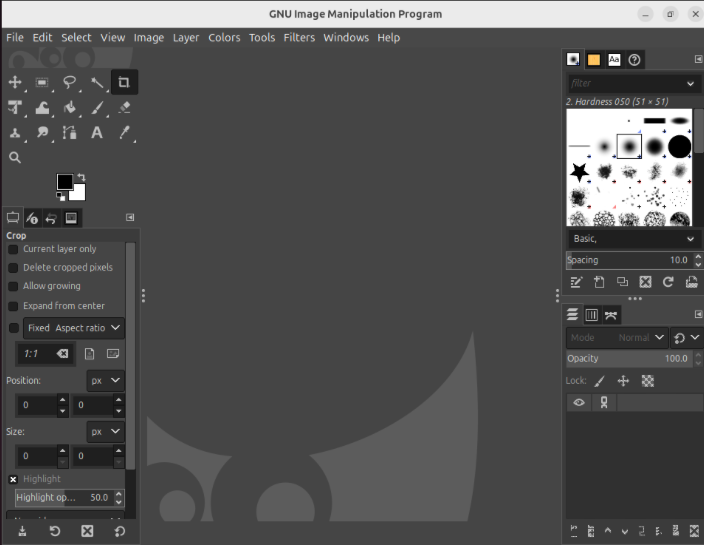
The same is true for office productivity suites, Digital Audio Workstations (DAWs), professional CAD and engineering apps, video post-production, and motion graphics. The thing is, the free Linux alternatives for industry-standard software like Microsoft Office, Ableton Live, SolidWorks, and After Effects just aren’t seamless one-for-one replacements (Da Vinci Resolve is an exception).
For example, try opening a massive, macro-heavy corporate financial model in an open-source alternative. The formatting breaks immediately, complex formulas fail to execute, and suddenly you look entirely incompetent to your clients.
I’m not saying that the Linux alternatives are inherently bad or incapable — but they’re very different by design and often not as user-friendly as their commercial counterparts. In most cases, it’s like learning a skill all over just to replicate your commercial software output level and quality.
The collaboration trap
Let’s say you somehow overcome all the software migration hurdles and develop workflows within the Linux software stack. Still, you can’t escape the undeniable truth about modern digital workflows. You don’t always work alone — you work in a team.
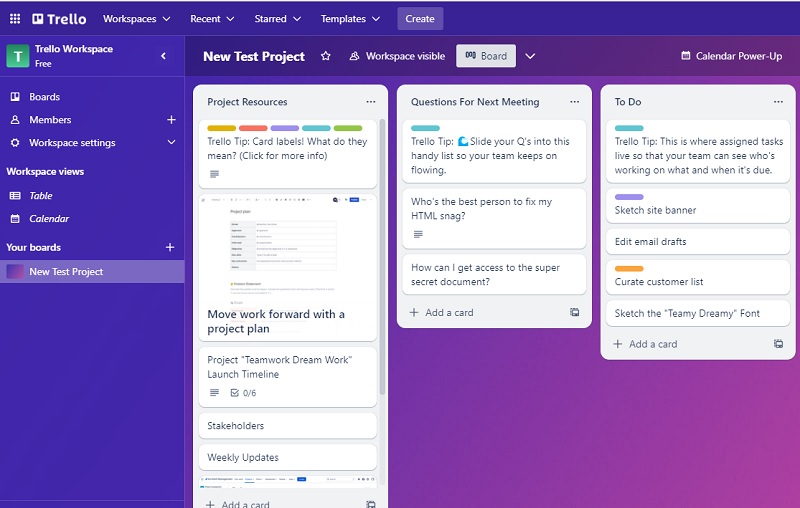
Here’s the thing — you can adopt Linux apps all you want, but you can’t force your colleagues, your clients, and your third-party vendors to do the same just because you personally care about open-source purity. When your client sends you a strictly formatted proprietary document, they expect you to open it, edit it, and send it back perfectly intact.
Your peers don’t care about your stance on the Linux kernel — they care about results through seamless collaboration. It’s the same in every line of work, where people are used to certain industry-standard software that you can’t convince them to magically give up.
WINE and the Lot Are ‘Duct-Tape’ Workarounds
At this point, you might point out that I completely ignored WINE. After all, you can technically run Windows apps on Linux using WINE or even virtual machines. For the uninitiated, compatibility layers like WINE or Proton are designed to trick Windows apps into thinking they are running on Microsoft’s native OS.
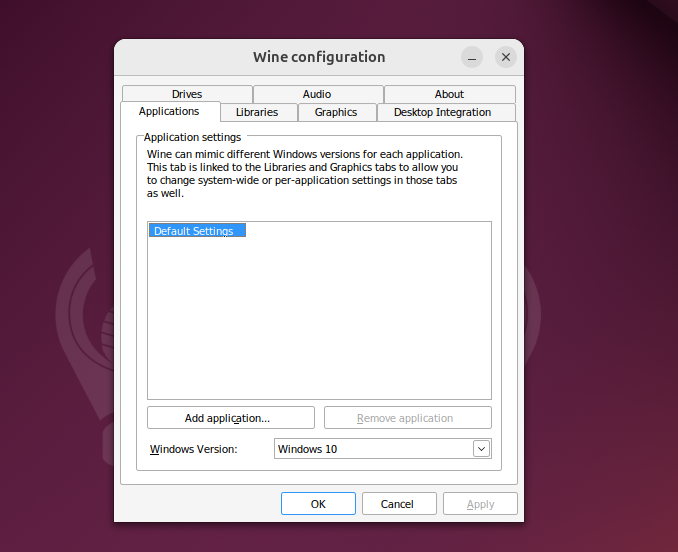
In theory, it sounds like a brilliant solution. In practice, it’s a fragile, crash-prone nightmare for heavy-duty workflows because a single Windows API or WINE update can break your setup. Moreover, if you have a mid-tier machine like mine, running heavy apps like Adobe Photoshop or Ableton Live through compatibility layers will suck a lot of resources, making your fast Linux machine feel more sluggish than Windows 11. Here’s an example:
Adobe Photoshop running natively on Windows 11:
- CPU Usage (During active tasks, like applying a filter): ~12% to 15%
- RAM Usage: ~2.5 GB
Adobe Photoshop running via WINE on Zorin OS:
- CPU Usage (During the exact same active task): ~40% to 55%
- RAM Usage: ~3.1 GB
Not to mention the struggle in making hardware like MIDI controllers or drawing tablets work through WINE can be an uphill battle. And even if you succeed, you might still experience latency issues with audio drivers like ASIO.
Purist Mentality Is Stopping the Year of Linux
This brings us to the elephant in the room — the community itself. I hate to say it out loud, but the rigid, open-source purist mentality is the exact bottleneck stopping the Year of the Linux Desktop dream from becoming a reality.
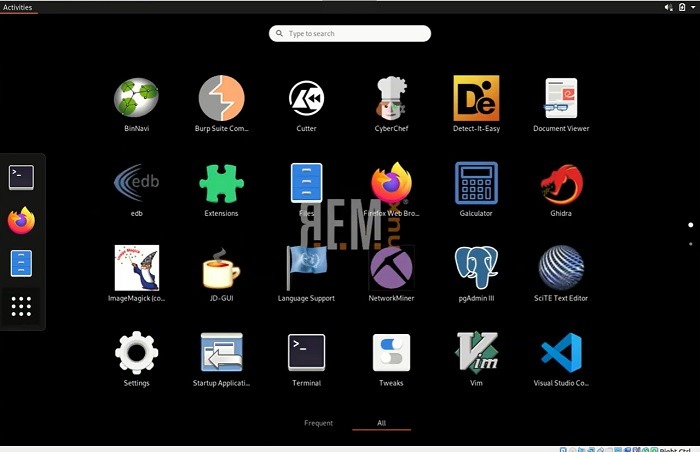
The most hardcore advocates demand absolute adherence to Free and Open-Source Software (FOSS). They view proprietary, commercial software as an ideological evil that must be systematically eradicated from the ecosystem. Unfortunately, this militant gatekeeping is financial suicide for the platform as a whole.
A two-step adoption strategy is the solution
If you want the corporate world to adopt a new OS, you have to intelligently separate the OS from the software layer. You simply can’t force massive, multi-billion-dollar industries to switch to a new OS and entirely new apps at the same time. The friction of retraining staff and migrating data is too high.
By actively showing hostility towards commercial software, the Linux community is ensuring that average consumers and busy professionals keep handing their money to the Microsoft and Apple ecosystems forever. We have to first give people an OS that supports their familiar software stack to make them switch with as little friction as possible. Once they’re onboard, let them explore the FOSS apps and decide whether to take the next step or not.
The $100 Distro: A Premium Linux I’d Buy Today
I know, it’s a highly controversial proposition that will probably send the FOSS crowd into a blind rage. But hear me out…
I want a premium, paid Linux distro. I would gladly hand over $100 right now for a rock-solid, commercially backed OS built on the secure foundation of the Linux kernel. In return, all I want is the OS to legally and seamlessly support all the Windows apps.
Think of a Linux distro that uses its revenue to legally license, heavily sandbox, and efficiently support closed-source juggernauts. A distro where you can navigate to Settings → Applications → Commercial Store and install Adobe Premiere or Microsoft Office 365 with a single click.
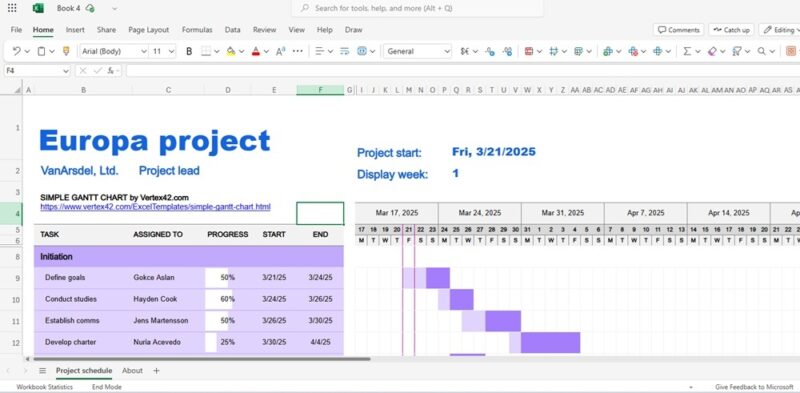
It needs to work flawlessly, utilizing full hardware acceleration, without ever touching the terminal. This hypothetical company would handle all the ugly, behind-the-scenes API negotiations with massive software vendors. Because it is Linux, the OS could strictly sandbox these proprietary apps, preventing their aggressive background updaters and telemetry trackers from infecting the rest of your system.
It would essentially be the macOS model, but applied to the open-source world, eliminating the “Apple Tax.” You get the unbloated, secure foundation of a UNIX-like system, paired with the plug-and-play reliability of the commercial software I and many other Windows and Mac users would actually be willing to pay for.

And if complete native-level support is too much to ask for, at least give us a Linux distro with a commercially backed compatibility layer. Something along the lines of what Valve did with Proton for gaming, but applied to professional productivity suites like Adobe and Microsoft Office.
To Win the Desktop, Linux Has to Sell Out (A Little)
This is the harsh reality the community needs to accept. If Linux genuinely wants to be a serious, reliable system for modern professionals, it needs to drop the purism and embrace the commercial ecosystem. We need to stop pretending that fragmented, hobbyist tools can run the global economy. Function must always prioritize form, and practical, real-world utility must always beat ideological purity.
The core foundation of Linux is undeniably incredible. It is secure, fiercely private, and unbelievably efficient on both old and new hardware. But at the end of the day, an OS is ultimately just a vehicle designed to run the apps we need to do our jobs.
This new development could easily switch the narrative from ‘Linux is not for everyone’ to ‘Linux is the only practical and logical choice for all.’