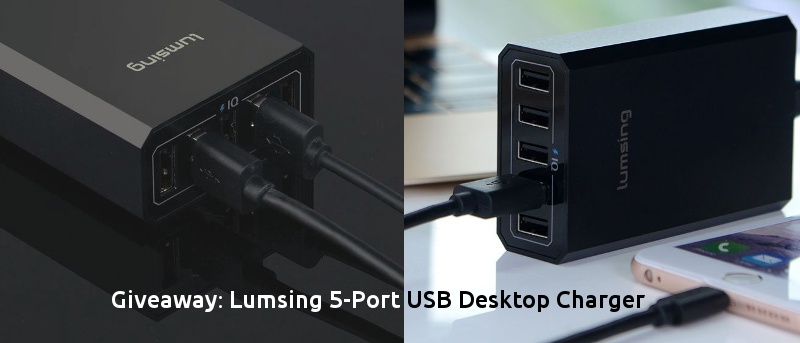
Need a compact USB desktop charger that is great at home and on-the-go? Check out Lumsing’s charger with intelligent control chipset and fast charge technology.
Behind Chrome’s minimalist design, it hides hundreds of features – even some you may not know about. Let’s check out some of those little-known Chrome features.
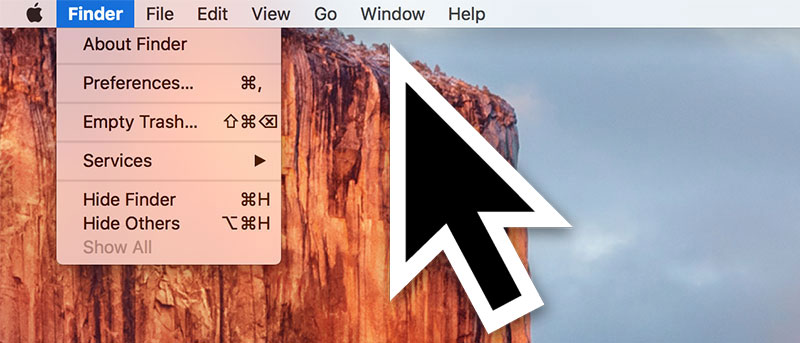
In El Capitan you can find where the cursor is by shaking your fingers on the trackpad to make the cursor get bigger. Don’t like this effect? Here’s how to disable it.
If you want to block someone on Instagram but still want to keep your account public, here is how you can block anyone without changing the privacy settings.
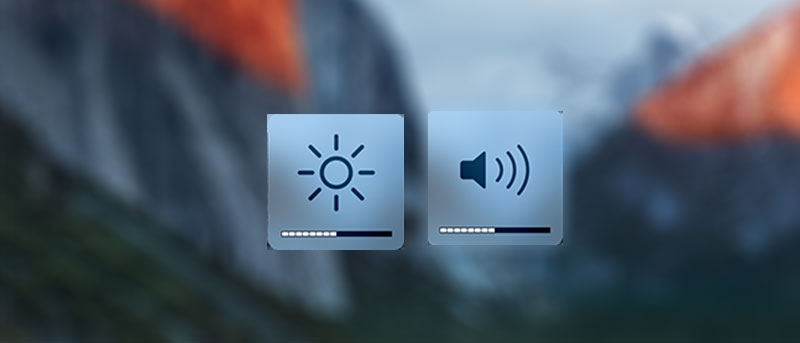
There’s now a way to change both volume and brightness on your Mac in smaller increments. The trick allows you to change levels in as small as 25% of the default bar.
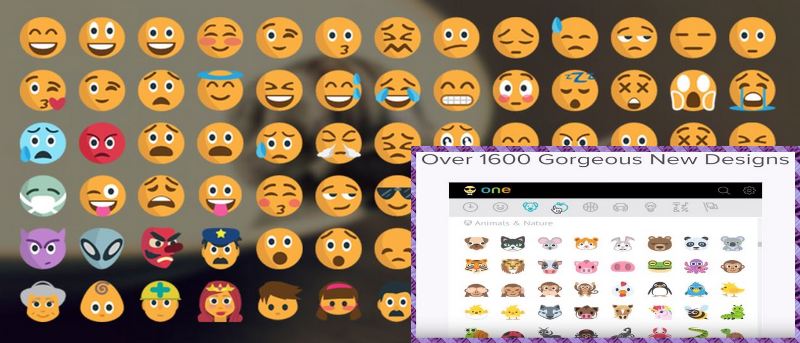
If you’re a Chrome user, a must-have extension is Emoji Keyboard. This free extension is available for Mac, Windows, and Linux and gives you instant access to 1,619 emojis in nine different categories.
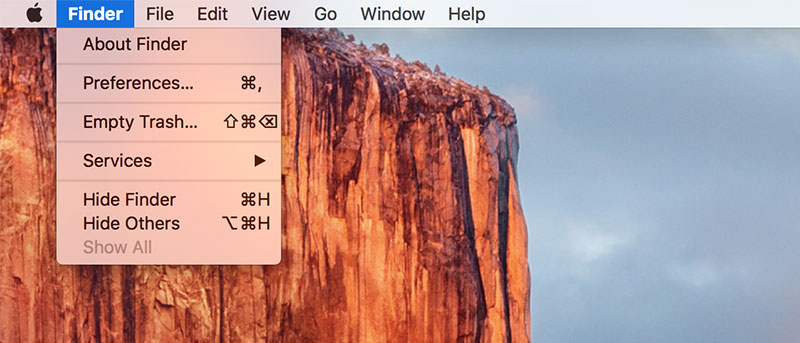
Did you know there’s a way to automatically hide the menu bar on your Mac so that you don’t see it unless you move your cursor near it? Here’s how it’s done.
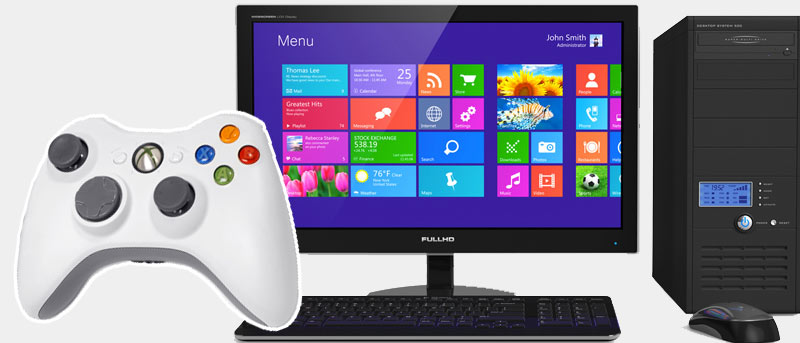
Windows 10 comes with many features to help you in your productivity, but you can make further improvements with these tips and tricks. Let’s check them out.