

During its lifetime WordPress has evolved from a simple blogging platform into an advanced Content Management System. Powering around 25% of all the websites globally, and with roughly 50,000 of them added daily, WordPress might be the most popular CMS in the world.
Most of us have one or more WordPress sites, and almost everybody manages their WordPress sites one by one on their respective online locations. If you only have one or two WordPress sites, that might still be OK, but if you have a dozen or more, you need better ways to manage all of your sites.
The needs gave birth to several WordPress sites management services. But now, Automattic – WordPress’s parent company – decided to take the matter into its hands and include the site management feature into its new desktop app.
The Prologue
You can download the WordPress desktop app from the official site. There are versions for Windows (7 and above), Linux, and Mac. There are also the mobile versions for iOS and Android. This article is using the Mac version, but the other versions should be more or less the same. (If you buy through this link we may earn a commission, at no extra cost to you.)
To use the app, you’ll need a WordPress.com login. I’m almost sure that if you’re read this article, you already have one. But if you don’t, you can get one by registering a free WordPress.com blog.
Another thing that you have to do if you want to connect the app with self-hosted WordPress sites is to install the JetPack plugin on every site that you want to connect, then activate JetPack and log in to your WordPress.com account via the plugin.
After completing the two chores above, you are ready to go.
The Story Begins
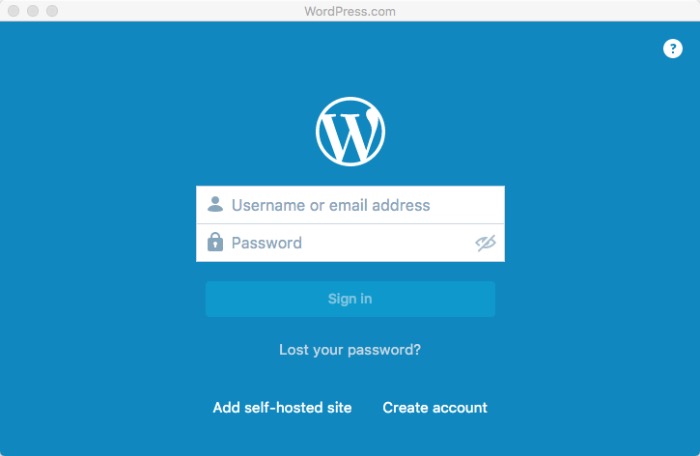
The first time you launch the app, it will ask you to log in to your WordPress.com account. After that you can start with the “Reader” tab. This feature might be Automattic’s effort to become more social with its take on Flipboard, Pocket, and other curated reading services.
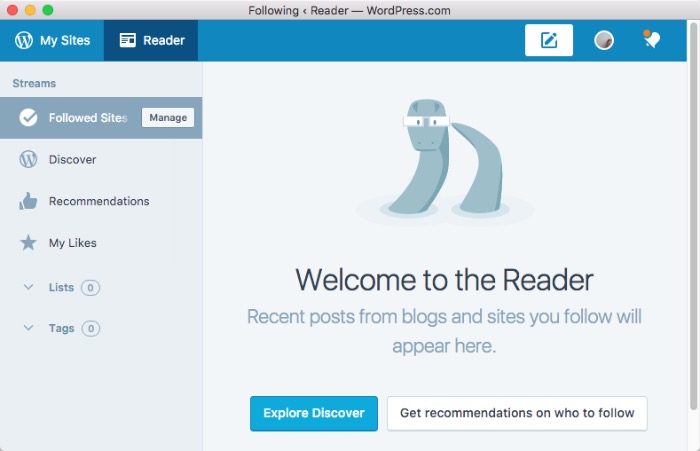
You can discover other WordPress sites that interest you, or you can get recommendations on who to follow. The menus are available on the left sidebar of the window.
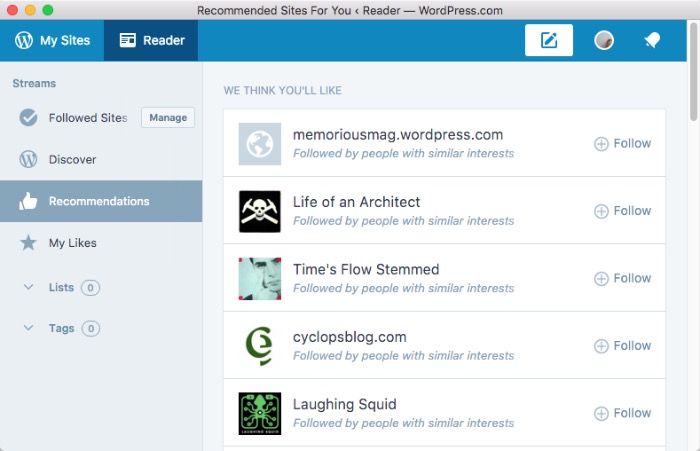
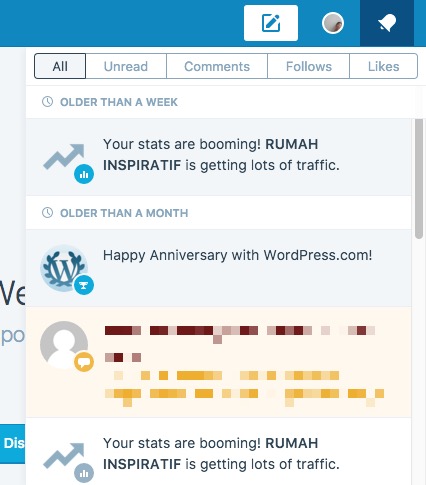
On the top right of the window, you can find “Notifications” – where you can find your WordPress-related notifications – and “Quick Edit” – to add or edit posts and pages quickly.
Managing Your Sites
Even though the app is just a replica of your personalized page at WordPress dot com, it does a good job. You can practically do anything that you can do on your individual sites, all from one convenient place.
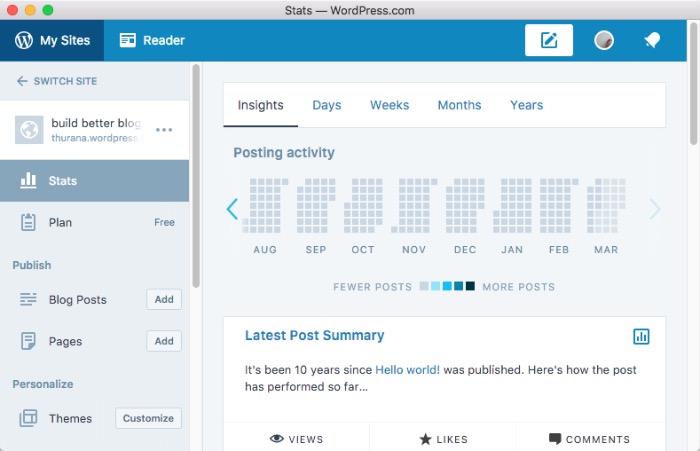
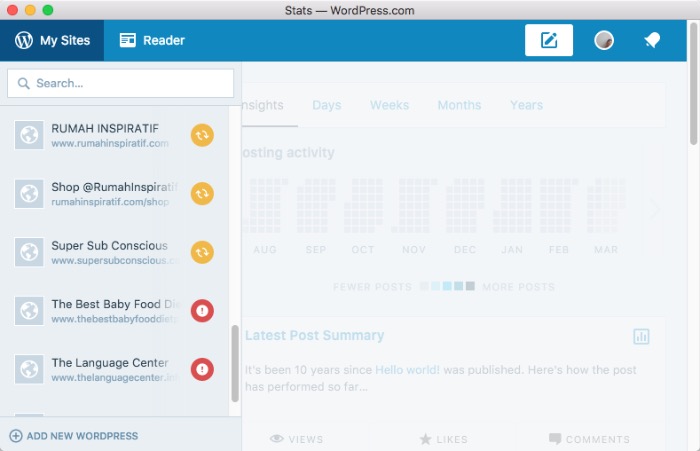
The first site that the app will display is your WordPress.com site. You can add new sites by going to “Switch Sites” at the top left corner of the window and then choosing “+Add New WordPress” at the bottom left. You can also choose your existing sites from the left sidebar.
When you are already on your individual site, you can do common things that you usually do inside your WordPress site, such as view your stats, add and edit blog posts and pages, customize the theme, and update plugins.
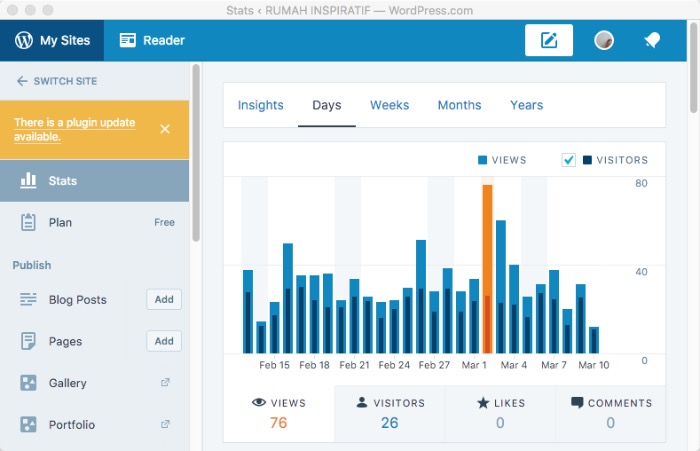
You will also get alerts when new updates are available.
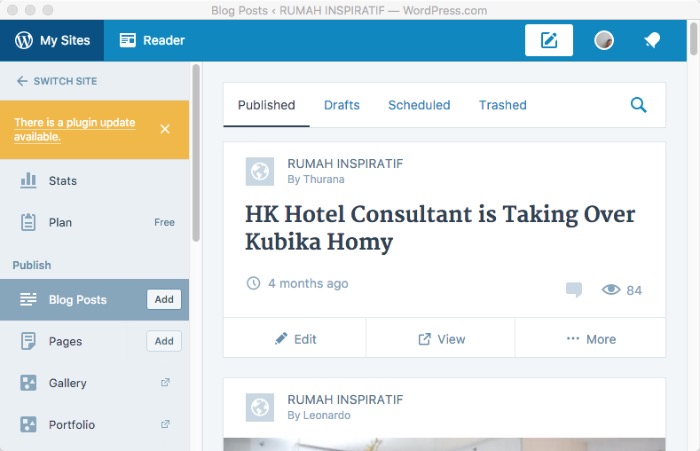
One powerful feature of the app is the ability to glance quickly at the status of all your listed sites. The non-working sites will be marked with red exclamation signs while a yellow round cycle sign next to a site tells you that there are updates available.
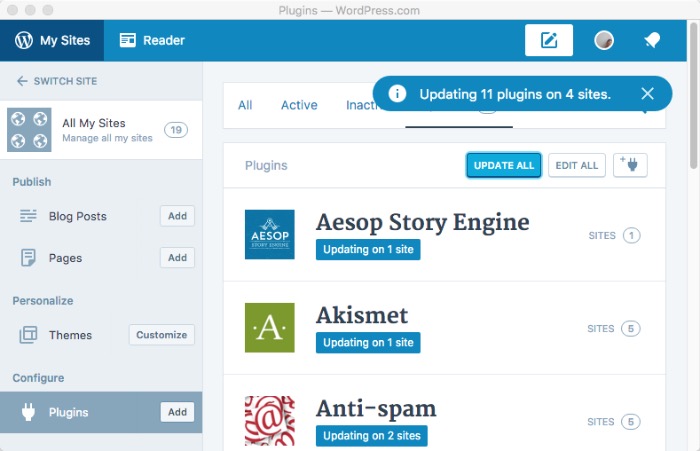
But what’s even more powerful is the ability to bulk update plugins, and bulk add plugins to all of your sites. Go to “Switch Site – All My Sites – Plugins.” Choose the “Updates” tab and click “Update All” to update or “Add” at the left sidebar to add.
A Few Glitches and More Features
So far, I’m amazed at how this app can make my WordPress life easier. But just like the early version of any app, there are glitches to be fixed. The most notable one is that the bulk updates doesn’t work perfectly all the time. Sometimes some of the updates failed, and I had to repeat the process.
There’s also no option to update Themes, either in bulk or individually. You can only customize the theme in individual site mode. I hope that this feature will be available in a future upgrade of the app.
The one feature that I really hole will be added is the option to set automatic updates for specific items so that we don’t have to do anything, and those items will always be up to date.
Have you tried the WordPress desktop app? What do you think about it? Share your thoughts and opinions in the comments below.