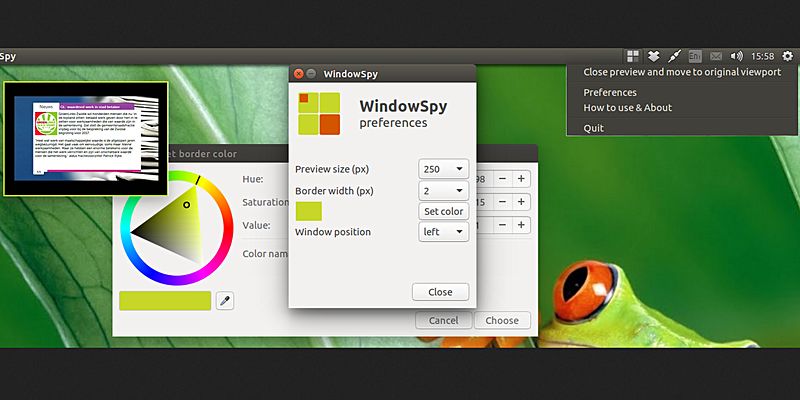
If you want to find out what’s happening in another workspace without switching over, you can now get a live preview of another workspace in Ubuntu. Here’s how.
Hiding your personal files is a necessity if you share a computer with someone else. Learn how you can hide files and folders in Windows 10 easily without third party software.
Firefox for Android is yet another useful browser you can use on your mobile device. Here are some of the best tips and tricks for Firefox for Android you can use.
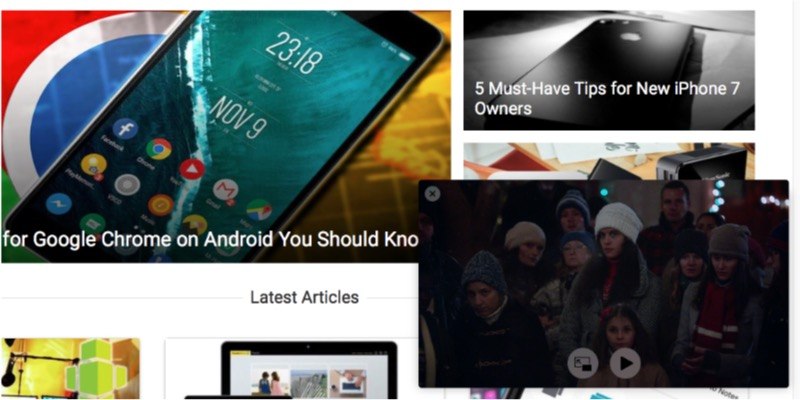
Have you ever wondered if you could watch a video and do other things at the same time? Enter Picture-in-Picture mode. Learn how to enable it in macOS Sierra.
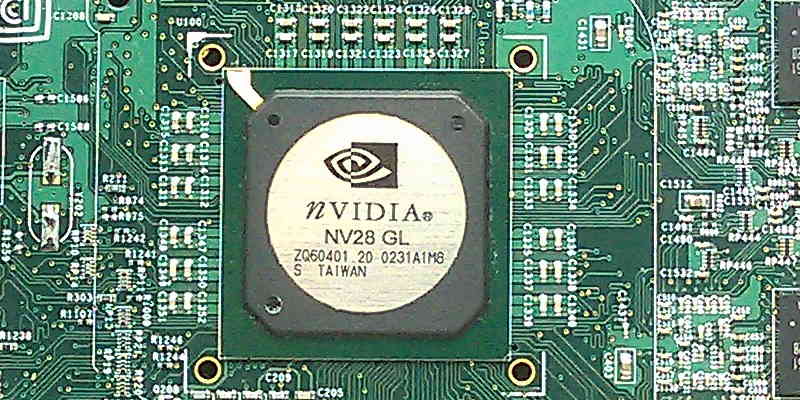
Nvidia’s NVENC allows the use the GPU to encode video streams so as to reduce video conversion time. Here’s how to get Nvidia’s NVENC working in Ubuntu.
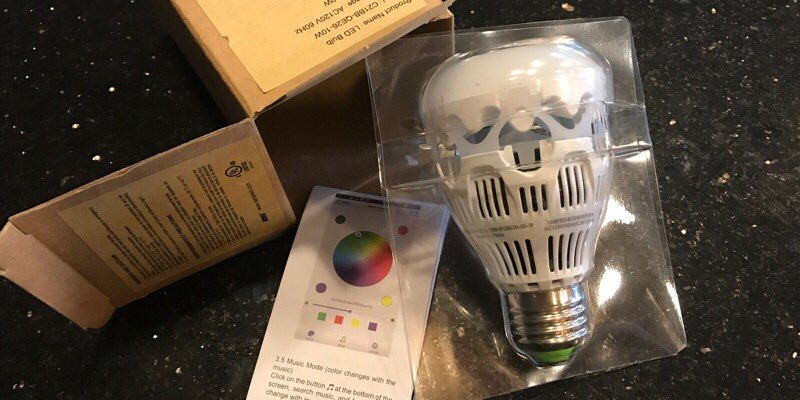
Why get up and turn the light off if you can do it from your smartphone? With the Loftek light bulb you can control the power, color, brightness, and more with your smartphone.
To reduce eye strain, you should use dedicated software that prompts you to take frequent work breaks, something which is really beneficial for your eyes. Safe Eyes for Linux is one you should check out.
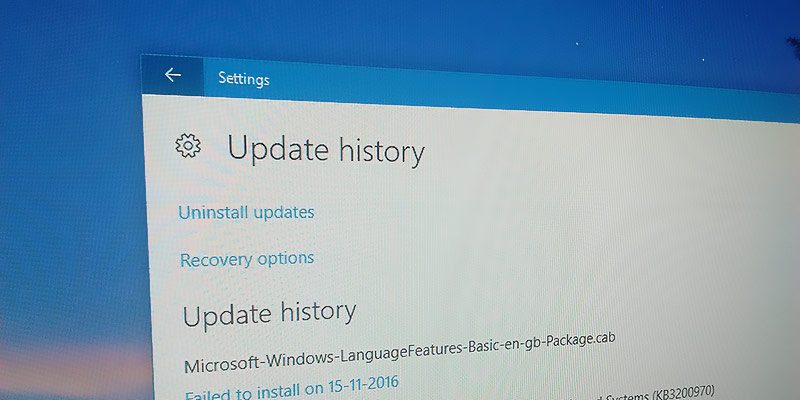
In the event you need to troubleshoot your PC, you can find the Windows update history in Windows 10 and see what has been updated and is causing the issue.
Looking for a game you can play with your friends? Here are some of the best multiplayer games for Android that you can play without an Internet connection.
Instead of reflecting back on the best of this past year, we’re already looking forward to the following twelve months. What do you think will be the most popular gadgets of 2017?
If you are running out of things to stream, here are four tools you can use to find awesome new content on Netflix and other popular streaming platforms.
Did you know that other than the CPU, you can also overclock your PC monitor? This results in smoother movement on your screen, which is useful for gaming. Learn how you can overclock your monitor here.