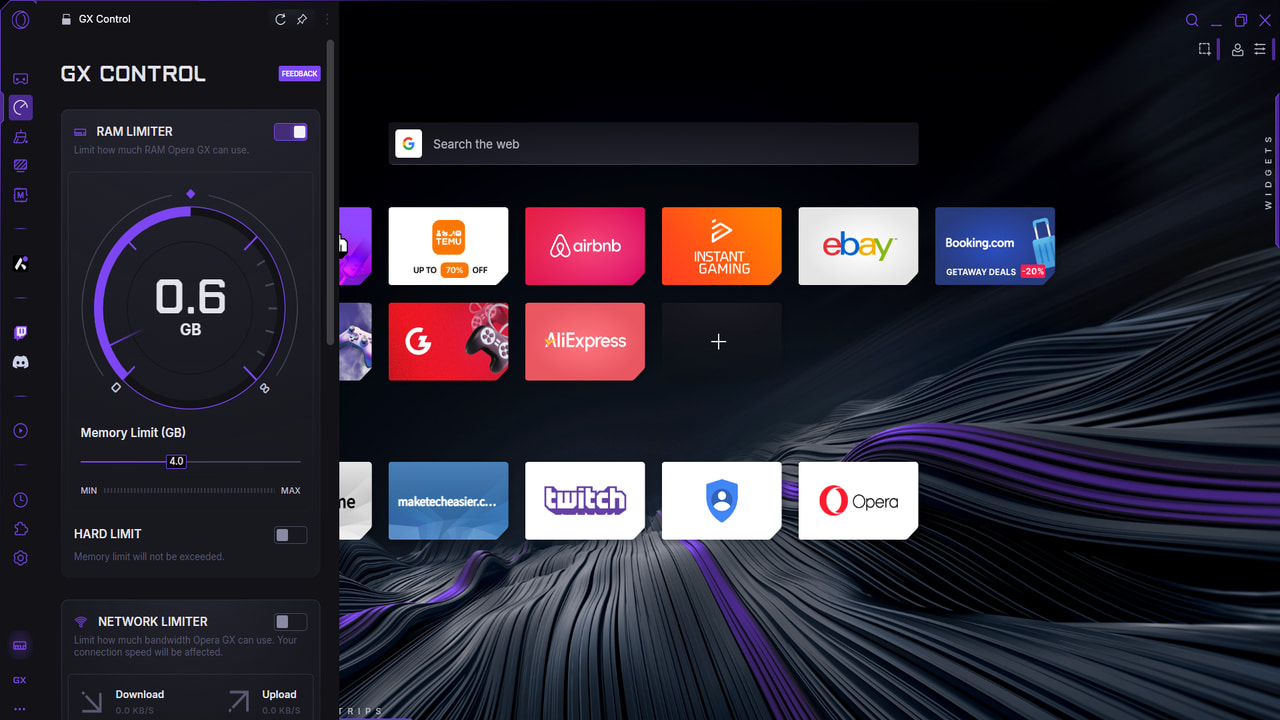
Many gamers keep a browser running in the background during play, ready to Alt + Tab when gameplay slows or downtime strikes. Yet, opening multiple tabs, especially heavy sites like YouTube or Twitch, can quickly drain system resources, causing FPS dips and stutters. With Opera GX, a gaming browser by Opera, you can significantly reduce these performance hits thanks to its specialized features that we’ll discuss below.
Limit Opera GX Resources Using GX Control
This is one of the most useful features of Opera GX to improve gaming performance. Using GX Control, you can limit Opera GX resource usage, including RAM, CPU, and Network. Normally, browsers keep eating resources as you use them and will take game resources if needed. With limits, Opera GX will make sure your game always has sufficient resources, even if it leads to issues when browsing.
To use the tool, click on the GX Control button in the left toolbar, and you’ll see RAM Limiter, Network Limiter, and CPU Limiter options.
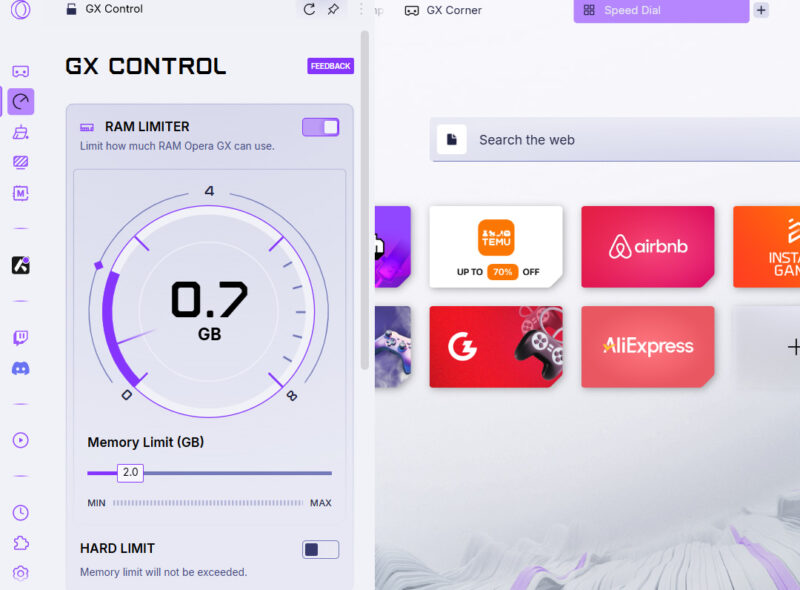
Here’s how to manage all three:
- RAM Limiter: it uses 0.50 GB increments, with a minimum being 1GB RAM. You should try to at least set 25% of the total RAM for Opera GX for smooth browsing. For example, if you have 16GB RAM, set it to 4GB. There is also a Hard Limit toggle that will prevent Opera GX from exceeding the limit in all circumstances, but it might lead to more browser performance issues.
- Network Limiter: if you play online games and don’t want streaming services causing ping spikes, then limit the bandwidth here. For Full HD streaming, you’ll need 6-10 Mbps speed, so try to limit accordingly.
- CPU Limiter: go for a 25% minimum limit for CPU to avoid freezes, but 50% is recommended, as usually CPU spikes don’t occur when you are gaming and Opera GX is in the background.
To manage these limits, Opera GX will try to limit background tasks and cut memory to inactive tabs. Depending on the limits, you may notice tabs needing restoration after leaving them for a while or slow tab switching.
Identify and Kill Resource Hogging Tabs
Apart from limiting resources, Opera GX also tells you which tabs are using too much CPU and RAM and lets you close them to free up resources for games. In the same GX Control section, the Hot Tabs Killer option with CPU and RAM buttons and a list of tabs below. You can click on the CPU or RAM buttons to sort the list of tabs based on resource usage.
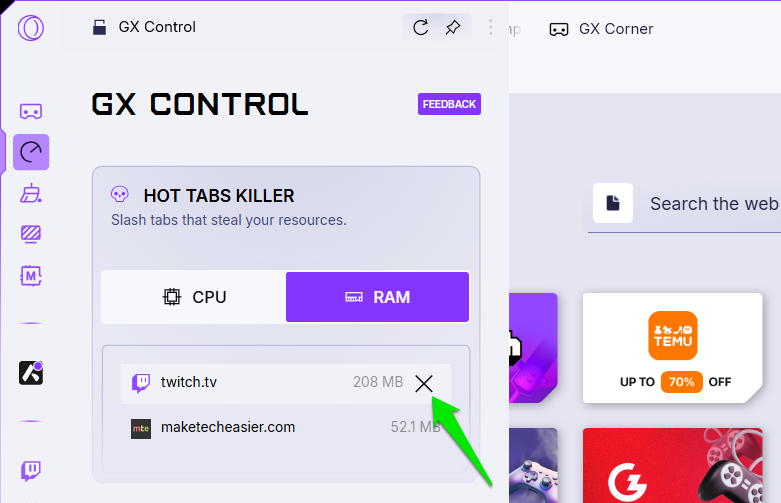
If there is a tab you don’t need open and it’s consuming too many resources, click on the Cross (X) button next to it to immediately close it.
Keep Opera GX Clean with GX Cleaner
GX Cleaner is a built-in Opera GX cleaner tool that removes junk data to keep it lean and fast. Unlike aggressive PC cleaning tools, Opera GX is limited to the browser itself and gives full control over how much old junk data is deleted.
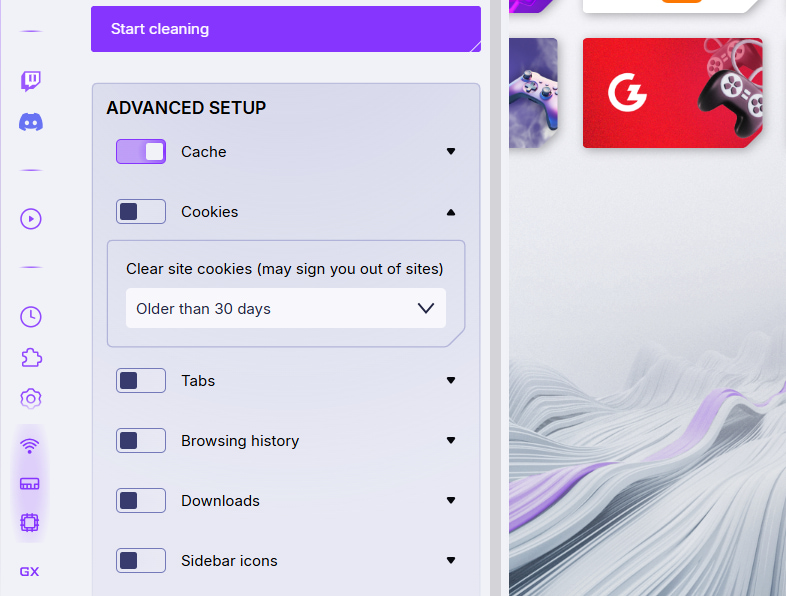
Click on the GX Cleaner button in the sidebar, and you’ll see all the currently accumulated data that can be deleted. To simplify the process, three automatic cleaning options are available: Min, Med, and Max. Min option clears browser cache older than 30 days, and Max clears all data that isn’t too recent.
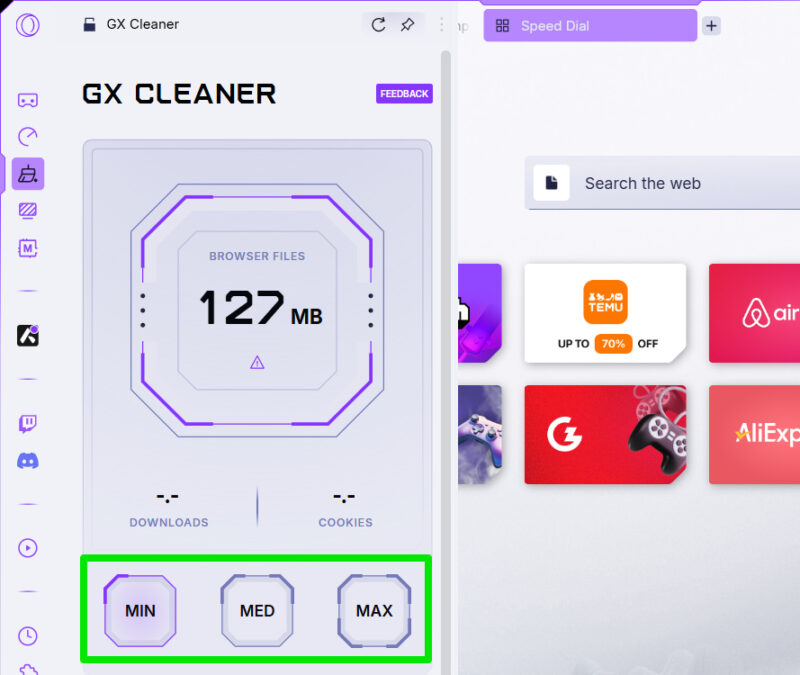
In the Advanced Setup section, you can manually select data to delete, including cache, cookies, tabs, history, downloads, and sidebar icons. Each data has individual options to decide how much older data you want to delete.
Built-in Twitch and Discord Integration
Most gamers have Twitch and Discord open while gaming. Opera GX integrates both platforms in the browser sidebar to reduce the need to open them in separate tabs and quickly access them.
For Twitch, it shows at a glance all the streamers you follow and whether they are online or not. You will also get a notification when your favorite stream starts streaming, so you don’t have to keep Twitch open or constantly check it. Quick access to Discord also makes it easy to skip keeping a dedicated tab open for it.
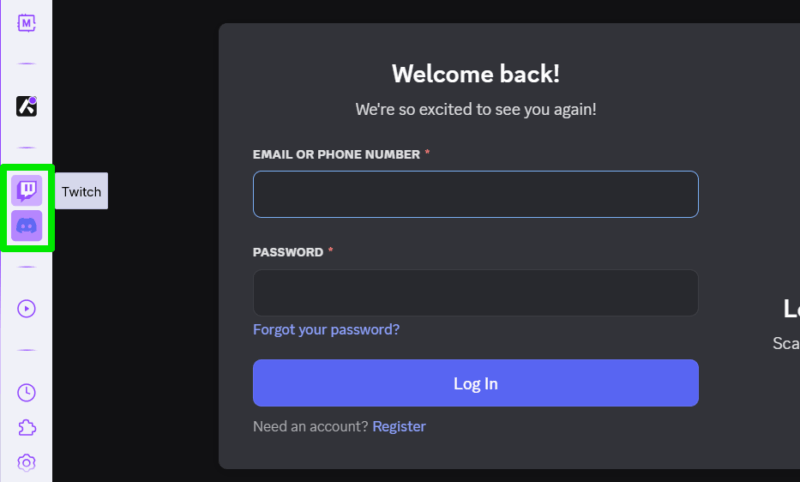
Both Integrations not only offer better access to the platforms, but also save resources by not needing them fully opened in dedicated tabs.
If you want a smooth gaming experience, Opera GX has all the features to ensure the browser doesn’t get between your gameplay. Just like Opera, Opera GX is also a great alternative to Chrome for casual users, even though it’s a gaming browser.








