For almost a decade, our phones have built-in protection against juice jacking attacks that exploit the USB connection. Unfortunately, there is now a new type of juice jacking attack that bypasses this protection in a clever way. Let’s learn what this new attack is and how to protect yourself.
The New Juice Jacking Attack
Being dubbed “choicejacking”, this new attack has been found and reported by the researchers at the Graz University of Technology, who demonstrated how hackers can use malicious chargers to steal phone data.
The researchers tested the attack on 11 phone models from 8 different vendors, and they successfully extracted data from 10 phones. While there is a condition to be met for the attack to work, it’s still quite easy to gain access.
Here’s how the attack works:
- The victim’s phone needs to be connected to the malicious charger and the screen unlocked.
- The charger acts like a keyboard first, using your phone as a host. The keyboard sends commands to enable Bluetooth, makes the device discoverable, and another Bluetooth component in the charger pairs with it.
- It then creates a normal USB data connection, but uses the Bluetooth connection to simulate tapping on the confirmation screen to use the USB connection for data transfer.
- Now, in conjunction with the Bluetooth connection and USB data connection, it can steal pictures, documents, and app data.
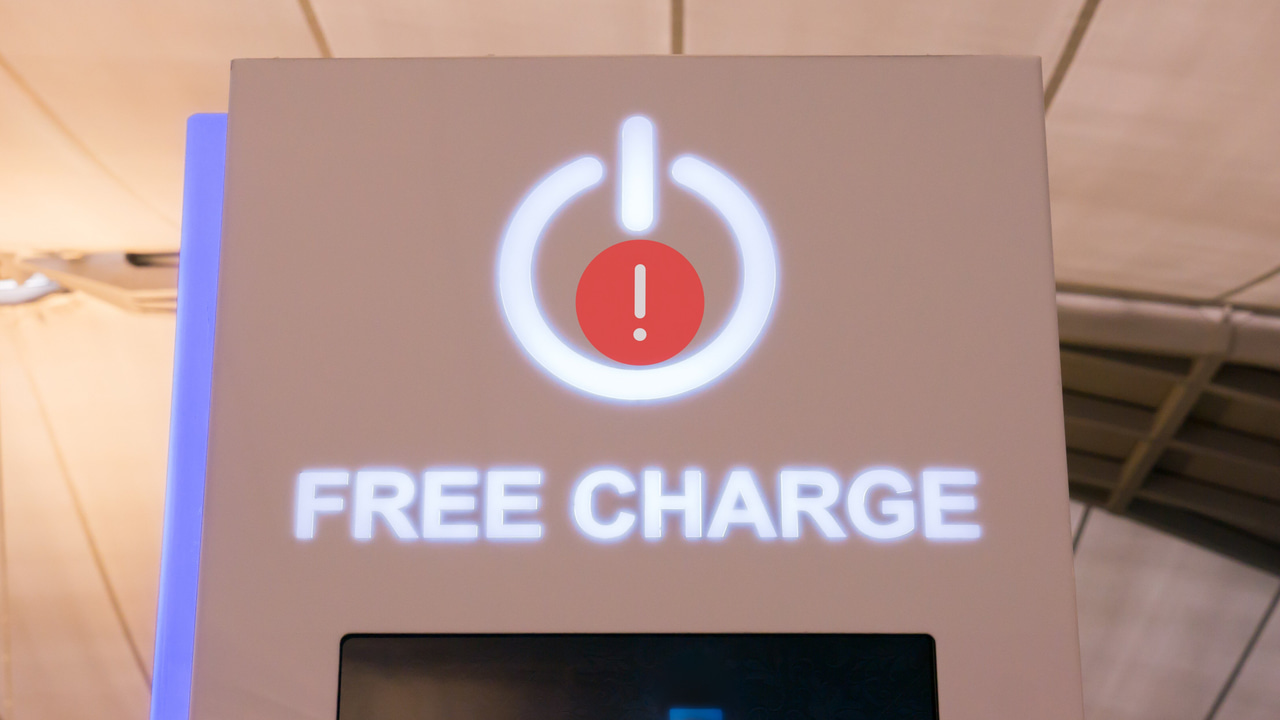
While it’s still a controlled experiment rather than a reported attack, it’s expected that such attacks could appear in public charging stations where the tech can be easily implemented without notice.
The researchers also pointed out that it can gain even more elevated access if USB debugging is enabled on the phone. Using Android Debug Bridge, they can send ADB commands to gain much more control, like installing apps, accessing system files, and changing phone settings.
How to Stay Safe and Protect Your Data on Phone
The researchers had already reported this vulnerability, and Apple and Google have taken measures to protect against it. However, the solution isn’t available to all devices, so you need to follow some protection measures to ensure this type of attack doesn’t affect you. Below are some ways to avoid this new juice jacking attack:
Don’t Use Public Charging Stations
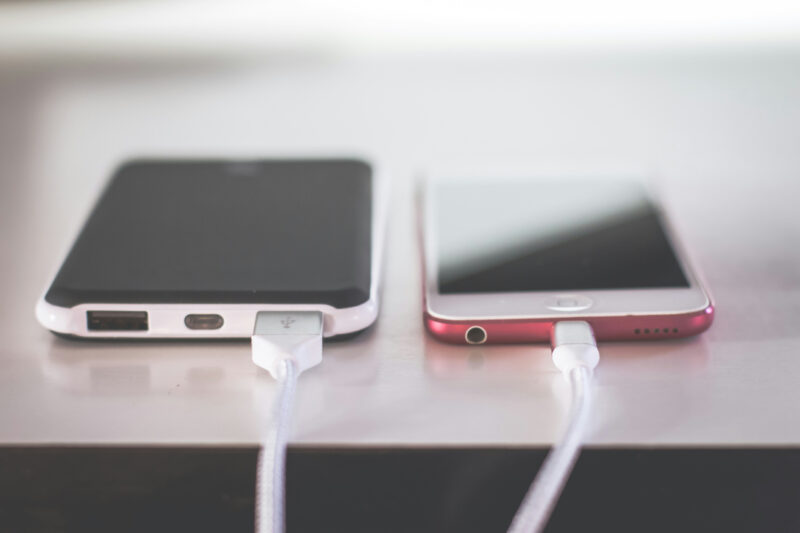
This and any other type of juice jacking attack almost always happens at public charging stations, like in malls or airports. Therefore, simply trying to avoid charging your phone at public charging stations is your best bet. If possible, try to keep your phone charger with you or at least carry a power bank if you often stay away from your charging place.
Update Your Phone OS
Apple and Google both have implemented pattern or biometric verification for USB data connection in their latest updates. Apple added this in the iOS 18.4 update, and Google added this protection in Android 15.
However, on Android, this protection has so far only been confirmed on Google Pixel devices. Since it adds another verification step for users, Android manufacturers are hesitant, as it can negatively affect the user experience. Most Android phones have also not received the Android 15 update at all, or are ineligible for it.
Update your iOS device to 18.4 and, if possible, your Android phone to Android 15, then connect via USB cable to verify if it prompts for authentication.
Use a Charge-Only USB Cable or a USB Data Blocker
Charge-Only USB cables have always been around to avoid juice jacking attacks, and they work fine for choicejacking as well. These cables don’t have data pins, so they can’t transfer data at all. Even if you connect to a compromised charging station, these cables will still only charge the phone.
USB data blocker is another similar device that attaches to your USB cable and prevents data signals from transferring, achieving the same results as a charge-only USB. JSAUX USB Data Blocker is a popular device for this purpose. JSAUX also offers a USB-C data blocker cable if you prefer carrying a cable.
Tip: you can also turn your regular USB cable into a charge-only cable by placing a piece of tape in the middle two USB contact pins (they are for data transfer).
Monitor the Phone
If you must charge the phone at a public charging station and have no protections in place, then at least monitor the phone to catch irregular behavior. If the phone turns on Bluetooth automatically or you notice a USB connection mode selection menu, you should immediately disconnect. In case you need to leave the phone, make sure the screen lock is enabled and applied.
In the end, using any publicly available technology, like public Wi-Fi networks, carries some risk. You should only connect your device with a public service device if it’s necessary, and make sure the recommended protections are in place. To avoid all types of juice jacking attacks, using a charge-only cable is best practice.