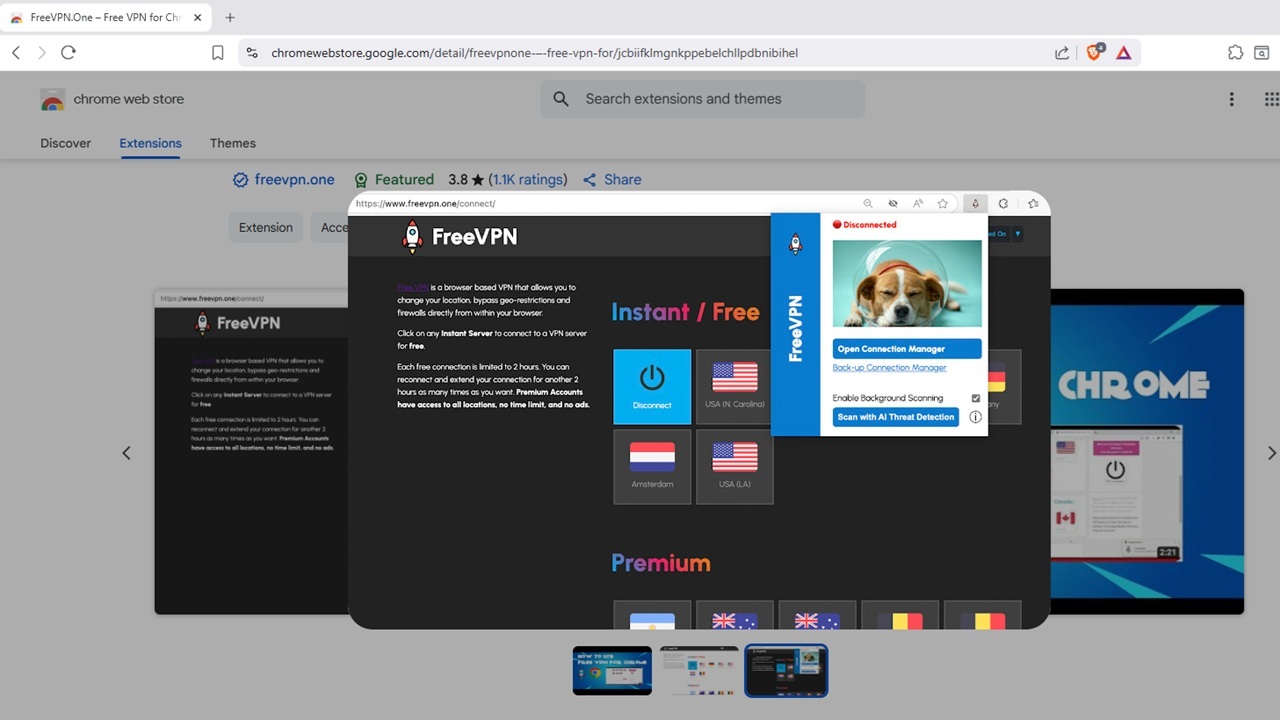
When you see a verified checkmark beside a Chrome extension, you’re far more likely to trust it, especially if it’s popular. But, the FreeVPN.One extension doesn’t exactly put your privacy first. Instead, it spies on you.
This Free VPN Takes Sneaky Screenshots
A VPN is supposed to mask your Internet activity from anyone trying to spy on your connection. That’s why they’re often used to bypass region-specific restrictions for streaming.
The FreeVPN.One Chrome extension began as a legitimate VPN. It’s been featured prominently on the Chrome Web Store and even has a verified badge showing it hasn’t had any issues.
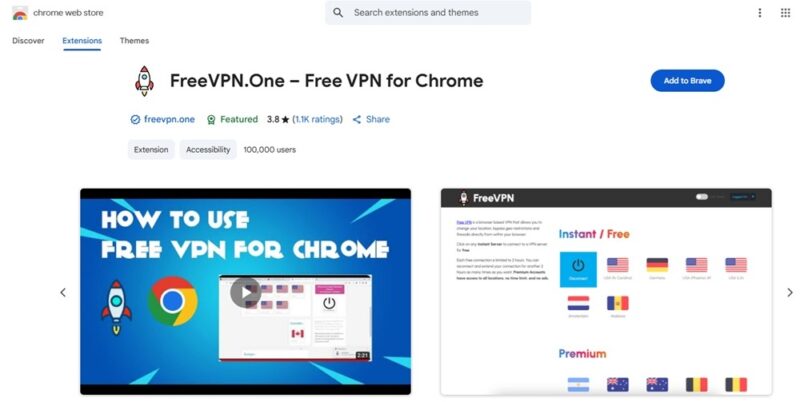
Back in April 2025, the developer made some changes. This included taking screenshots of pages. Supposedly, users could request the extension to take screenshots of a site or page to analyze for AI. The developer also admitted screenshots are automatically taken as part of the Background Scanning feature if a suspicious domain is detected.
However, these aren’t the only times screenshots occur. Instead, they happen 11 seconds after a page loads, no matter what you’re viewing online. Users receive no indication anything is happening.
When contacted, the developer stated the screenshots weren’t being stored. However, these still happen without user consent and screenshots are turned on by default. The developer promised future updates would make this optional.
Any extension or app that takes screenshots without your permission don’t belong on your device. Even Microsoft Recall dealt with major controversy over its screenshot feature.
Delete the FreeVPN.One extension immediately before it takes more screenshots. These could include screen grabs of passwords, financial data, sensitive work information, and more.
If you’ve been using this extension, I recommend changing your passwords for any sites you’ve logged into while using the extension.
How to Determine If a Chrome Extension is Dangerous?
Just because an extension is listed on the Chrome Web Store, it doesn’t mean you should trust it. FreeVPN.One is a prime example. Despite the security concerns, it’s still available for download.
A few ways to determine if an extension is safe to use include:
- Read the reviews. Pay close attention to any negative reviews.
- Perform a quick search using your favorite search engine to see if there are any warnings online.
- Look at permissions. A full list isn’t usually available on the Chrome Web Store. But, once you install it, go to chrome://extensions in your browser and view a full list of the permissions for that extension. If anything seems fishy, remove it immediately.
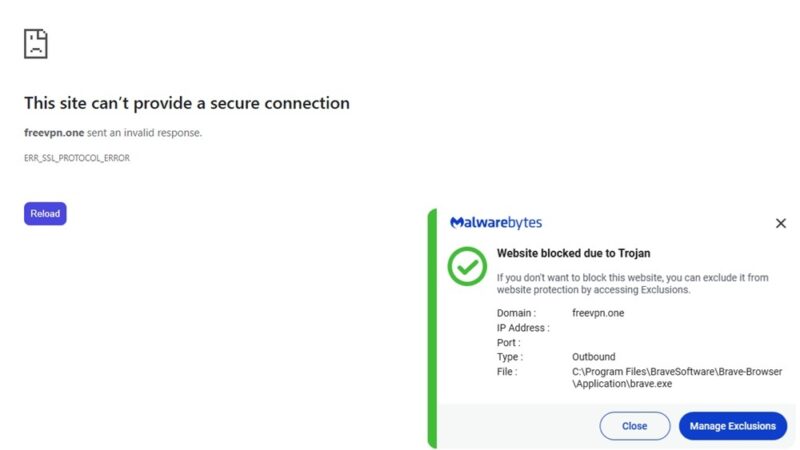
- Check the developer’s site, which should be linked in the extension details. In this case, Malwarebytes blocked the site due to a Trojan risk.
Are All Free VPNs Bad?
Not all free VPNs are bad, but many do collect data and spy on you. Another issue is they’ve often excruciatingly slow, making them unusable during peak periods.
Another problem is they usually don’t work quite as well as advertised. They may promise to mask your IP address, but instead it’s leaked to the sites you visit and your ISP. A reputable VPN should mask your IP by assigning you a new one.
You can test free and premium VPNs to see if they’re as secure as they claim. This includes testing for IP leakages and uncovering unencrypted traffic.
Overall, it’s better to just not trust them. The only exception is limited free versions of well-known premium VPNs. These usually work almost identically to the premium version, but you only get limited data per day/week/month.
Alternatives to VPNs
You might think a VPN is the only way to keep your information safe, especially when using a public Wi-Fi network. However, you do have other options.
A popular option is to stick with browsers that put privacy first. These typically block trackers to give you more privacy. Some even encrypt your data or hide your IP address. TOR is a common option for staying anonymous online, but it’s not always ideal for the average user.
If you only need to secure a single connection or port, SSH (secure shell) tunneling works well. This method encrypts data during transit. The process provides a direct connection, eliminating any man-in-the-middle attacks. For just a few connections, this is perfect. It’s tedious and nearly impossible to use for numerous connections at once.
You can also use trusted Chrome extensions to protect your privacy. These range from blocking ads and trackers to providing site security reports to determine if a site is safe or not.
Overall, the best approach if you’re using public Wi-Fi is to use a premium VPN. You don’t have to use them for all your Internet activity, but they’re perfect for protecting sensitive information, even when you’re at home.








