Using your favorite AI tool to help you code is nice, but it’s not always reliable and may even result in malware in your code. Instead, check out these reliable free code snippet libraries built by fellow developers. Then, you don’t have to start from scratch.
1. W3Schools
W3Schools is most well-known for their free web development courses. The site is also filled with free code snippets for HTML, CSS, Python, JavaScript, C, and much more. If you’re new to programming, start here and use the simpler snippets to help you better learn the process. You can also mix this with free coding games to learn faster.
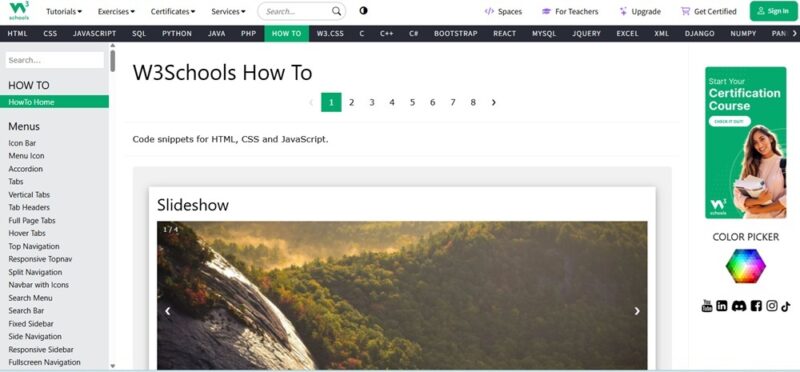
Check out the How To section if you want to jump straight to the snippets. Everything’s organized by type of snippet in the left sidebar menu. For seasoned developers, this probably won’t help you all that much.
2. Codeply
You already know responsive web design is critical for any website or web app, but if you’re struggling with something, try Codeply. It’s a free online code editor that also features a library of over 50,000 code snippets for you to use in your projects. You’ll also find templates and frameworks to jumpstart your next project.
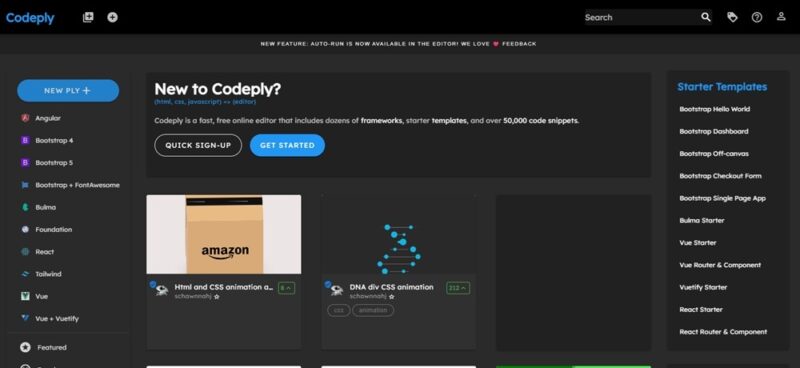
While you can create and share your own snippets, you’ll find a collection of Bootstrap, Angular, React, Vue, Tailwind, and more. The best part is you can access all resources directly from the code editor.
3. The Free Country
The Free Country is more of a collection of libraries than just one single library. The site gathers tested resources from across the web. There’s a little bit of everything here, ranging from open-source database servers to gaming development.
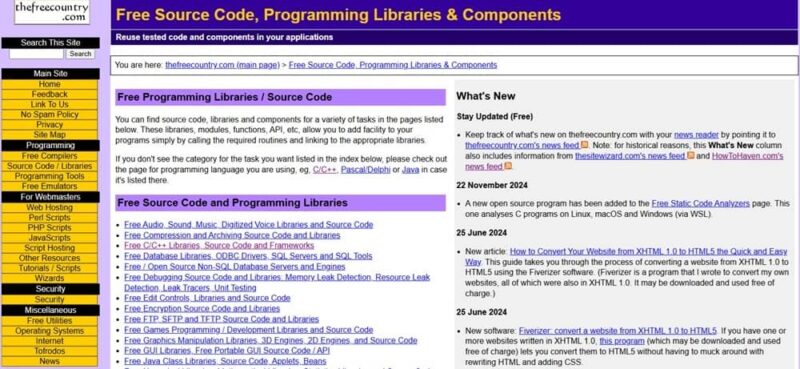
It can feel a little overwhelming at first. But, as you browse the resources, you’ll discover a wealth of information to boost your projects. Yes, the site feels more like something from the 90s, but the focus is more on the code and tutorials versus a modern design.
4. freeCodeCamp
freeCodeCamp might not be a traditional code library, but the thousands of hours of tutorials are full of snippets to help jumpstart projects. The real gem is the forum. Dedicated subforums for JavaScript, Python, HTML and CSS, C#, and backend development are filled with code to help you along with your own projects.
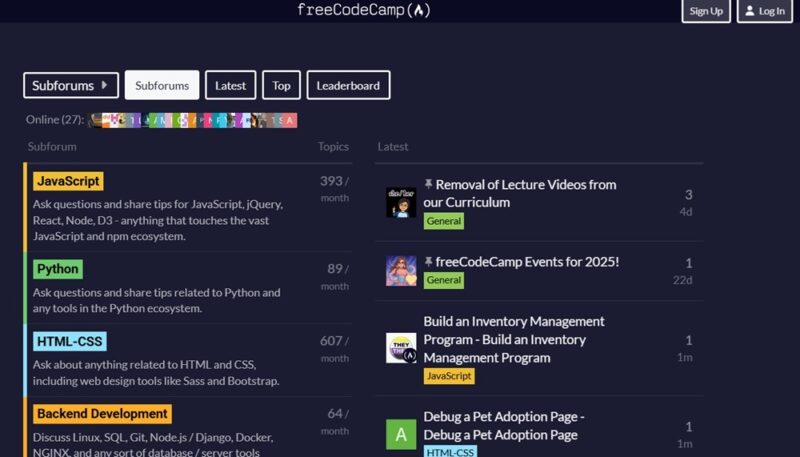
Of course, the forum is also a place for you to ask questions. Not sure where you’re going wrong? Ask fellow users. Share your code and let them make suggestions. Then, the answer is there for others to use and learn from as well.
For kids, you may want to start with Scratch before diving into the freeCodeCamp lessons and forum.
5. Stack Overflow
Stack Overflow is the go-to place for developers to learn, share, and discuss. There’s very little you won’t find here. Of course, this isn’t just a code snippet library. It’s a giant forum filled with millions of questions. If you’re struggling to get something to work or have a concept without an idea of how to execute it, start here.
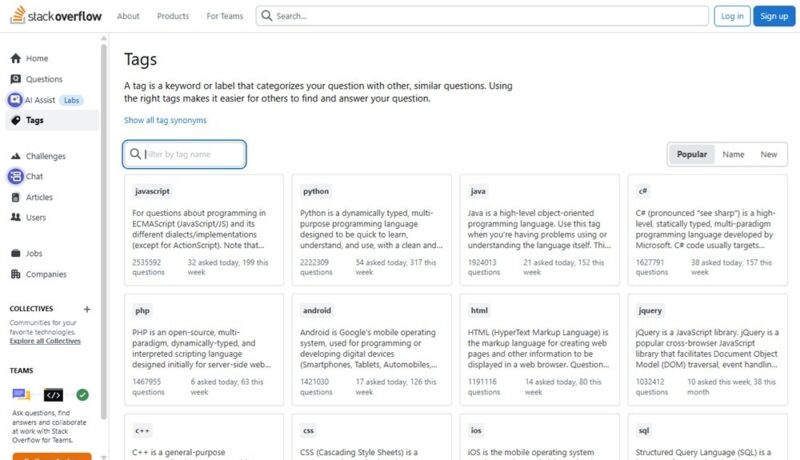
Check out the Tags section if you just want to browse by topic. Or join a collective to learn and discuss with experts in AWS, Microsoft Azure, or mobile development. You can also join code challenges and learn from other entrants.
6. GitHub
GitHub isn’t a code library, but instead a place to build and host software and apps. However, many users choose to share their code publicly to help others and to allow others to build upon it. It’s easier to explore by checking out topics. Plus, you’ll find tutorials to help guide you through various projects. If you’re new to Git, make sure you master these habits early on.
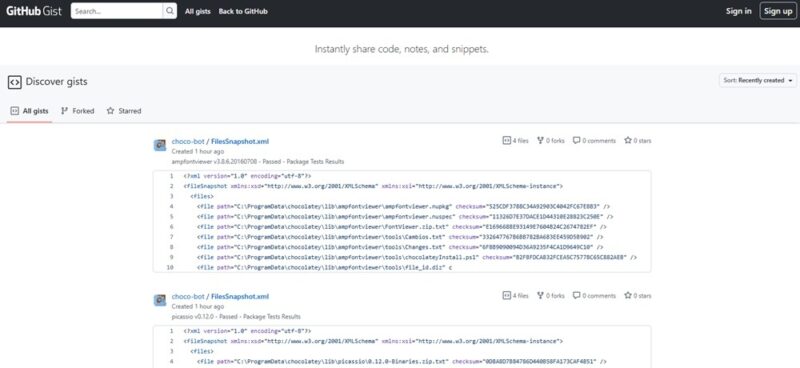
To find even more shared snippets versus full projects, check out GitHub Gist. Search for what you need or just explore to see what sparks inspiration for your own project. Just make sure to check any licensing on any code you use. While most are free, you may need to credit the developer.
If you prefer to self-host your projects, try these self-host GitHub alternatives.
7. CodePen
At its core, CodePen’s a real-time online code editor. Projects and code snippets are called Pens. As long as you create a free account, you’re free to browse public Pens, which vary from full projects to just smaller features. The platform focuses mainly on front-end languages.
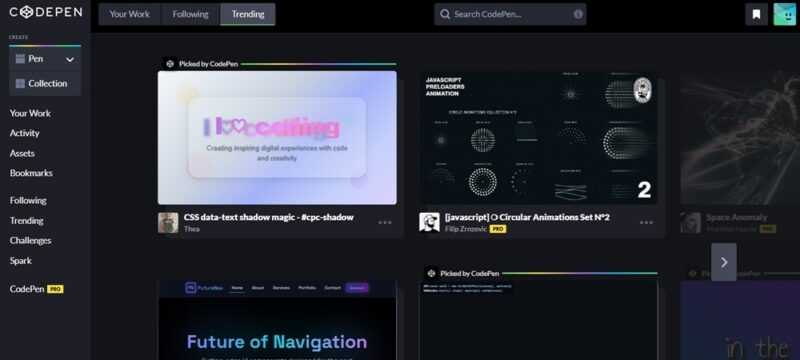
To learn even more and try out your skills, check the Spark and Challenges sections. These are filled with samples, inspiration, and of course, challenges. A premium version is available, but you don’t need to check out snippets or use the code editor.
8. Bootsnipp
If you’re using the Bootstrap framework, Bootsnipp should be your home away from home. It’s filled with free code snippets, design elements, and more. Browse through the extensive list or search for what you need. Many uploads also feature comments and discussion to help you better understand it.
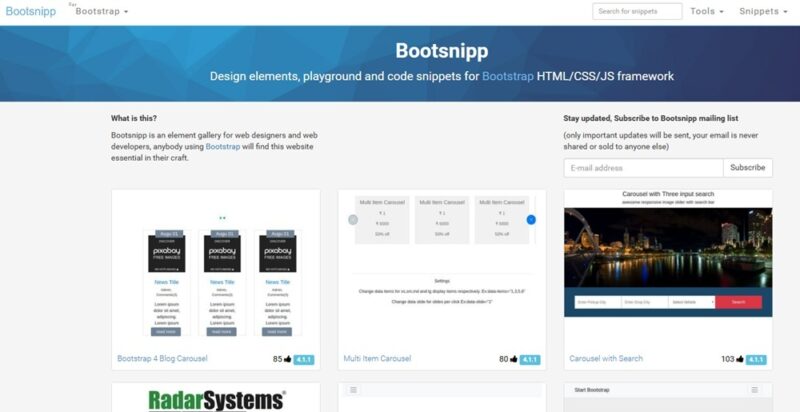
While the site is incredibly useful, be prepared to wait. Every snippet loads slowly. The main page and search works fine, but everything else is excruciatingly slow.
Managing Your Code Snippets
As you gather snippets and create your own, you’ll want a way to organize them. Some of the easiest to use free (with premium upgrades) tools include:
- Codiga – Even includes a hub with free snippets
- Cacher – Syncs with GitHub Gist
- massCode – An open source option
All three are available for Windows, macOS, and Linux, which is ideal for programming in general.
If you’re looking for the best tool to get started coding, see how Visual Studio Code and VSCodium compare.