
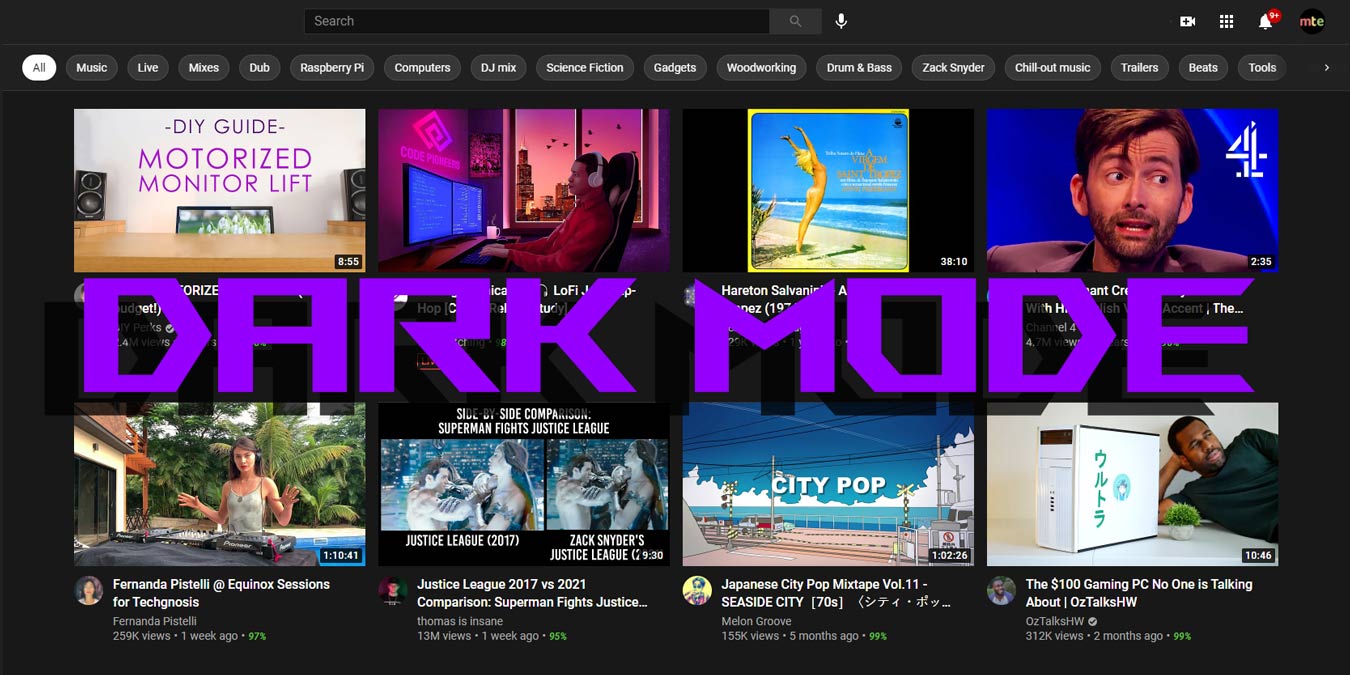

Dark mode is becoming more and more popular as a means of looking at our screen. You can do it on iOS, WhatsApp, Android, and any number of other apps and platforms. YouTube joined the lights-out party a while ago, though the way to enable the feature has changed a bit over time.
Luckily, it’s now easier than ever (you used to have to go to Chrome’s developer options) to enable YouTube’s dark mode, and we show you here how to enable it on your desktop browser, Android and iOS.
Also read: 9 of the Best YouTube Downloaders to Watch Videos Offline
Enable Dark Mode on YouTube on Desktop
Click your channel’s icon in the upper-right corner of the YouTube home page.
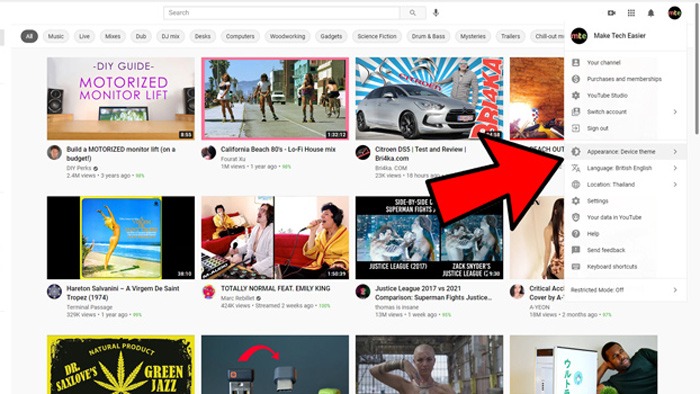
From the drop-down menu, click “Appearance -> Dark Theme.” Setting it to “Device theme” can also be good if you want your theme adapting to your Windows theme.
Also read: YouTube TV vs. YouTube Premium: What You Need to Know
Change Chrome Border to Dark Mode
Now your YouTube is dark and easy on the eyes, but you can probably see that the browser window is still glaring and bright. Whether you’re using Windows or Mac, you can fix this:
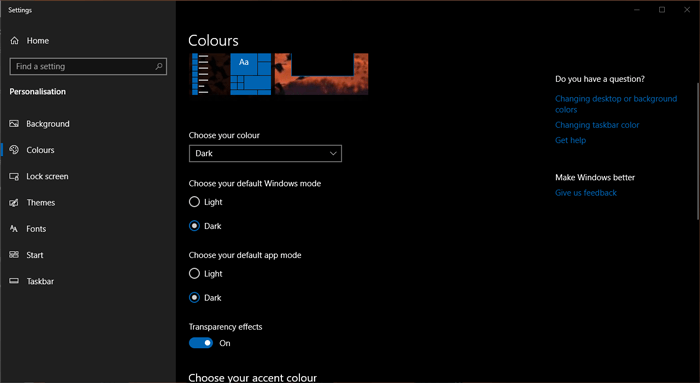
- In Windows 10, right-click the desktop background -> Personalize -> Colors, then change “default app mode” to Dark.
- In macOS, go to “System Preferences -> General -> Appearance,” and click the Dark option.
Also read: How to Turn Dark Mode On And Off for Windows
Enable YouTube Dark Mode on Android/iOS
Enabling dark mode on YouTube for Android and iOS is similarly simple. It’s the same process on both platforms.
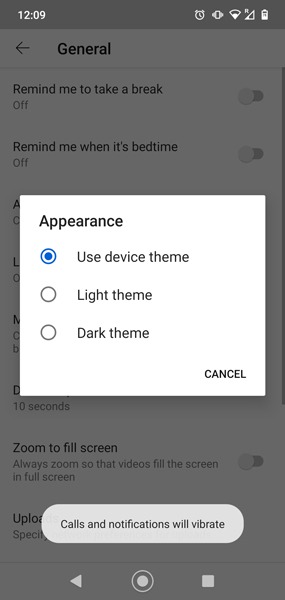
Just open the YouTube app, then tap your profile icon at the top-right corner -> Settings -> General -> Appearance.

In the Appearance pop-up, tap either “Dark theme” or “Use device theme” if you happen to use a dark theme on your given platform.
Activating YouTube’s Night Mode will provide you with exactly what is suggested, as well as a few other developer features. For more YouTube tricks, see our guides on how to cast YouTube to your PC and how to share a specific part of a YouTube video.