
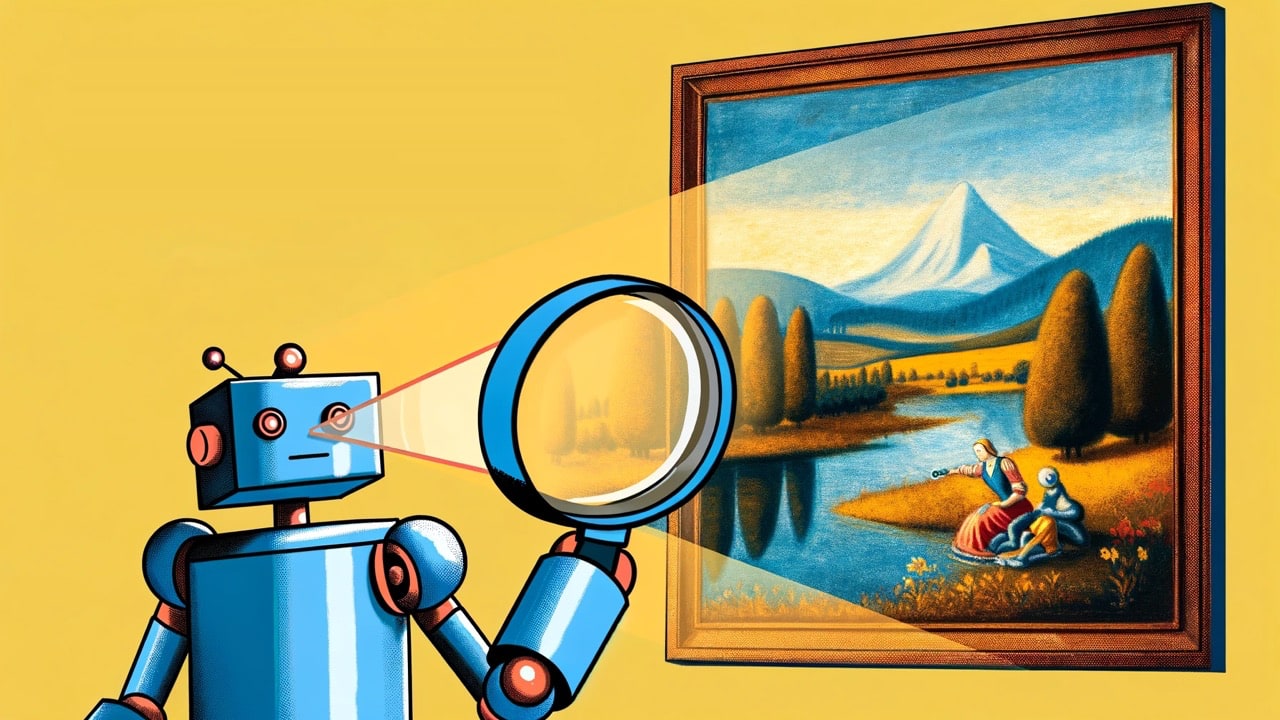

AI image generators are incredible tools that can effortlessly bring to life the wildest ideas, but they also create new problems for our society. Arguably the biggest problem is that deepfakes are now much easier to create and much more difficult to spot. Luckily, there are ways to fight back. If you suspect an image was made by AI, there are ways to double-check its authenticity. This article will give you the techniques and tools you need to separate real photos from convincing fakes.
[mte_toc]How to Detect AI-Generated Images
You don’t always need special software to detect an AI-generated image. While AI tools are amazing, they’re not flawless. The telltale signs of an image’s digital birthplace are quite common. Let’s take a look at some of the easiest ways to spot an AI-generated image.
1. Alien Fingers
One of the most common giveaways of an AI-generated image is what I like to call “alien fingers.” Such fingers may look a little too long, too short, or bent in impossible ways. You should also take a second and count those digits – you might find an extra one or two hiding in there.
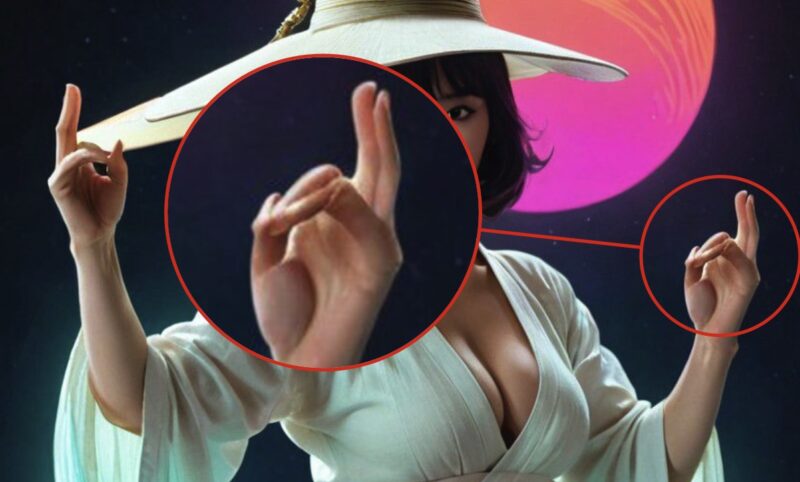
Of course, those who use AI to generate images are aware of this limitation, which is why they often attempt to circumvent detection by cleverly hiding their hands. If you stumble upon a series of images where the person’s hands are consistently obscured – tucked behind their back, buried in pockets, or conveniently cropped out of the frame – raise your eyebrows in suspicion.
2. Background Abnormalities
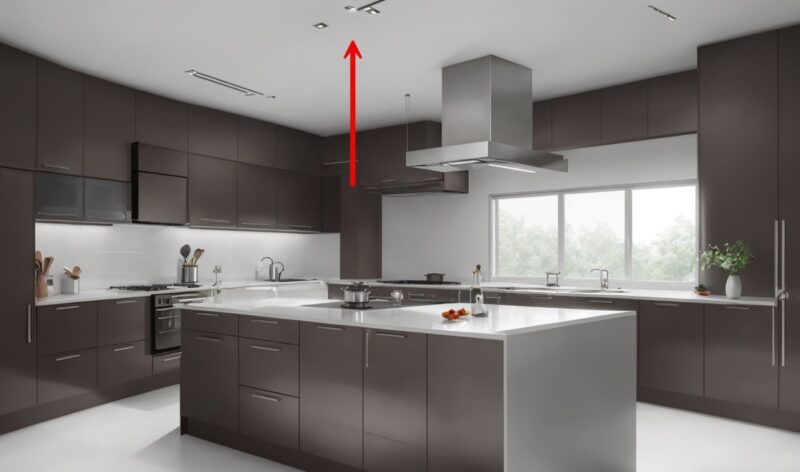
Sometimes the focus of an AI-generated image might look realistic, but the background gives the game away. AI tools tend to struggle with complex backgrounds, leaving awkward blurs, warped objects, or strange texturing. Even small details can seem “off,” so a close look at the background can definitely tip you off.
3. Unreadable or Misspelled Text
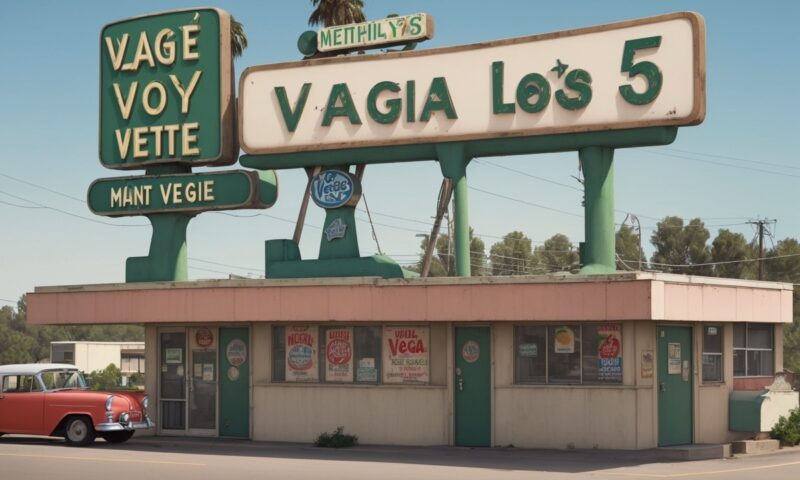
AI image generator models aren’t great with words (but AI writing tools are). Signs, labels, or any text in an image can be a dead giveaway. Look for weird misspellings, nonsensical phrases, or blurry letterforms. If the text isn’t crisp and legible, it’s a sign the image might be generated by an incredibly clever piece of software.
4. Clothes That Don’t Make Sense
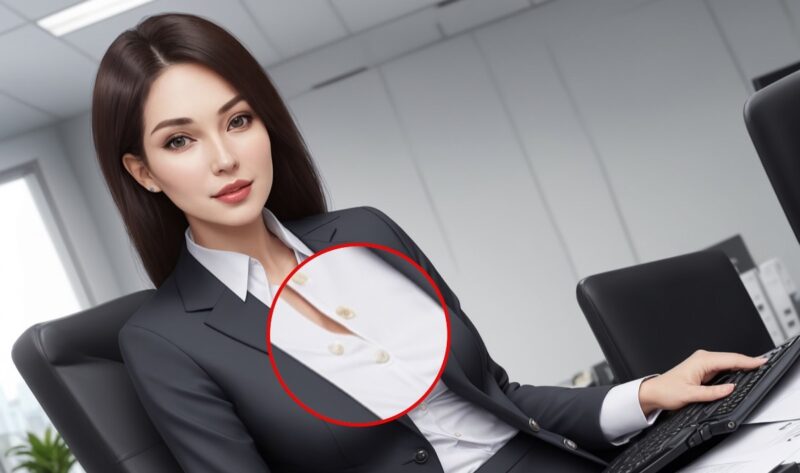
Take a moment to examine the fashion choices in suspect images. AI often makes mistakes with clothing details like buttons, zips, and pockets, placing them in bizarre locations or getting their shapes all wrong. Additionally, pay attention to patterns and textures. AI can struggle to consistently replicate these across the garment, leading to jarring transitions.
5. Metadata
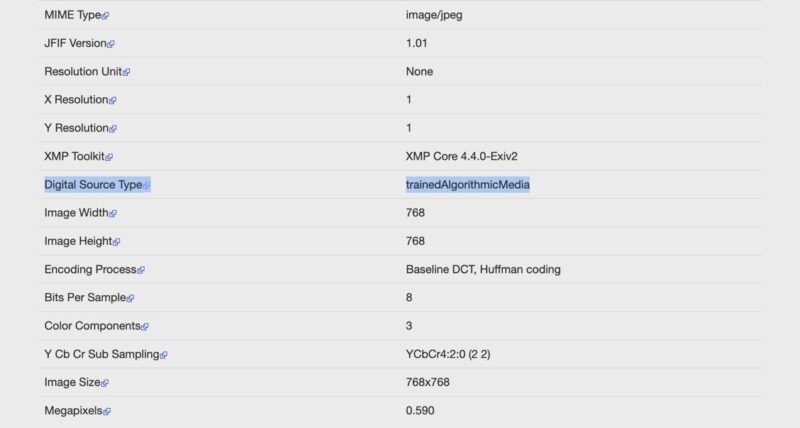
Increasingly, major AI players, such as Google, Microsoft, Adobe, Midjourney, Shutterstock, and most recently Facebook, are attaching invisible fingerprints to the images. This data (called metadata) is buried inside the image file and includes information about how the image was created. While metadata can be easily removed or edited, it’s worth checking as one of the first steps in your investigation.
3 Apps to Help Detect AI-Created Images
If you’re feeling a bit unsure about your ability to spot the difference between real and AI-created images on your own, there’s no need to worry. For those who don’t trust their investigative skills enough or simply want a second opinion, several apps have been developed specifically to tackle this challenge.
1. Hive Al Detector Browser Extension
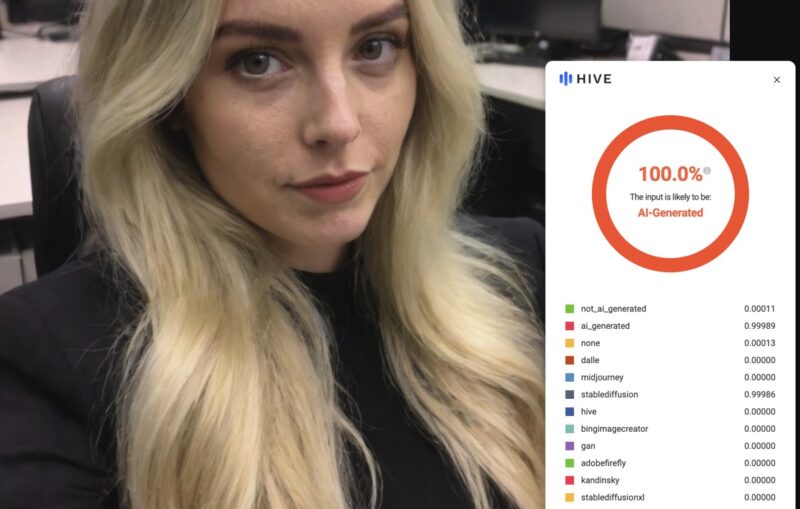
The Hive AI Detector browser extension offers a seamless way to determine if the content you’re viewing – be it text or images – is AI-generated. This extension is completely free, and it provides three convenient methods to scan content: right-clicking directly on the webpage, pasting it into a text box, or uploading a file. Hive has trained its model on millions of examples of both AI-generated and human-made content to achieve high accuracy even against the latest versions of tools like Midjourney and ChatGPT.
2. AI or Not
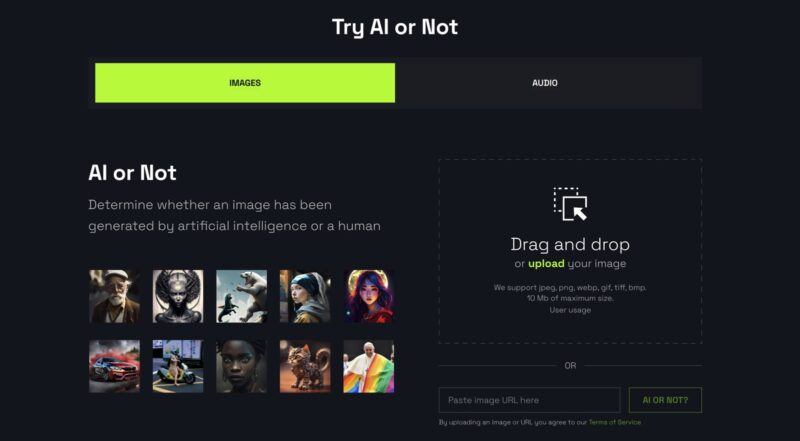
AI or Not is a straightforward and accessible tool designed to help you distinguish between images generated by artificial intelligence and those taken or created by humans. With its free version, users are allowed up to 20 web-based image checks, 100 API image checks, and five audio checks. For those who require more extensive use, the Basic plan starts at $9 per month, offering 300 image checks, full API response capabilities including specific model detection, and maintains the five audio checks.
3. Maybe’s AI Art Detector
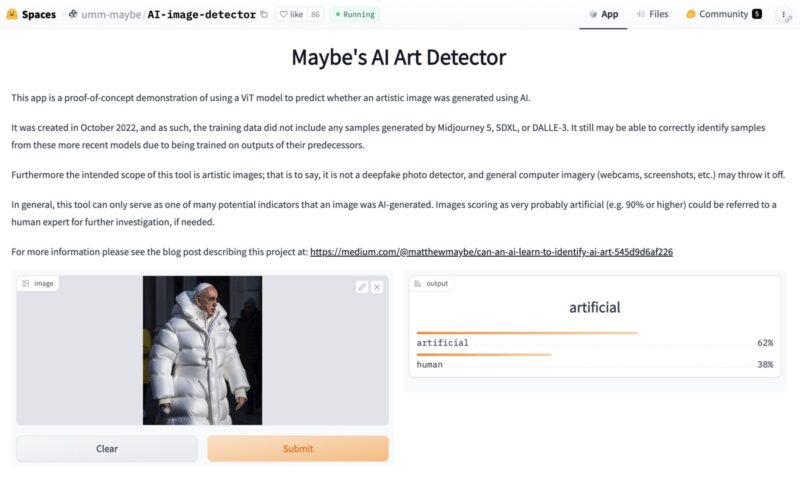
Maybe’s AI Art Detector is a free tool available on HuggingFace, showcasing the potential of using a Vision Transformer (ViT) model to detect if an artistic image was created by AI. Launched in October 2022, it wasn’t trained on images from the latest versions of Midjourney, SDXL, or DALLE-3. However, its training on earlier model outputs gives it a surprising adeptness at recognizing works from these newer generators.
Spot AI-Generated Images With Ease
Detecting AI-generated images doesn’t require you to be a tech wizard. With a keen eye for detail and the help of some innovative tools, you can start distinguishing between real and artificially created visuals. Another approach to enhancing your detection skills is learning how to generate your own AI images using Stable Diffusion. That way, you’ll be able to develop a sharper eye for spotting the subtle nuances and common patterns found in AI-generated content.
Featured image generated by DALL-E. Screenshots by David Morelo.