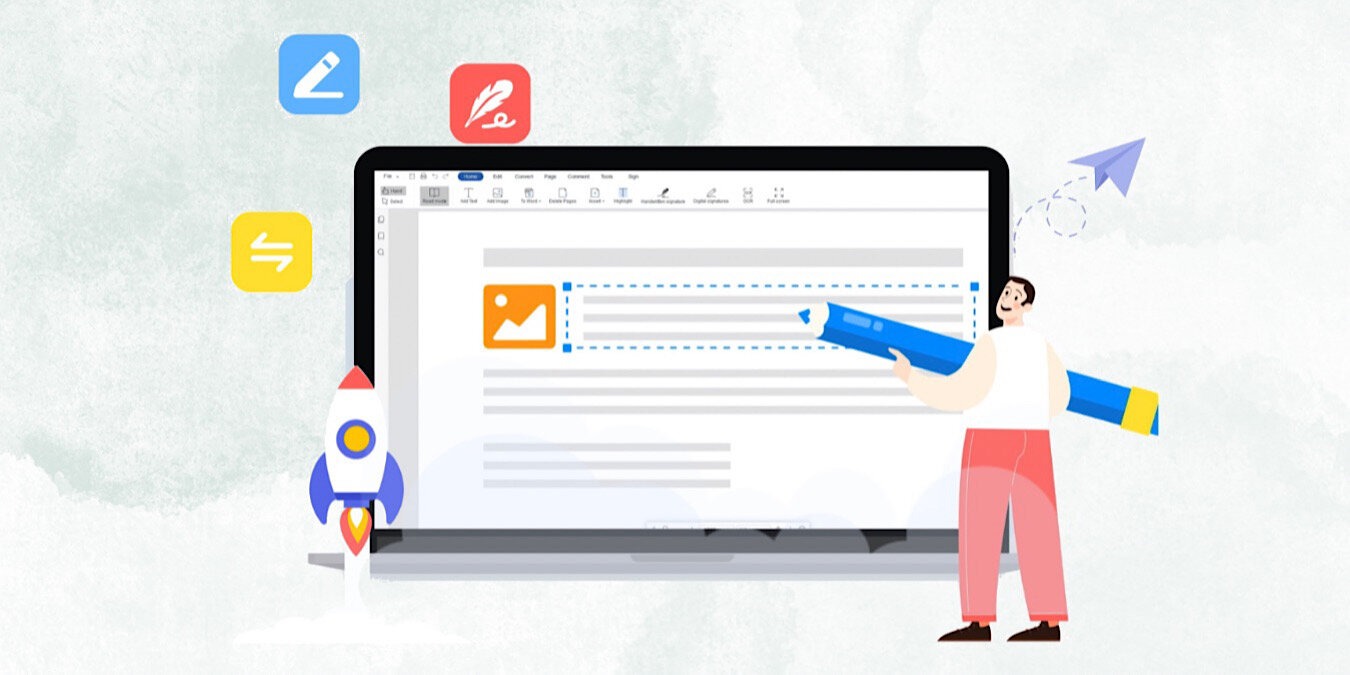
PDFs can be a great way to exchange and share information. It can be challenging to find the right software when you want to edit a PDF, convert it, annotate it, etc. It seems like you need a handful of apps to complete all those functions. But with LightPDF, you can do it all – and save 20% on a yearly subscription.
LightPDF allows you to edit PDFs in every way you can imagine. You can add, modify, or remove text, images, and links. Additionally, insert, remove, or change the background, headers, footers, and watermarks. Rearrange the PDF as well by inserting, rotating, deleting, extracting, replacing, or splitting pages. You can also replace or extract images on PDFs.
Editing in LightPDF is user friendly with text, image, and link modification functions. You can even adjust a current PDF to fix it up and make it look a little nicer by changing the fonts and colors and adjusting the layout of the text and images.
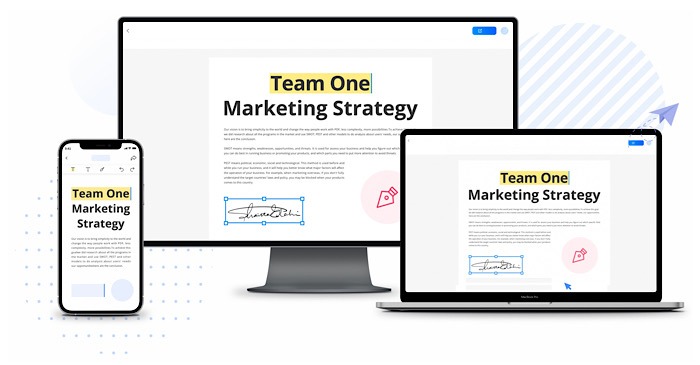
If you’re more interested in the PDF reading experience, there are plenty of features for that, too. You can split a PDF and view it in scrolling mode. Of course, you can also annotate it and leave comments by highlighting and making notes. Bookmark sections and search too.
If you’d rather convert a PDF into a different format, there are many options. LightPDF allows you to convert a PDF to Word and other formats and work in the reverse, converting Word and other formats to PDFs. Scan PDFs with the OCR feature to make them editable without losing quality. You can also fill out and create PDF forms, protect, merge, compress, and print.
LightPDF works with Windows, Mac, Android, and the Web. Take 20% off the price of an annual subscription with the code 20MTE and pay just $47.92 through December 31, 2022. Please note that the code must be entered before purchasing.
Make Tech Easier may earn commission on products purchased through our links, which supports the work we do for our readers.