Many people upgraded to Windows 10 from Windows 7 and regretted it. If you are looking for a way to get back to Windows 7, here’s how to downgrade from Windows 10 and reinstall windows 7.
If one of your important files gets corrupted, there is a slight chance you might still be able to fix it. Here are a few ways you can repair corrupted files in Windows.
While Microsoft has released emergency updates to patch Meltdown and Spectre bugs. considering the complexity of the bugs, your Windows system may or may not be fully patched.
Windows automatically creates a system restore point once a week, but if you need it to do it daily, here are two ways you can configure Windows to create daily system restore points.
Ellp is a Windows application that will automate your daily task and increase your productivity. It consumes few system resources and helps you set your own rules on how your PC works.
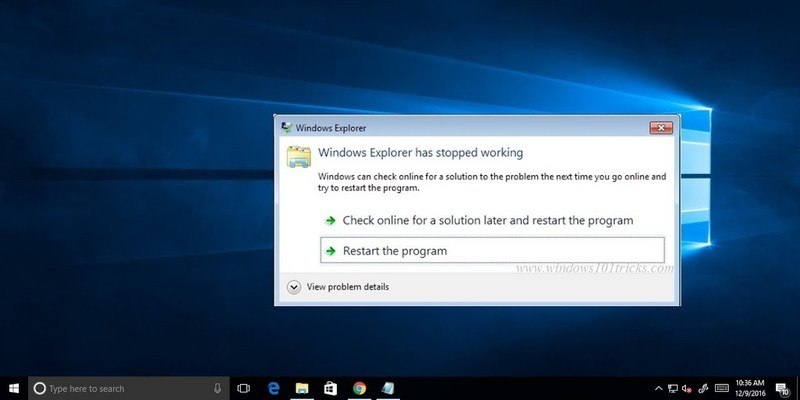
Windows has a thing for crashing, whether it’s an application, Windows Explorer, or Windows itself. If you are facing a Windows Explorer crashing issue, here are the possible solutions that could fix this issue.
If your system dual boots both Windows and Linux, you might notice that it’s impossible to get the system clocks to sync. Fortunately, there’s a relatively easy fix for that.
Did you know that the gestures you use on the touchpad of your laptop can be changed and customized? This article will show how to bring a bit more personality into Windows 10.
The thing about a digital map is that it requires an Internet connection to be accessible, which is not always possible when you travel. Learn how you can use Bing Maps offline in Windows 10.
Microsoft’s latest Timeline feature for Windows 10 finally arrived. Timeline allows you to go back in time and open apps you were working on in the past. Let’s see how Windows Timeline works.
The new Power Throttling feature in Windows Fall Creators update might not be useful in some situations. Learn how you can disable Power Throttling in Windows 10.
The “Troubleshooter” malware scam creates convincing-looking blue screens to trick and panic users to pay up. Here is how you can fix the Troubleshooter malware without spending any money.
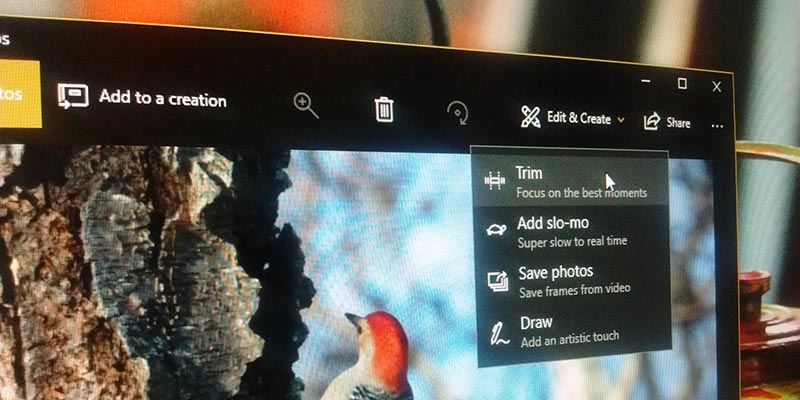
While there are plenty of video-editing apps that allow you to trim videos, Windows 10 Fall Creators update comes with this feature built in. Here’s how you can trim videos in Windows 10.
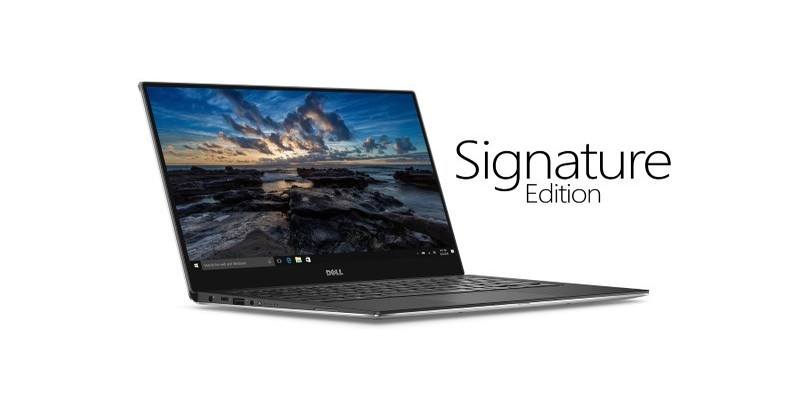
When you buy a laptop it will most probably come with crapware and adware. Microsoft aims to fix this with its less-advertised Windows 10 Signature Edition.
Being greeted with a black screen can be even more terrifying than the Blue Screen of Death. Here are the common causes and fixes for a black screen on PC.
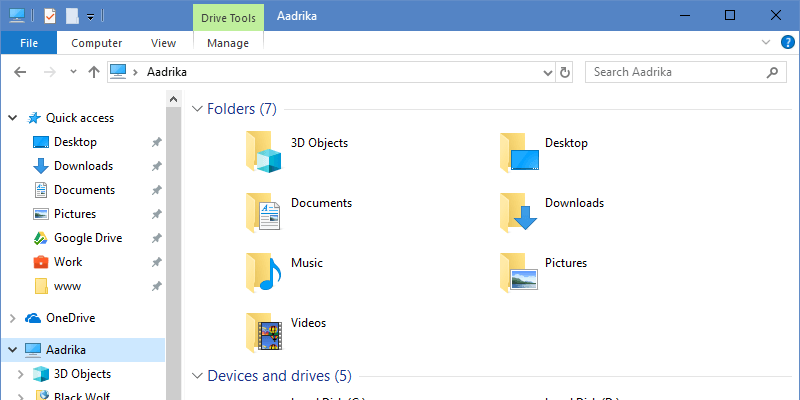
Windows Fall Creators Update added a 3D Objects folder in your Windows Explorer. Here is how you can remove the 3D objects folder and prevent it from showing.
Ever wish you could crank a little bit more resolution on your screen? Learn about downsampling and how to do it using both AMD and Nvidia graphics cards.
Windows has the tendency to use a lot of bandwidth while running the Windows Update. Here is an option you can set to limit bandwidth for the Windows Update.
If you are sharing your PC with others and don’t want them to install any extensions, here’s how you can disable and block extensions in the Edge browser.
The remote desktop protocol in Windows allows you and the hackers to gain access to your computer remotely. Learn why it’s a bad idea to use RDP in Windows.