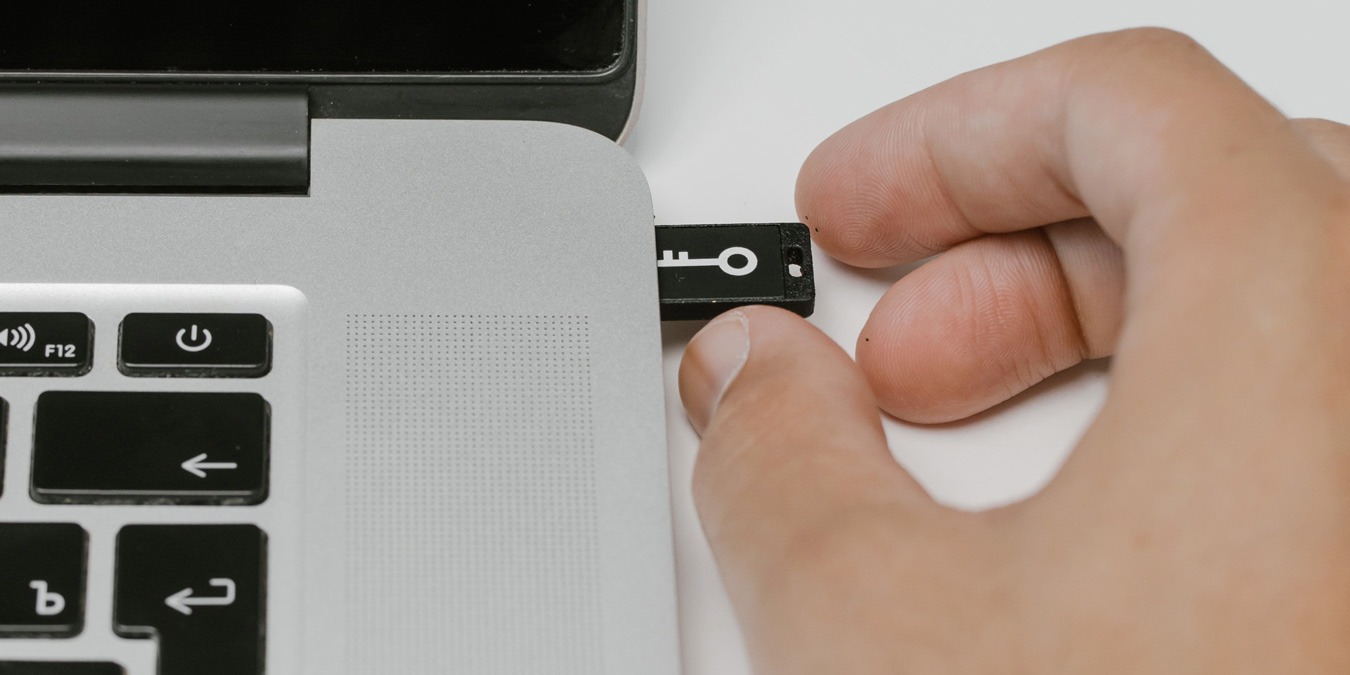
Disabling USB ports in Windows 10 is easy. Check out the various methods to disable USB ports in Windows 10 and keep yourself safe.
By Robert Zak – May 25, 2021
Want to keep up with news, weather, and more from the taskbar? Find out more about the Windows 10 taskbar widget for news and interests.
By Crystal Crowder – May 20, 2021
With the release of PS5, many gamers want to use the controller on their PC. Here is how you can connect your PS5 controller to your PC.
By Miguel Leiva-Gomez – May 13, 2021
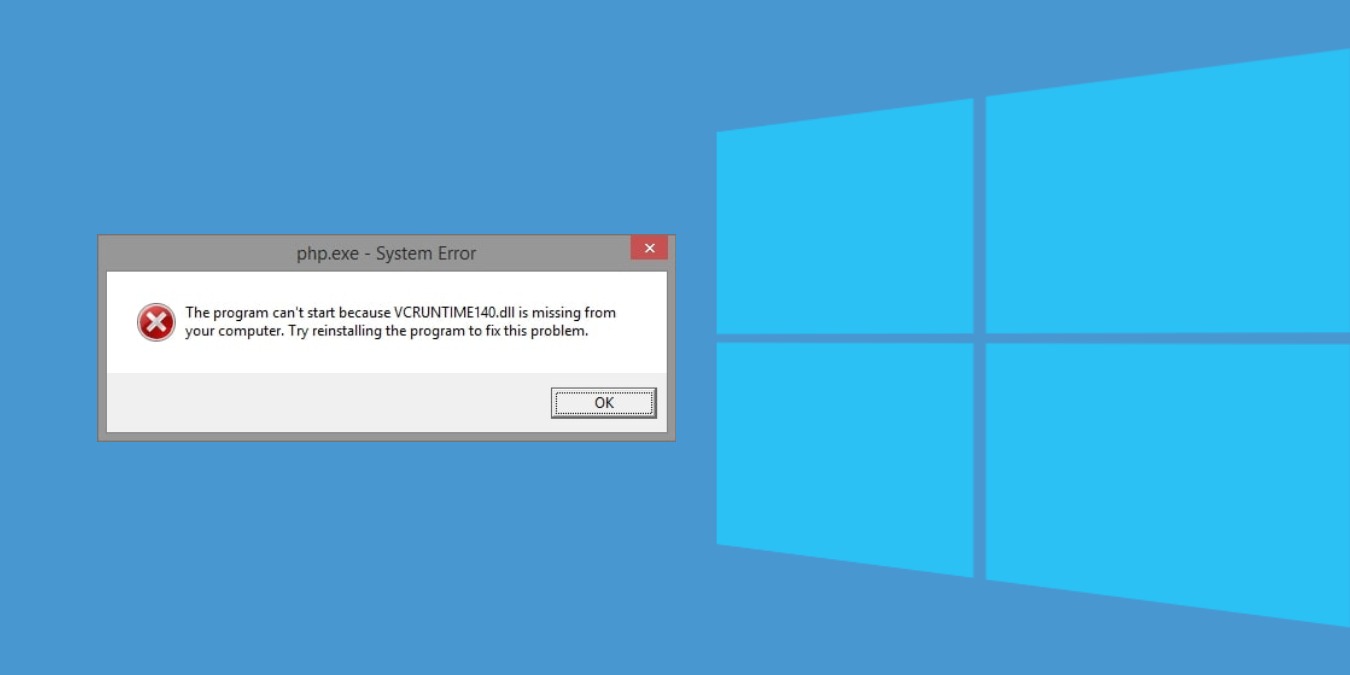
If your Windows 10 PC is showing a VCRUNTIME140.dll error, then check out this guide that includes multiple methods to fix the issue.
By Sagar Naresh – Apr 28, 2021
If you notice Windows Audio Device Graph Isolation is causing a consistently high CPU usage, here are the fixes for the problem.
By Crystal Crowder – Apr 26, 2021
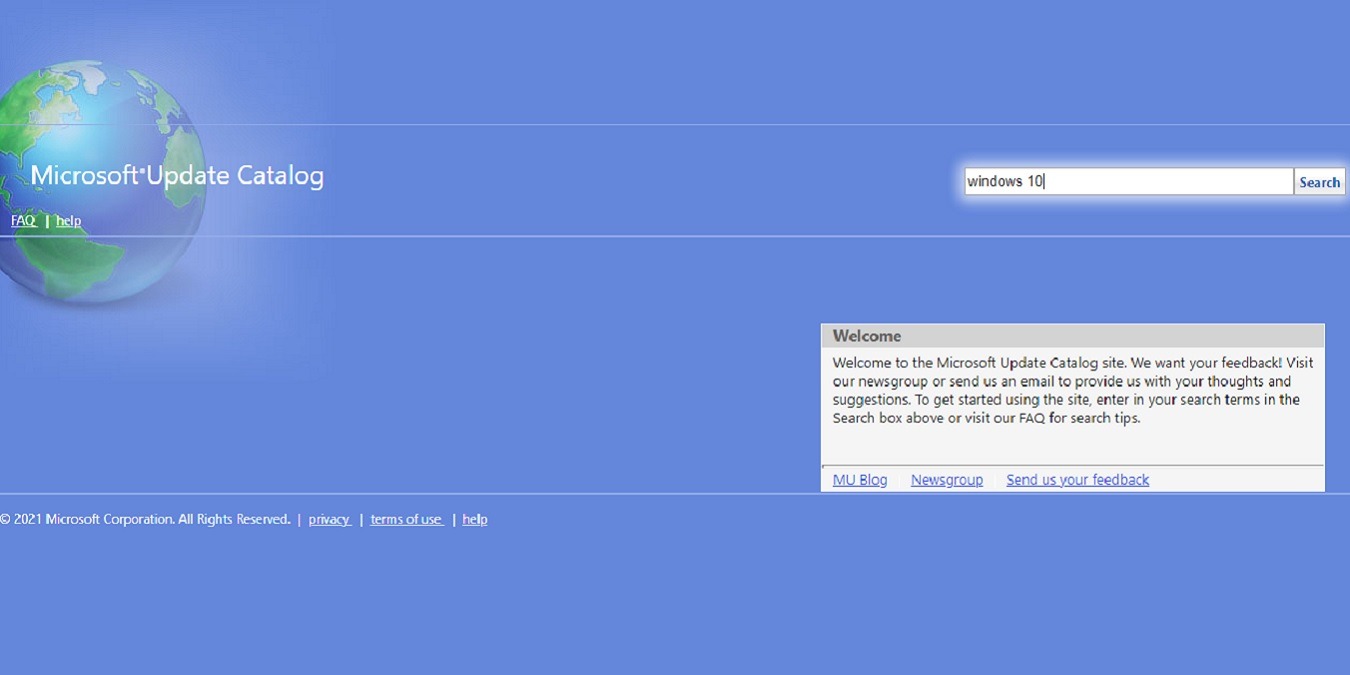
Need to manually download Windows Updates? Learn how to use the Microsoft Update Catalog to find exactly what you need.
By Crystal Crowder – Apr 23, 2021
Need to access the BIOS? Learn the different methods you can use to enter the UEFI or Legacy BIOS boot menu in Windows 10.
By Sagar Naresh – Apr 22, 2021
Are you seeing the activation watermark on your Windows desktop? Here we show how to check whether your Windows 10 is activated.
By Sagar Naresh – Apr 20, 2021
Learn how to make use of the Optical Out (S/PDIF) port on your PC to set up an audio connection and enjoy the best your audio system can offer.
By Odysseas Kourafalos – Apr 19, 2021
Are you looking to transfer files between computers? Learn how you can connect two Windows 10 PCs with LAN cable to transfer files.
By Sagar Naresh – Apr 18, 2021
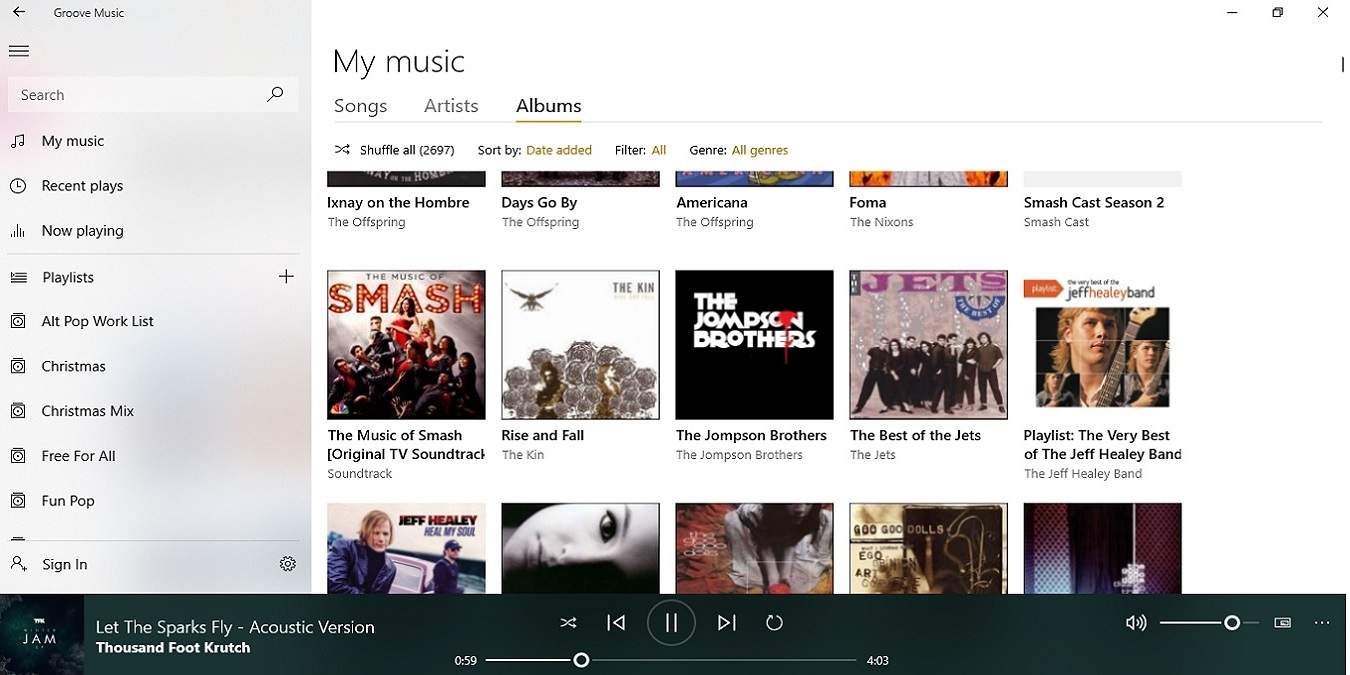
Need an easy to use music player on Windows 10? Learn what Groove Music is, how to use it, and how it compares to Windows Media Player.
By Crystal Crowder – Apr 14, 2021
Here is our list of some of the best software available for Windows that allows you to take a screenshot with a mouse cursor.
By Sagar Naresh – Apr 12, 2021
There are times your monitor fails to wake up after sleep. If you are having this issue, here is how to fix a monitor not waking up after sleep in Windows.
By Robert Zak – Apr 11, 2021
Not all apps come with the shortcut keys for you to do the things you want. Learn how to use AutoHotkey to create app-specific shortcut keys.
By Odysseas Kourafalos – Apr 6, 2021
Bored of the same wallpapers on your dual-screen setup? Here is a simple method to apply different wallpapers on different monitors.
By Sagar Naresh – Apr 1, 2021
Here we will provide you some of the best methods that you can follow to update your NVIDIA graphic drivers installed on your PC.
By Sagar Naresh – Mar 24, 2021
Want to give your Windows home screen an overhaul? You should try out our list of the best Rainmeter skins that will suit every taste.
By Sagar Naresh – Mar 23, 2021
If you own an older Windows OS, Microsoft is no longer providing support for it. Here are some of the ways to easily upgrade to Windows 10.
By Don Sharpe – Mar 22, 2021
Do you need to find the IP address of your network printer? Here we show you a few ways to find the IP address of a printer on your network.
By Robert Zak – Mar 21, 2021
If you have seen the “No Internet, Secured” message in Windows 10, here are some of the possibilities and solutions you can use to fix it.
By Robert Zak – Mar 21, 2021
Pagination
Affiliate Disclosure: Make Tech Easier may earn commission on products purchased through our links, which supports the work we do for our readers.