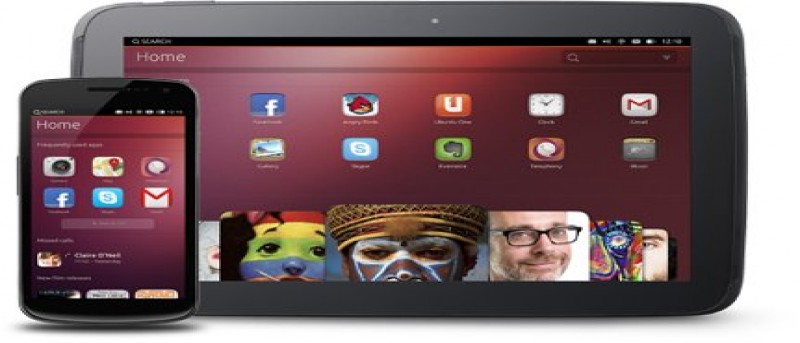
If you have heard of the new Ubuntu Touch mobile OS and are keen to try on your Nexus device, here are the instructions for you to install Ubuntu Touch on Nexus 7, and also to restore back to Android.
Securing your Android phone or tablet is quite easy. Android OS actually offers a few different options for you to secure your phone. The only question is, which option provides the best security without compromising the ease of use? Let check it out.
You lost your Android phone and it isi filled with all your confidential data. What should you do? In the extremem cases, you might want to remote wipe the data in your phone. Here are some ways that allow you to do so.
We often feel that the Gmail for Android app is not as good as the desktop Gmail, but if you dig deep enough, you will find plenty of hidden features that can make it as good as the desktop version. And here are 3 hidden features of Gmail for Android that you ought to know.
I’m a fan of productivity apps and am always downloading note-taking and writing apps. Yet, when it comes to push and shove, I always end up resorting to my tried and true apps of Pages and AwesomeNote for writing on the iPad. Werdsmith is a writing app for iOS that promises to both track your ideas and help you write as you follow your project from start to finish. Does it deliver? Yes, of course.
Privacy is always an issue when sharing a tablet with others. Here is how you can create multiple user profiles for your Android tablet and get rid of the privacy problem.
The Amazon file transfer software for Kindle Fire works well in Mac and Windows, but not in Linux. In Ubuntu, here’s how you can manage files on your Kindle Fire.
We have previously discussed how you can use AndroMouse to turn your Android phone into a wireless mouse for your computer. In this tutorial, we will show you how to set it up in Ubuntu.
Google Drive, is Google’s new cloud service which allows document, music, photo and other file sharing. It was launched earlier this year and this guide is designed to show you how to get the most out of it on your Android mobile.
If you live in a large metropolitan area, most likely everywhere you go, you will stay within the 3G bandwidth. Once you travel outside your area, you can lose that bandwidth to either the EDGE network or even even no network at all. The following gives a quick reference to the evolution of bandwidths and how they’re used, as well as the difference between the currently available bandwidths.
The time will always arrive when your eyes are failing and you need to go for a eye checkup, but before you do that, why not do your own eye test with your iPhone? Yes, there are apps for that.
There is something called “Airplane Mode” that’s used when you’re onboard a flight. Have you wondered what exactly does airplane mode mean? Let’s find out.