• Computing
  • Mobile
  • Lifestyle
  • PC Guides
  • Reviews
  • Tech Explained
    • Windows
    • Linux
    • Mac
    • ChromeOS
    • Android
    • iOS
    • Gadgets
    • Productivity
    • Smart Home
    • Social Media
    • Gaming
  • Internet
  • Tech Explained
  • News

More from us

  • Reviews
  • Cheatsheets
  • Buying Guides
  • Deals
  • Newsletter

Are Third-Party Social Logins Secure and Private?

People love to use social logins for various sites because it frees them from having to remember multiple passwords. But is this secure and private? Let’s find out.

By Andrew Braun – Mar 6, 2019

5 of the Best Email Service Providers for Sending Transactional Emails

Sending transactional emails is an important part of any online business. Here are some of the best email service providers you can use to send transactional emails.

By Elsie Biage – Feb 28, 2019

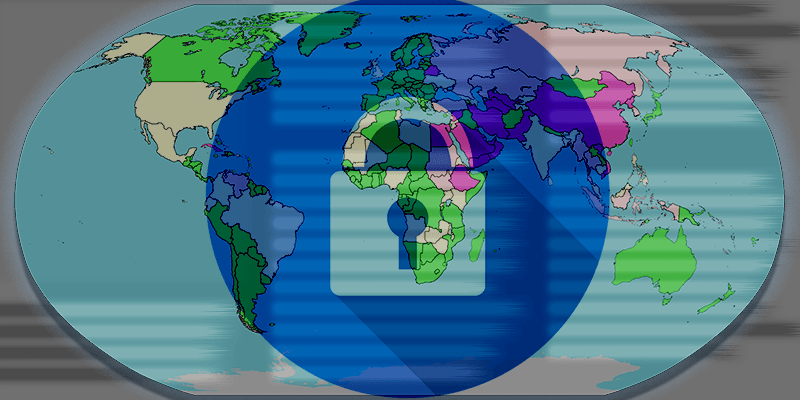
Countries Where You’ll Need a VPN to Bypass Censorship

The number of countries implementing content filtering and censorship is growing. Here are some of the countries that need a VPN to connect to the outside world.

By Andrew Braun – Feb 26, 2019

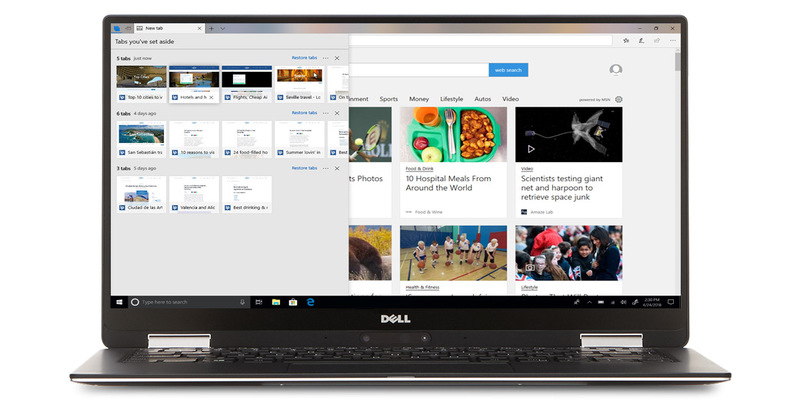
How to Block Microsoft Edge from Running in the Background

Microsoft Edge is preinstalled in Windows 10, and now it can start up on its own. Here is how you can block Microsoft Edge from running in the background.

By Elsie Biage – Feb 26, 2019

The Ultimate Superuser’s Guide to uBlock Origin

While uBlock Origin is the most powerful and versatile ad blocker available, its design is also a little obscure. Here we’ll show you how to get the most out of uBlock Origin.

By Alexander Fox – Feb 25, 2019

The Psychological Tricks Websites Use to Keep You Scrolling

The attention economy relies on keeping human eyes staring at the same site for as long as possible. Here are some psychological tricks websites are using.

By Andrew Braun – Feb 25, 2019

Chrome Apps, Plugins, Extensions: What’s the Difference?

What is the difference between Chrome Apps, extensions and plugins? Here we explain the differences between them so you always know what you’re looking for.

By Robert Zak – Feb 20, 2019

7 Free Proxy Servers You Can Use to Hide Your Identity Online

As you evaluate which free proxy server to use, check its reputation, service quality, support for your browser, OS, nation of origin and speeds.

By Elsie Biage – Feb 19, 2019

4 of the Best Internet History Tracking Apps You Can Use

If you are looking to have a bird’s eye view of the websites you surf, here are some of the best Internet history tracking apps you can use.

By Sayak Boral – Feb 13, 2019

4 Ways Virtual Reality (VR) Will Develop in 2019

While playing VR games is fun, the technology can be used to perform other advanced tasks. Here are some ways that VR will develop in 2019.

By Simon Batt – Feb 12, 2019

Google Testing Walking Navigation with Maps App AR

Google announced on Monday that it’s testing an update to Google Maps, specifically with a feature for walking navigation using AR

By Laura Tucker – Feb 12, 2019

How to Host Your Blog for Free with Jekyll and GitHub Pages

If you’re looking to start a static blog, you can now do it for free with Github Pages. Learn how you can create your own static blog with Jekyll and Github.

By Kris Wouk – Feb 11, 2019

Dropbox Tips Tricks Featured1

6 Useful Tricks You Didn’t Know Existed in Dropbox

Other than storing your files, Dropbox also comes with other functionalities. Here are some advanced tricks to help you get the most out of Dropbox.

By Fabio Buckell – Feb 10, 2019

How to Bypass a Proxy Server on a LAN

Content filtering and proxy servers are a way of life in schools, colleges and offices. Here are some methods to bypass proxy bypass server on a LAN.

By Sayak Boral – Feb 6, 2019

How to Install Web-based Productivity Apps Easily With Sandstorm

Sandstorm makes it easy to install an entire library of self-hosted productivity apps on your server. All you need to do is install Sandstorm to get started.

By Kris Wouk – Feb 6, 2019

Cyberattacks Against Businesses Are Up Nearly 80%: Here’s What to Look Out For

Malware developers have shifted toward attacking businesses over the general public as cyberattacks against businesses are up 80%. Here’s what you need to know.

By Simon Batt – Feb 4, 2019

picture-in-picture-featured

How to Use Chrome’s Integrated Picture-in-Picture Mode

Google Chrome comes with picture-in-picture support by default. Here’s how you can make use of the integrated picture-in-picture mode in Chrome.

By Fabio Buckell – Feb 4, 2019

The Best Domain Name Registrars for 2019

Choosing the right domain name registrar is important as it allows you to better manage your domain names. Here are some of the best domain name registrars you should use in 2019.

By Elsie Biage – Jan 31, 2019

What is WPA3 Security, and When Can You Use it?

WPA3 is the next generation Wi-Fi standard that will replace the current WPA2 standard. Find out what WPA3 is, its benefits and when you can start using it.

By Matthew Muller – Jan 23, 2019

Slides-add-ons-featured-image

10 of the Best Google Slides Add-ons to Create An Impressive Presentation

While Google Slides is pretty basic, you can extend its functionality with add-ons. Here are the best Google Slides add-ons for you to create great presentations.

By Tracey Rosenberger – Jan 20, 2019

Pagination

<1…54555657>

Trending

Twitch Vs Youtube Gaming Vs Facebook Gaming Featured

Twitch vs. Facebook Gaming vs. YouTube Gaming: What’s the Best Live Game Streaming Platform?

Mar 31, 2026

Anytype Android

I Swapped Notion for Anytype on Android, And I’m Not Going Back

Mar 31, 2026

What Is Emulation Featured

What is Emulation? Benefits, Downsides and More

Mar 31, 2026

Play Legend Of Zelda Pc Featured

How to Play The Legend of Zelda on PC

Mar 31, 2026

Nvidia Dlss Featured

What Is NVIDIA DLSS? Upscaling and DLSS Alternatives Explained

Mar 30, 2026

Featured Image depicting the latest Windows10 and 11 Update Problems

Latest Windows Update Problems and How to Fix Them

Mar 30, 2026

More Posts >

Affiliate Disclosure: Make Tech Easier may earn commission on products purchased through our links, which supports the work we do for our readers.

Uncomplicating the complicated, making life easier

Make Tech Easier provides tech tutorials, reviews, tips and tricks to help you navigate the complicated world of technology. We aim to uncomplicate the complicated, making your life easier.

  • About
  • Contact
  • Advertise
  • Editorial Guidelines
  • Terms of Use
  • Privacy Policy
  • RSS Feed Terms

© 2026 Uqnic Network Pte Ltd.
All rights reserved.