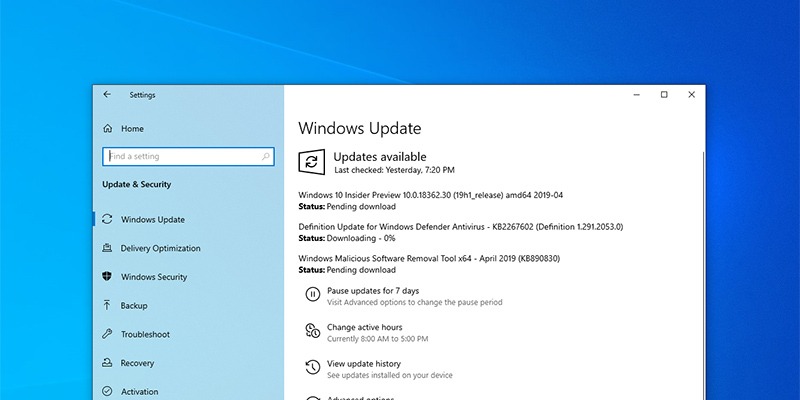
Microsoft has announced they’ll be allowing users to control their updates. Scheduled for the May 2019 update, you’ll be able to review and download updates manually.
There are times when Windows 10 updates make your system unbootable. For such cases, you can uninstall updates from the advanced startup screen. Here’s how.
If you are sharing your computer and don’t want users messing with different settings, you can easily hide specific pages in the Settings app. Here’s how.
If you rarely use the microphone, deactivating it is a good security measure. Learn the different methods you can try to deactivate a microphone in Windows 10.
A remote shutdown or restart comes in handy when you are managing several PCs at different locations. Here’s how to remotely shut down your Windows 10 PC.
Remembering what files you’ve shared with others can be difficult. Here are a few tricks to track and view all your shared files and folders in Windows 10.
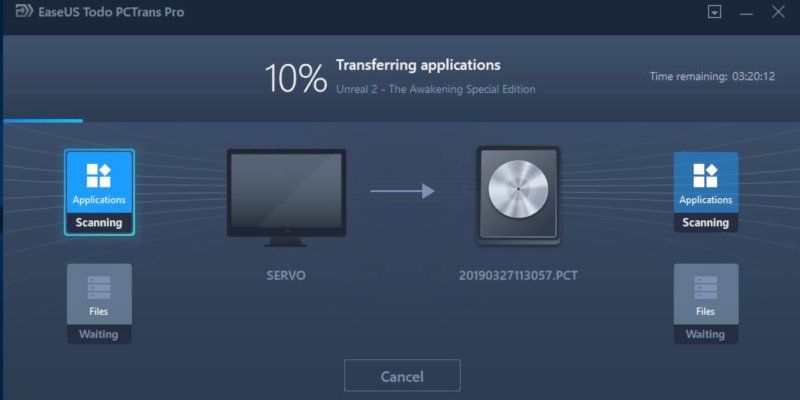
Moving data between PCs can be a hassle. EaseUS Todo PCTrans Professional 10.0 is meant to do exactly this, and it adds a lot of other functionality into the package as well.
Windows Media Player is no longer the default media player in Windows 10. If you cannot find it on your PC, here’s how you can download and activate it.
Windows 7 will reach the end of its supported life in January 2020. Many companies still use Windows 7 to run their businesses. How will this affect them?
While Microsoft no longer offers free upgrade to Windows 10, there are still a few workarounds to get Windows 10 for free if you’re running an older version.
Staying aware of the security threats in Windows 10 is the best way to avoid them. Here are some of the most severe Windows 10 security vulnerabilities that continue to affect users today.
You might find yourself running the same few commands every time you launch PowerShell or the command prompt. Why not save some time and run them automatically on launch?
A screen-sharing software is a life saver when you need external help to troubleshoot your PC. Here are some well-tested screen-sharing apps for Windows.
There are times when your mouse stops working, and you need to navigate around the screen. Here’s how to configure your keyboard to use as a mouse in Windows 10.
For sharing files between different operating systems, it can easily be done with Network Share. Here’s how you can transfer files between Linux and Windows.
Other than Internet speed, there are also ways to make your browser run faster. Here are some tweaks to speed up your browser performance in Windows 10.