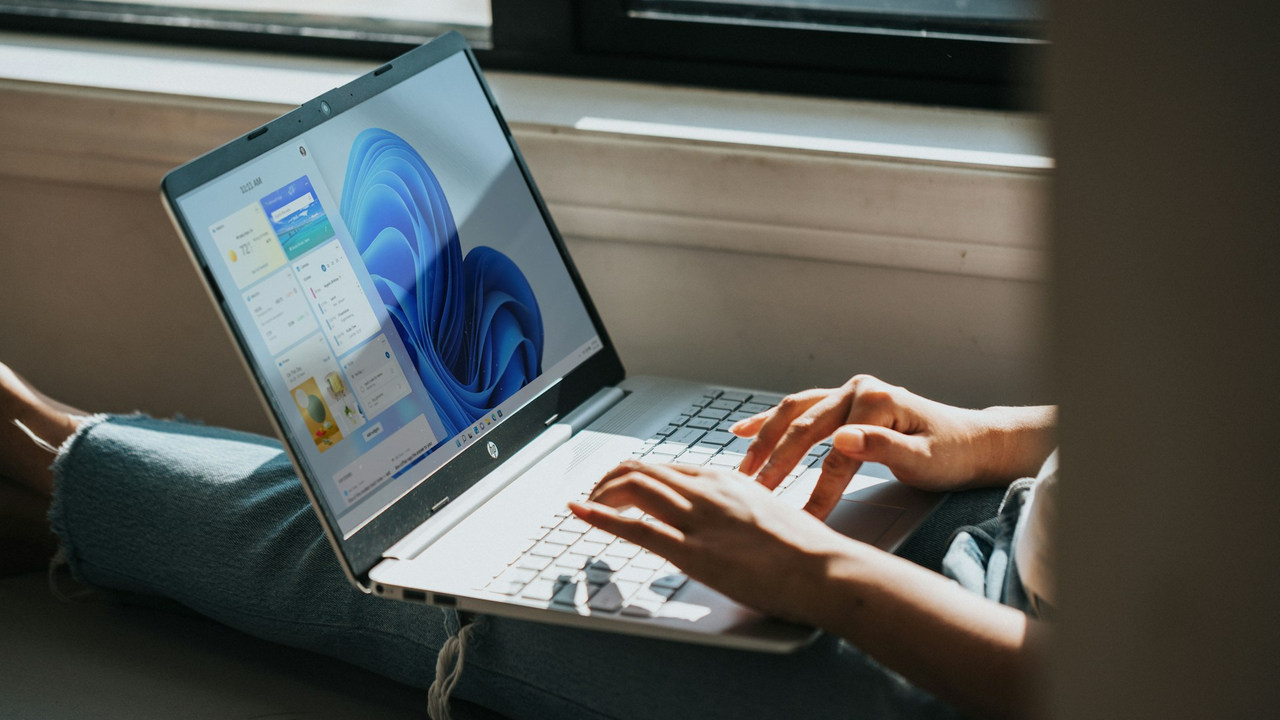
Learn how to fix the “No audio output device is installed” error in Windows and get your sound back on track with our step-by-step guide.
By Zainab Falak – May 15, 2024
Windows Defender can do more than just scan your PC for malware. Take a look at these advanced Windows Defender features to protect your PC.
By Karrar Haider – May 14, 2024
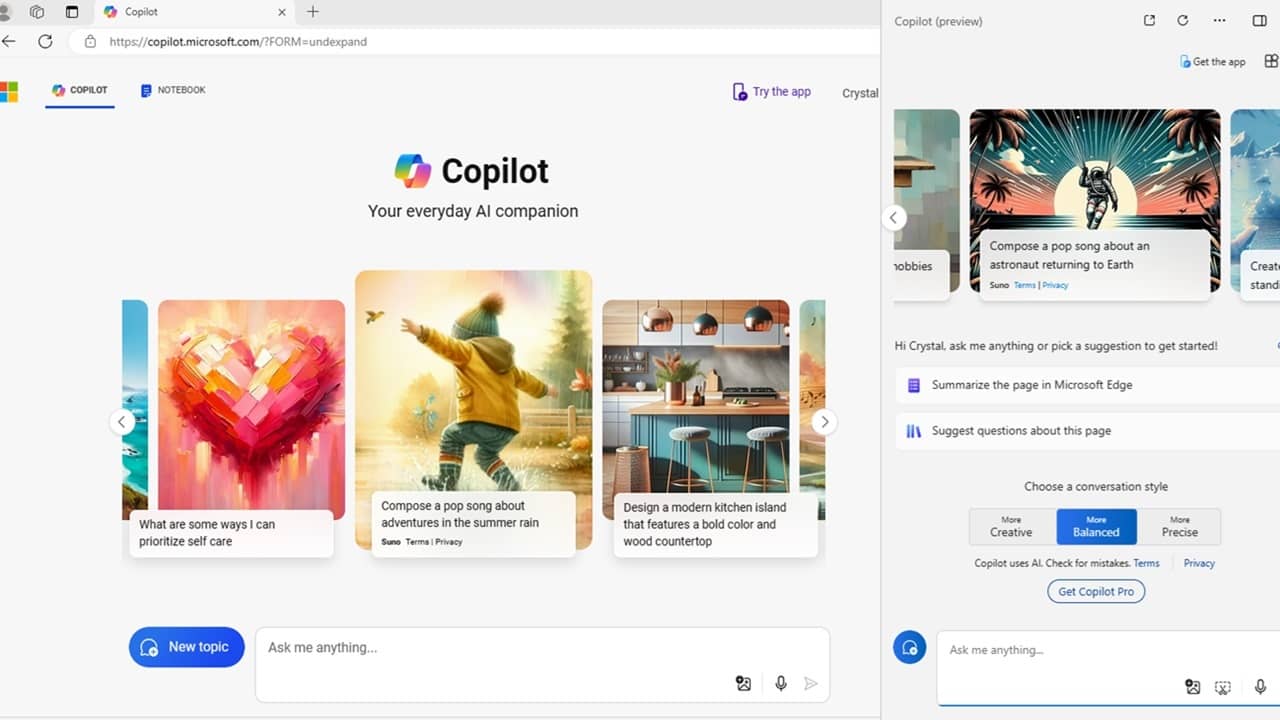
Need quick answers or help with Windows? Learn what Microsoft Copilot can do and how to use it on various platforms.
By Crystal Crowder – May 13, 2024

Learn how to reset your Windows login password with ease. Regain access to your system with these reliable methods.
By Miguel Leiva-Gomez – May 12, 2024

It can be very annoying if your Windows keeps restarting and not shutting down. This guide lists the possible solutions.
By Karrar Haider – May 9, 2024
Having trouble with the 0x0 0x0 error code in Windows? Follow the fixes in this tutorial to address the issue.
By Zainab Falak – May 7, 2024

There are various reasons to monitor your Internet use in Windows. This tutorial shows you how to monitor the usage.
By Sayak Boral – May 2, 2024
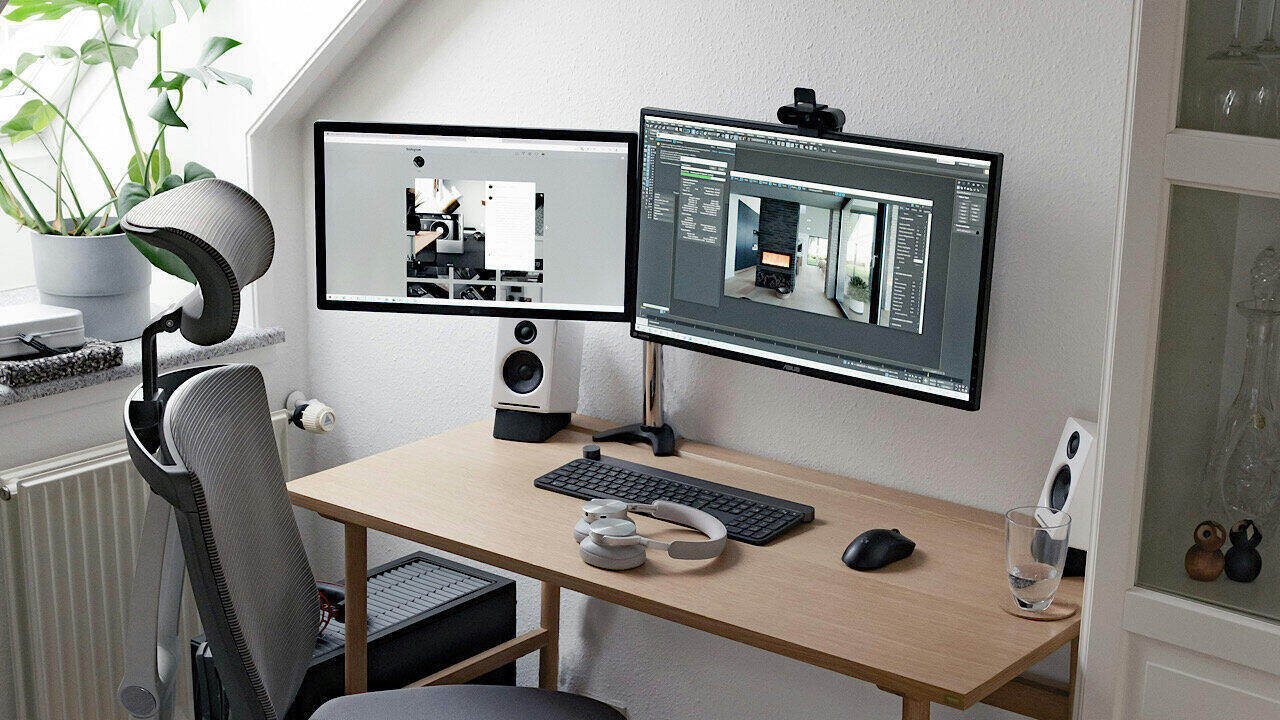
When downloading multiple files, use one of these Windows download managers to improve the download speed and pause/restart your downloads.
By Sayak Boral – Apr 30, 2024
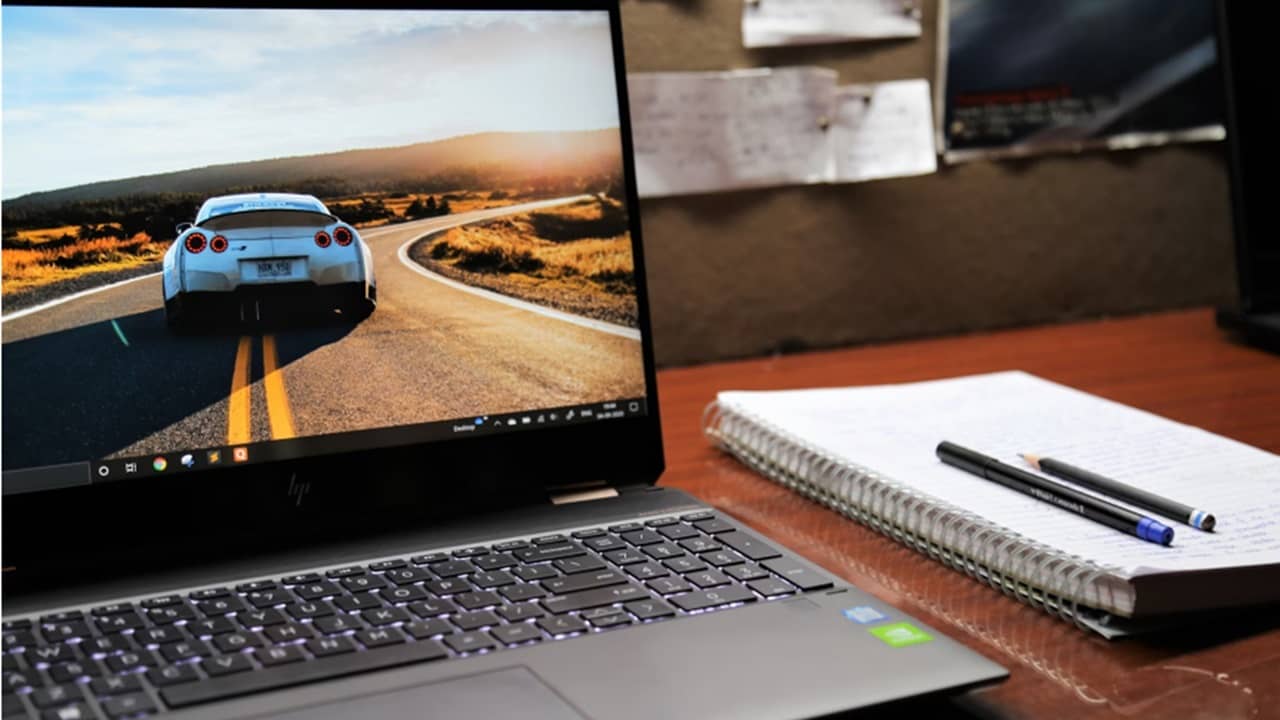
If your screen doesn’t look quite right, it’s time to troubleshoot screen resolution problems in Windows to ensure everything looks great.
By Crystal Crowder – Apr 30, 2024
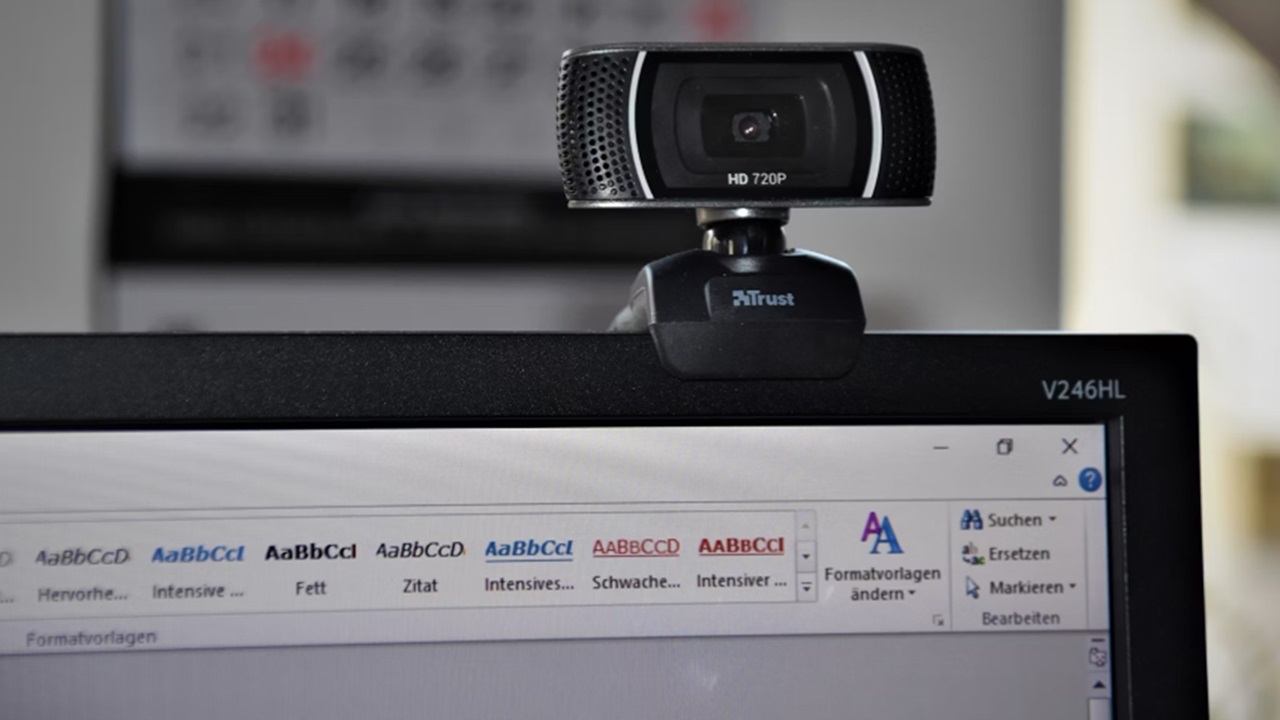
Webcam not working in Windows? Find out what could be the cause and the fix for it.
By Crystal Crowder – Apr 28, 2024
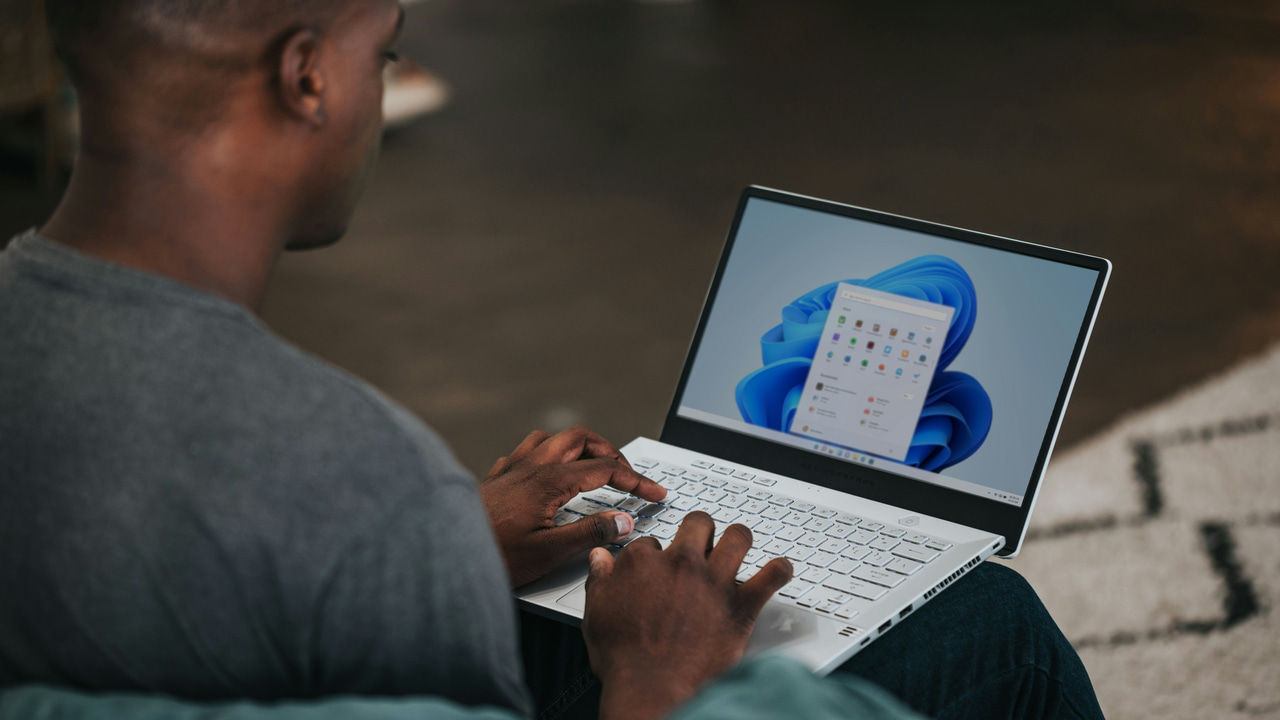
Remembering laptop users’ pain points, these apps will make sure you get the best experience from your Windows laptop.
By Karrar Haider – Apr 25, 2024

Is a messed up registry responsible for your sluggish computer?
By Crystal Crowder – Apr 24, 2024
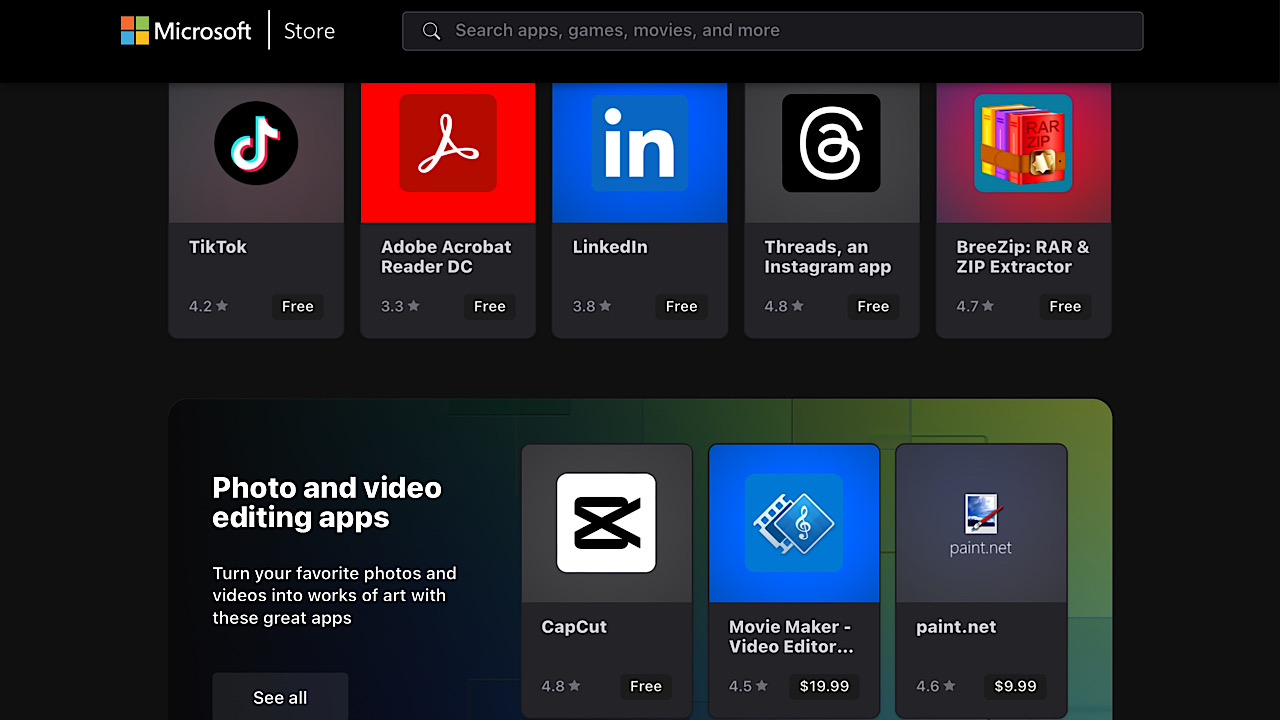
It was announced on X that MIcrosoft Store installers were launched to stream the process to install apps on the Web.
By Laura Tucker – Apr 22, 2024
From basic settings to Registry edits, this all-in-one guide shows how to optimize your network connection in Windows for speed and stability.
By Karrar Haider – Apr 22, 2024

Don’t have an Ultrawide monitor? No problem! Get the same field of view (FOV) in games using custom resolutions, even without GPU support.
By Karrar Haider – Apr 19, 2024
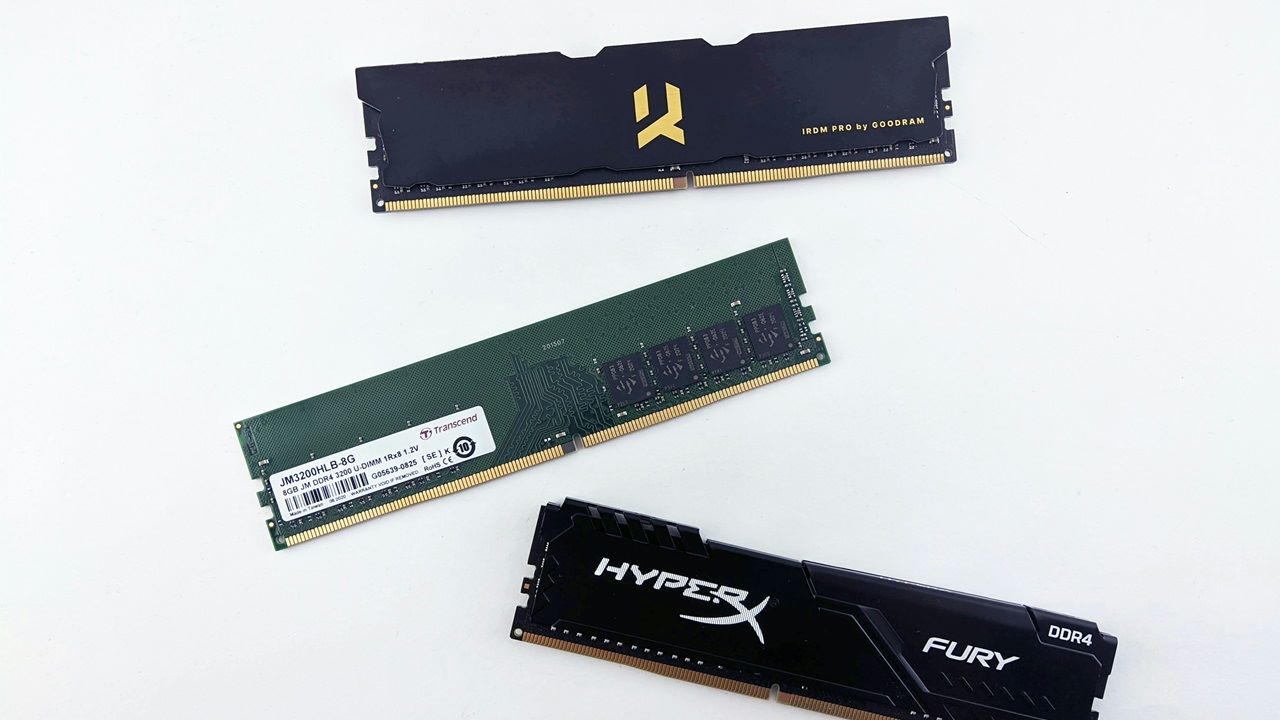
This tutorial shows how to check your RAM type in Windows to help with RAM upgrades and performance assessment.
By Sayak Boral – Apr 16, 2024
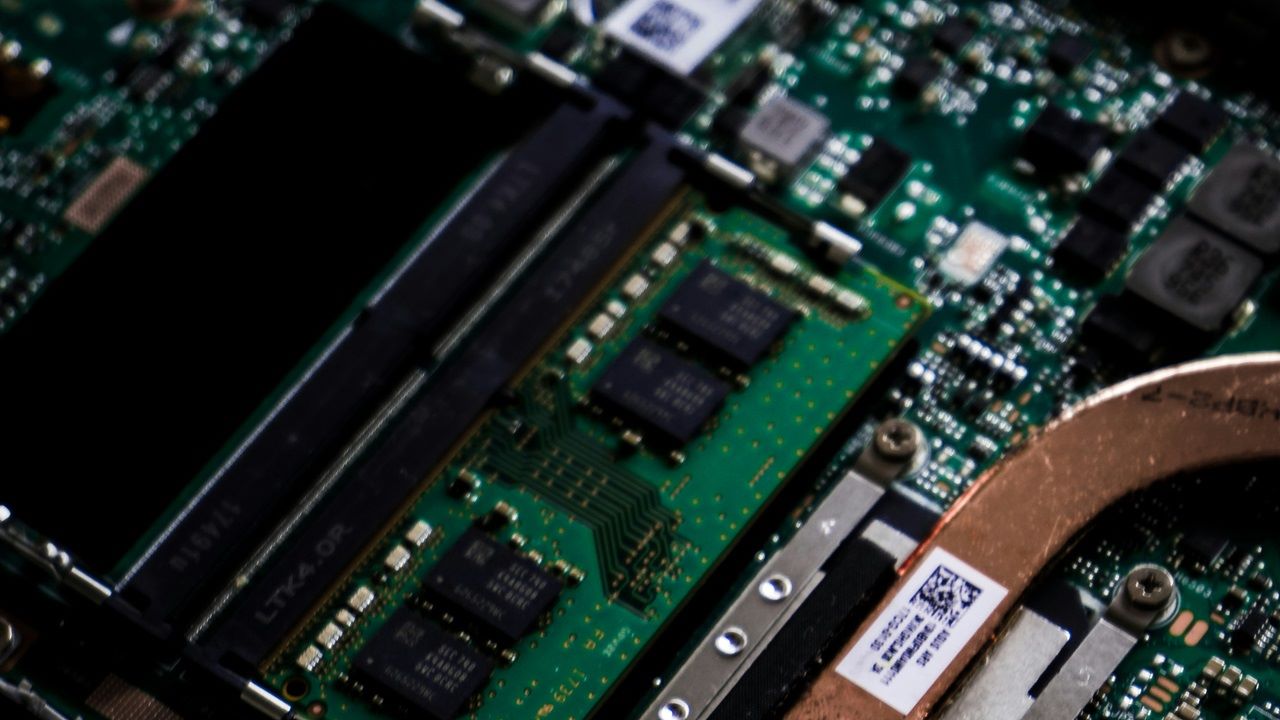
Do you know how to enable dual-channel RAM on your laptop or PC? This guide walks through all the steps, including hardware and installation.
By Sayak Boral – Apr 11, 2024
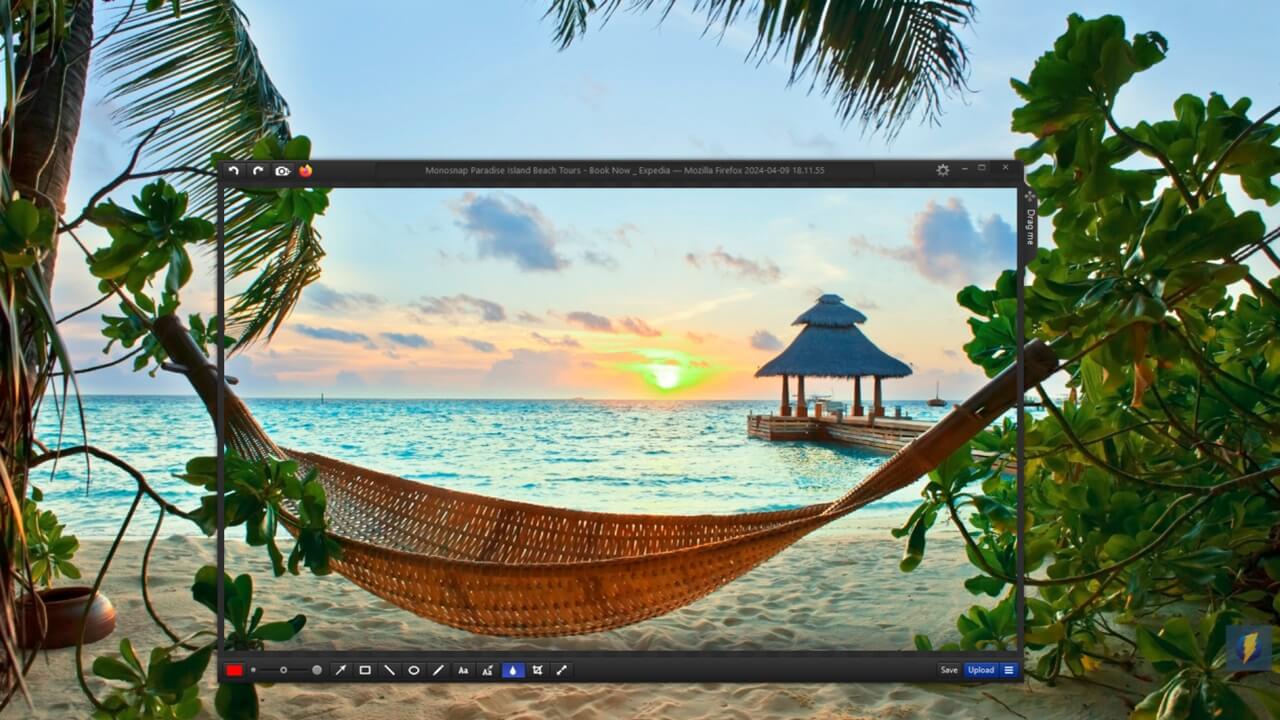
Take better, faster, stronger screenshots with these tools!
By Alexandra Arici – Apr 11, 2024
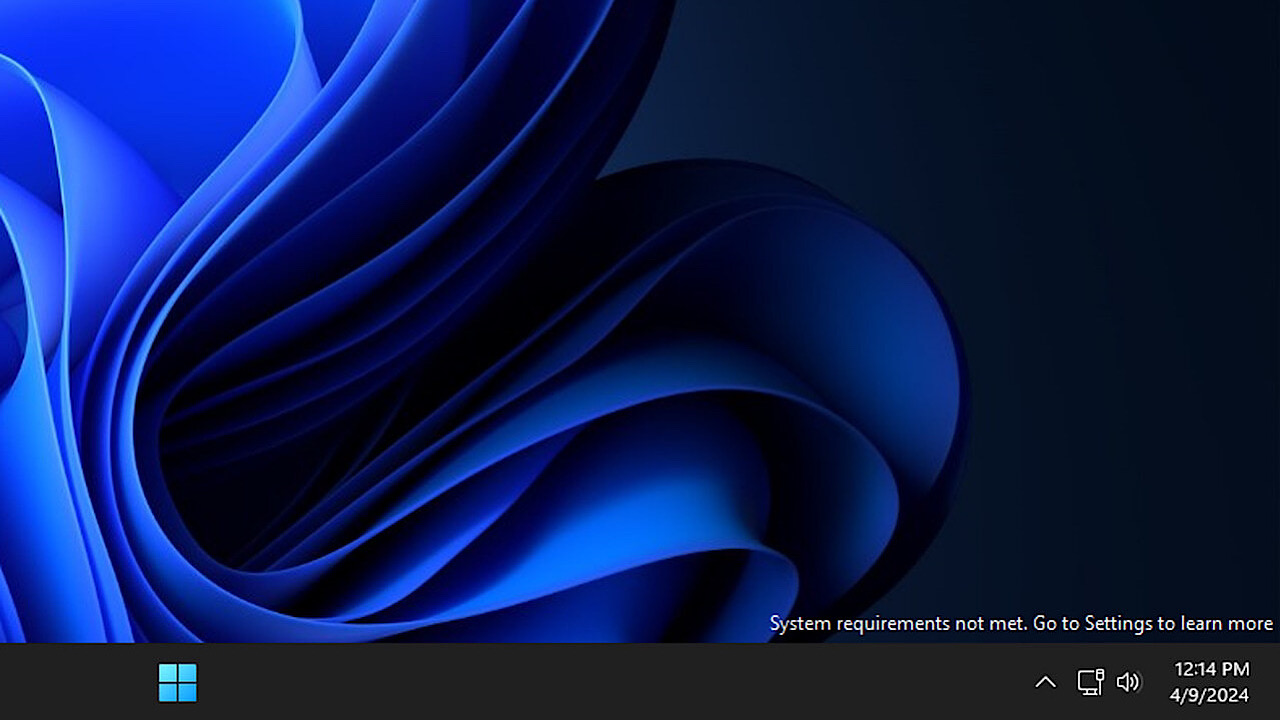
If you have installed Windows 11 on an unsupported device, learn how to get rid of the annoying “System Requirements Not Met” watermark.
By Karrar Haider – Apr 9, 2024
You can open files more quickly by using Command Prompt.
By Sayak Boral – Apr 5, 2024
Affiliate Disclosure: Make Tech Easier may earn commission on products purchased through our links, which supports the work we do for our readers.





