Here are a few ways to add multiple clocks to your Windows desktop.
By Karrar Haider – Jan 22, 2026
Does your Google Chrome browser feel slow on Windows 11? You can enjoy faster browsing by disabling Efficiency Mode permanently.
By Sayak Boral – Jan 22, 2026
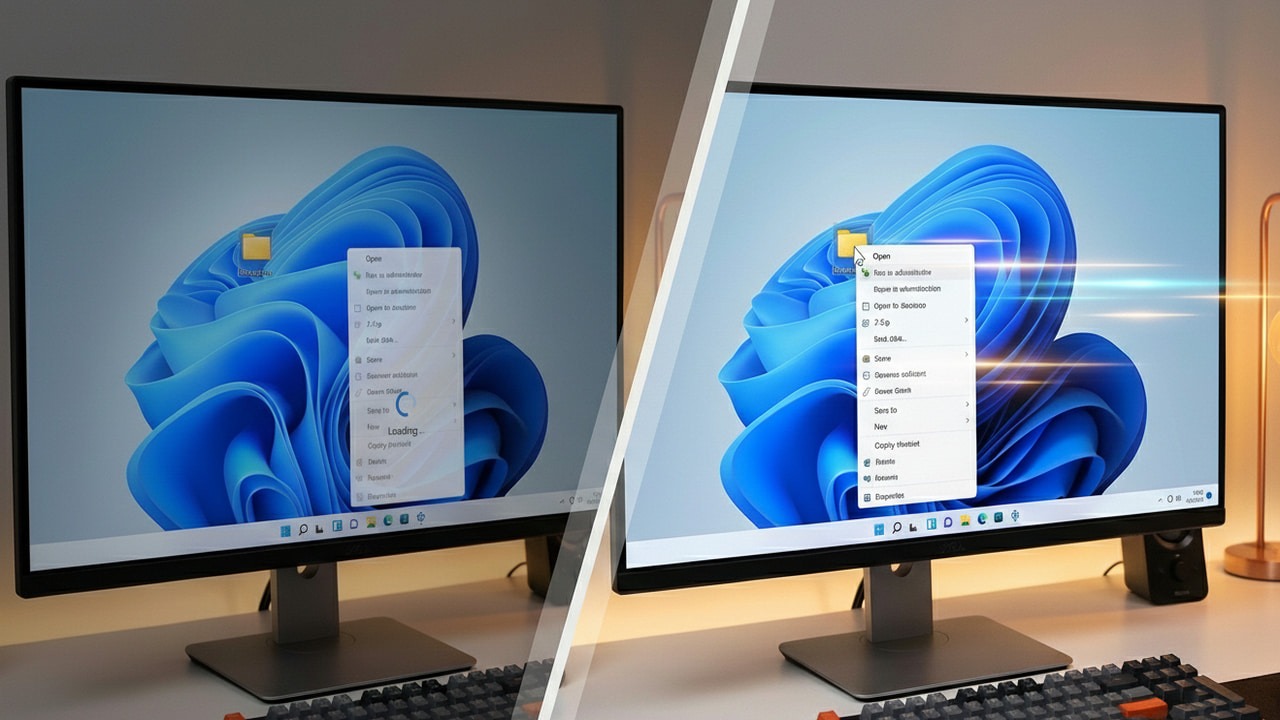
A slow context menu is a total productivity killer. Turn those slow clicks into instant actions with these effective system tweaks.
By Karrar Haider – Jan 21, 2026
Is your Windows Start Menu cluttered with Bing results? You can now get it to show only local results with these fixes.
By Oluwatokiloba Folami – Jan 20, 2026
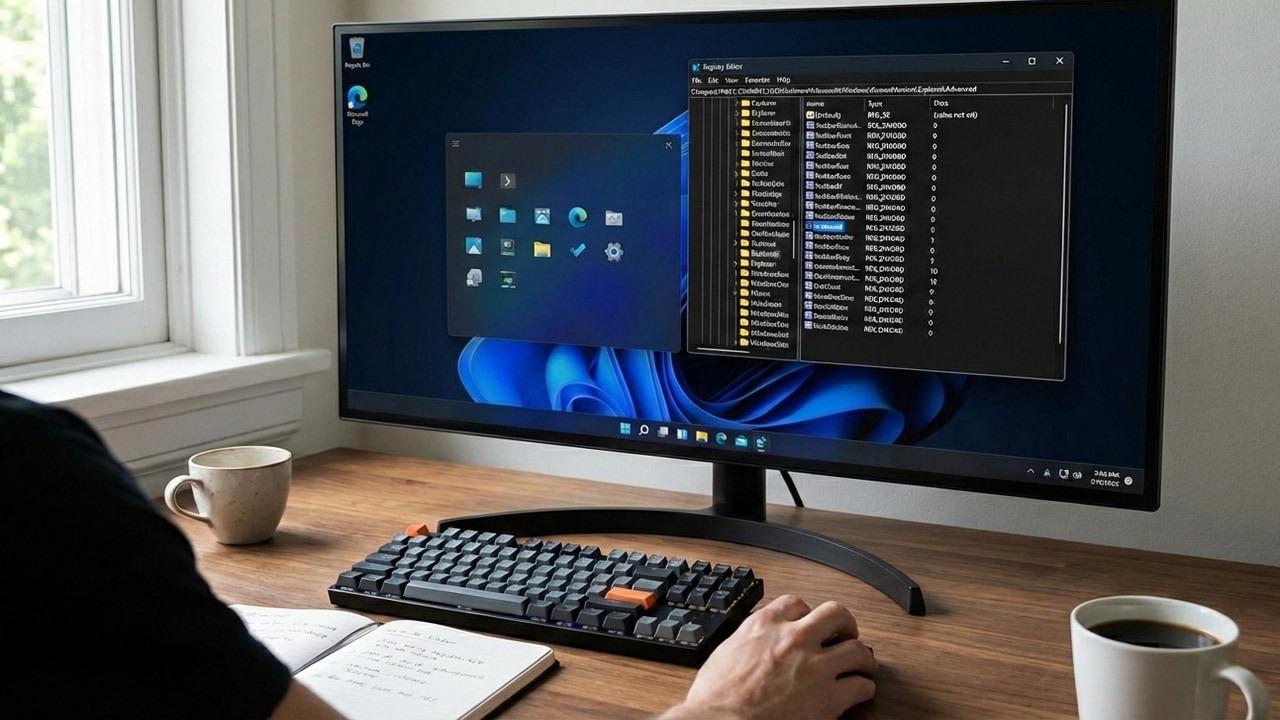
Real desktop optimization happens below the surface. These Registry hacks remove the small annoyances that negatively impact your workflow.
By Karrar Haider – Jan 20, 2026
Learn how you can resize desktop icons, fonts, and a few other display items in Windows to reduce eye strain, view clear graphics, and more.
By Sayak Boral – Jan 19, 2026
Want to keep your Arch Linux system update running fast and smooth? Try updating or keeping your mirrorlist fresh.
By Haroon Javed – Jan 15, 2026
Use SlimToolkit to slim Docker images, eliminate unnecessary files, and accelerate deployments without changing your existing builds.
By Anees Asghar – Jan 14, 2026
These automatic driver updates can be a hassle for many PC users who want more control over driver changes. Thankfully, you can disable these driver updates while a regular Windows update continues uninterrupted.
By Sayak Boral – Jan 13, 2026
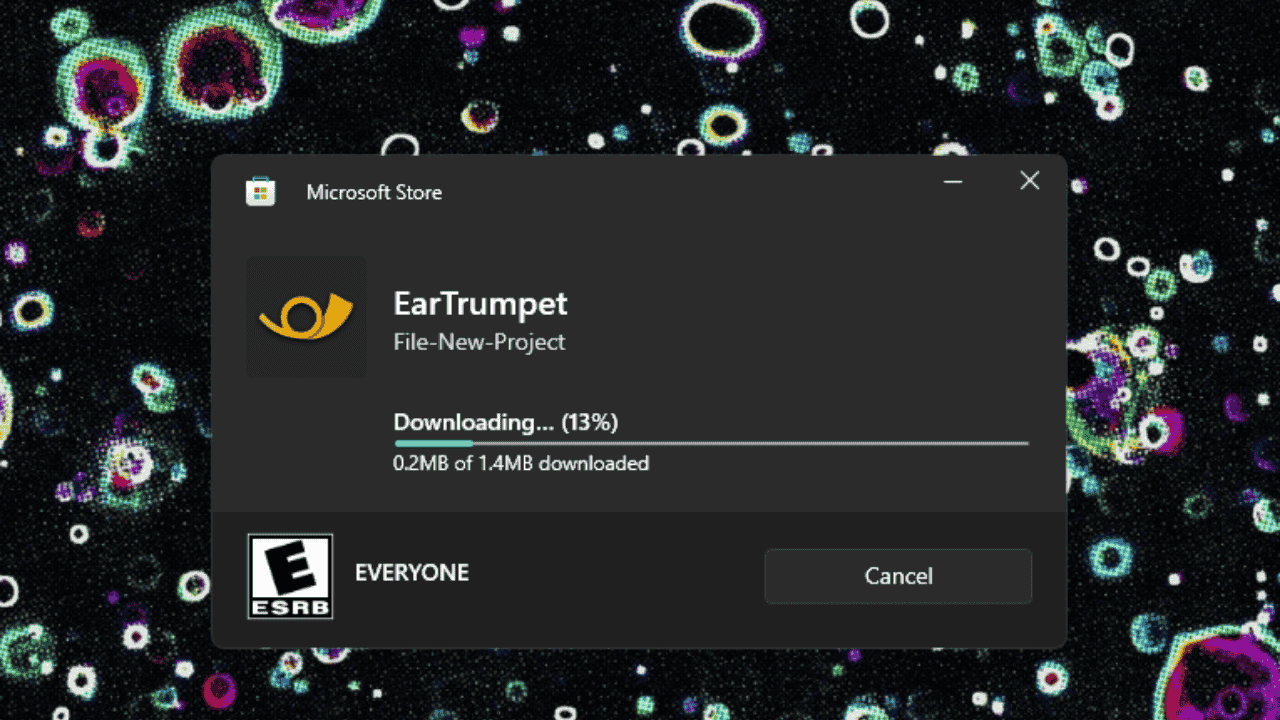
EarTrumpet gives you a precise, per-app audio control directly from the taskbar.
By Oluwatokiloba Folami – Jan 13, 2026
Learn how to create custom power plans in Windows to bridge the gap between maxed-out gaming and extreme battery savings.
By Karrar Haider – Jan 12, 2026
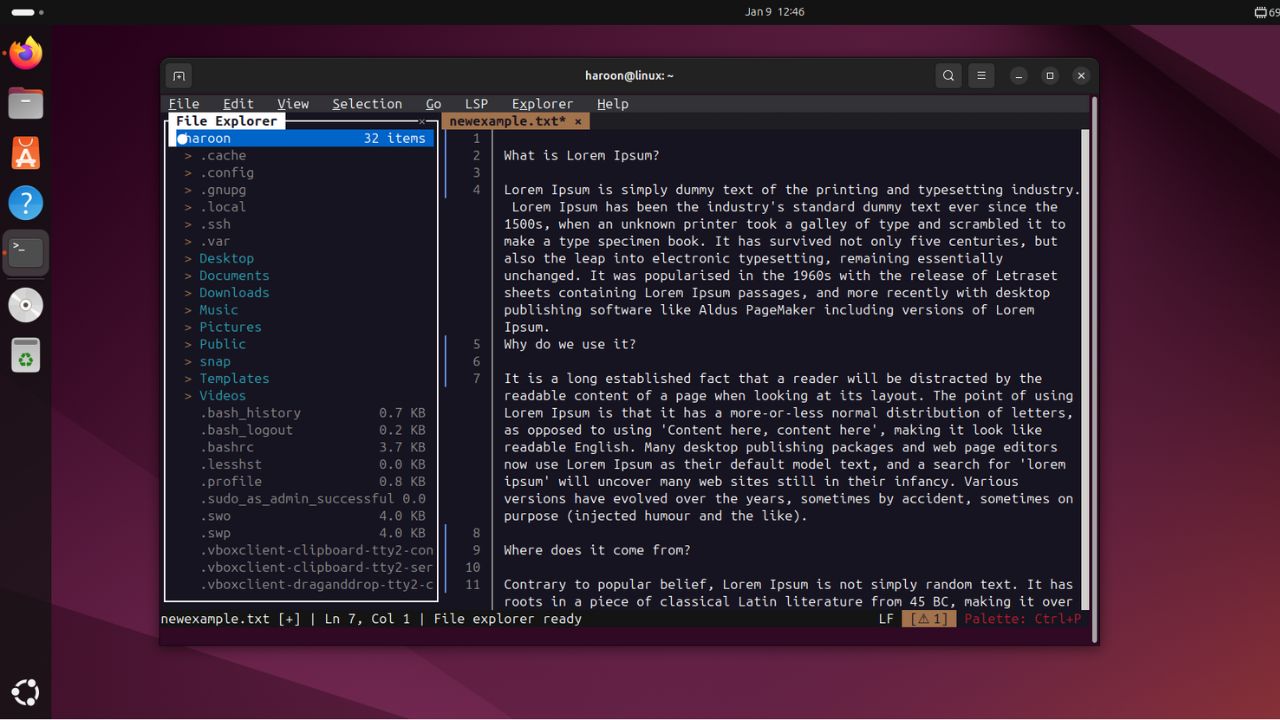
Want terminal efficiency without the learning curve? Fresh is the editor for you.
By Haroon Javed – Jan 10, 2026
Apple products are usually security fortresses, but a new macOS security flaw could leave you exposed to hackers.
By Crystal Crowder – Jan 9, 2026
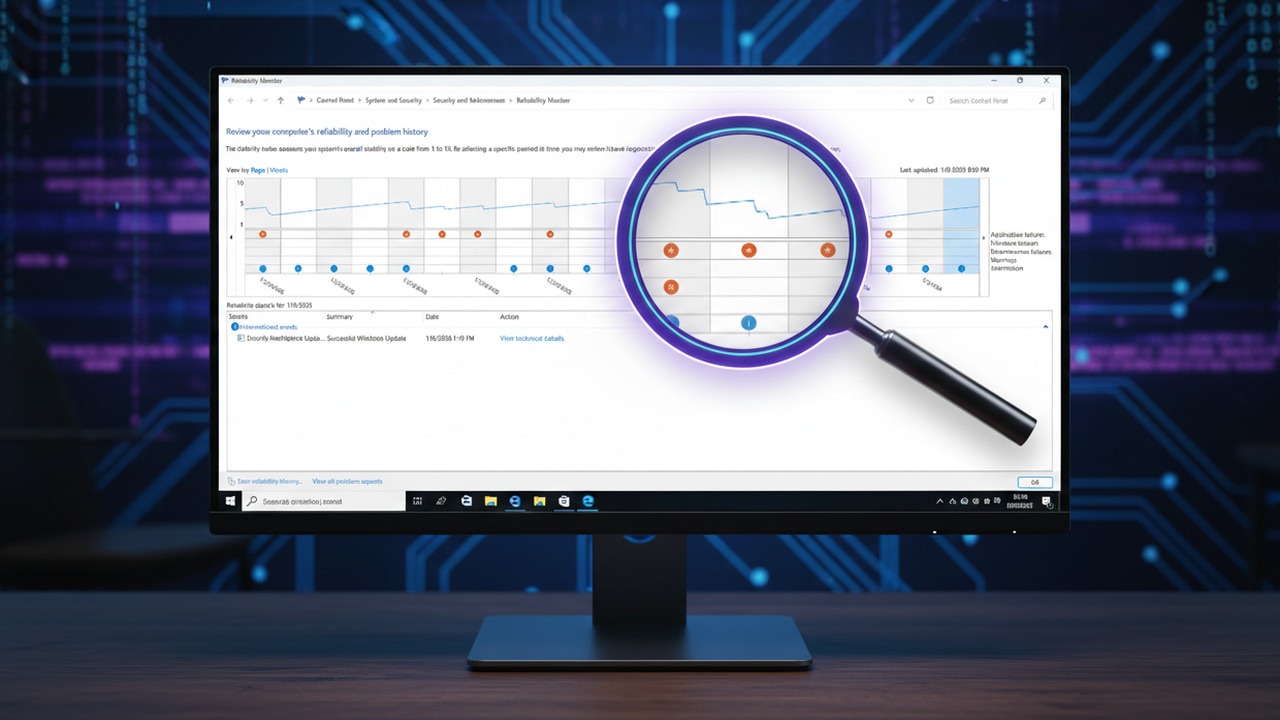
If you’ve ever wanted a “health score” for your PC that shows you exactly how it’s performing, this is the tool you need.
By Karrar Haider – Jan 9, 2026
Linux is a popular choice for many users, but it may not be suitable for everyone. Here’s why!
By Anees Asghar – Jan 8, 2026
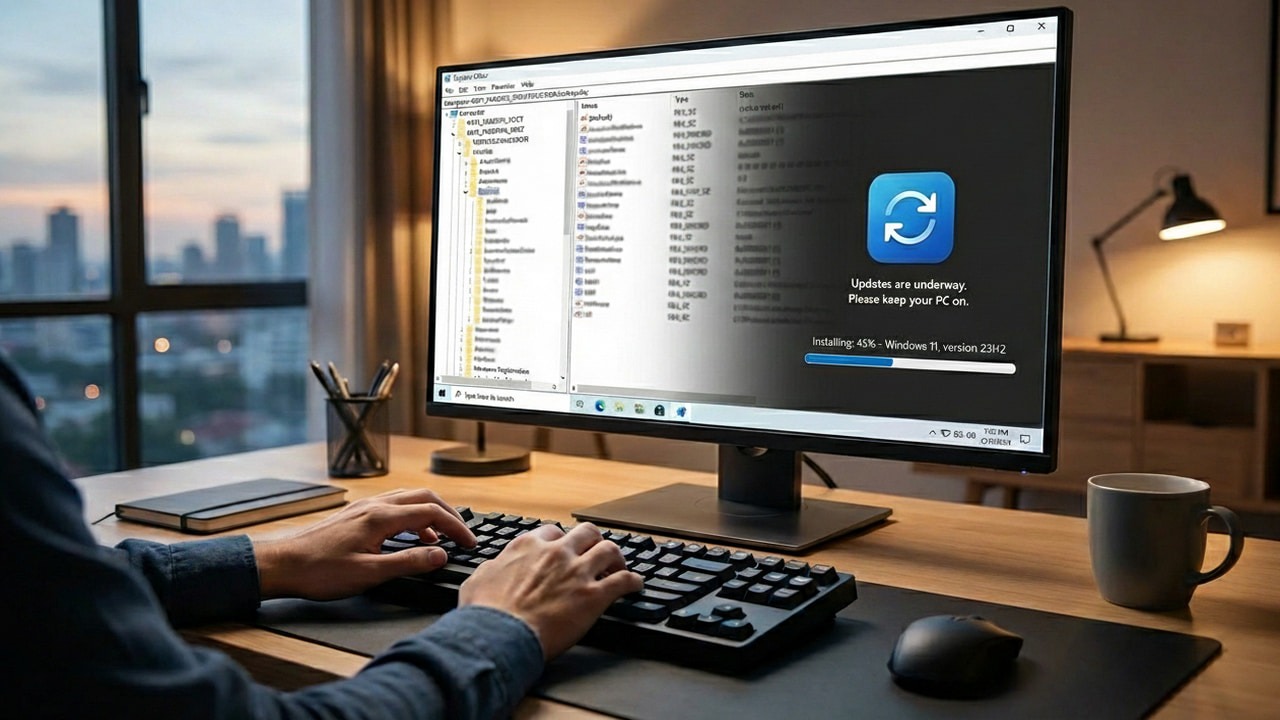
Windows updates often disrupts workflows, and the bugs that often follow often make things worse. These Windows Registry hacks allow you to regain control and make the process far more bearable.
By Karrar Haider – Jan 8, 2026
Tired of chasing app updates on Windows 11? Patch My PC Home Updater automates updates quietly, improves security, and keeps your PC running smoothly.
By Henderson Jayden Harper – Jan 7, 2026
Here are the fastest ways to check your storage usage.
By Alexandra Arici – Jan 6, 2026
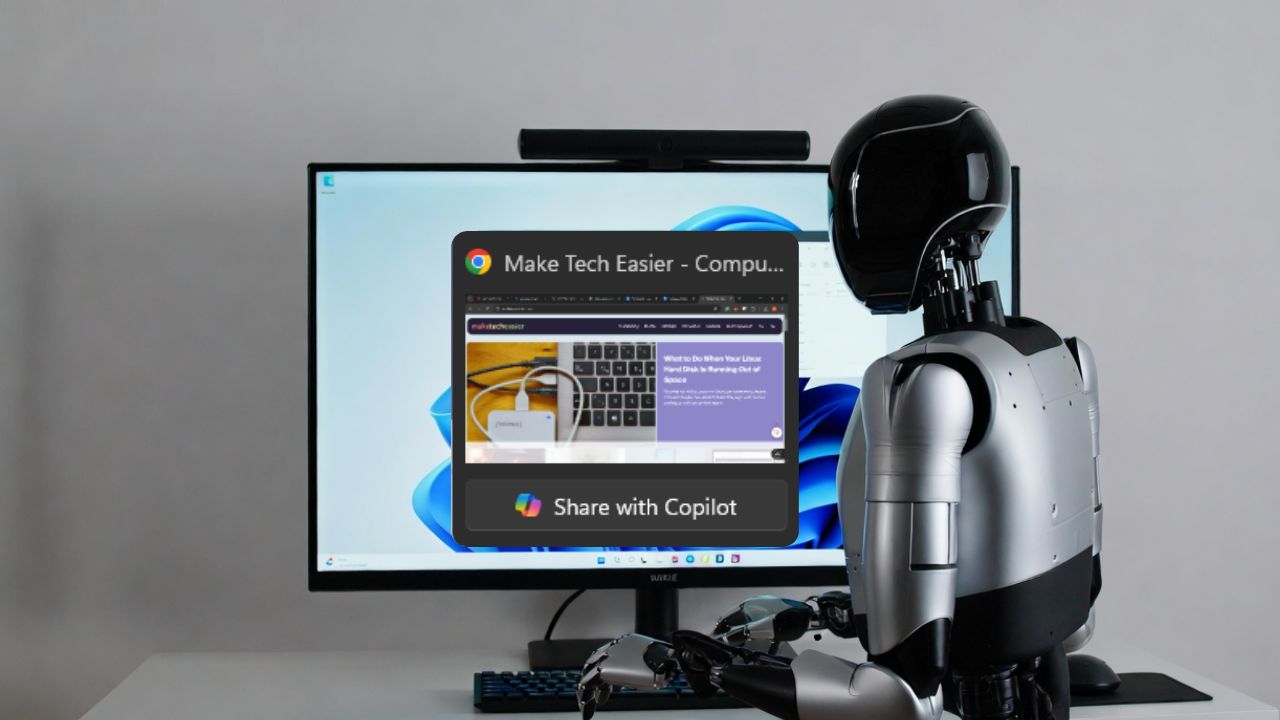
The new “Share with Copilot” option let AI peek at your open apps directly from the taskbar. It sounds useful, but it also raises real privacy questions
By Henderson Jayden Harper – Jan 5, 2026
Discover simple, safe ways to clean files, logs, and unused packages, and free up disk space.
By Haroon Javed – Jan 4, 2026
Pagination
Affiliate Disclosure: Make Tech Easier may earn commission on products purchased through our links, which supports the work we do for our readers.