Imagine your desktop as a privacy fortress where no advertiser can profile you, no ISP can snoop, no data broker can harvest logins, and no surveillance dragnet even knows you exist. You’ll be hard-pressed to find a perfect solution. Or is there something very close? I strongly believe Brave + ProtonVPN + Bitwarden offers the best privacy combo the average PC user can realistically achieve today.
Making the Case for a Multi-Vendor Privacy Trifecta
No matter your operating system, you need three essential software to fully protect your online identity and browsing activities.
- Privacy-focused browser with ad blockers: a traceless browsing app like Brave, Epic, or Opera strips away device fingerprinting, blocks advertisements, and confuses any third-party trackers.
- Virtual private network (VPN): a good VPN hides your true IP address with no DNS/WebRTC failures, and pursues an actual no-logs policy.
- Password manager: if you’ve never used a password manager before, it’s time to give one of them a free trial. To me, locking down every login behind military-grade encrypted vaults instead of a browser cache just feels logical.
You need at least three solutions, as there is no single software that can protect you from every possible breach. Also, putting all your eggs in one vendor’s basket can create a single point of failure. So, I wouldn’t go for a solution like “ProtonVPN + Proton Pass” even though it’s a highly reputed vendor.
The thing is, if any of the vendor you rely on suffers a major breach, zero-day exploit, rogue employee, or quiet compliance order, every layer of your privacy can unravel at once. Therefore, instead of trusting an all-in-one company, shrink your potential data exposure by choosing independent, unrelated vendors.
Why Brave + ProtonVPN + Bitwarden Gives Best Overall Privacy
Personally, the Brave + ProtonVPN + Bitwarden privacy stack feels perfectly balanced and gives me the best layered defense. This isn’t marketing hype; these are tiny tidbits from my own experiences using this stack on a Windows 11 Pro device.
I had to prefix this by adding that there are strong alternatives in all these spaces. NordVPN, ExpressVPN, Firefox, Opera, and KeePass are good examples. However, there is a big reason why a Brave browser, ProtonVPN, and BitWwarden combination may give you just the desired privacy.
All the above three solutions have been designed with the same philosophy: transparency, minimal data collection, and user control over corporate profit. None of these three vendors sell your data, and all three are regularly audited by third parties who publish the full reports.
Firstly, ProtonVPN is really one of the very few VPN providers that is fully open-source and regularly audited by third parties. Most big commercial VPNs have closed-source codebases at their backends. Also, Proton operates under Swiss jurisdiction which means they’d refuse to log anything useful, even if your own country’s courts demand your user data.
Similarly, Brave Browser is built on the open-source Chromium Web Core with its client code released under Mozilla Public License 2.0.
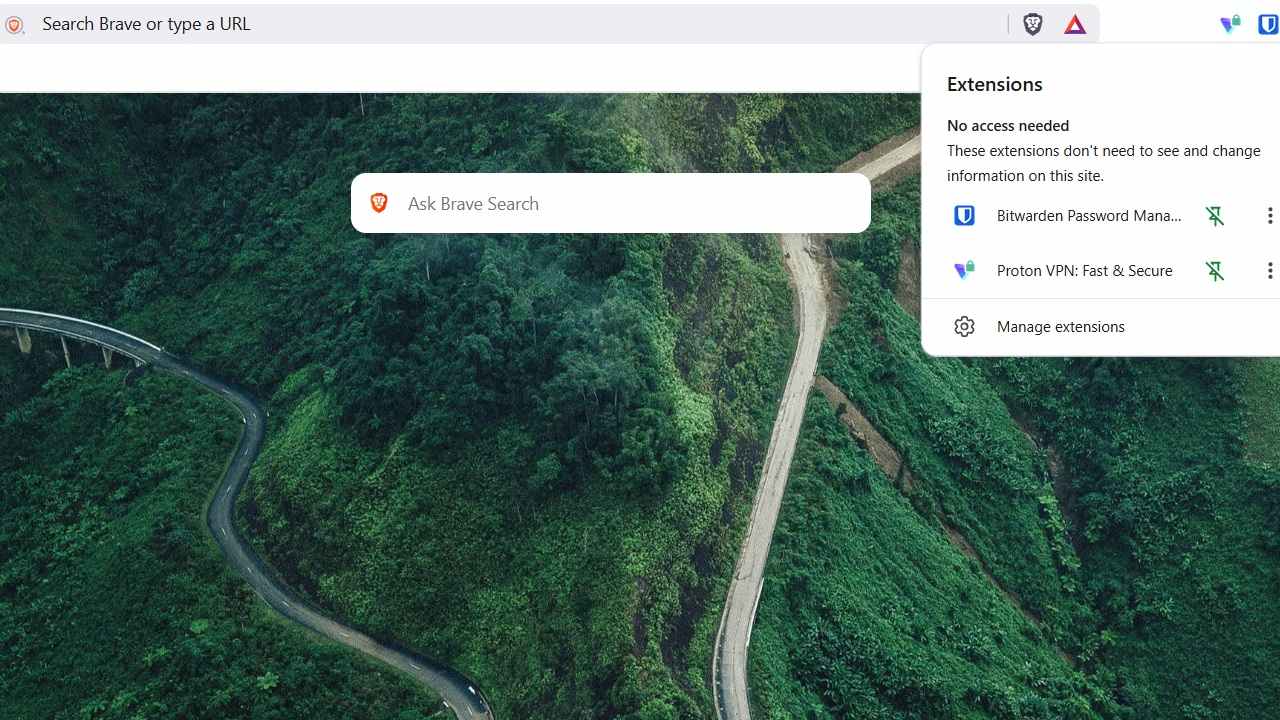
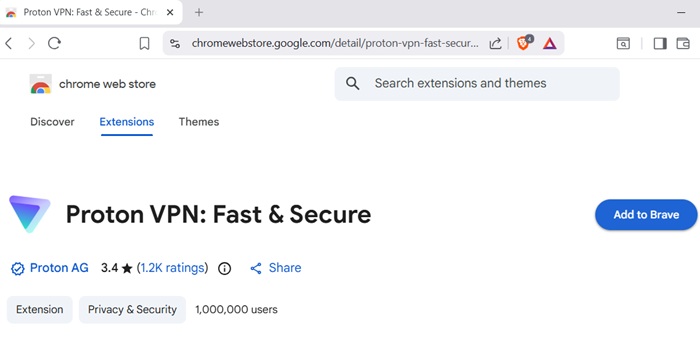
Now, you could argue the same about Firefox, but Brave just requires far less configuration skills. You can just attach the ProtonVPN and Bitwarden extensions to your Brave browser workflow, as you normally do with Google Chrome. You get Chrome-level performance for the most part. On my Windows 11 device, Brave outperforms the native Edge.
Additionally, Brave comes with default aggressive tracking protection, and erases all of Google’s telemetry out of the mixture. Finally, Bitwarden is the only password manager that gives you audited, end-to-end encrypted vaults, offers passkey support, and is very easy to operate for novices.
All the Solutions Support Free-Tier Users, with Minimal Upselling
As far as I’m concerned, browsing with full privacy without compromising on speed should be recognized as a fundamental right. You should not have to spend a cent for getting that level of trust and performance.
Sadly, most good VPNs are commercial in nature. At the same time, I’m not a big fan of free VPNs. If they’re not after your money, they want something else and it isn’t exactly pretty.
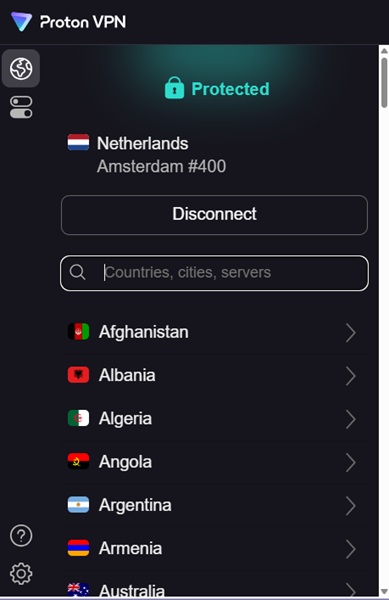
ProtonVPN is one of the rare exceptions here. Even if you’re a free tier user, it gives you unlimited browsing ability without data caps or speed drops. The only restriction? You have to make do with whatever is Proton’s server choice, and you can use only one server for a while.
Apart from ProtonVPN, Brave and Bitwarden also support absolute free usage, with minimal upselling. None of these software will cause any upselling-related disruptions during active browsing.
Complementary, Three-in-one Layered Privacy
Once you start using ProtonVPN and Bitwarden on Brave, you’d be amazed how closely the solutions complement each other. Basically, each of them addresses a different layer of the privacy problem for desktop users without introducing any new vulnerabilities.
Here’s a simple example of how it works. Brave offers built-in HTTPS upgrades and fingerprint protections which keep you safe from all phishing and malware sites. This is complemented by ProtonVPN’s Secure Core servers which are hardened servers in privacy-friendly EU countries.
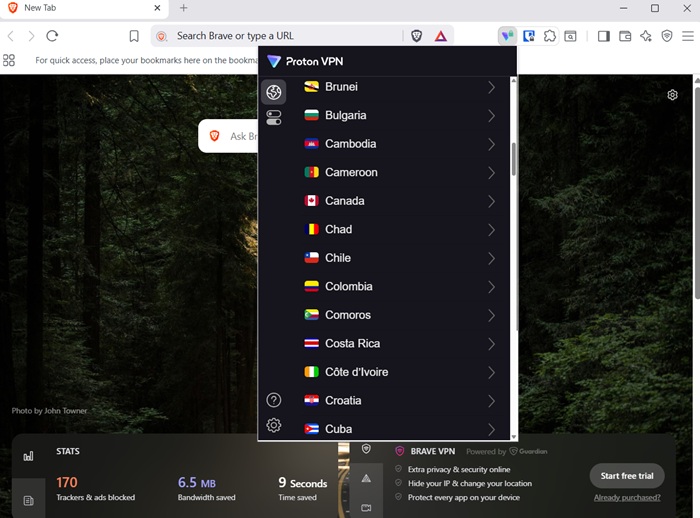
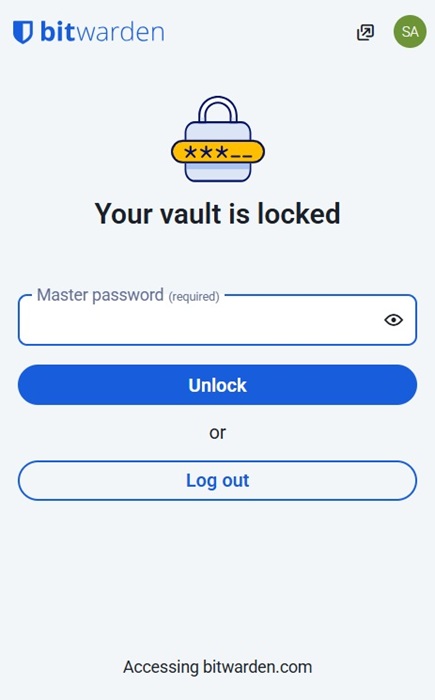
Bitwarden adds another crucial layer by securely managing and encrypting your passwords and passkeys. Even if trackers or attackers bypass Brave and ProtonVPN’s protections, your login credentials are inaccessible to them. Your vault gets locked in an emergency and it’s impossible to brute-force Bitwarden’s master password.
Any Limitations?
If you start operating your desktop on a combination of Brave + ProtonVPN + Bitwarden, you will have plugged many glaring holes of privacy. Does that mean no trouble in paradise? Hardly. However, your digital footprint is negligibly small.
There’s a minor problem with Bitwarden. For your Google and Microsoft accounts, you might run into an ecosystem lock-in while using passkeys. So, you have to log in as an exception with Use your device or hardware key.
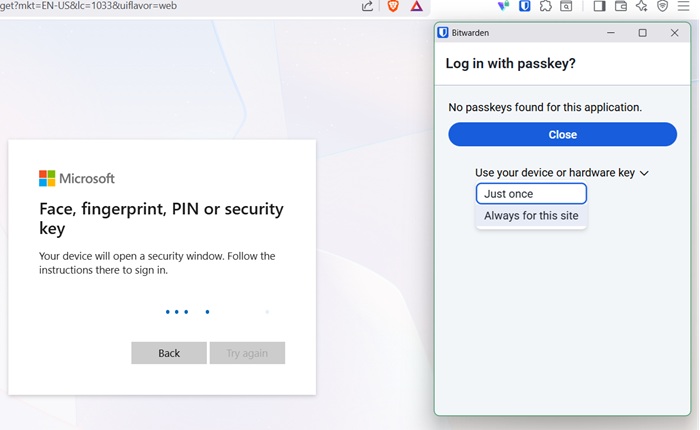
Bitwarden does support FIDO2 compliance, allowing you to create/import compatible passkeys from elsewhere. Some vendors allow you to export your passkeys. But should you do it is a different matter. I strongly recommend keeping passkeys local to a single device only.
Brave browser has an option from its settings in the hamburger menu that lets you use Tor. This is the only native browser apart from the actual Tor that lets you open onion links. Obviously, it makes your digital privacy much better.








