The apps below are some of the best Android hacking apps. None of them require your Android phone to be rooted and most of them are easy to use for beginners. They’re useful to network administrators, penetration testers, and white hat hackers. You can find them on Google Play Store as they work with the latest Android versions.
Disclaimer: our aim isn’t to show “how to hack your Android phone.” We instead aim to describe what a hacker would see if they gained access to your network. See the FAQs for the legality of penetration testing.
1. Fing
Price: Free / $3.99 per month
Fing is a Google Play app that gives a complete summary of your Wi-Fi network, nearby access points, logged-on devices, hidden cameras, open ports, and router vulnerabilities. It is one of the best apps for newbies as well as advanced penetration testers because of its complete suite of features.
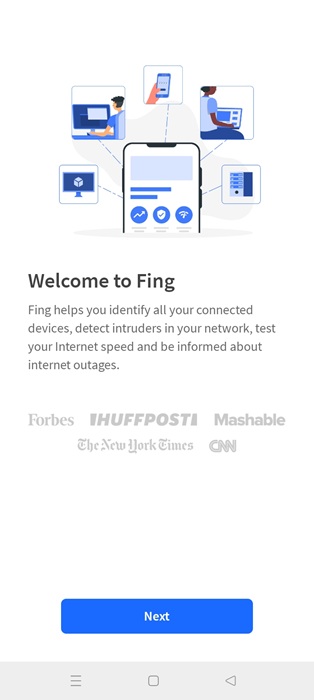
Using various tools, you can scan Wi-Fi networks in your vicinity, find open ports, perform ping tests, perform a traceroute, look for hidden cameras, and do port scanning You can also do advanced vulnerability assessment by blocking intruders, and analyze ISP performance including network outage.
2. RoboShadow
Price: Free / $20 per month
RoboShadow Network IP Port Scanner is an ethical hacking tool for Android that provides self-penetration tests for free. Its Port Scan feature can scan more than 65000 ports. There is a new online portal access feature that helps you test any client’s network for actual hands-on ethical hacking.
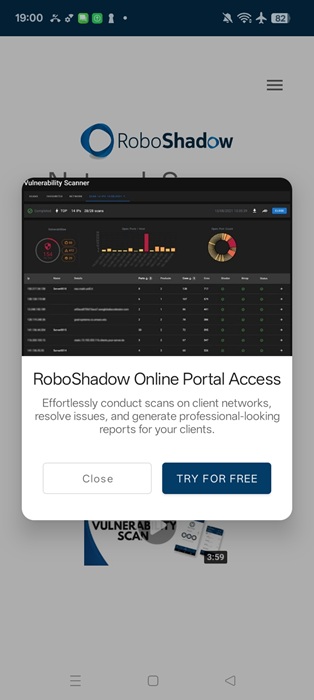
The RoboShadow tool is comprehensive even in free testing. It allows you to get the IP address, MAC address, and BIOS names of all devices connected to your phone’s Wi-Fi network. This is truly great for beginners.
3. WiFiman
Price: Free
With a name and logo resembling a famous DC Comics character, “WiFiman” does a superb job analyzing everything you need to know about Wi-Fi networks in your surroundings. It also performs network reconnaissance on cellular networks, but consider this app your toolkit for understanding a location’s Wi-Fi coverage.
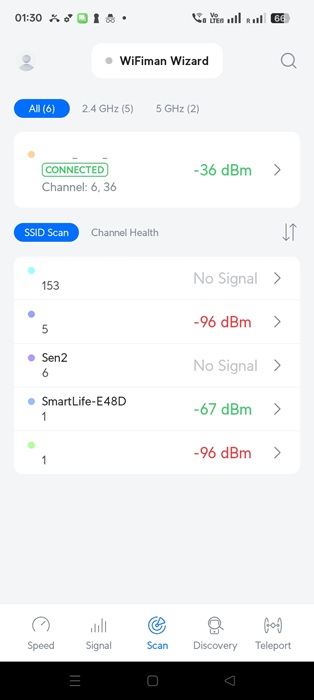
With nearby SSID scans, you learn about security protocols (WPA3, open etc.), signal strength, channel usage, and of course, the vulnerabilities like weak encryption or rogue access points.
Tip: want access to more knowledge? Check out the best websites Google doesn’t want you to find.
4. Trustd
Price: Free
Trustd Mobile Security (formerly Traced) uses deep learning to scan for potentially malicious apps on your phone. It also keeps track of dangerous Wi-Fi networks and phishing agents, but its main focus is to keep a constant vigil on the apps you put on your device. It has a continuous protection mechanism that neatly tabulates all vulnerability incidents, and you can go deep into each one of them.
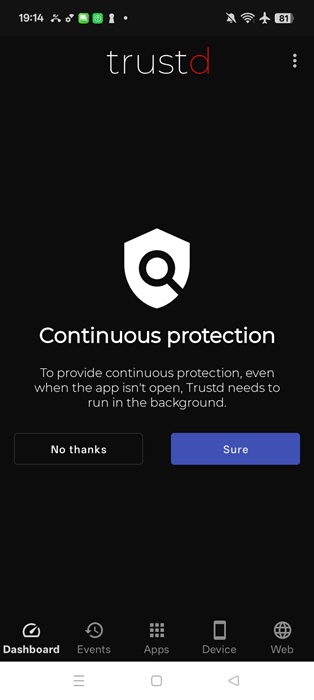
If it worries you that an unknown app is suddenly gaining access to your phone’s camera, microphone, and other essentials, Trustd will alert you to suspicious activity by spyware, ransomware, and other attackers.
Good to know: want to unlock more features on your phone? Learn how to root your Android with SuperSU.
5. Inware
Price: Free
So far we’ve seen penetration testing tools that detect the vulnerabilities of your entire network and all of the devices contained in it. How about knowing everything about your Android phone? This is where an app called Inware can shed some real knowledge.
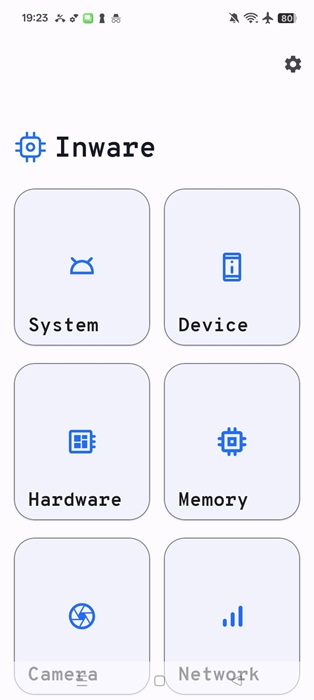
Whether you want to access info regarding how much RAM you are using, fingerprints and bootloaders of your system, hardware clusters, and frequency, any such data is extremely valuable to forensics experts.
6. PentestKit Mobile
Price: Free
PentestKit Mobile is a simple aggregator of various anti-hacking and network visibility tools. Using its web crawler, phone number crawler, Google Dork, and Admin finder, you can find out everything about a domain. You can also launch denial of service and SQL injection attacks on a website (for testing!).
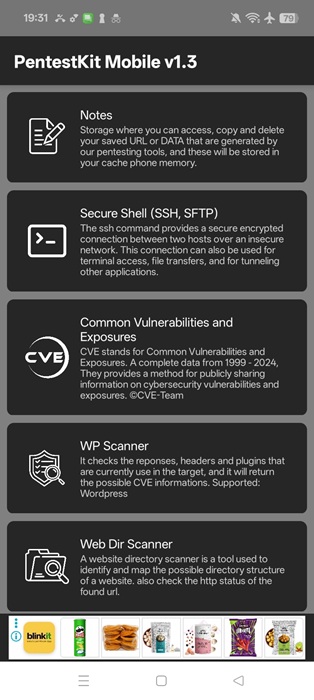
There is a new Advanced hackbar that lets you perform buffer overflow and denial-of-service (DOS) penetration tests. You can also launch malware scripts, clone websites, and perform shell-based tests.
Related: Wondering if your smartphone is still relevant? Put yours to the test with these benchmarking apps for Android.
7. NetMonster
Price: Free / $1.49 per month
For real-time location calculation of mobile networks, try NetMonster. This is for serious geeks who want to do network reconnaissance for tasks like assessing signal strength and identifying network weak points in a large area. This data is of great help to those who move to a new city, state or country.
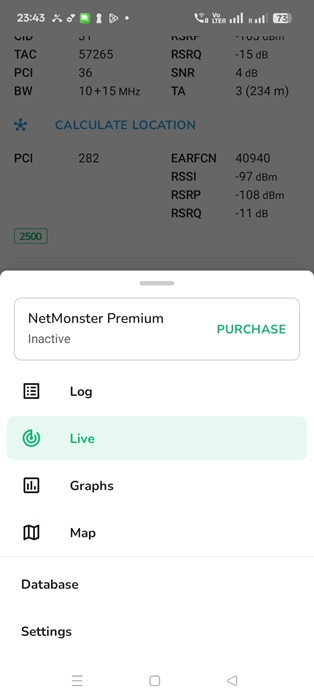
The app mainly provides information such as locations of LTE transmitters, logs cells your phone connects to, and manually uploads data to location managers. This procedure helps track unauthorized base stations that use fake cell towers.
Tip: if you are new to penetration testing, you can try to familiarize yourself with Kali Linux.
Frequently Asked Questions
How can I tell if my Android phone was hacked?
If your Android phone was hacked, you will notice a few symptoms, such as random app installations, difficulty removing apps, high memory usage, system crashes, and Google blocking access to Google Play and other services due to security reasons. However, even if you don’t notice these symptoms, it’s good to use one of the anti-hacking apps for Android covered in this guide.
How can I stop someone from accessing my phone remotely?
If you suspect your phone’s integrity has been compromised and that it is being remotely accessed, the first thing you should do is sign out of your Android accounts. You need to change your main account passwords immediately on another computer or phone. Once you have done this, make a backup of your contacts and perform a factory reset of your phone. After it is over, restore the backup to regain access to your phone’s data.
Is it legal to do penetration testing on Android?
Penetration testing on your own devices is legal, as you have the right to test your device for vulnerabilities. However, if you are doing it on behalf of others, you should get some kind of written consent from them to protect yourself in the event of legal trouble (even if it’s close friends or family.)
Having a recognized Certified Ethical Hacker (CEH) degree adds to your credentials as an ethical hacker. Unauthorized hacking attempts without the information or consent of the device owner are definitely illegal and can spell legal problems for you if you get caught. Google itself may prevent you from unauthorized intrusions on your phone as a security measure (even if it’s you doing it), which is why we recommend using the pen test apps found in Google Play Store rather than open APKs.
What are a few good hacking apps on Android outside of Google Play Store?
If you are planning to do penetration testing on a newer Android phone, we do not recommend most apps outside of Google Play Store. They may introduce vulnerabilities that can make your phone prone to crashes and data loss. However, there are a few exceptions. A program called Kali Linux NetHunter works quite well on an Android phone and is very safe to use.