

Adblock has served me well over the years, making many websites clean and clear. Everything loads quickly, and it all goes on in the background. It’s often a shock when I open somebody else’s browser only to be attacked by spam and pop-ups, and that’s why ad-blockers are an important tool in everyday life.
With the news that Adblock has decided to allow what they deem to be “acceptable ads,” now is the perfect time to find a replacement. Here’s five alternatives that will allow you to browse in peace.
1. uBlock Origin
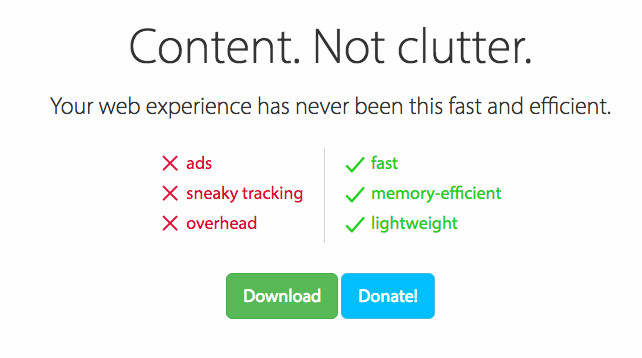
uBlock is one of the best known alternatives for a reason. It’s a capable ad-blocker that is completely free to download. It doesn’t catch as much compared to Adblock, but it’s far less resource-heavy. If you’re working on a laptop or an older machine, it might be a good idea to see if it has what it takes to handle your needs.
If you want to know more, here’s an in-depth guide to uBlock Origin and Adblock Plus.
2.Opera
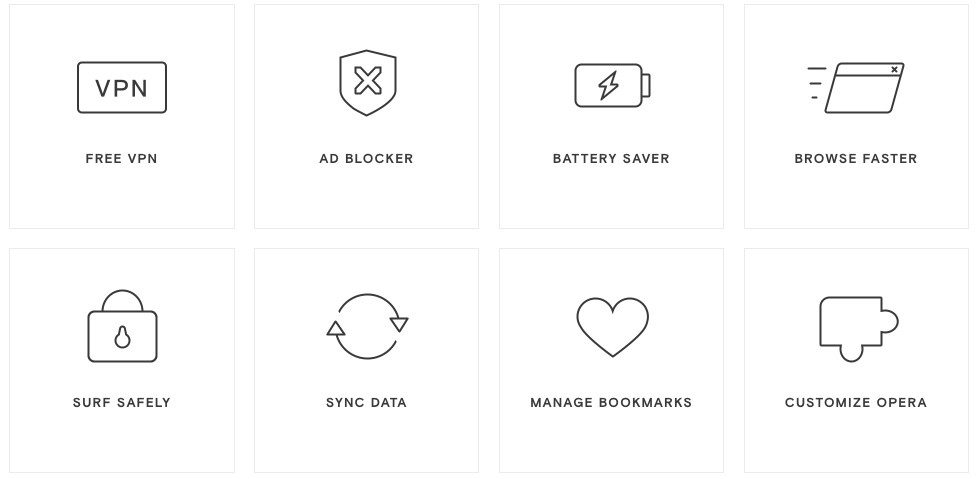
Opera is a great web browser with multiple features that it hopes will set it apart from the competition. It’s similar to Chrome in look and feel, and it’s easy enough to use and get used to. Pages tend to load at a reasonably competitive speed.
It’s true that some websites won’t recognize the smaller browser, and it can lead to longer load times. Nonetheless, it’s still a solid alternative to Adblock.
Here’s a direct link to their website if you’re interested.
3. Ghostery

Ghostery is a browser extension that has been installed over 50,000,000 times. There have been some issues regarding what they do with the data they collect, but it’ll keep most ads out of sight. It’s also completely free to download.
It’s a little resource heavy, but it’s dependable if you just want an extension to take care of your ad-blocking needs. We discuss Ghostery further in this article, so check it out if you would like to find out more.
4. Disconnect
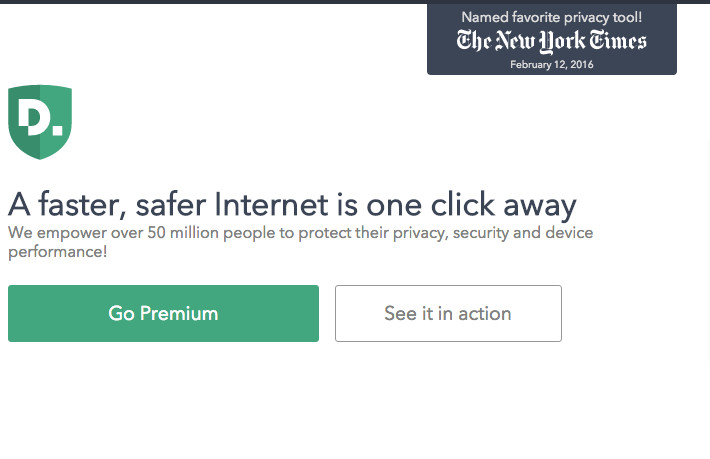
Disconnect is a great tool that will allow you to browse the Internet safely. It was developed by former NSA and Google developers, so they should have a decent idea of how to keep your data more secure.
They display their recommendations prominently on their website as shown in the image above. It can be downloaded for free to one browser, so be sure to choose wisely.
Here’s a direct link to the download page.
5. Privacy Badger

Privacy Badger is a Chrome add-on that will keep you safe while surfing. It’s free to download, and it will block both adverts and trackers aiming to get your interest or information in one form or another. It keeps track of adverts and content that comes from the same source or company, and will block it if the adverts keep following you from site to site. It’s a little different, but it’s definitely worthy of this list.
Here’s a direct link to their download page.
Conclusion
Blocking ads is one thing, but it’s also important to keep personal information as secure as you can. Internet privacy tends to be murky enough as it is, so it makes sense to take precautions to stay safe. Taking care of troublesome trackers should be helpful, and it’ll keep repeat offenders away.
Adblock can still provide the goods, and the acceptable ads platform isn’t the worst thing in the world. Nonetheless, it isn’t really ideal for many users.
If you want to make a change, there are lot of services to choose from. Hopefully, the five options listed above will be able to handle your needs. If you have a great alternative (or we’ve been able to help you out), please let us know in the comments section below!