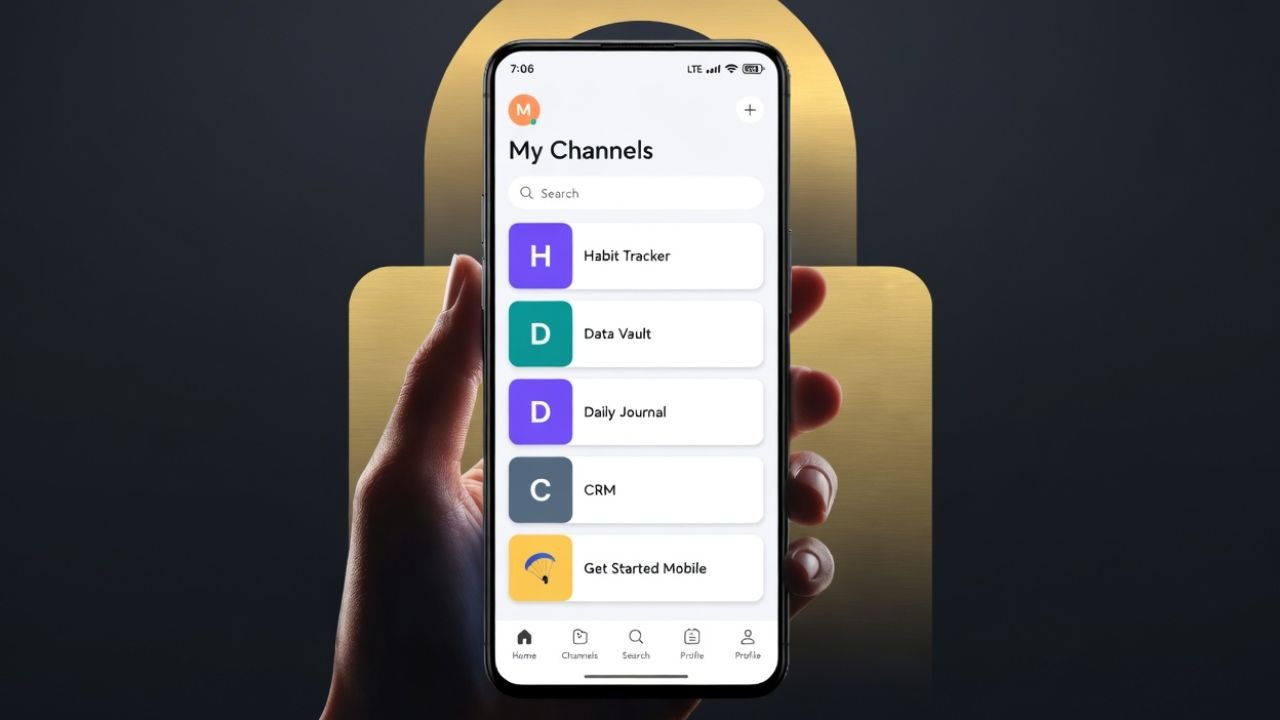
Notion is great on desktop. On your phone with a weak signal, it’s a different story. After one too many spinning load screens mid-task, I tested the Anytype Android app as a replacement. Can it be the great Notion offline alternative that you are looking for? Let’s find out.
I’ve used Notion for years for task lists, content briefs, and project notes. It’s powerful, flexible, and honestly hard to beat on a desktop. But on Android, it’s a different story.
The biggest issue is speed. Opening a page, switching between notes, or even typing can feel delayed. It’s not unusable, but it’s not smooth either. It feels like I’m using a website wrapped in an app instead of something built for mobile.
Then there’s the internet dependency. If your connection drops, your workflow breaks. Yes, Notion’s offline mode exists, but it’s limited and unreliable in practice, especially on Android. It behaves like a web app in a shell because that’s basically what it is. It renders from the cloud, so connectivity is baked into everything.
What Anytype Does Differently
Anytype takes a very different approach from Notion. First, it’s offline-first. Your notes live on your device, not in the cloud. That means you can open, edit, and create content without worrying about your connection.
Second, it focuses on data ownership. Everything is stored locally and synced directly between your devices. There’s no traditional cloud account holding your data.
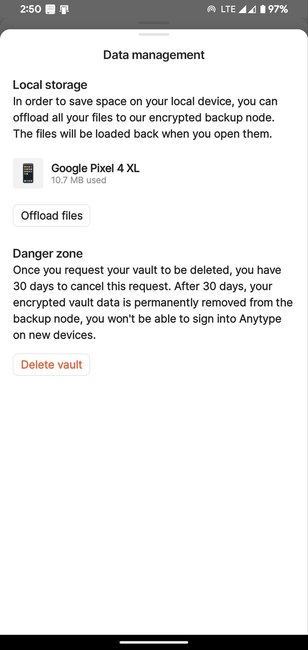
There’s also end-to-end encryption. Setup involves generating a local encryption key that never leaves your phone. Nobody at Anytype can access your vault, and there’s no server-side password reset. Lose your key, and you lose access, so write it down somewhere physical.
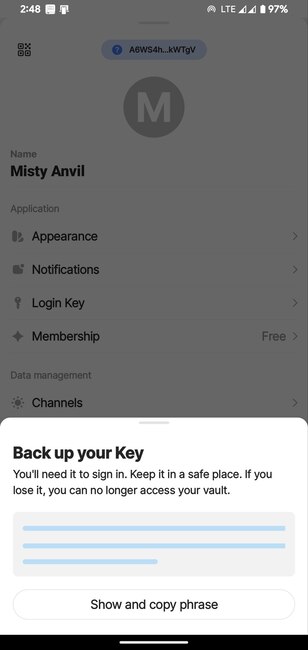
What stood out immediately with Anytype on Android is how it feels. It behaves like a proper mobile app. Scrolling is smooth, typing is instant, and switching between notes feels immediate. That alone makes a big difference compared to Notion’s web-like experience.
Using Anytype on Android Every Day
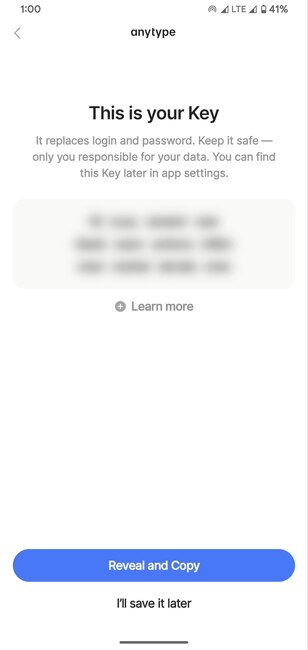
Getting started with Anytype on Android is a bit different from most apps. Instead of just signing in, you create a key that acts as your identity. It’s not difficult, but it’s not something casual users are used to either.
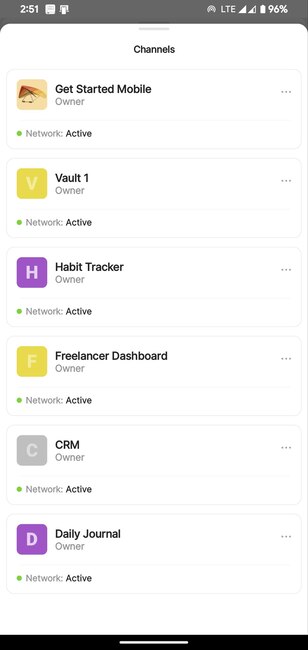
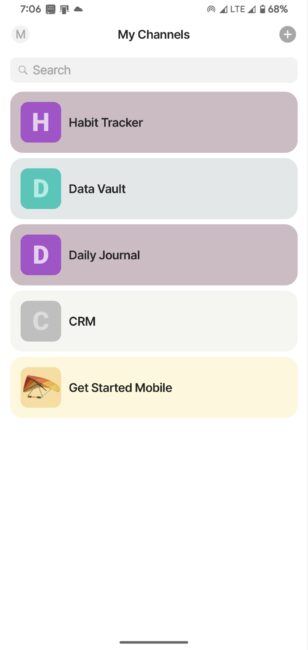
Once you’re past setup, you land in Anytype’s channels. It ships with a few default templates: notes, tasks, and a reading list. You can use those or start fresh.
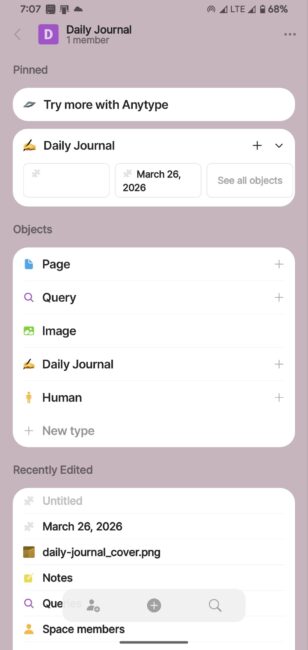
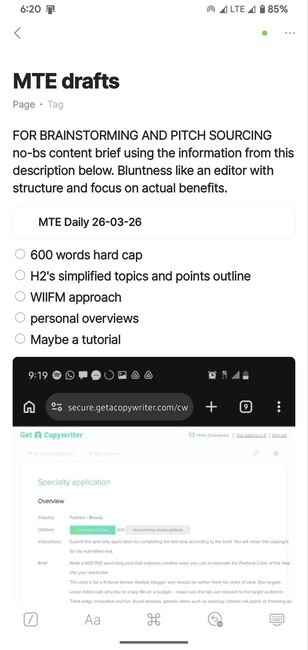
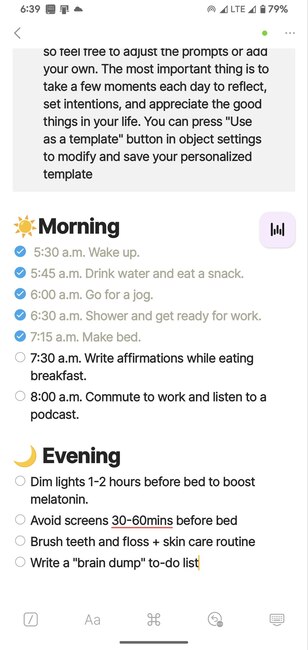
Notes and tasks use a block-based editor, similar to Notion. You can add headings, checklists, and links between pages. Every note is treated as an object, and you can build relationships between them. Linking notes feels natural, almost like building a personal wiki.
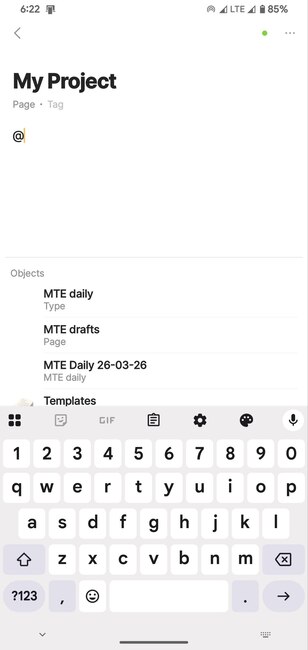
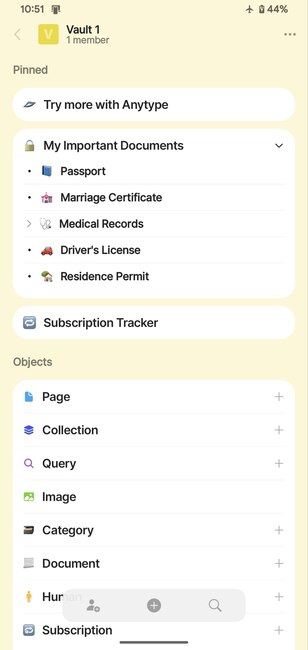
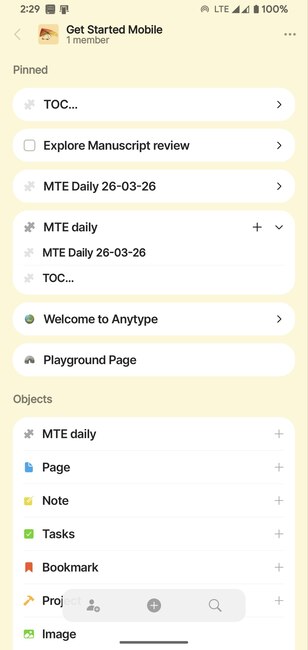
The Vault home screen is customizable, too. You can pin specific sets, recent objects, or favorites directly on it so your most-used items are one tap away when you open the app. The same way people build Notion systems to organize their lives, you can shape Anytype’s home screen around how you actually work, and it stays that way offline.
Syncing across devices works, but it’s not instant like cloud apps. It’s more deliberate. That said, everything stayed consistent during my test.
What It Gets Right (and Where It Falls Short)
Speed and offline access are the two biggest wins. Anytype on Android opens instantly and doesn’t flinch when you lose signal. The interface is clean without distractions and clutter.
The learning curve is real, though. Terms like “object types,” “sets,” and “relations” don’t map cleanly to normal note-app language. I spent a couple of hours before the structure clicked.
The ecosystem is also much smaller than Notion’s. Fewer community templates, no native integrations with tools like Slack or Google Calendar, and no web clipper for Android yet. If your workflow depends on those connections, switching will cost you.
Should You Switch From Notion?
If Notion’s Android performance is your main frustration, Anytype on Android solves it. It’s faster, works offline reliably, and feels like a proper Android app.
However, if you depend on Notion’s integrations or collaboration features, Anytype isn’t a full replacement yet. It works best as a personal productivity system, not a team tool.
For me, Anytype didn’t completely replace Notion, but it handled enough of the daily workflow that I kept it installed. My phone is where most of my notes start, and Anytype actually works there every time.