It isn’t practical to carry a dedicated toolkit for every quick measurement. However, your phone is already equipped with most of the things you need, and it is easy to turn it into a handy multi-tool. Learn how you can use these measuring apps to measure everything from physical dimensions and angles to light and sound levels, all right from your pocket.
Measure Object’s Size with the Phone Camera
Size measurement is probably the most common measurement we perform, and the AR Ruler App is perfect for this. The app uses your phone camera to measure object size with great precision. It shows a ruler in real-time to measure the object in different directions and even do multiple measurements in a single instance.
To take a measurement, start a new project and point your camera toward one end of the object. Press the yellow Plus (+) button to start taking a measurement, move to the other end, and press the Plus (+) button again. It will show the total measurement of the object. You can select your preferred units from the Settings in the top right corner.
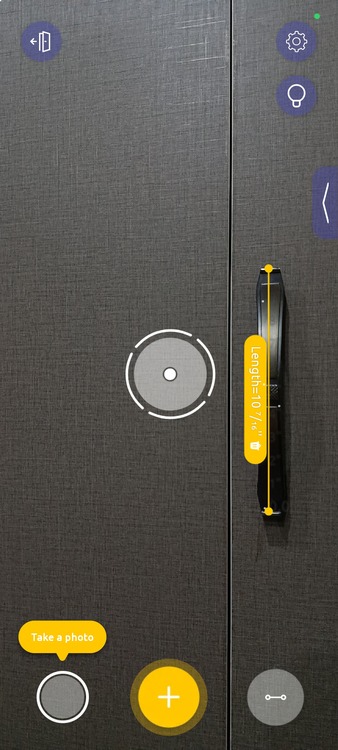
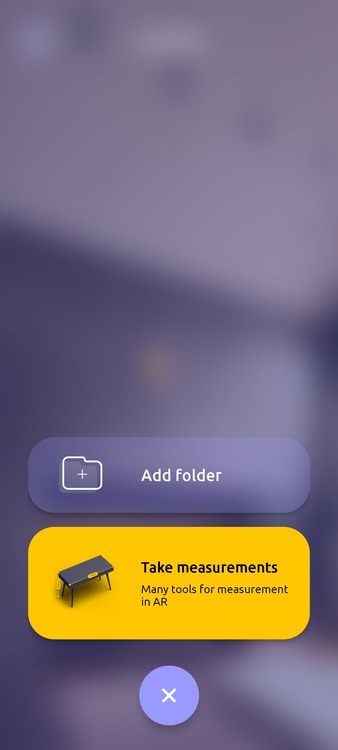
I find it is most reliable for measuring the size of flat objects/surfaces. If you want more advanced measurement techniques, like measuring diameter, you’ll have to get the premium version.
Tilt Phone to Measure Angles
You can use your phone as a digital protractor to measure angles, perfect for ensuring objects and surfaces are perfectly inclined. I use the Clinometer app for this, which uses a simple digital 180-degree meter powered by the phone’s Accelerometer and Gyroscope.
Just hold your phone vertically and tilt it to find the exact angle against gravity. Most phones have flat sides, so it’s easy to use your phone to measure the angle of any object by just holding your phone against it. Furthermore, it has a function to check the levelness of objects against gravity. Just hold the phone horizontally on its back, and the blue digital bubble level tool will appear. I don’t use this feature often, but it proved very helpful once when I had to level my cooktop.
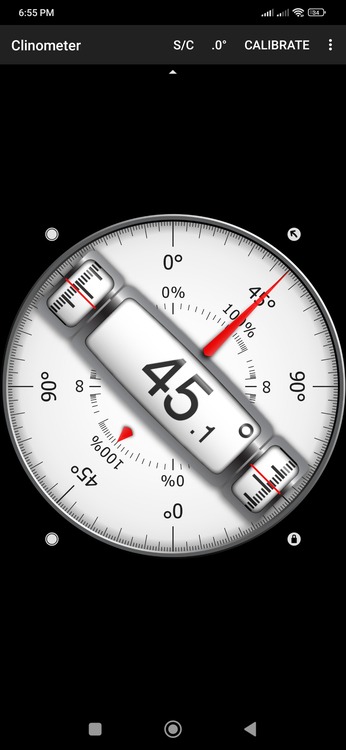
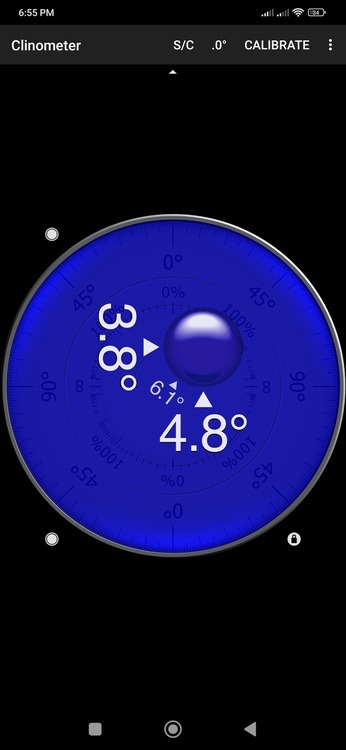
Both of these functions are available for free, but there are in-app purchases to unlock the relative angle tool and the ability to view the angle in camera view.
Measure Distance Using the Camera
Want to know how far an object is from your current location? You can easily do it with surprising precision with the Smart Measure app. The app cleverly uses trigonometry to measure distance using your height and the angle of your phone. While it can measure the distance up to 75m, I find it most reliable for distances below 30m, which is sufficient for me as I mainly use it inside the home or in my garden.
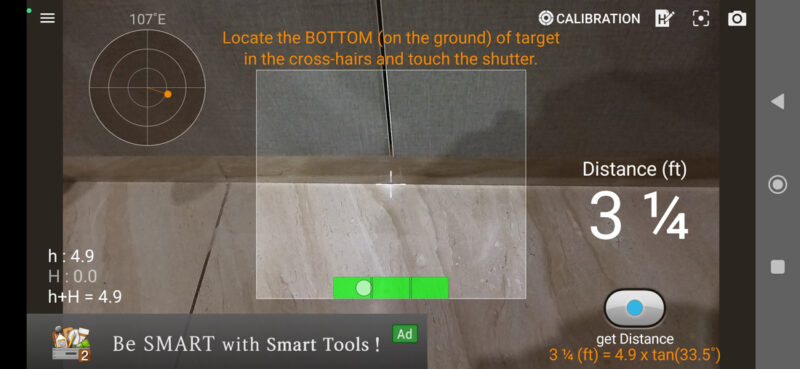
To use the app, just point the crosshair at the bottom of the object on the ground. It will tell the distance in real-time. The calculations depend on phone height, which is 4.9ft by default. If the phone is at a different height, make sure you change it by tapping the H icon. If you want to record distance at longer distances – like up to 1km – the developer offers the Smart Distance app for that.
Use Phone as a Light Meter
I’m no pro photographer, but I know how much lighting matters – especially for nighttime photography. Good lighting ensures your camera doesn’t have to raise ISO too much, which introduces noise. Lux Light Meter helps me find that perfect lighting for my photos on special occasions when I can’t compromise on quality.
The app uses your phone’s light sensor to check illuminance in a particular location. If you need to take a photo of any object or area, you can bring your phone in front of it to measure illuminance (lx). The app shows current illumination with a graph at the bottom showing the complete history of changes.
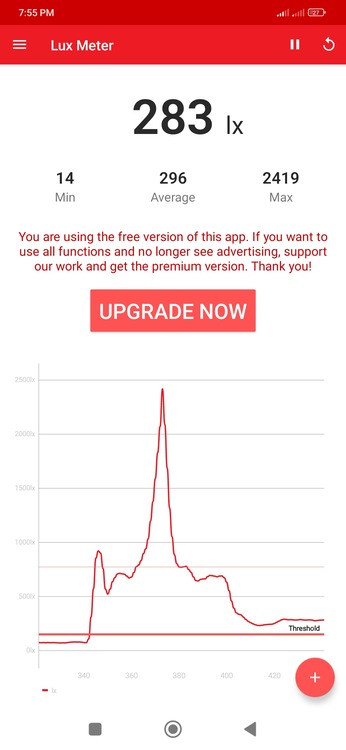
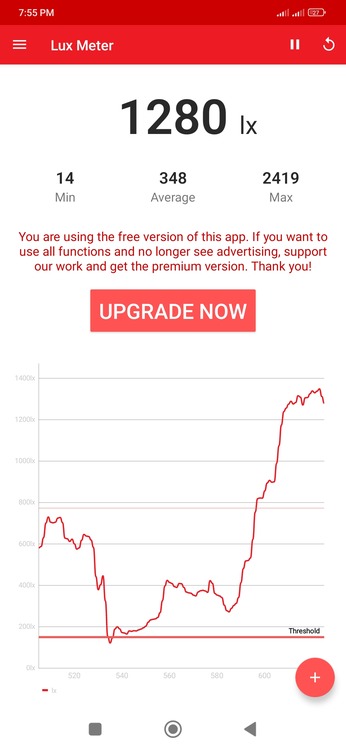
For best results, I try to reach at least 500lx illuminance for indoor photos, with 1000lx as the main goal. However, it’s hard to reach 1000lx without a direct light source on the object.
Measure Sound Levels in Decibels
As someone with tinnitus, measuring sound levels is very important for me to avoid areas/sources that constantly produce over 80 dB sound. The Sound Decibel Meter app helps me reliably measure sound levels and shows a history chart to track overall sound levels.
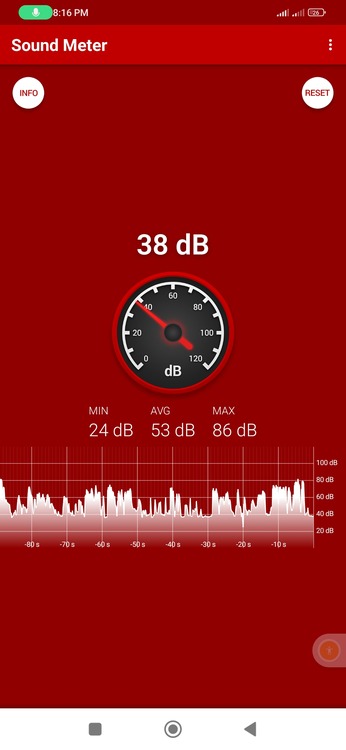
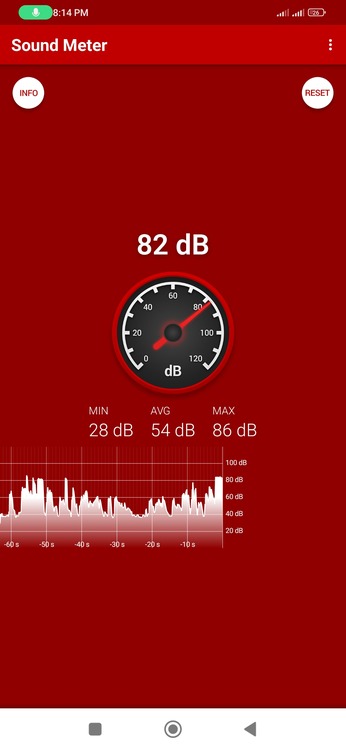
The app uses your phone’s microphone to listen to sounds, and it can reliably detect sound levels up to 100 dB. Apart from detecting noisy areas, this app also helps with other day-to-day tasks. For example, I have used it to fix the left and right sound balance in speakers and measure the noise volume of appliances to compare manufacturer claims. You can also use it to hunt for quiet zones (under 50 dB) for work/study.
Keep in mind that these apps can’t replace the precision of professional tools. However, their estimates are surprisingly close to real measurements; at least for size, distance, and angle measurements that I have compared with real tools. For more specialized measuring, check out how you can measure altitude with your phone.