Learn how to turn any website into a desktop app with Pake. Build fast, lightweight apps that run independently from your browser.
By Henderson Jayden Harper – Mar 27, 2026
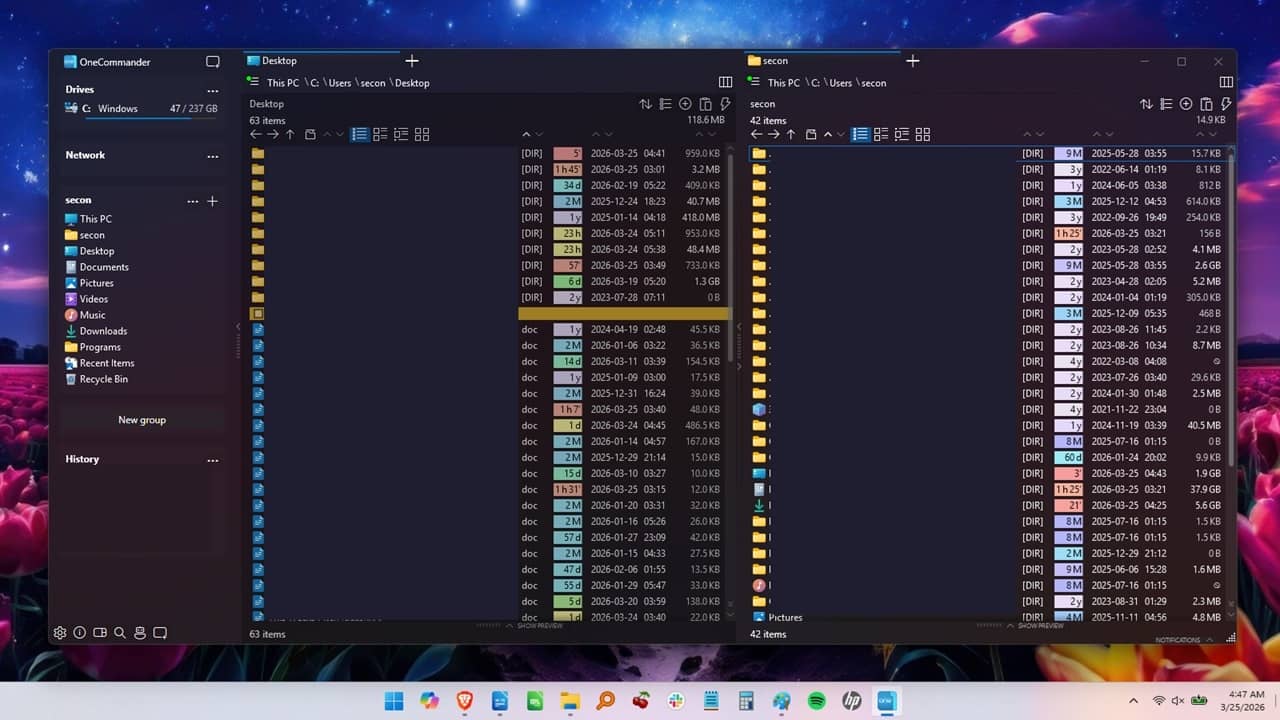
Wish File Explorer could do more in Windows? See how OneCommander is a far more advanced File Explorer alternative.
By Crystal Crowder – Mar 27, 2026
Windows 11 still splits Settings between two systems. God Mode brings everything into one searchable folder so you can find what you need faster.
By Henderson Jayden Harper – Mar 25, 2026
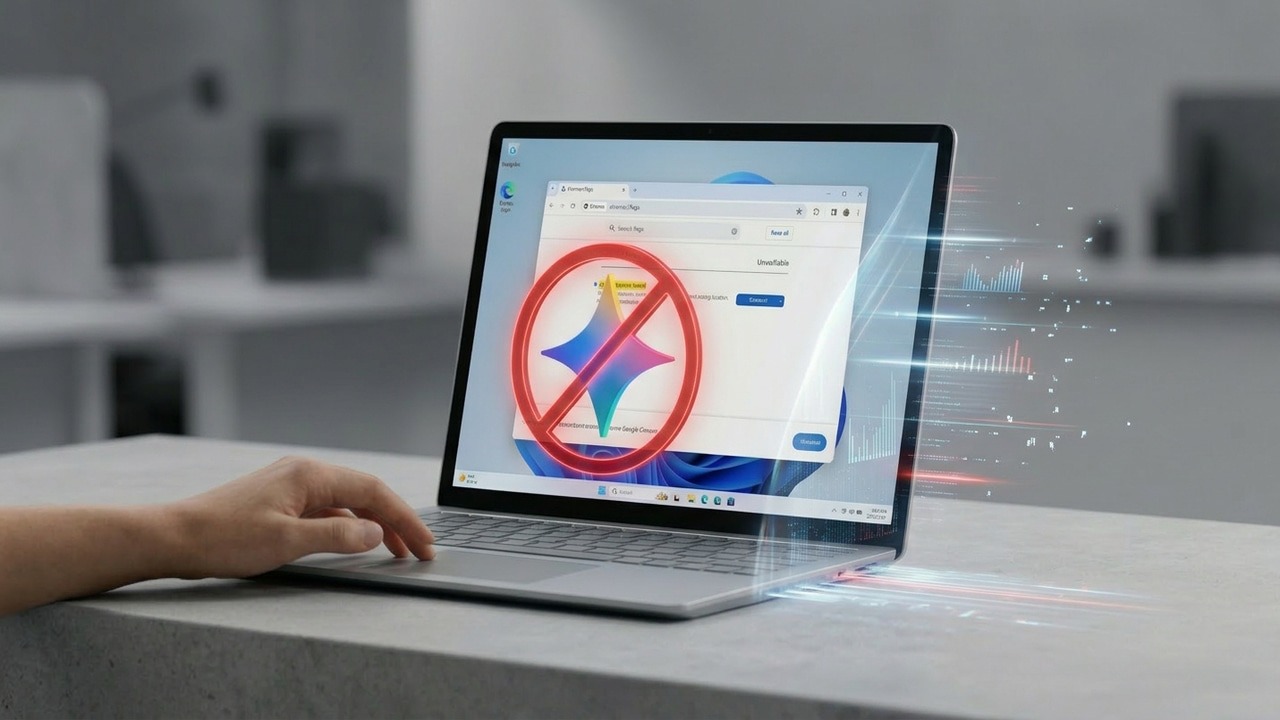
Stop Chrome from eating up gigabytes of your drive space with unwanted AI files. Reclaim your storage by blocking background downloads.
By Karrar Haider – Mar 20, 2026
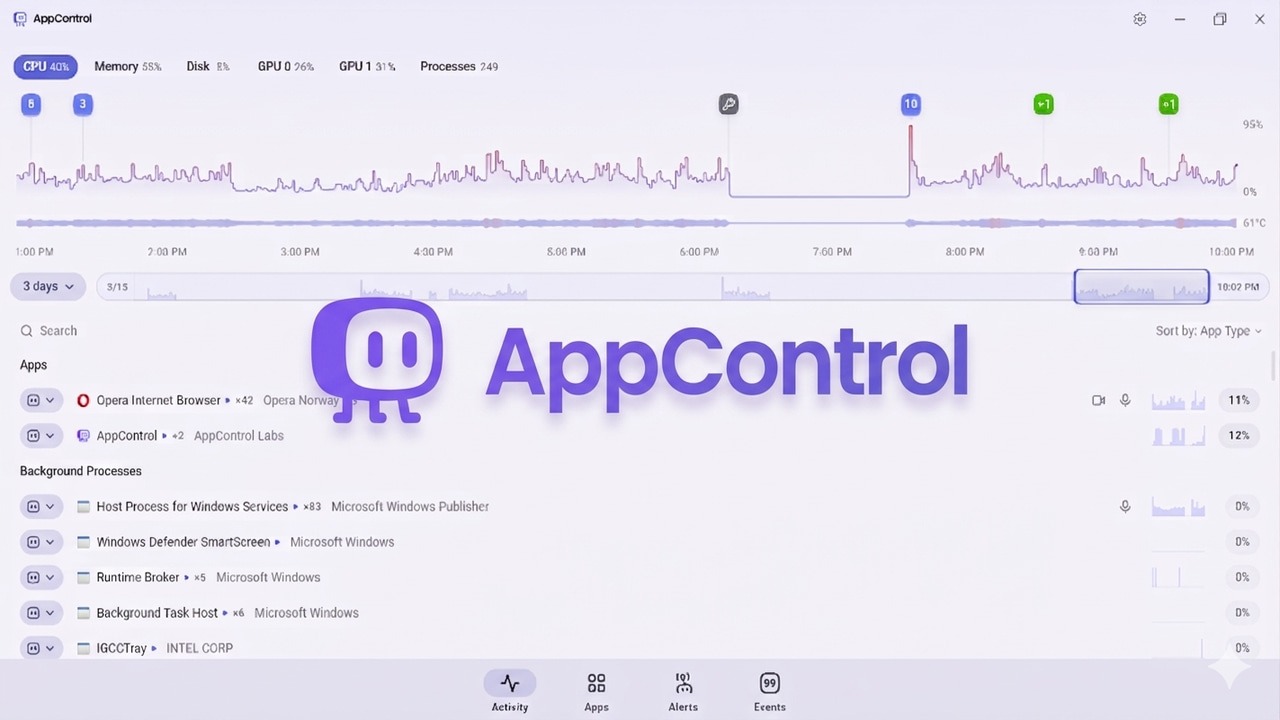
Stop guessing why your PC lagged. This Task Manager alternative logs three days of performance history to catch spikes that usually vanish.
By Karrar Haider – Mar 19, 2026
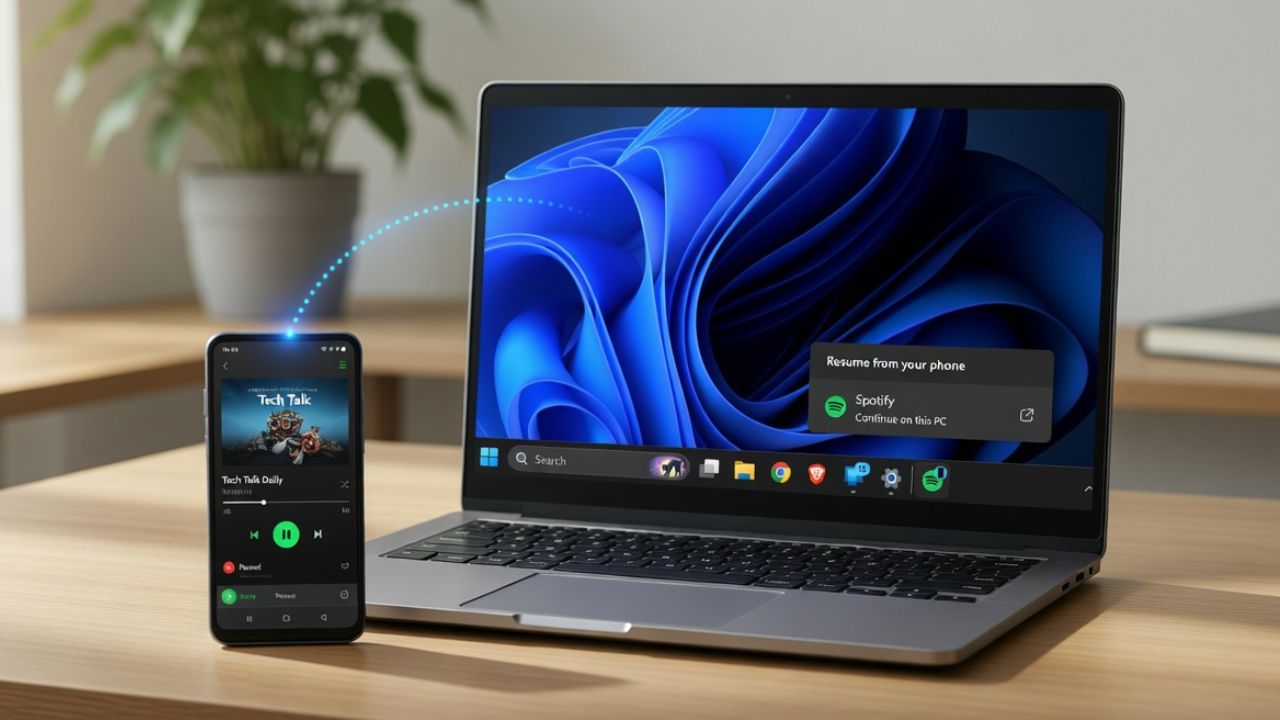
Windows 11 Cross-Device Resume promises Apple-style device continuity, but does it work as well? Here’s our verdict.
By Henderson Jayden Harper – Mar 13, 2026
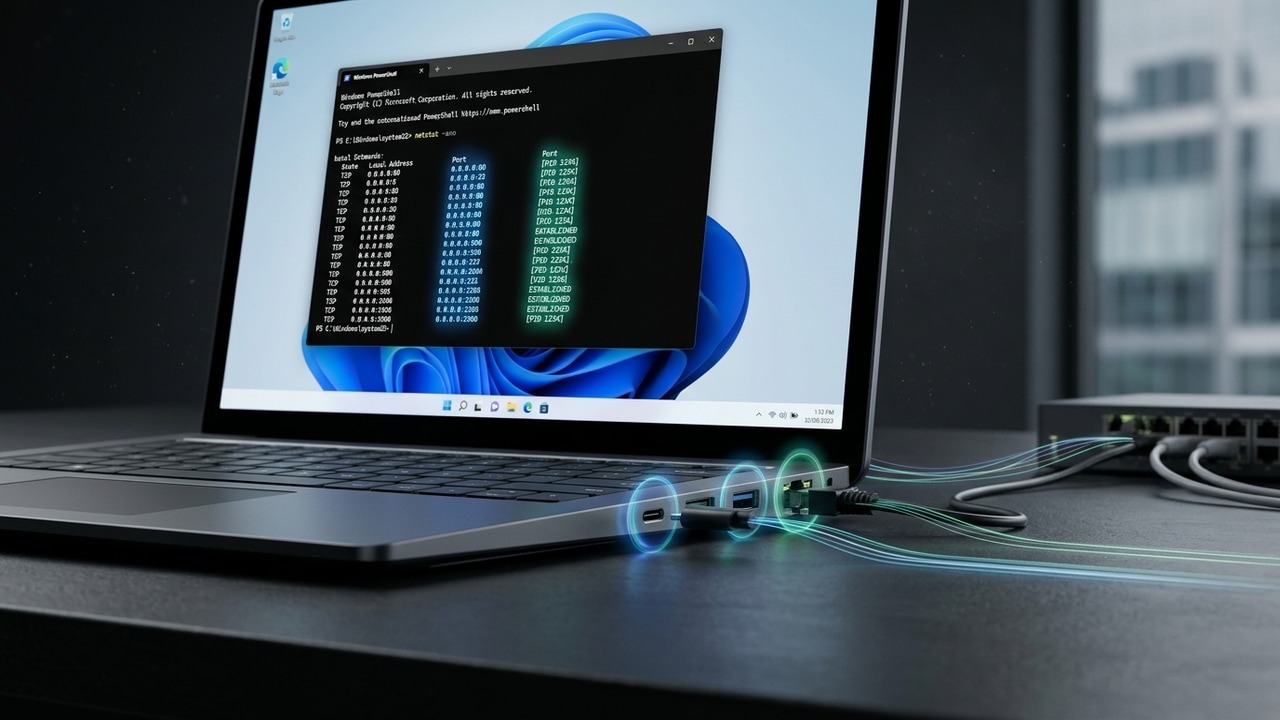
It is good to do an audit of your Windows system to find which port is in use. Here’s how to check the ports in use in Windows.
By Karrar Haider – Mar 13, 2026
Stop accidental upgrades from ruining your setup. Freeze your Windows version now and ensure your computer stays on your own terms.
By Karrar Haider – Mar 11, 2026
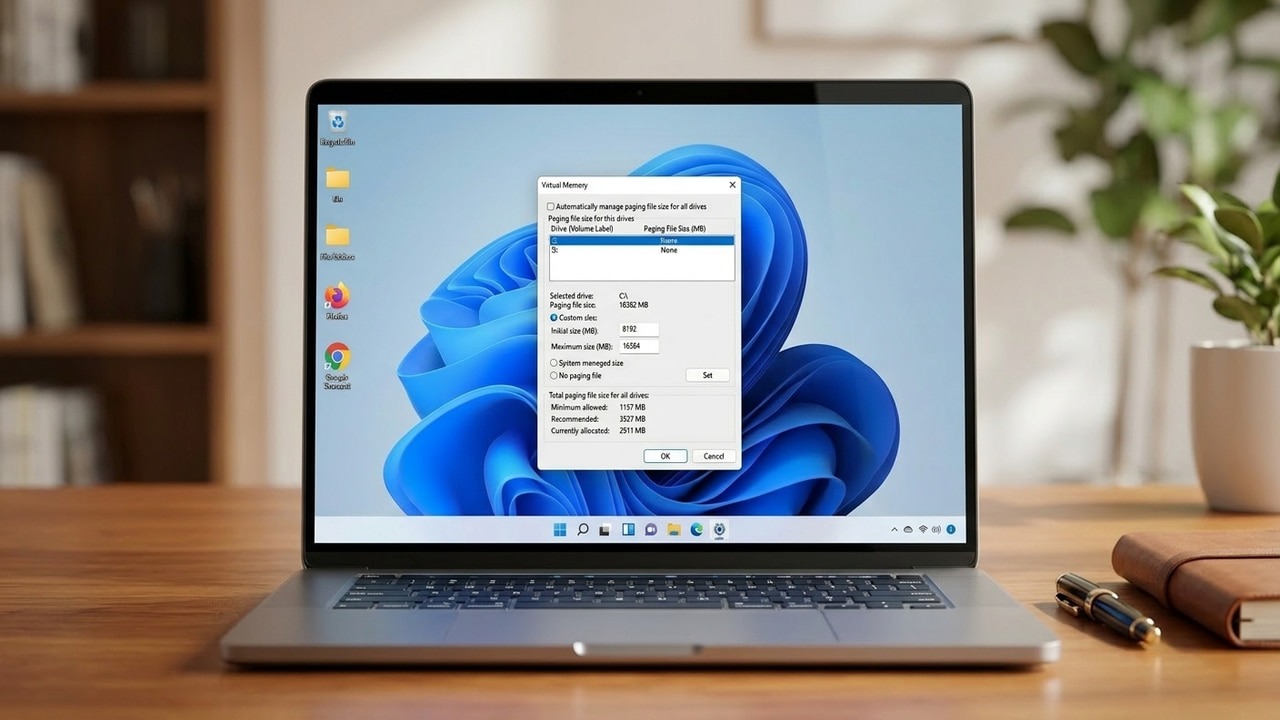
Don’t delete pagefile.sys just to save space. This hidden Windows file keeps your PC stable, but you can definitely tweak it to your needs.
By Karrar Haider – Mar 10, 2026
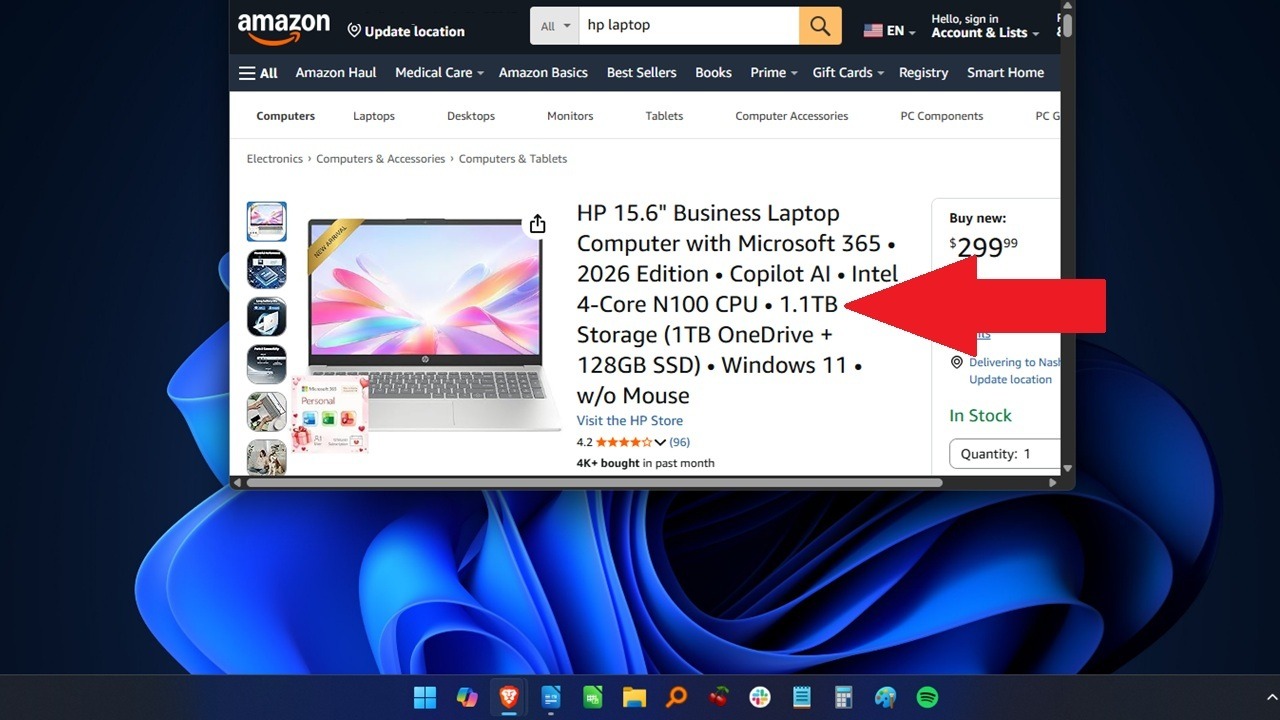
Think that Amazon PC deal is a steal? Think again.
By Crystal Crowder – Mar 6, 2026
Cybercriminals are now able to rent Malware-as-a-service and legally install malware on your PC. Learn how to identify these threats and the ways to protect yourself.
By Crystal Crowder – Mar 5, 2026
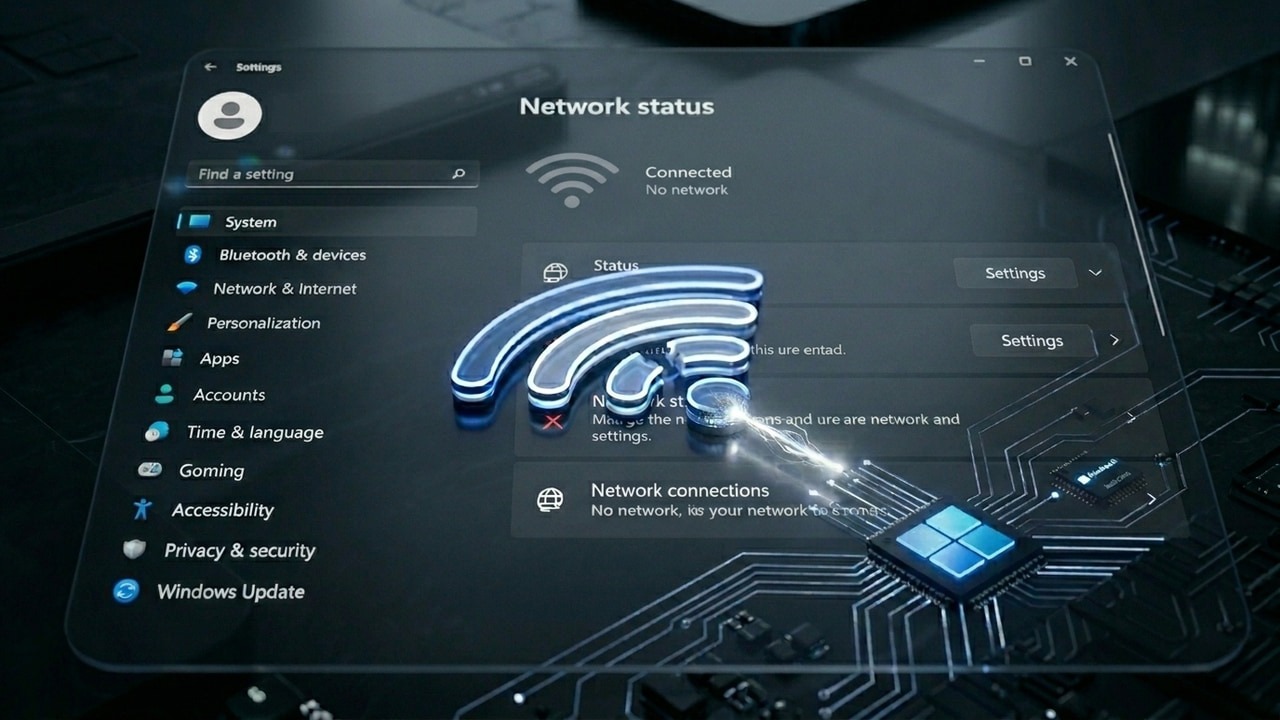
Does the “you are connected to Wi-Fi but can’t connect to the Internet” issue sounds familiar? Here’s how to fix it.
By Karrar Haider – Mar 3, 2026
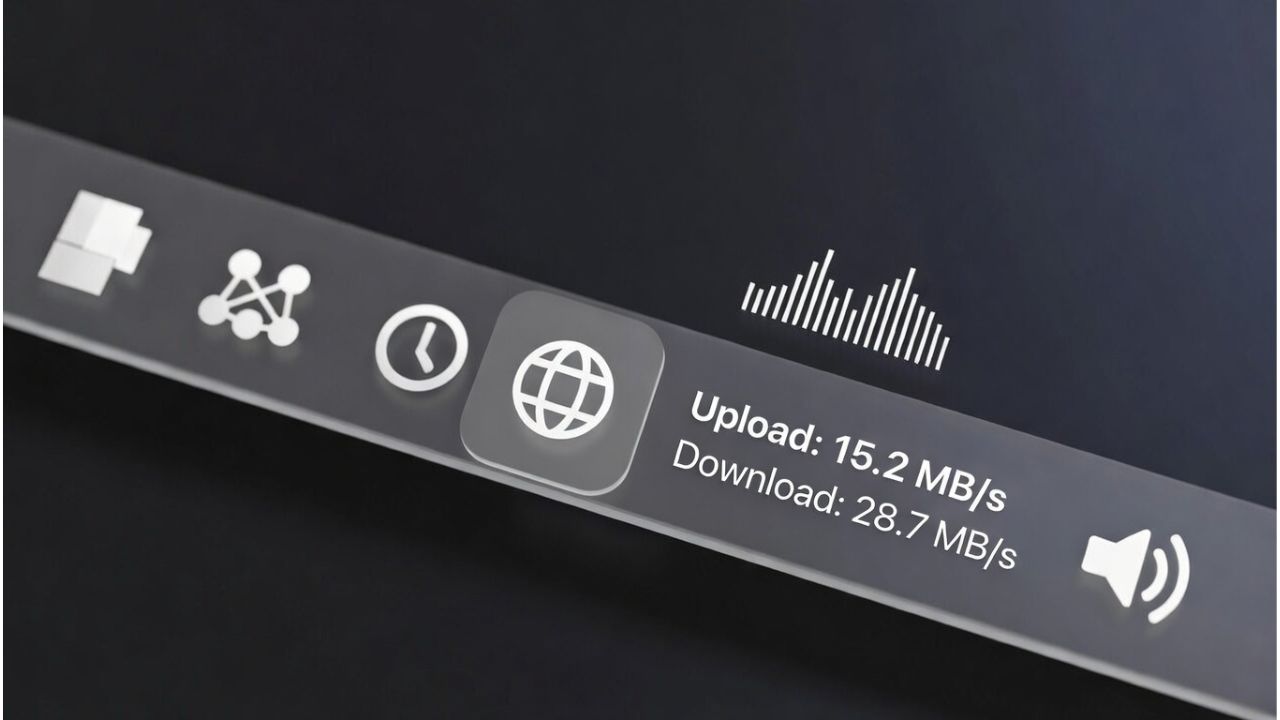
Learn how to display internet speed on the Windows taskbar with tools like Net Speed Meter and TrafficMonitor for real-time monitoring.
By Henderson Jayden Harper – Mar 1, 2026
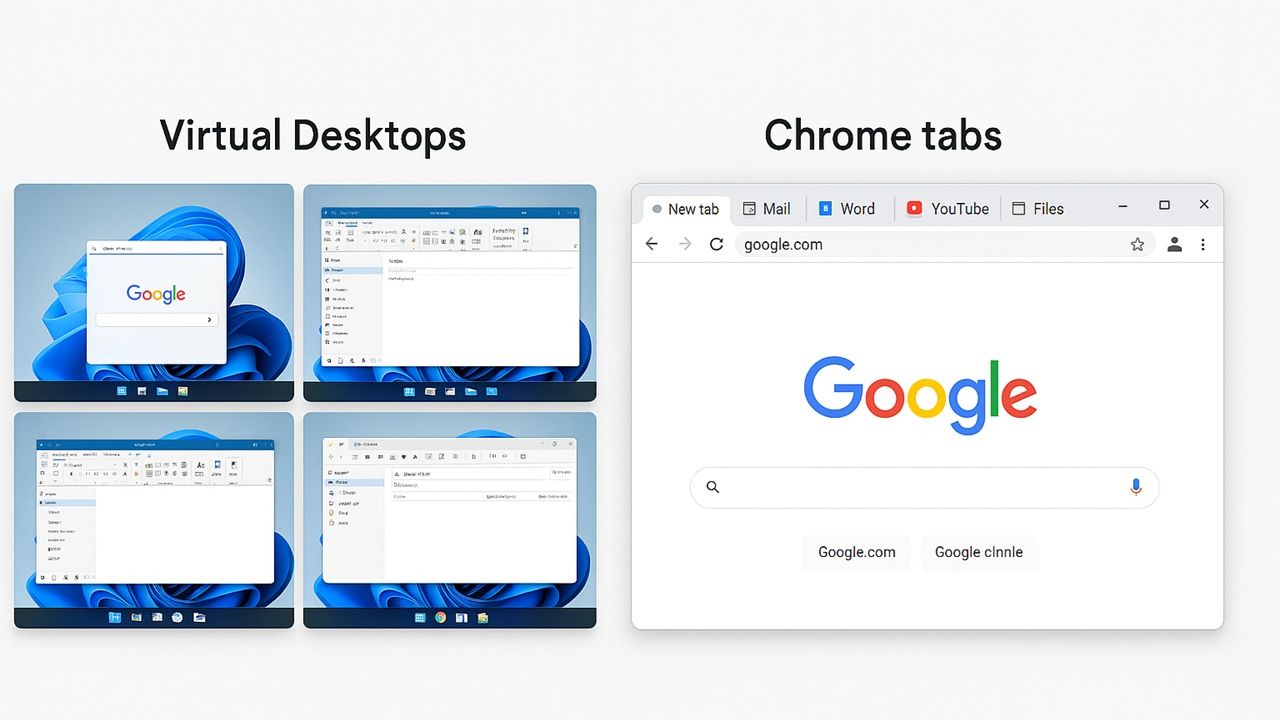
Do you mostly use browsers for all your computing needs? By using virtual desktops instead of browser tabs, you get real speed improvements in Windows.
By Sayak Boral – Feb 25, 2026
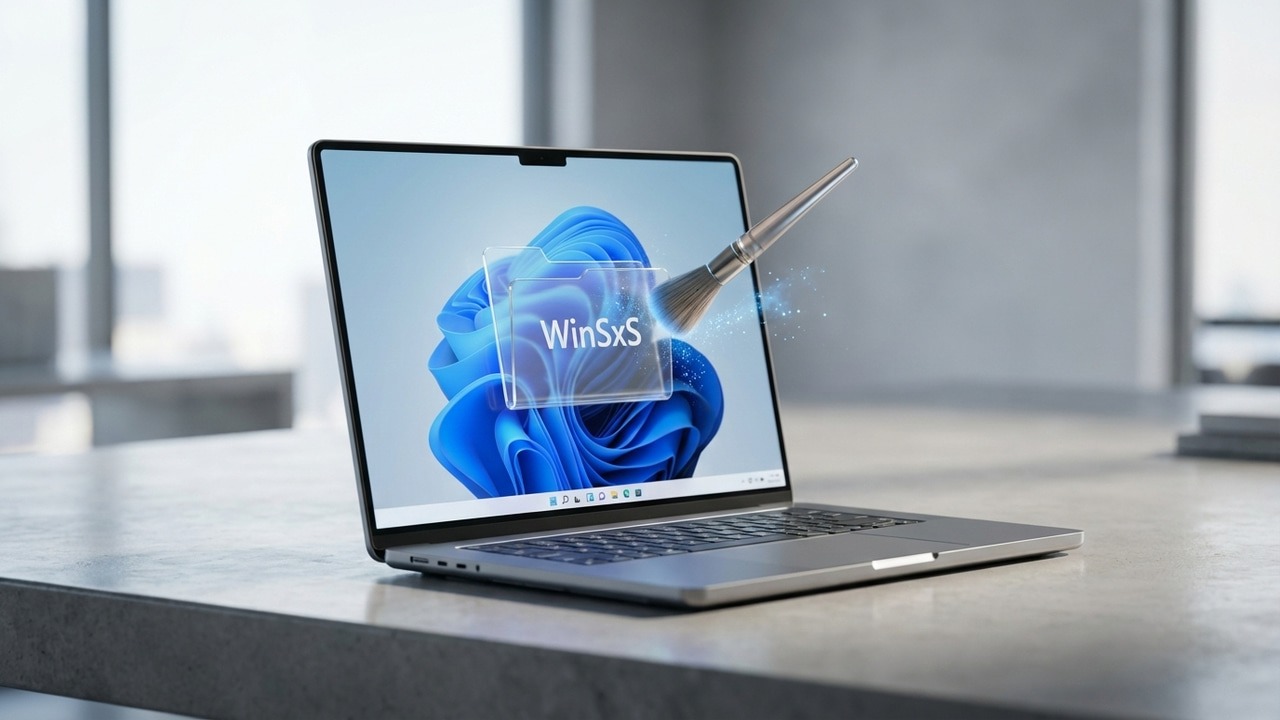
You might’ve seen the “WinSxS” folder taking up a lot of space. Find out what this is and how you can clean it up to regain storage space.
By Karrar Haider – Feb 25, 2026
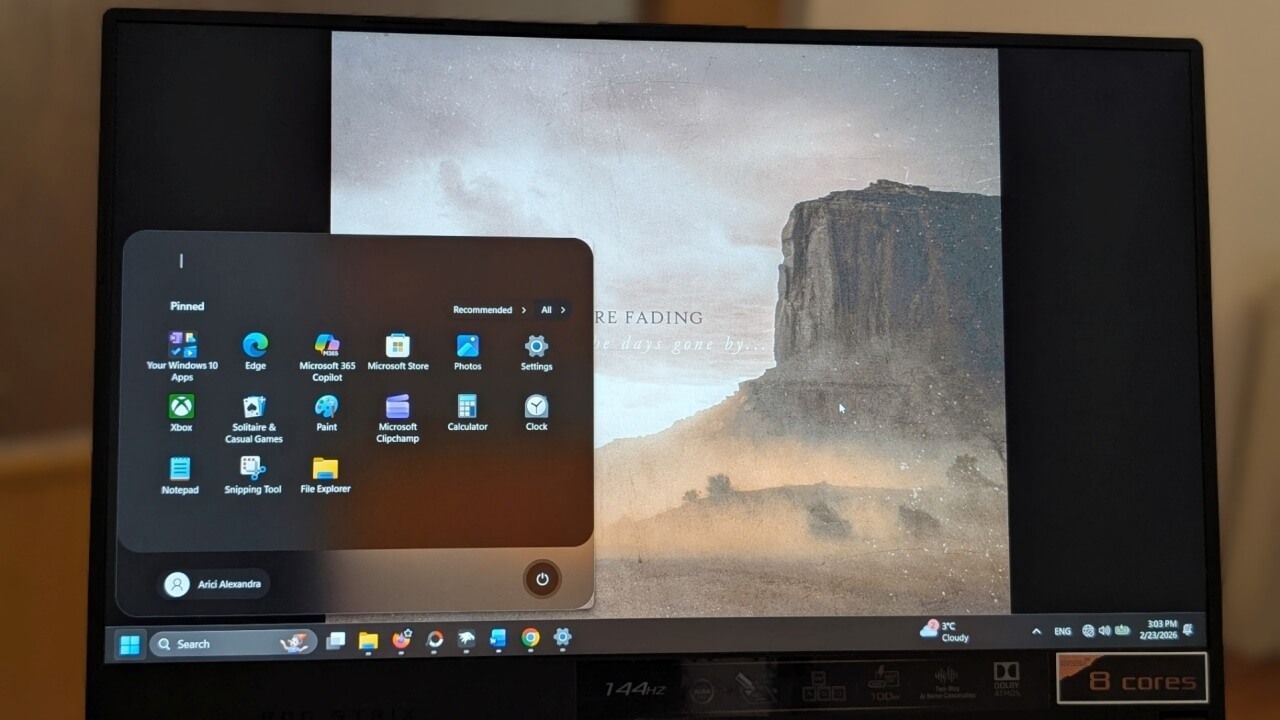
If you wish your Windows Start Menu were smaller than it currently is, check out the various ways we used to reduce its size.
By Alexandra Arici – Feb 24, 2026
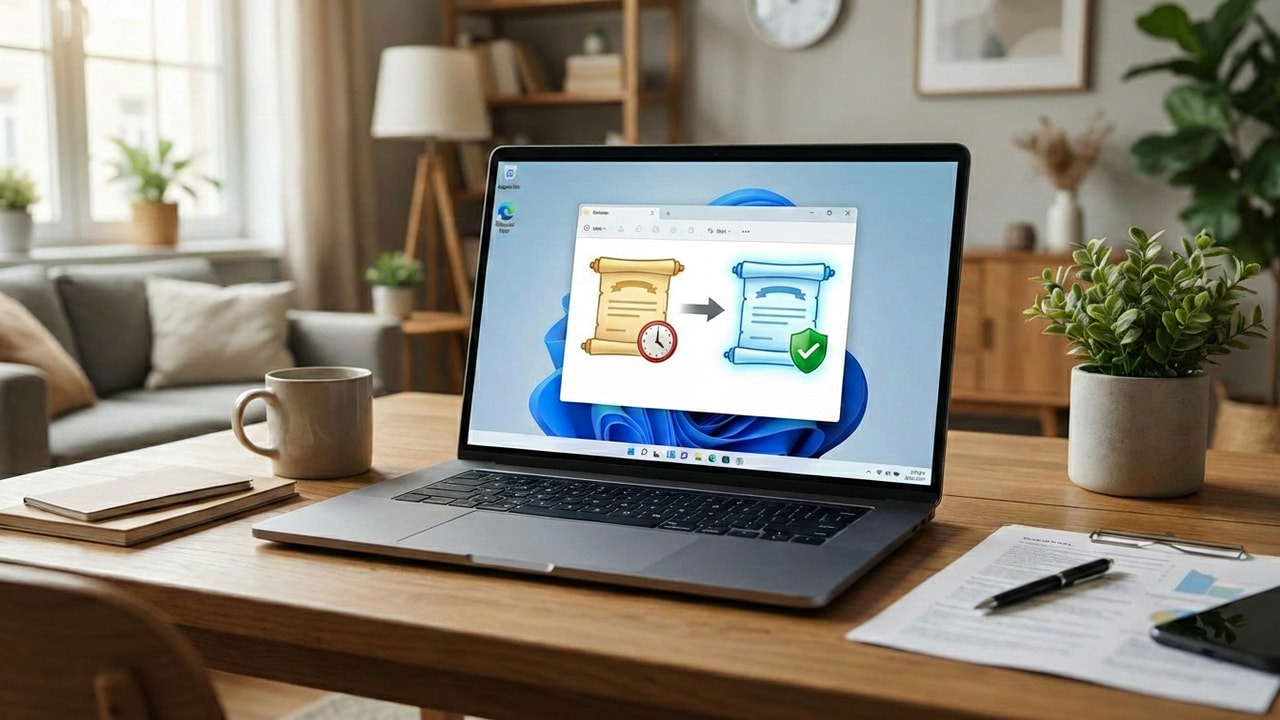
Microsoft is taking its time with the certificate rollout, but you don’t have to. Activate the latest UEFI CA 2023 right now.
By Karrar Haider – Feb 24, 2026
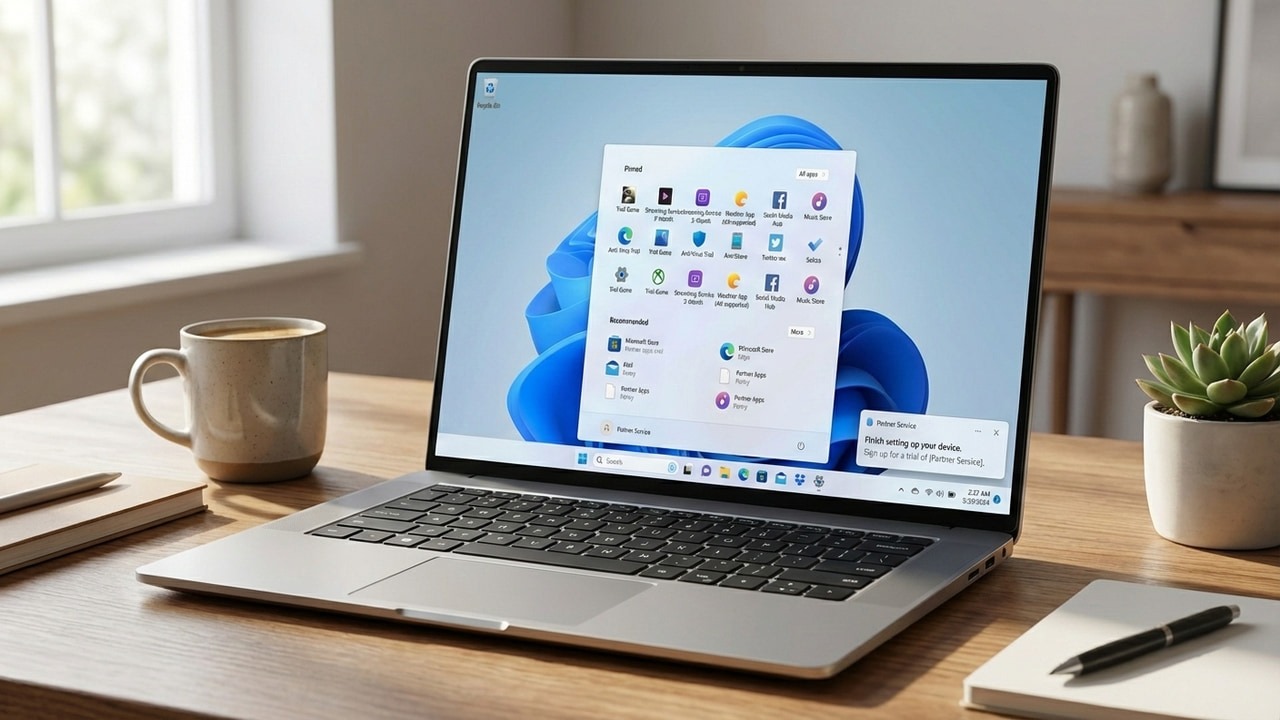
While Microsoft and manufacturers add bloatware to your system, and trade your disk space for profit, you don’t have to live with it.
By Karrar Haider – Feb 22, 2026
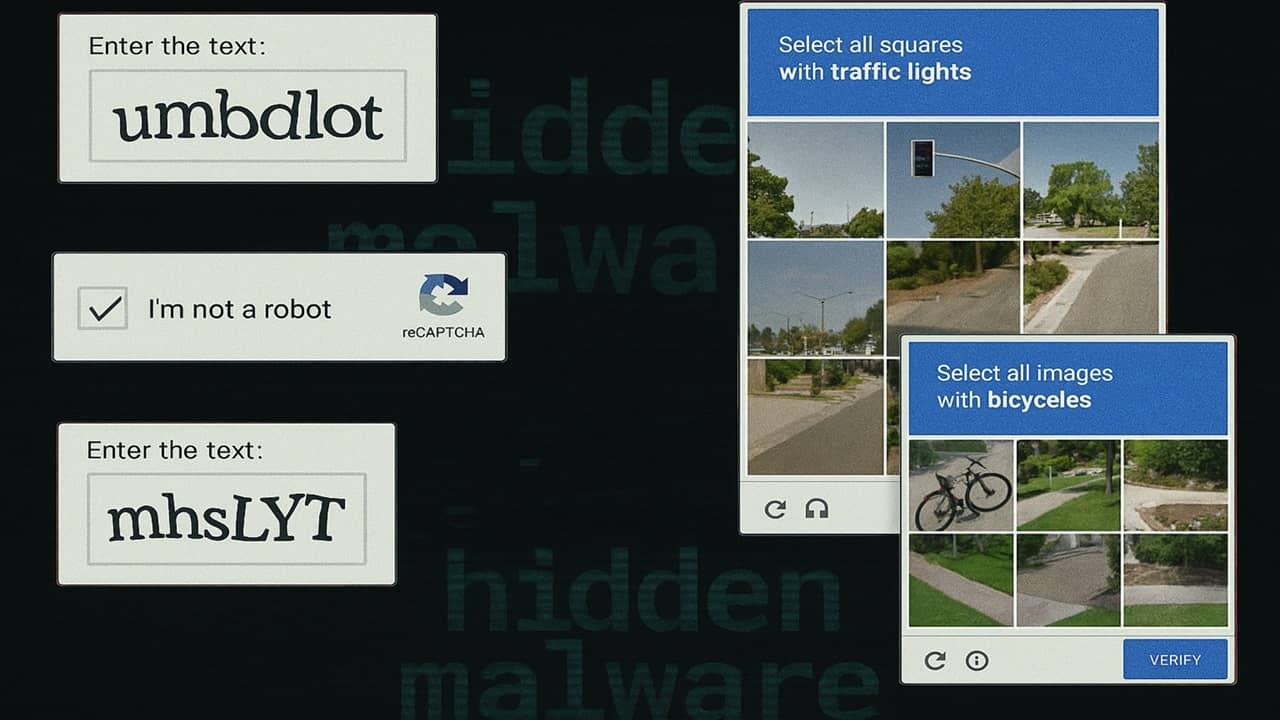
Is that CAPTCHA you just encountered real? Find out how fake CAPTCHAs are installing hidden malware and how to stay safe.
By Crystal Crowder – Feb 21, 2026
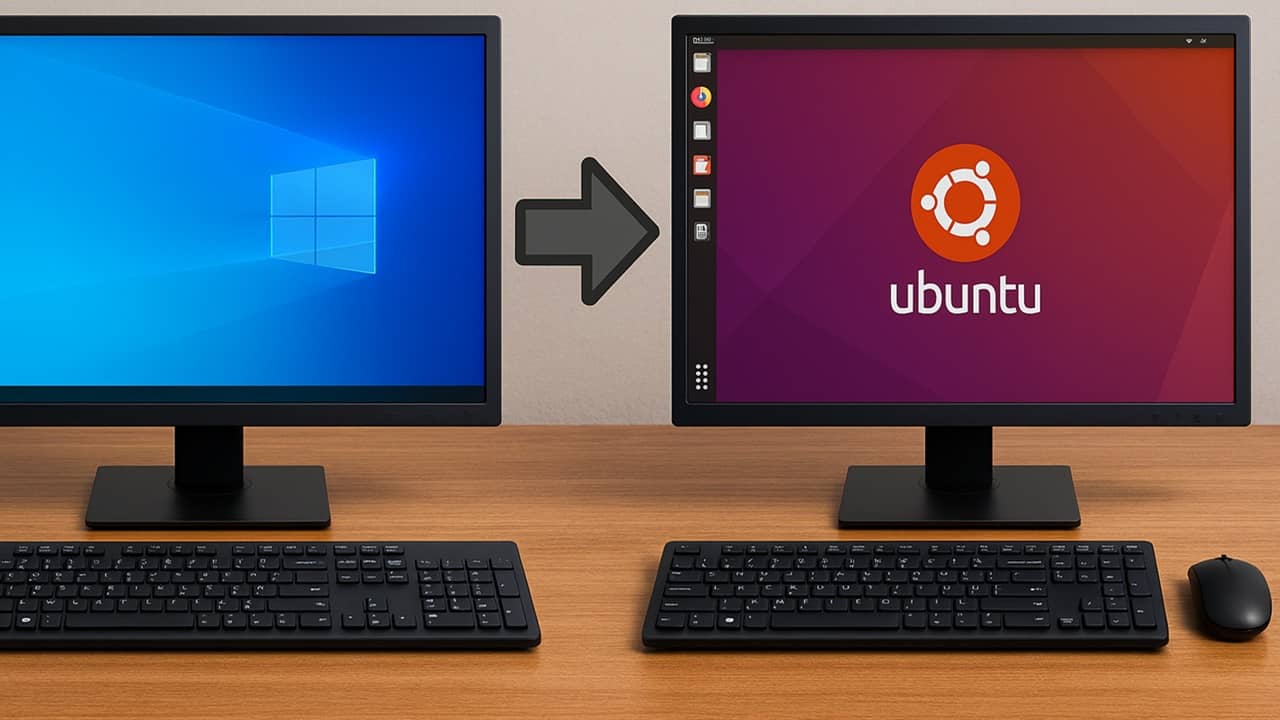
Check out this user guide on the steps to smoothly move from Windows to Linux.
By Crystal Crowder – Feb 19, 2026
Next >
Affiliate Disclosure: Make Tech Easier may earn commission on products purchased through our links, which supports the work we do for our readers.