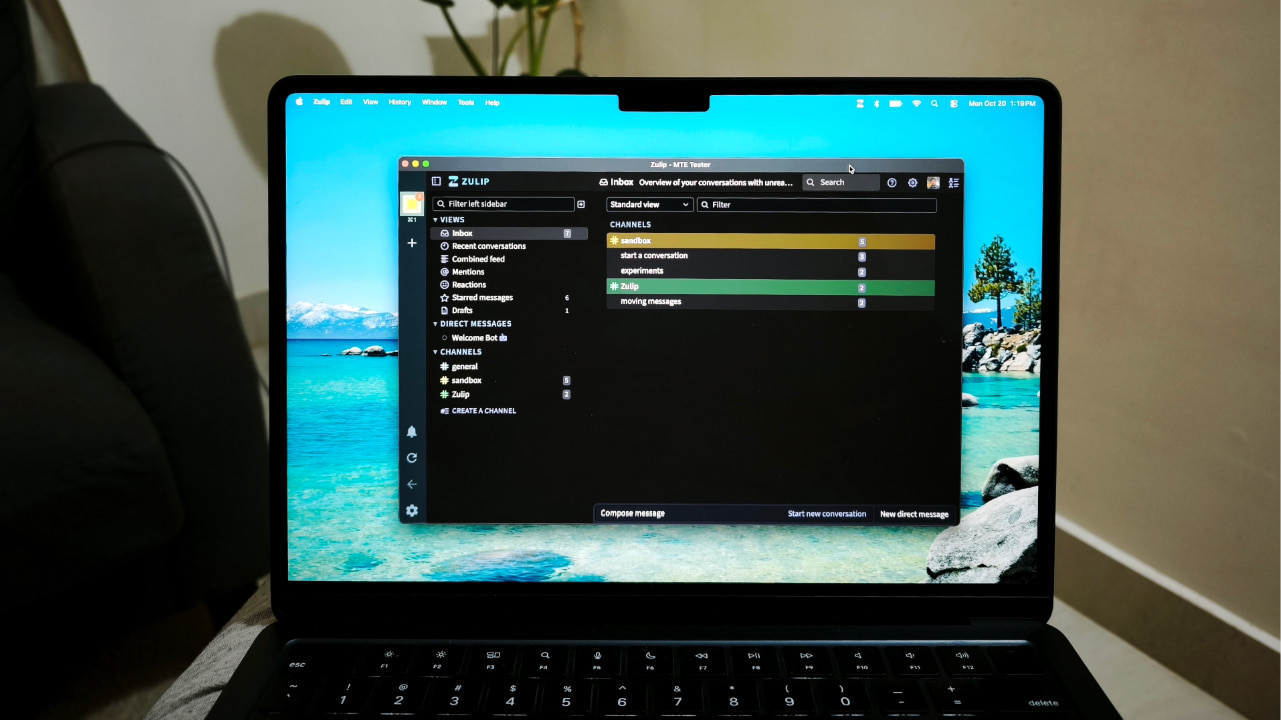
Slack is one of the most widely used business communications platforms out there. I say “one of the” because Microsoft Teams is all the way up there with over 300 million monthly active users. And that’s not because it’s a better app, but because it comes bundled with Microsoft’s Office suite. If you do not prefer either and are looking for a better chat platform for your team or community, consider Zulip. It is an open-source team chat and collaboration platform that you can even self-host on your server.
Good to know: Slack free vs. paid: I tried both to see if premium was worth upgrading to
What is Zulip?
Zulip is an open-source team chat and collaboration platform that takes a fundamentally different approach to organizing conversations. Unlike traditional chat apps that dump everything into a single channel stream, Zulip organizes every conversation by topics within streams. Think of streams as channels like in Slack, but every message must belong to a specific topic, creating discrete threads that keep related discussions neatly separated.
This unique topic-based threading model combines the best of email and chat to make remote work productive. In practice, you can follow one conversation at a time without losing context, even when dozens of discussions are happening simultaneously in the same stream.
Zulip is free to use with certain limitations, including 10,000 searchable messages and a total file storage limit of 5 GB. Its Standard paid plan is priced lower than Slack, coming in at $6.67 per user per month when billed annually or $8 when billed monthly, while Slack charges $7.25 per user per month on annual billing and $8.75 when billed monthly.
Upgrading to a paid Zulip plan unlocks features like unlimited search history, increased file storage of up to 5 GB per user, flexible permission controls with custom groups, message retention policies, and additional administrative tools. There are also higher-tier plans designed for enterprises and larger organizations.
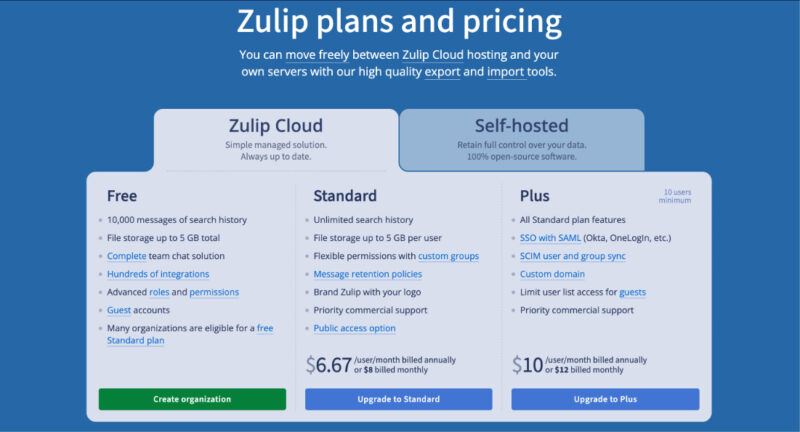
However, one of Zulip’s biggest advantages is that it can be completely self-hosted. If you already run a home server or use a cloud instance, you can deploy a full-featured team chat system for free. The self-hosted edition includes all features and even supports mobile notifications for organizations with up to 10 users.
Zulip is 100% open source under the Apache 2.0 license, developed by a thriving distributed community of volunteers. As of the latest reports, over 97 contributors have submitted more than 100 commits each, with approximately 1,500 people merging 500+ commits into Zulip every month.
Related: if Zulip is not to your liking, there are many other Slack alternatives you can choose from.
Setting Up and Using Zulip
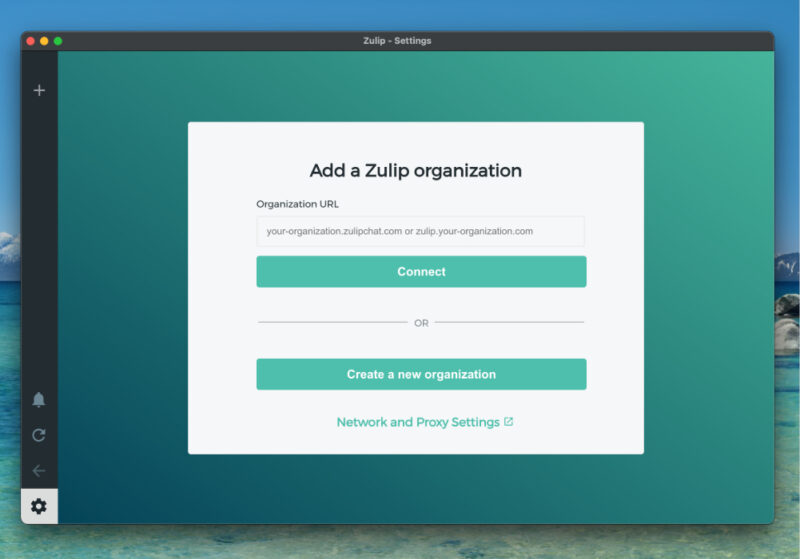
Getting started with Zulip is flexible. You have two main options – self-host Zulip on your own infrastructure or use the hosted Zulip Cloud service. For self-hosting, the Zulip team provides one-command install scripts for Ubuntu and Debian, Docker-based packages, and one-click deployment images on popular cloud providers like DigitalOcean and Render.
Once your Zulip organization is running, users can install the Zulip apps across all their devices or simply use the web interface. Native desktop applications are available for Windows, macOS, and Linux, while iOS and Android users get fully-featured mobile apps. Zulip also works great in any modern browser.
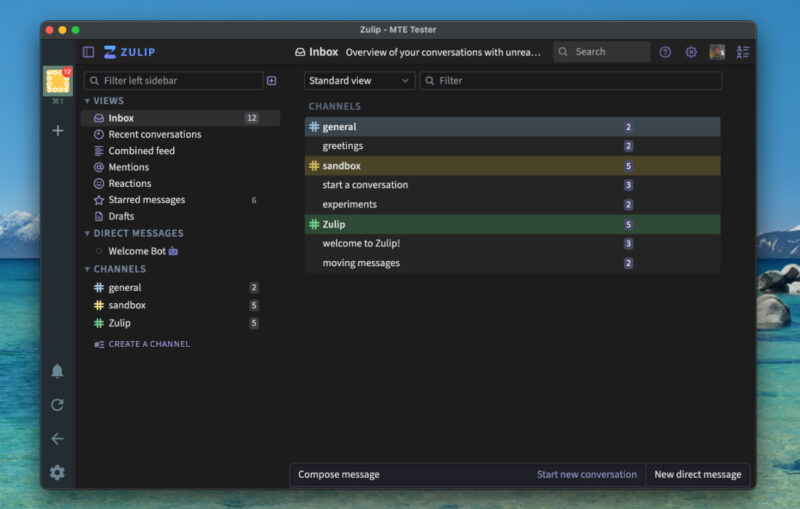
The workflow is familiar to anyone who’s used team chat before. After logging in, you browse and subscribe to streams that interest you, then start or join topics within those streams. The interface prominently features Inbox and Recent views that help you catch up on conversations. Notification settings are highly customizable, allowing you to choose between desktop pop-ups, email alerts, and mobile notifications based on your preferences.
Zulip vs Slack
Zulip’s topic-based threading is its defining feature. Unlike Slack, where all messages in a channel flow into a single stream and optional threads often get lost in the scroll, Zulip requires every message to belong to a specific topic within a stream. This structure keeps conversations organized and makes it easy to follow individual discussions without unrelated messages getting in the way.
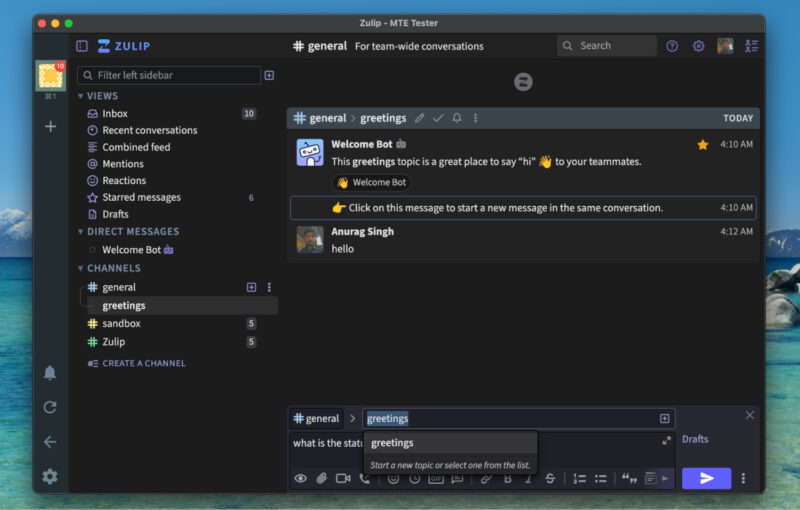
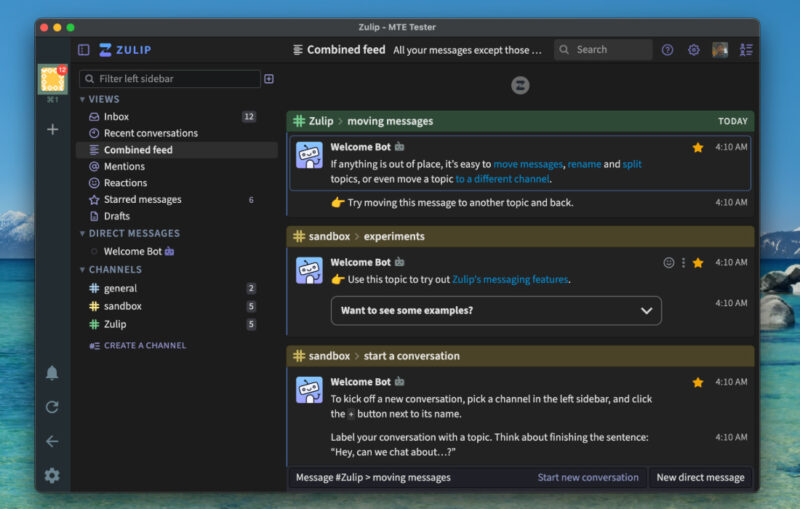
This design also makes Zulip much better suited for asynchronous communication. Threads can continue for hours or even days without losing clarity. If you were away during a discussion, you can return and read through a topic in chronological order, just like catching up on an email thread. Zulip’s Inbox view further enhances this by showing only unread topics.
When it comes to integrations, Zulip offers more than 90 native connections for tools like GitHub, GitLab, Jira, CI pipelines, and webhooks. Its public REST API allows for custom automation, bots, and data export. The search system is equally robust, letting you filter by keyword, topic, stream, sender, or date.
The biggest philosophical difference between Zulip and Slack comes down to control. Slack is proprietary and cloud-hosted, which means your data lives on Slack’s infrastructure under their policies and retention rules. Zulip, on the other hand, is fully open-source. You can self-host it, modify the source code, and enforce your own retention policies, access controls, and authentication systems.
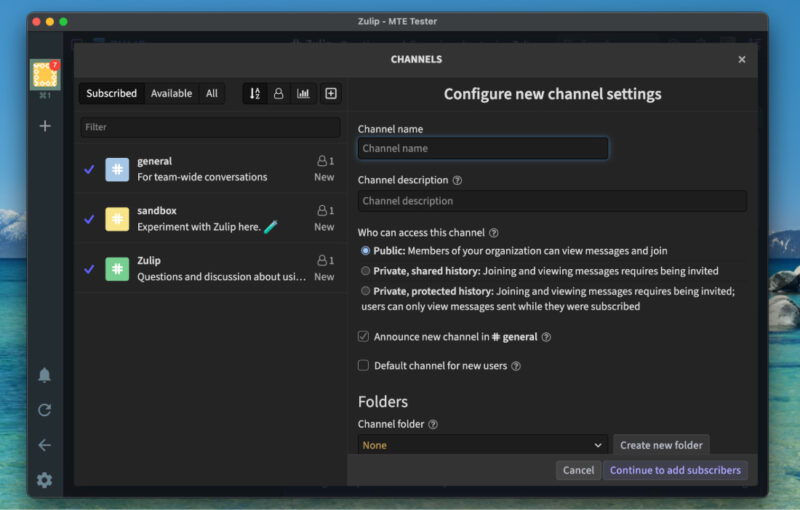
Slack remains a strong choice for fast, real-time chat, especially for smaller teams working within the same time zone. However, it becomes harder to manage as teams grow or communication becomes more asynchronous. Zulip’s enforced topic structure solves this by keeping every discussion contained and easy to revisit, even weeks later.
Slack is not always easy to replace because the decision often lies with the organization, not the individual. However, you can still use a few tips to become more productive with Slack. You might also want to learn how to use ChatGPT with Slack and what it actually adds to your workflow.