
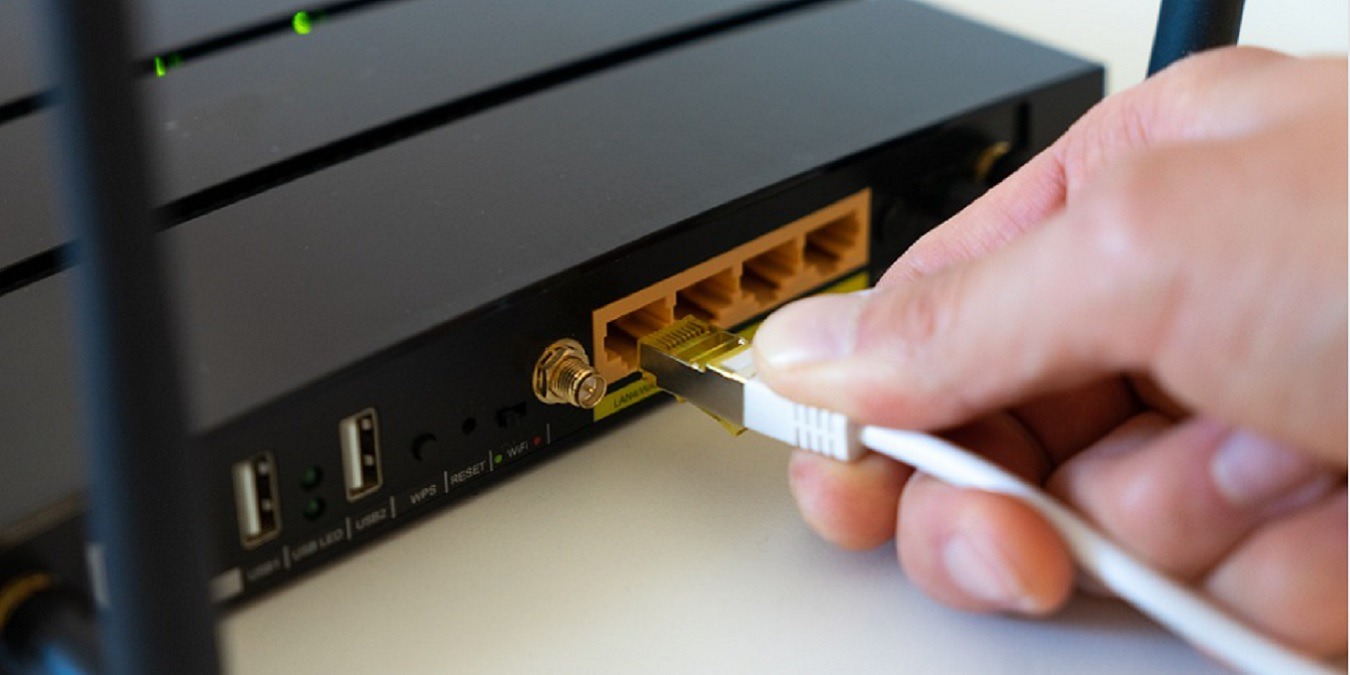

It can be annoying when your Wi-Fi isn’t available in every single area of your home. You want to sit where you put your new chair but realize you can’t connect to your Wi-Fi there. Sure, you could try an extender, but they’re not always easy to set up. A Wi-Fi mesh system can be a simpler, yet more effective solution.
All you have to do is plug it in and follow the instructions the app gives you. This is an excellent option if you don’t get along with technology very much but need your Wi-Fi everywhere.
Also read: 2.4 GHz or 5 GHz? How to Get the Best Wi-Fi Performance
What Is a Wi-Fi Mesh System?
With a Wi-Fi mesh system, you need two or more devices that work like routers. They’re similar to Wi-Fi extenders but without the hassle that comes with setting them up. With a mesh system, you won’t need different network names, making things much easier.
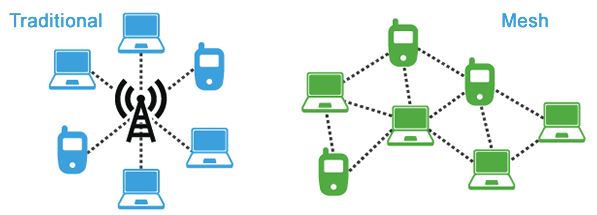
These systems work like a series of Wi-Fi mini devices that allow the signal to piggyback from one device to another. This will allow you to eliminate those Wi-Fi dead spots. Every device will send routing information to the other devices you’ve set up around your home.
Signals typically balloon out, spreading between floors and rooms. As you connect more mesh devices, these bubbles of signals blanket your home.
How Is a Wi-Fi Mesh System Different from Wi-Fi Extenders?
Wi-Fi extenders boost your current Wi-Fi network, but with a Wi-Fi mesh system, a completely different Wi-Fi network is created. You can control your Wi-Fi mesh through an easy-to-use app and, therefore, can forget about that laborious admin page on your router.
Wi-Fi extenders can’t communicate with each other, while Wi-Fi mesh devices can. Unlike the Wi-Fi extenders that can only “talk” to the main router, Wi-Fi mesh devices can communicate with each other in any way that results in you getting the best possible coverage.

Another difference between Wi-Fi extenders and a Wi-Fi mesh system is that the Wi-Fi mesh transmits a different Wi-Fi network. Each hub that you place works more like a router instead of repeating the signal. However, you still only have one main network. Devices automatically connect to the mesh device closest to it, giving you a stronger signal as well, wherever you might be in your home.
How to Set Up a Mesh Network
It’s true that extenders tend to be more complicated to set up. They’re not impossible but are trickier than your standard router or even mesh systems.
What makes a Wi-Fi mesh system easier to set up is that they work more like routers. In fact, the first device replaces your main router, or you simply connect the first device to your existing router. You’ll need to place the first device in an open area just like with a normal router.
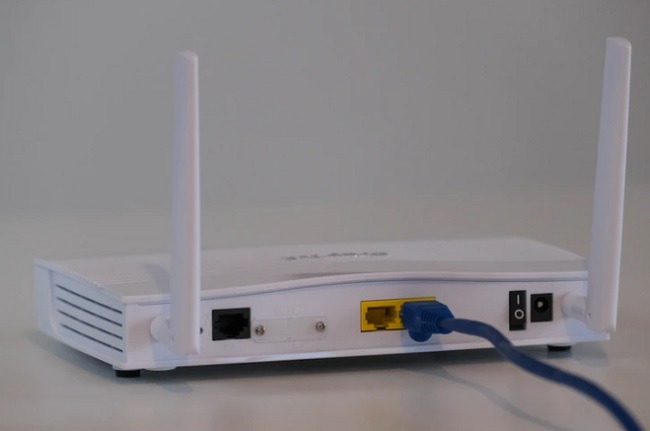
Once it’s connected to your modem, you’ll use whatever app is designed for your system to configure it. Mainly, this is just setting up a network name and ensuring it is indeed connected. Then, space out additional units based on where your dead spots are. All you have to do is plug them into an available power outlet and let them automatically connect to your network. The app will guide you through the process.
Typically, you can be completely set up with a mesh network in just minutes. As long as each device is within range of any of the other devices, you’re all set. You don’t have to worry about spacing out devices based just on the first one.
Should You Switch to Wi-Fi Mesh?
A Wi-Fi mesh network is easier to set up, but should you switch? Before you answer that question, there are some things you should consider. Wi-Fi mesh system hardware is more expensive. For example, with Wi-Fi extenders, you can get a set for around $300, though some individual ones for smaller spaces are less than $100. If you’re more tech-savvy, you can even turn an old router into a repeater.

With Wi-Fi mesh systems, three units would set you back $500 and you would also have to pay $100 or more for additional units. If you’re just working in a smaller area or have just a few dead zones, you can get a smaller set of two for less than $300.
Does your house come with a lot of dead corners where you really need a Wi-Fi mesh system? Can you just move your existing router or yourself to another location with better Wi-Fi coverage?
Both help solve dead zone issues. However, with extenders, you do have to ensure you’re connecting to the right network each time. With mesh systems, that’s not an issue.
Conclusion
A Wi-Fi mesh system isn’t the best option for all users, but if you want more even coverage throughout your home and don’t mind spending a little more, then it’s a decent option. If you’re not very tech-savvy, Wi-Fi mesh will definitely help you with those annoying Wi-Fi dead spots you have around your home. Do you think you’ll give it a try? Share your thoughts in the comments.