

Have you been using a 3rd party application to sync the documents on your computer? If so, you can now sync your computer(s) with your Google Docs. That’s because Google Drive has finally arrived! That’s right, you can now use what was previously Google Docs as a Dropbox-like storage. Here’s a walk-through.
Starting out
Like most of the mass changes Google makes with their apps, they roll them out in batches. It took me a few days for my Google Docs to change over after I started to read about Google Drive. So if yours hasn’t made the switch yet, don’t worry, it’s on the way soon.
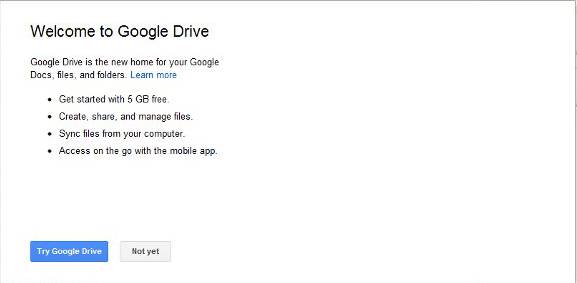
When you get the option to change your Google Docs to Google Drive, you should see a welcome screen, something like this asking you if you want to try Google Drive.There isn’t much you need to do online or on your Android to make the change, just click yes.
What changed
Once you have agreed to make the change, you will see some slight changes. The word Docs is now Drive and your Collections are now called, get ready for this…. folders. I was happy about that one.
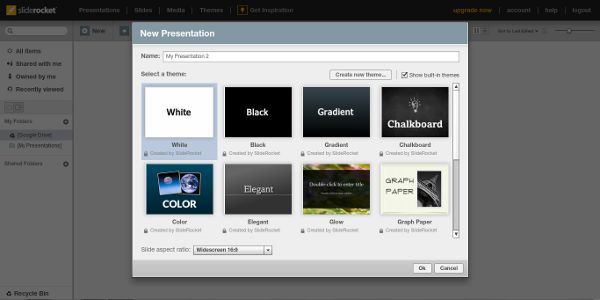
Another change is Google added SlideRocket presentations. When you make a lot of presentations, the presentations Google Docs could make did leave a something to be desired. SlideRocket will pick up the slack in this department.
More than a name change
So far none of the changes I’ve talked about have been life altering. The part everyone has been waiting for is increased space and the desktop app. Let’s talk a little bit about that why these are so great.
The space increase
You now have 5GB of free storage space to store whatever you’d like. This is quite a bit more than what you had with Google Docs.
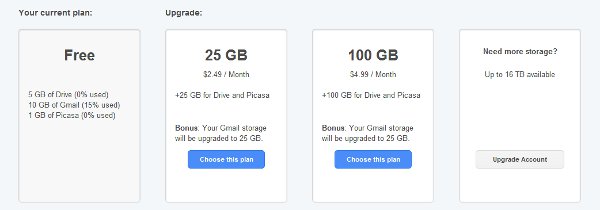
If you need more space, the rates are really reasonable. The 25GB upgrade is $2.49 a month. The cool part is, your Gmail inbox gets bumped from 10gb to 25gb also. If you need even more storage, there is a 100GB upgrade for $4.99 a month with the same bump to your Gmail account to 25GB.
Desktop sync
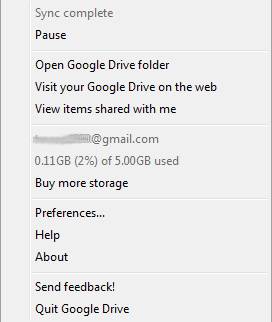
The desktop sync is the part you have been waiting for. You will need to initiate the download of the desktop app and log in with your Google credentials.
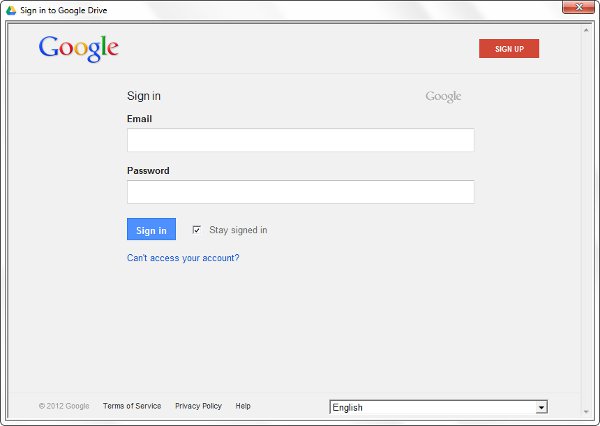
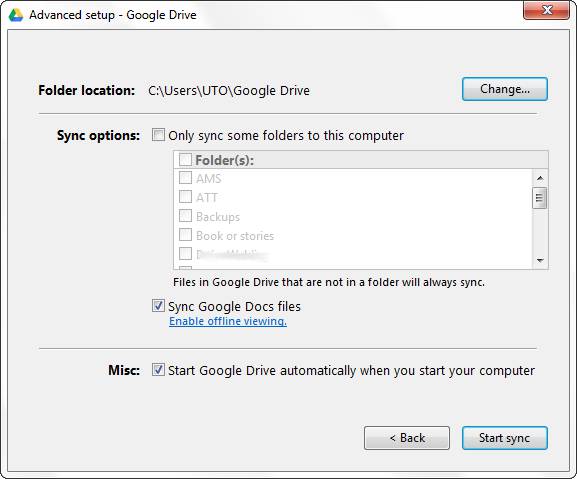
Once you are all logged in, you can choose the location of the folder or folders you want to keep in sync. If you use Box or Dropbox, the setup is really similar to those. Now when you place something in this folder, it is automatically synced with your Google Drive.
Google Drive for Android
Drive on your Android got a lot nicer. The layout of the document editing screen seems easier to use. Before the upgrade, editing a document was inconvenient because the interface made you select a line to edit almost like you would for a spreadsheet. Now editing is very similar to the web editing, just with less features.
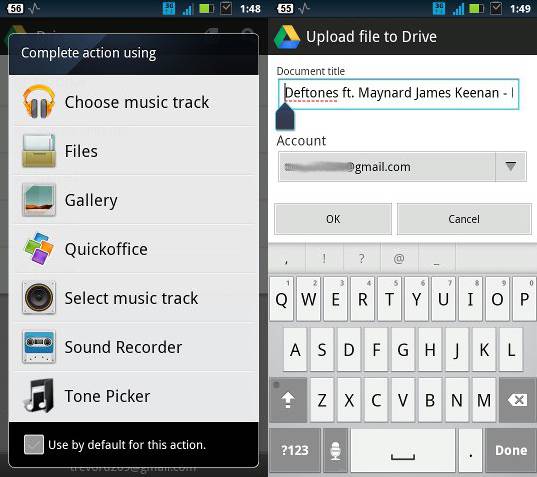
You can now upload any kind of file right from your Android device. This means backing up music and pictures is an easy possibility. While there isn’t an automatic upload for your pictures like there is with Dropbox, most Android devices have the option to select several pictures at a time to upload or share.
Conclusion
I think with the large amount of Google Docs users that the change to Google Drive will bring on more users who are new to cloud storage. While the amount of free space could be more in comparison to some other services out there, the fee to increase the space is less than most. I for one am excited for Google Drive because now I don’t need to have an Internet connection all the time when I am typing something like this up. I can use something like Open Office and save it to the Google Drive sync folder. Trevor is a happy camper now.
Will you switch to Google Drive as your cloud storage?