

In a study presented at the CHI conference in April 2010, two University of Toronto researchers, Patrick Dubroy and Ravin Balakrishnan, had 21 people install a logging extension in Firefox and recorded every tab they opened, switched to and closed for between 13 and 21 days. When the logs came back, one line stood out enough that the authors wrote “surprisingly” in front of it: 25 percent of tabs were never selected. They had been opened, sat on the tab bar, and were closed without anyone switching to them.
The study is small and the paper lists its own limits, but its logs record what people did with tabs rather than what they said they did, and the habit they caught is the one Chrome and Firefox later built features around.
A tab can live and die unseen
The researchers counted how many times each tab was selected over its lifetime. A tab opened in the foreground is selected the moment it appears. A tab opened in the background, with a Ctrl-click or a right-click, can be selected zero times if the tab, the window or the whole browser is closed before anyone gets to it.
A quarter of all the tabs in the study ended that way. Another 45 percent were selected exactly once, which the authors suggested came from windows that only ever held one tab and from quick side tasks, and only 30 percent were switched to more than once. “More than two thirds of tabs are used once or less,” the paper says.
Where the unseen tabs came from is clear from the interviews. Fourteen of the 21, including all eight of the people the logs marked out as tab power users, told the researchers they opened links in the background so they could read them later. One described a Google search as going “right-click, right-click, right-click” and “opening all the tabs,” then looking at them later.
The tab bar as a to-do list
Why the leftover tabs stayed open is the other half of the finding. Seventeen of the 21 said they often kept a tab open as a reminder to do something. Eleven kept tabs for a return “at some unspecified point in the future,” and ten reported leaving a page open even when they were not sure they would come back to it. Twelve said they generally did not make an effort to close tabs when they were finished.
“Many people don’t associate a high cost with leaving a tab open in the browser; it is worth keeping around even if they are not sure that they are going to return to it,” the authors wrote. One participant put it plainly: “I will often lose interest in something, and I think I might go back to it, so I will leave the tab open and open a new one. I don’t necessarily always go back to them, but the opportunity is there if I want to.”
The counts were modest. The most common number of tabs open when someone navigated was one. Only one participant kept a median of 17 open; nobody else was above six. The record was 42 tabs at once, held by a participant who wrote in his diary that new tabs were “appearing at the end of my massive list” and that “this is truly a bad way to browse.”
For 17 of the 21, switching tabs was a more frequent move than pressing Back, which accounted for a median of just 7.1 percent of navigation actions.
A sample of 21, on the Firefox of 2010
The paper’s own limitations section is the place to start. All 21 were recruited as people who used Firefox “for several hours a day” and often used “multiple tabs or windows,” so the sample is, in the authors’ words, “probably skewed towards intermediate to advanced users.” Fifteen of them were between 18 and 29, and one dropped out partway through. The logging extension was built for Firefox versions 1.5 to 3.0. Internet Explorer, the paper notes, had gained tabs by default only with version 7, then its newest release, and Chrome’s habit of putting idle tabs to sleep was more than a decade away.
“Never selected” is also narrower than “never seen.” The extension logged which tab had focus, not where eyes went, and a background tab’s title sits on the tab bar where it can be read without the page being opened. The quarter counts pages that were never opened to be read, not tabs whose titles carried no information.
More recent studies have asked people rather than logging them. In 2021, Carnegie Mellon researchers had 103 people label up to ten of their open tabs and found that, on average, 16.6 percent were pages their owners thought they might never process; the median point at which people said they started to feel overwhelmed was eight tabs. In 2023, an Aalto University survey of 400 people, 87 percent of them on Chrome, found about a quarter called browser clutter a somewhat or serious problem. Those are self-reports on a different question, so they neither confirm nor overturn the Toronto quarter.
What the browsers built for the unread tab
Among the design suggestions in their paper, Dubroy and Balakrishnan wrote that browsers should “distinguish new, unread tabs from others,” and should support the reminder and short-term-bookmark uses they had seen. The browsers went a different way. Rather than flagging the unread tab, Chrome and Firefox now treat it as weight to be put to sleep.
Google’s Chrome blog introduced Memory Saver in December 2022 as a mode that “frees up memory from tabs you aren’t currently using,” and said “any inactive tabs will be reloaded when you need them.” Google claims the browser uses “up to 40% and 10GB less memory” as a result. Firefox does something similar on its own: according to Mozilla’s support page, “to avoid crashes, Firefox will automatically select and unload these open tabs when the system’s memory is low,” skipping tabs that are playing media, and a page at about:unloads lists each tab’s unload priority and the last time it was accessed. Make Tech Easier has covered the manual versions of the same idea, from hibernating unused Chrome tabs to parking tabs on virtual desktops.
Both features rest on the same assumption the Toronto logs made visible: that a large share of what is open in a browser is not being looked at, and will not be for a while. The 2010 study put a figure on the part of that share that never gets its turn at all. A quarter of the tabs those 21 people opened went from Ctrl-click to closed without a single visit in between, and the browser of the day, which the authors were still asking to tell an unread tab from a read one, gave no sign of the difference.
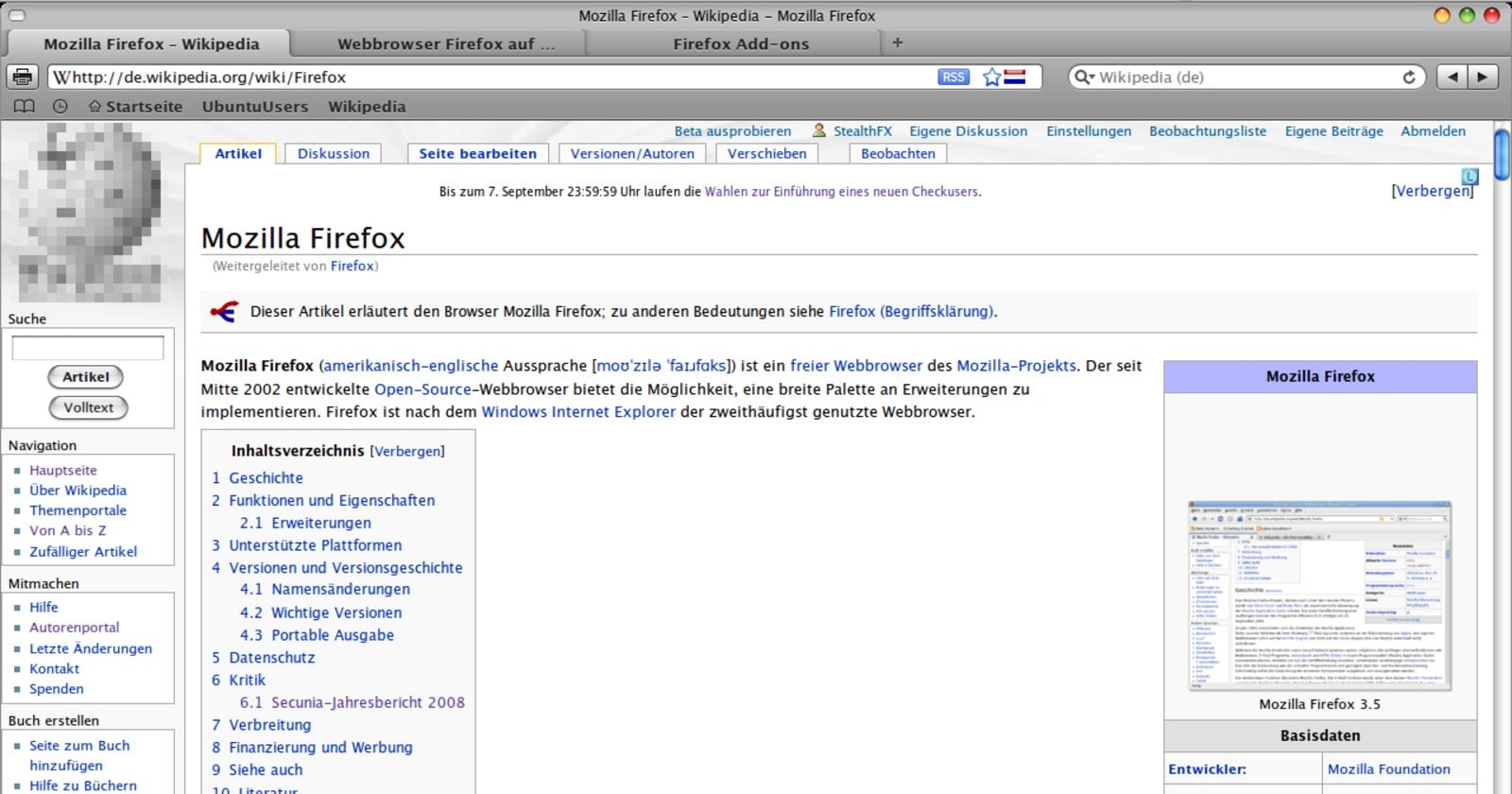
Featured image: Firefox 3.5 on Ubuntu in 2009 with three tabs open (representative; a browser of the study’s era, not a screenshot from the study). Screenshot: StealthFX9 / Wikimedia Commons, CC BY-SA 4.0; cropped and resized.