


User agreements and privacy policies are rising to more prominence in today’s world due to all of the major privacy concerns and surveillance incidents.
A privacy policy is made to tell you all of the information that a website/application is collecting on you and how that information is being used. Unfortunately, privacy policies can be long and fraught with legalese, especially when it comes to bigger sites and services that take more information and don’t want to be particularly open with how they’re using it.
So, the boys over at the Usable Privacy Project decided that it was high time to create a tool that makes privacy policies easier to understand.
With their tool you can get a site’s full privacy policy with a summary of key points and an explanation of what they mean, without being an expert.
Using the Tool
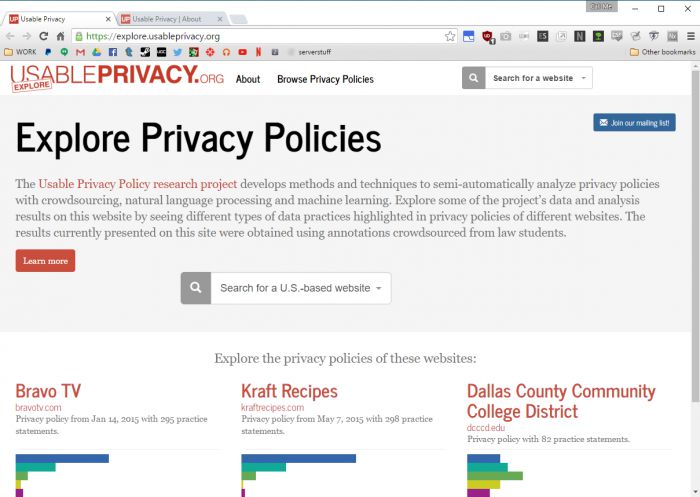
Fortunately, using the tool itself is straightforward. Hop onto their webpage if you haven’t already, then just start typing in their search bar to pull up results.
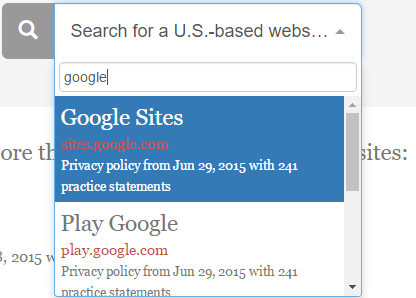
Me, I’ve decided to take a look at Google’s privacy policy. All Google services use the same privacy policy, so it’s okay for me to just use Google Sites’ in this situation. Once I’ve chosen the result I want, I come to this screen.
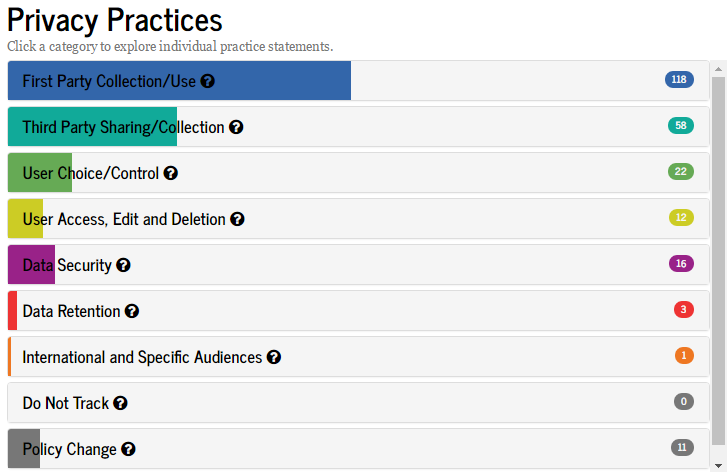
By hovering over the question marks in each category you can see the kind of information each category covers. The colored gauges for each demonstrates how much of the privacy policy deals with that kind of information with the number on the right listing the amount of individual translated statements that fall under that category.
Even abridged, Google’s privacy policy is massive.
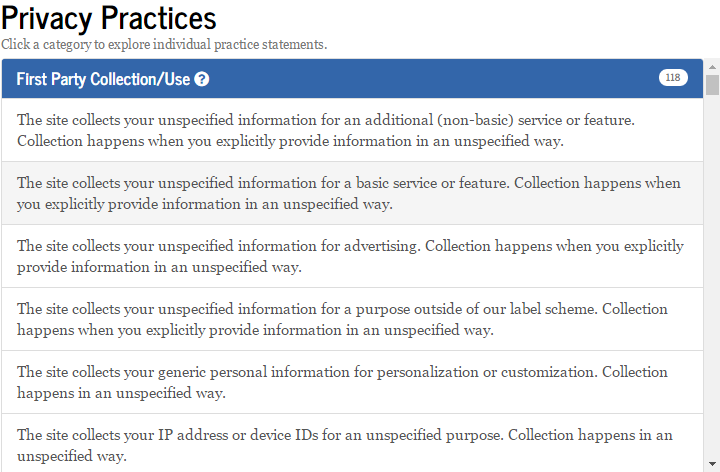
That being said, this isn’t necessarily a cause for alarm. Google’s privacy policy covers all aspects of their services, and Google does just about everything. The idea that their privacy policy matches that and covers…well, pretty much everything shouldn’t be a shock to a more tech-savvy user.
More useful categories to look at are concerning “User Choice” and “User Access.” While Google collects a massive amount of information, they also afford a lot of control to the user over that information, up to and including the ability to delete your Google account information upon account cancellation and deletion. You can’t entirely wipe Google’s servers clean, but a vast majority of what they have on a user can be deleted on the user’s end, and this is a good ability to have.
Some Considerations
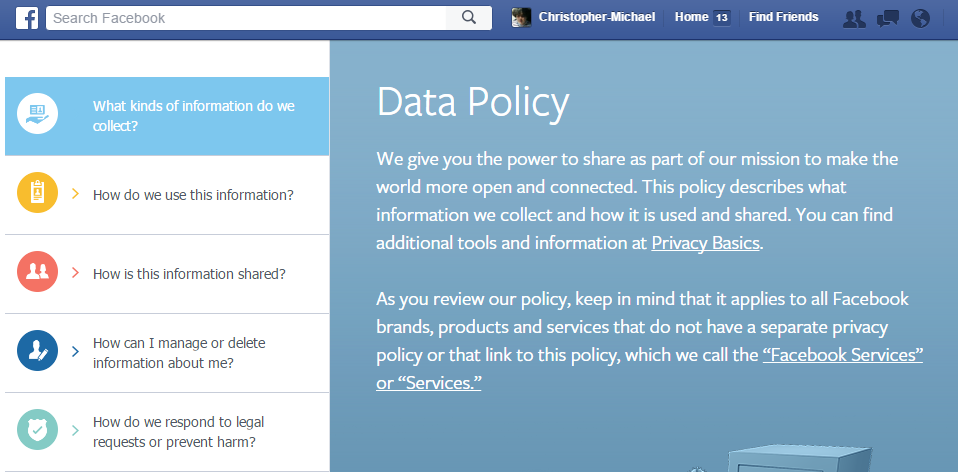
Unfortunately, Usable Privacy doesn’t cover everything. For instance, Facebook’s similarly massive privacy policy isn’t covered by this tool, and at the time of writing, Usable Privacy only covers 193 U.S.-based websites. Websites hosted in other countries aren’t covered at all, and there are thousands of U.S.-based websites, if not hundreds of thousands, that aren’t being covered by this tool. It definitely has some ways to go before being a be-all, end-all tool for understanding privacy policies.
Learning More
But it’s a damn good place to start. This site brings to the forefront a very real concern in our modern age: the information we’re giving to these web companies, how much control we have over that process, and who is getting access to that information.
To learn more about your privacy, check out some of the articles here on Make Tech Easier. Recently, I wrote a piece on browser fingerprinting, Ayo wrote an excellent article on app permissions, and Derrik gave us the low-down on encrypted messenger apps. For these articles and more like it, stick around!
Also, give us some feedback in the comments. Is there anything you feel I’m missing? Anything you want us to cover in a future article? Let us know!