Looking for secure storage to keep important personal files? Try OneDrive Personal Vault in Windows. This guide shows you how to set it up.
By Meenatchi Nagasubramanian – Dec 5, 2022
Learn how to sync Wi-Fi passwords across your Windows devices using a Microsoft account or backing them up via CMD and restoring them.
By Mustafa Ashour – Dec 2, 2022
Are you trying to view other devices on the network in Windows 10/11? Learn how to do so and fix any issues you encounter.
By Farhad Pashaei – Nov 29, 2022
GoPro Hero 8 and newer cameras can act as webcams, which means you may already own a great webcam to upgrade your built-in model.
By Sydney Butler – Nov 25, 2022
Running AAA games on ultra or finishing up a work presentation? These PC fan control tools ensure your system runs cool and silent.
By Tanveer Singh – Nov 23, 2022
If your computer keeps crashing, we have a list of the most likely causes that could be causing this behavior.
By Sayak Boral – Nov 23, 2022
“Unexpected Store Exception” error is fairly common, and you can easily resolve it.
By Sayak Boral – Nov 19, 2022
Learn how to sign a PDF in Windows without a third-party app. You don’t even need an internet connection to add your signature!
By Natalie dela Vega – Nov 15, 2022
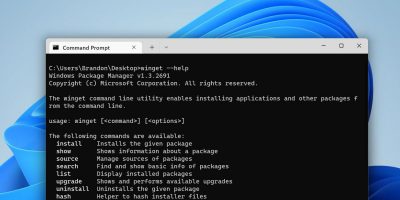
Streamline the installation and management of your programs!
By Brandon Li – Nov 9, 2022
Most of the times we want our applications to be connected, but that may not always be the case.
By Mustafa Ashour – Nov 6, 2022
Opt for the method that is most convenient for you!
By Digvijay Kumar – Nov 2, 2022
Ensure your hard drive runs smoothly.
By Sayak Boral – Oct 30, 2022
Try these solutions if your PC won’t stay asleep for long.
By Tanveer Singh – Oct 25, 2022
More machines are running Windows 7 still.
By Laura Tucker – Oct 7, 2022
Revive your USB 3.0 ports!
By Abdul Moiz – Sep 29, 2022
Speed up your PC with this simple solution.
By Sayak Boral – Sep 27, 2022
Affiliate Disclosure: Make Tech Easier may earn commission on products purchased through our links, which supports the work we do for our readers.